Real Estate Sky Replacement: Natural Skies in About Two Minutes
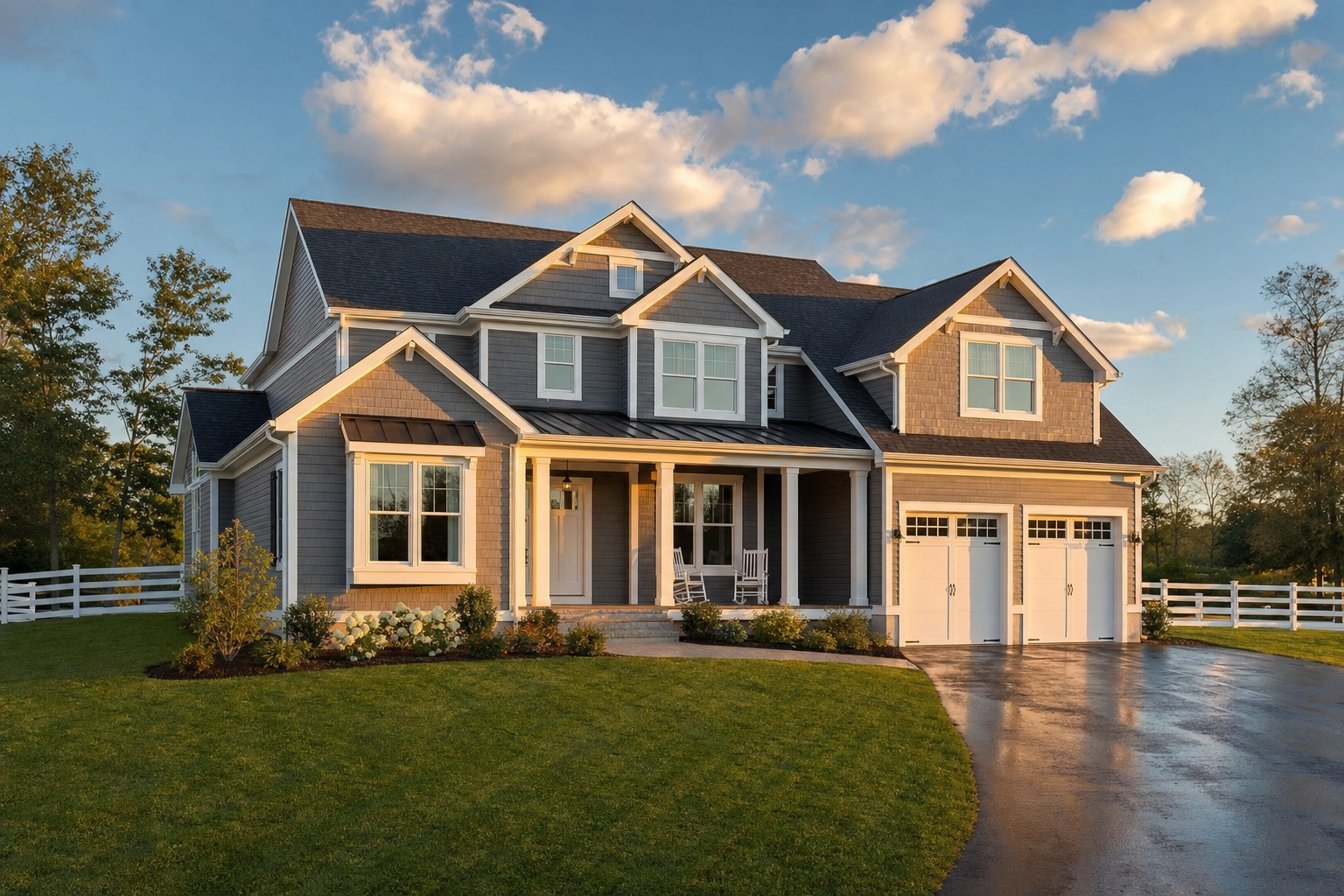
A grey sky is the fastest way to make a beautiful home look unloved. Buyers scan listing photos in seconds, and a flat, overcast backdrop drains the warmth from even a well-shot exterior. Real estate sky replacement fixes the one variable you can't reschedule around — the weather — by swapping a dull or blown-out sky for a clean, believable one.
By the Plotpane Editorial Team · Published June 18, 2026
Quick Summary: Real estate sky replacement swaps a dull or blown-out sky for a natural one. A believable result needs a color grade matched across the frame, clean foliage masking, and realistic reflections in windows and water. It's an accepted enhancement — but under California's AB 723 (effective January 1, 2026) a full sky swap counts as a "digitally altered image" you must disclose with a link to the original.
What real estate sky replacement actually is
Real estate sky replacement is the photo-editing process of replacing the sky background in a property image — usually trading a flat grey or blown-out sky for clean blue, soft clouds, or a warm golden glow. Two things get lumped together in real estate sky editing:
- Sky enhancement recovers what's already there: pull back blown highlights, fix white balance, deepen a washed-out blue. The original sky stays. That's ordinary tonal correction.
- Sky replacement composites in a new sky. The pixels overhead change — and this is the technique with rules attached.
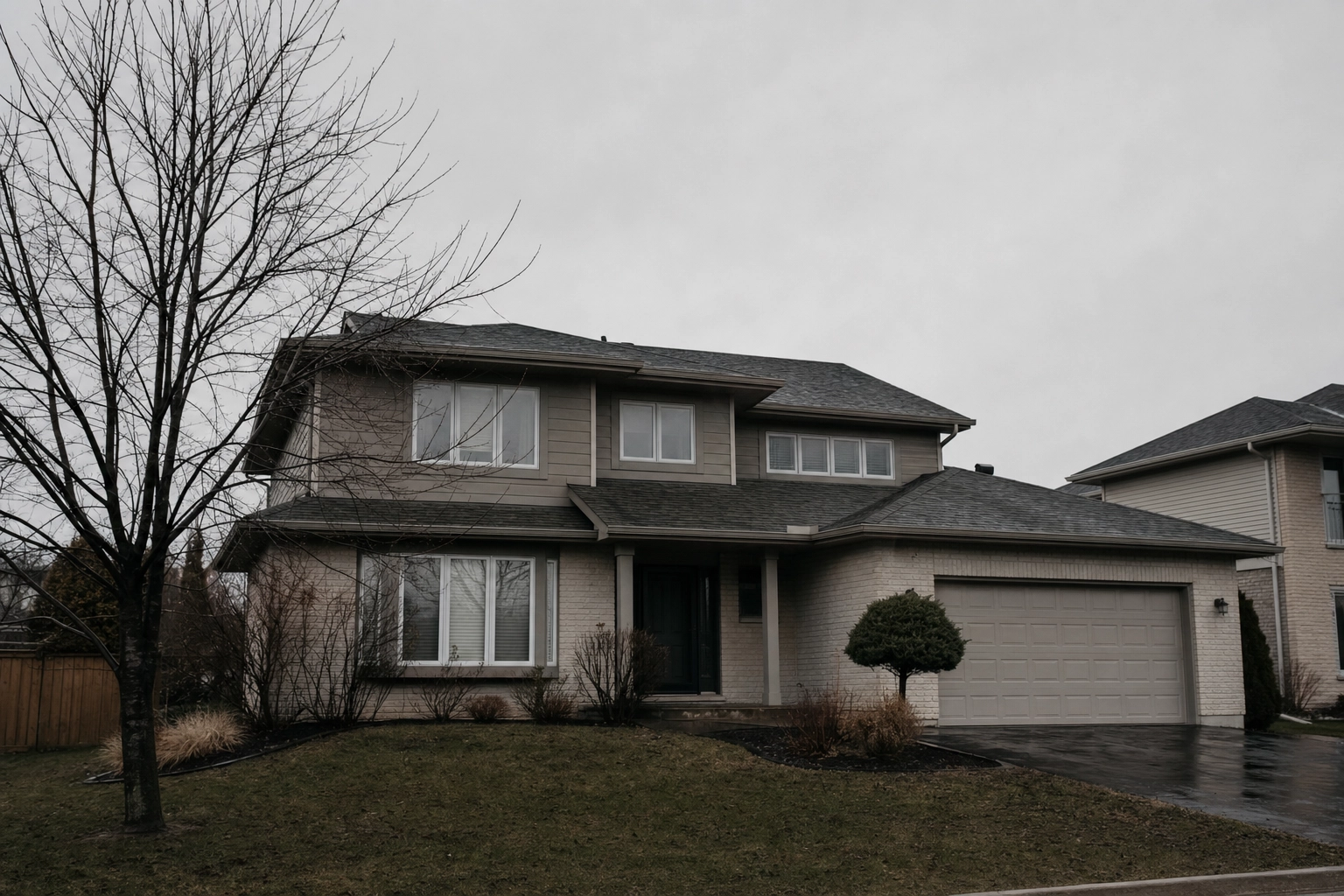
Weather is the only shoot variable you can't control — when a shoot lands on a grey day, a blue sky replacement turns a dreary listing photo into one that reads as cared-for and move-in ready.
When to replace a sky (and when to just enhance it)
Not every photo needs a new sky. Replace the sky in real estate photos when:
- The sky is flat grey overcast with no detail to recover.
- It's blown out to white, common when a phone exposes for a shaded façade.
- The shoot was rained out and a reshoot isn't possible.
- Your set has mismatched skies that make 25 photos look shot on different days.
Just enhance when the sky is fine and needs only a tonal lift. A light pass through Auto Enhance keeps the real sky and sidesteps the disclosure question entirely.
Sometimes the right sky isn't blue at all. For a hero shot on a luxury or waterfront listing, a day-to-dusk conversion often beats a daytime swap — HomeJab's tests put twilight heroes at roughly 3× the clicks, as the science of twilight listing photos explains.
What makes a sky replacement look real: 5 tells
Any photography forum has threads roasting bad edits — one popular r/RealEstatePhotography thread says what buyers think: fake skies "look ridiculous." Here's what separates a clean swap from a cringe one.
1. Color grade matched across the whole frame. The number-one giveaway. A cool blue sky behind a façade lit by warm overcast light simply disagrees. Push the white balance and shadow tone of the entire image toward the new sky, or you get the classic "fake cyan" rim along the roofline.
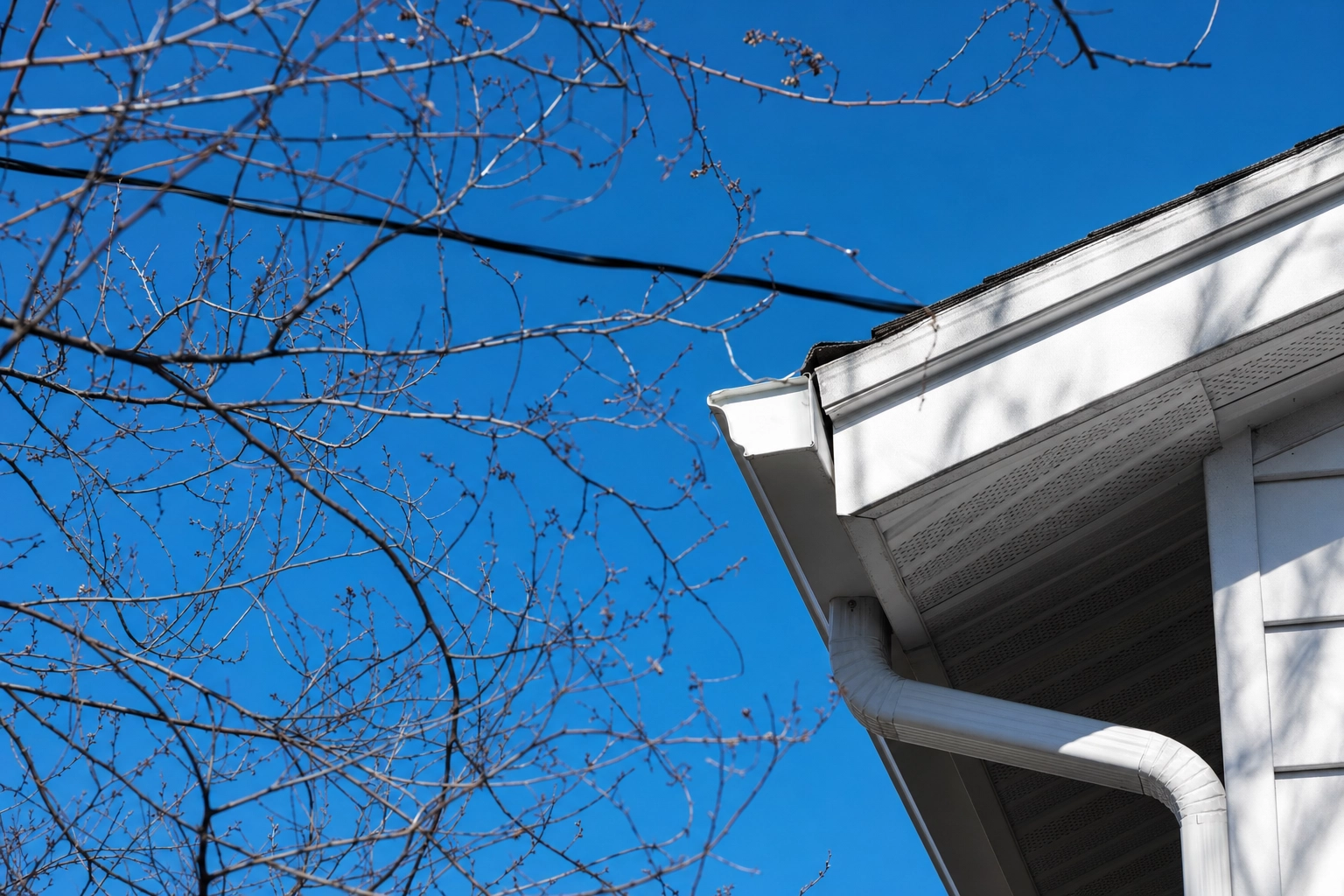
2. Clean edge and foliage masking. Straight rooflines are easy; bare branches, railings, antennas, and power lines are where amateur editing falls apart — chewed-up leaves, glowing halos, vanishing twigs. A believable mask keeps every branch.
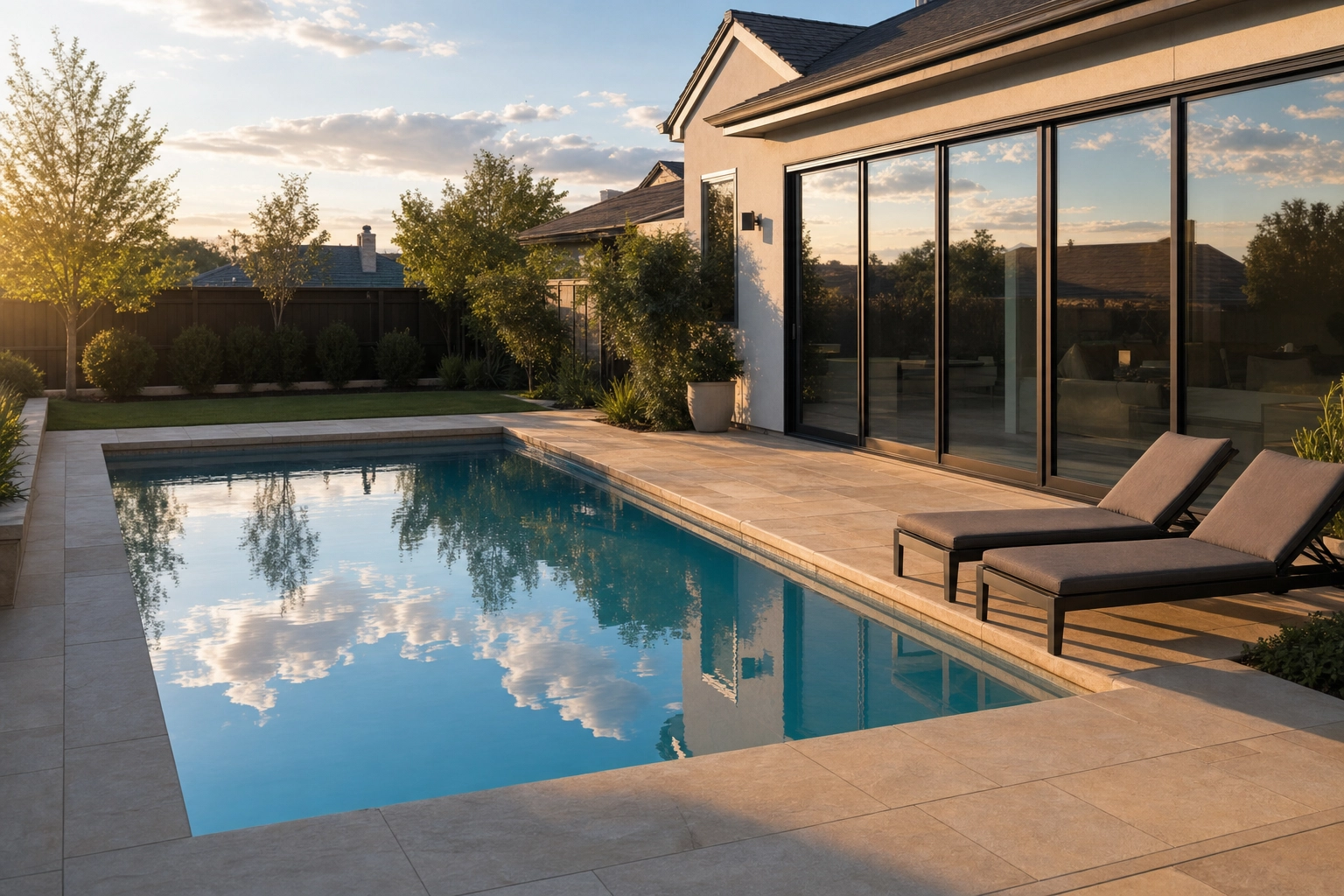
3. Reflections that pick up the new sky. Glass, pool water, wet pavement, and car bodies all mirror the sky. Swap blue in overhead while the windows still reflect grey, and the brain catches the contradiction instantly.
4. The right sky for the place. A desert sunset behind a Seattle bungalow is a lie the buyer resents on arrival. Match the sky to the property's climate and orientation, and never imply a view the home doesn't have. Cool blue twilight flatters modern and coastal architecture; warm golden light suits traditional homes.
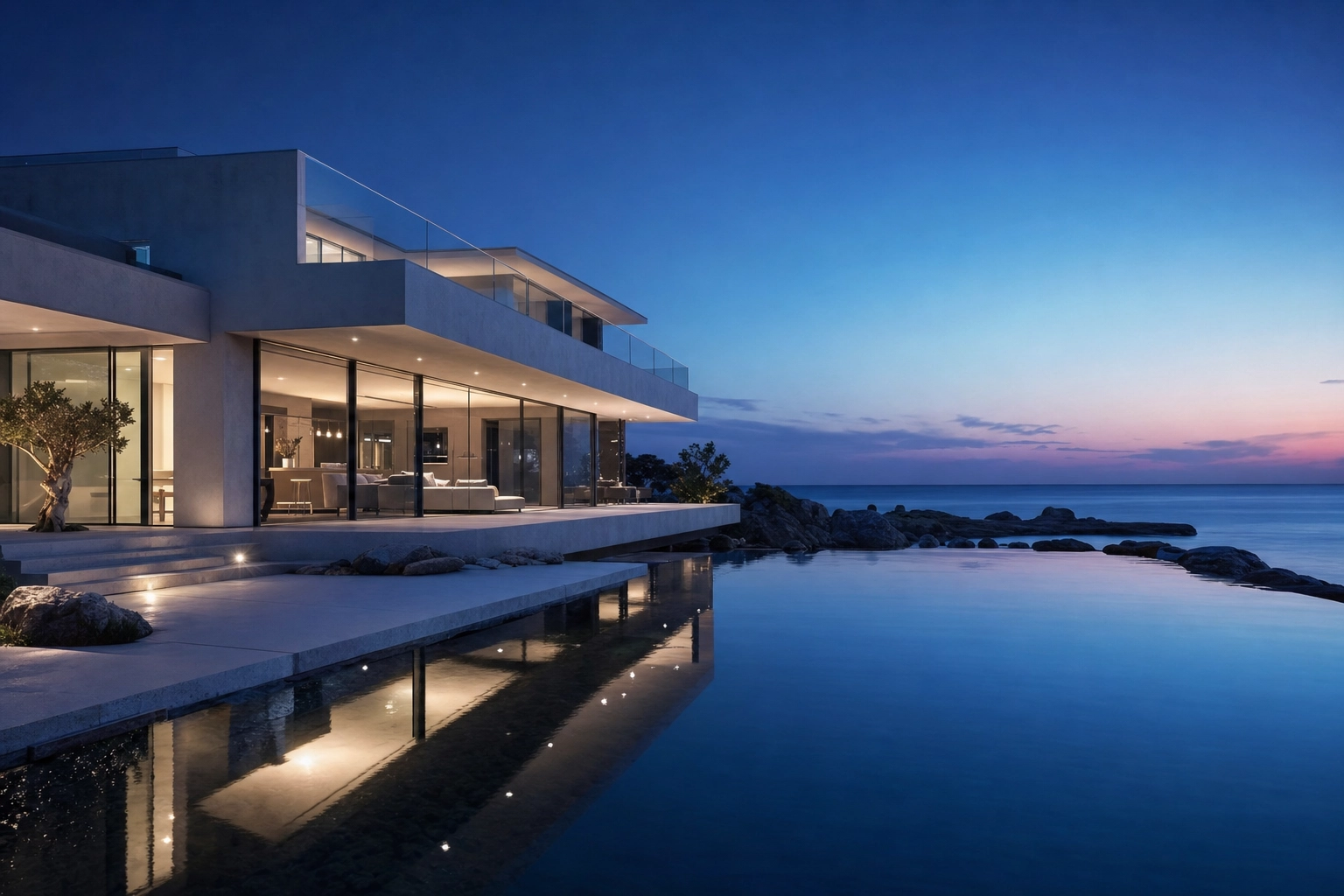
5. Restraint. A believable sky beats a spectacular one — soft blue with a few natural clouds looks more realistic than HDR-purple storm clouds over a starter home.
How to replace a sky in a real estate photo, step by step
By hand or with AI, the same six steps produce a natural result.
- Choose the right sky. Fit the style to the architecture and market, and confirm the light direction matches the existing shadows.
- Mask the sky cleanly. Separate it from roofline, chimneys, trees, and wires. Tight foliage edges are the whole game.
- Match color temperature and ambient light. Re-grade the façade, lawn, and shadows so they belong under the new sky.
- Relight reflective surfaces. Carry the new sky into windows, glass, pool water, and wet driveways.
- Keep the architecture untouched. Only the sky and its lighting change — walls, windows, and the floor plan stay exactly as shot.
- Export and tag the edit. Render at listing resolution (2400 px or more on the long edge is ideal) and flag the image as altered so disclosure travels with the file.

Manual Photoshop vs AI: the time math
You can replace a sky by hand. Photoshop's Edit > Sky Replacement gives a one-click first pass, but listing-grade editing rarely stops there — you refine branches in Select and Mask, run Decontaminate Colors so leaves lose their grey fringe, then relight the foreground and mask the sky into windows. Editors who do this daily call the cleanup tedious. Luminar Neo's AI Sky is a faster first pass, but you still hand-tune every frame in the software.
The pain isn't one photo — it's the listing. Most agents post 25+ photos, and color-matching every frame to look like the same afternoon is the real bottleneck. It's why "how do I speed up sky replacements?" is a recurring question among professional real estate photographers.
Sky Swap takes a different route: a structure-preserving pipeline that locks the architecture, matches the grade across the whole frame, and avoids halos and fake cyan, with presets for clear blue, soft clouds, golden hour, or storm. Renders come back at about 2.4K in roughly two minutes, faster in batch, with no visible watermark on any plan.
| Manual (Photoshop / Luminar) | Plotpane Sky Swap | |
|---|---|---|
| Foliage edges | Hand-refined per frame | Automatic, structure-preserving |
| Color match | Manual relight + grade | Matched across the frame |
| Reflections | Duplicate, flip, mask | Handled in the render |
| Time per image | Minutes to much longer | ~2 minutes at about 2.4K |
| 25-photo consistency | Frame-by-frame | Batch grade lock |
| Disclosure tag | Add manually | Invisible XMP metadata |
For high-volume photographers on edit night, that batch consistency is the difference between shipping a listing and losing the evening.
Don't stop at the sky: fix the whole exterior
The mistake that undoes a good swap: a brilliant blue sky over a brown lawn and a green-tinted pool. The eye reads the mismatch and trusts the photo less.
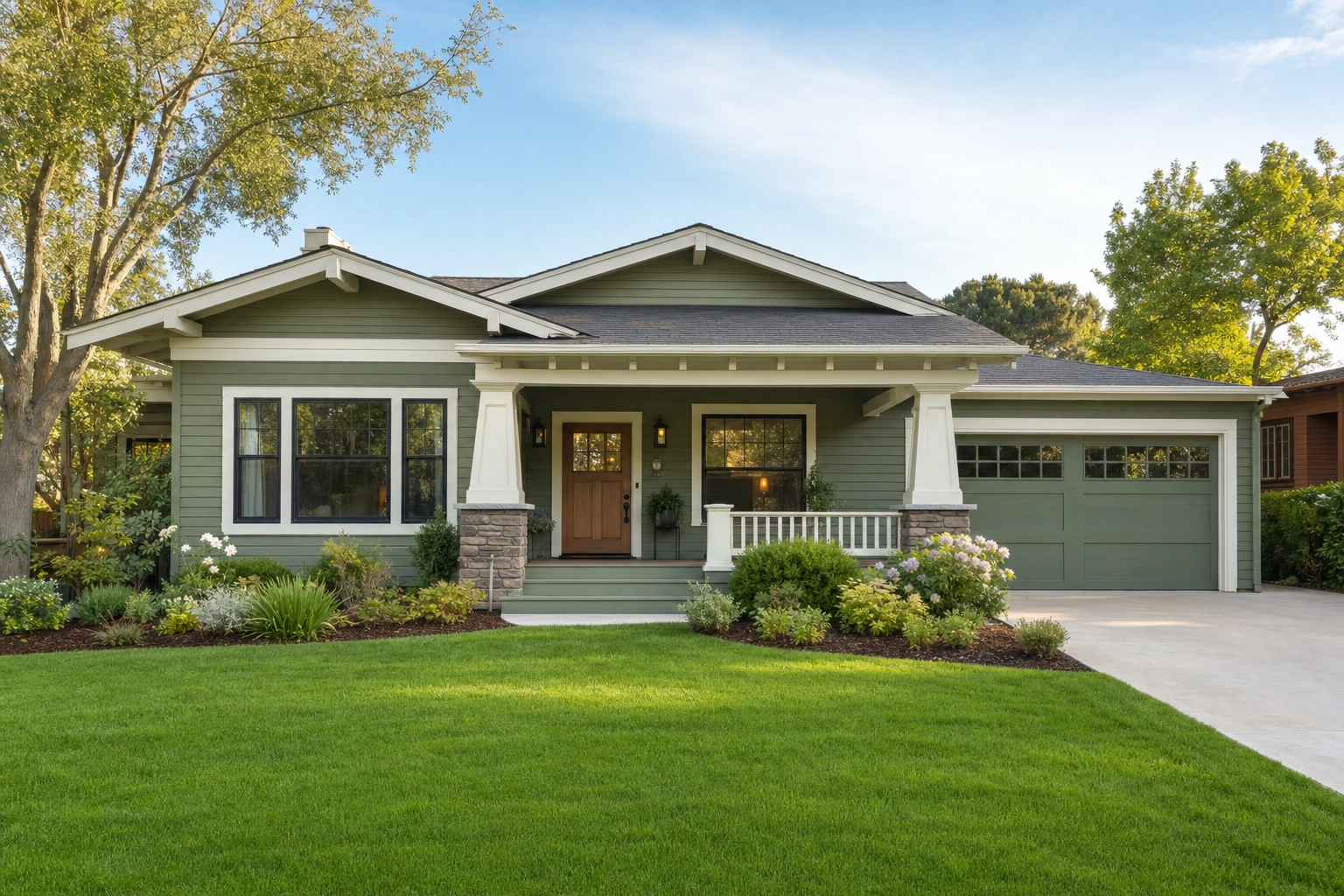
Treat the exterior as one frame. Follow the sky swap with Lawn & Pool Revive for a green lawn and clear water, and Clutter Removal for bins, hoses, and power lines. One tool runs per render, so that is three passes over the hero frame and three credits — every other tool costs the same one credit, whichever you pick.
Is sky replacement ethical? The 2026 disclosure rules
Enhancing a sky is fine and common. The line you can't cross is misleading a buyer — and in 2026, "common" no longer means "no disclosure." Two rules keep you honest:
- Don't imply what isn't there. A sky should never suggest weather, sun exposure, or a view the home lacks. As one luxury broker told Homes.com, enhancements are fine "if they reflect the true condition and character of the home," while altering views or permanent features "crosses an ethical line."
- Never touch the property itself. The house in the photo must be the house on the doorstep. That's why structure-preserving editing matters: a sky swap changes the sky and its lighting, nothing else.

The legal landscape changed on January 1, 2026. California's Assembly Bill 723 — now Business & Professions Code §10140.8 — requires any "digitally altered image" in real estate advertising and marketing to carry a statement that the image was altered, plus a link or QR code to the original. California MLSs treat sky replacement as exactly that. The law exempts basic adjustments — lighting, white balance, color correction, cropping — so a tonal enhancement is fine, but a true sky swap needs disclosure and the original on file.
Outside California, the NAR Code of Ethics Article 12 has long required a "true picture" in advertising, and misrepresentation claims don't require that you intended to deceive. Plotpane writes invisible XMP disclosure metadata into every export, so the AI-edit record travels with the file — no visible watermark. You still add the disclosure to your listing remarks and, in California, link the original; our MLS disclosure guide covers it state by state.
Frequently asked questions
Is real estate sky replacement allowed on the MLS?
Yes — replacing a dull or blown-out sky is an accepted enhancement on every major MLS, provided it isn't misleading. What's changed is disclosure: California's AB 723 now requires you to label the image as altered and provide the original.
Do I have to disclose a replaced sky in 2026?
In California, yes. Under AB 723 a full sky replacement is a "digitally altered image," so you must state the image was altered and link to the original. A tonal enhancement of the existing sky is exempt. Elsewhere, NAR's "true picture" standard and local MLS rules apply.
Is sky replacement the same as virtual staging?
No. Virtual staging adds furniture that isn't there; sky replacement changes the backdrop, not the property. Both are allowed when disclosed, and both count as digitally altered images in California.
How long does it take to replace a sky?
By hand in Photoshop, a few minutes for a simple horizon and far longer for foliage-heavy frames, repeated across the whole set. AI sky replacement like Sky Swap renders a ~2.4K photo in about two minutes, color matched automatically.
Can I replace the sky in an iPhone (HEIC) photo?
Yes. Plotpane accepts HEIC straight from an iPhone, plus JPEG, PNG, and WebP, and returns a JPEG at about 2.4K — no desktop editor needed.
Ready to fix the weather without a reshoot? Sky Swap and Lawn & Pool Revive are a credit each, about two minutes a render — see Plotpane pricing.