3 free renders, no card

Real estate photo editing, finished in two minutes.

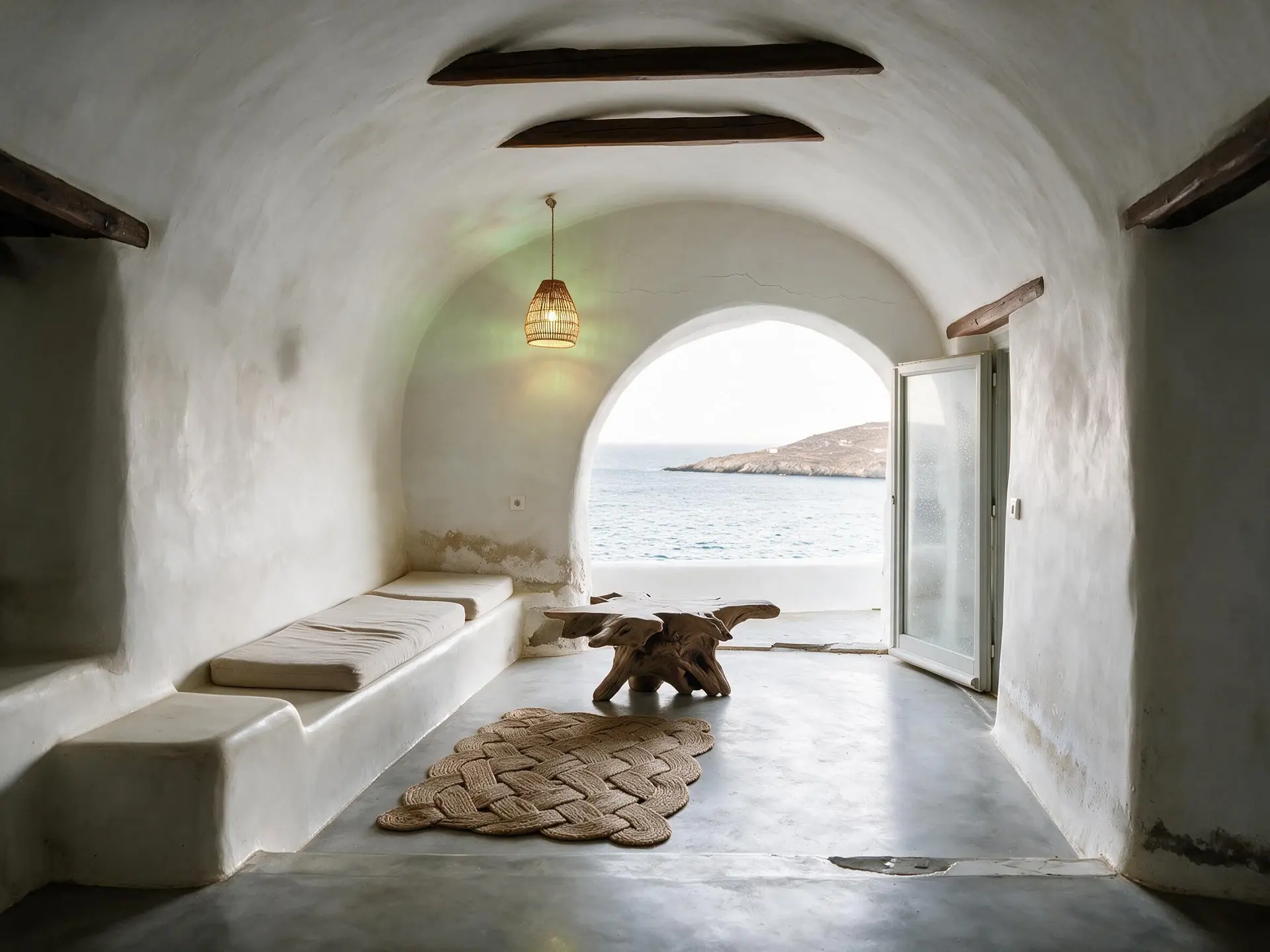
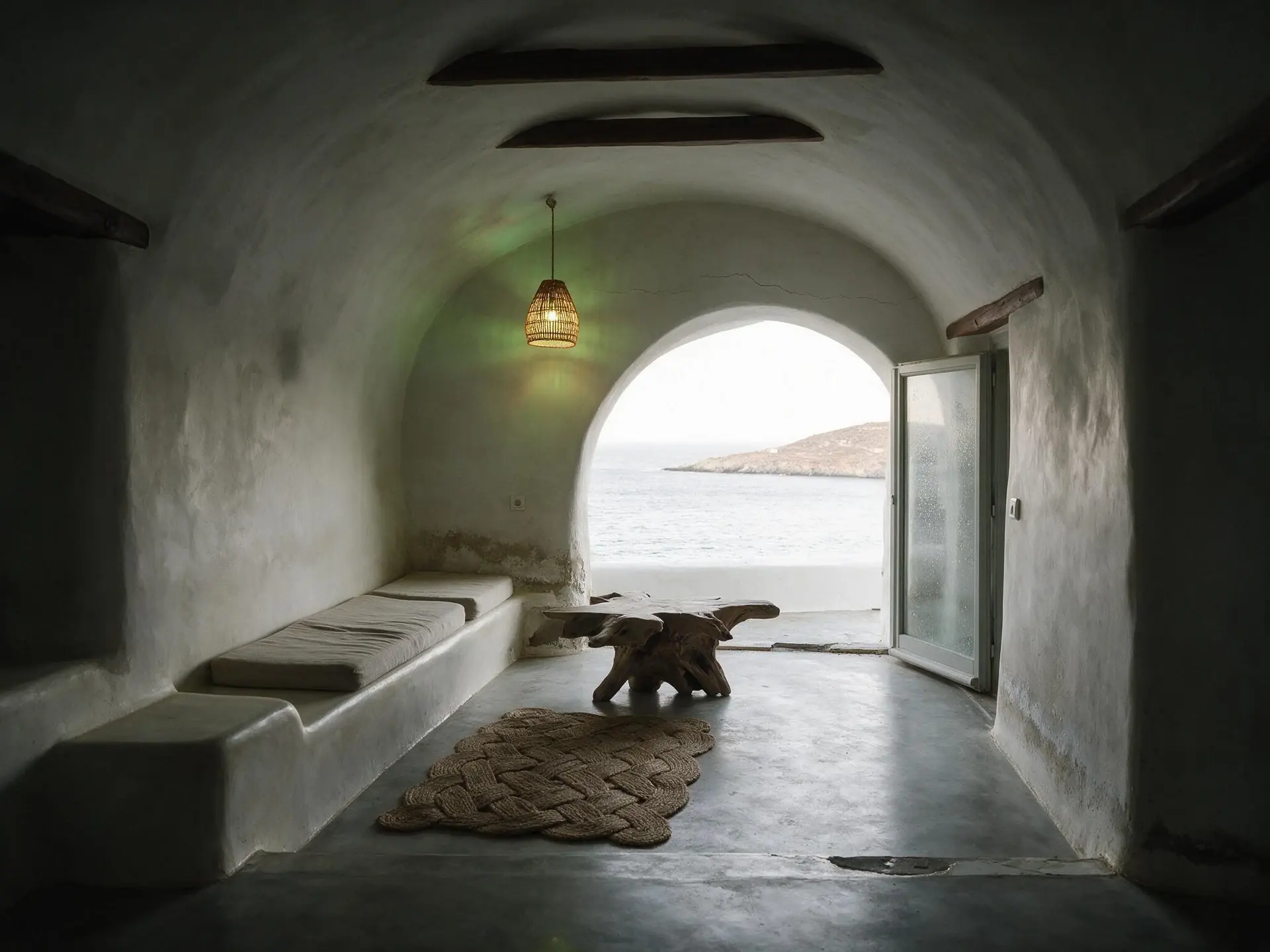
A Kadıköy apartment, a Dubai residence, a Miami villa, a Mykonos rental. Stage it, light it at dusk, swap the sky, clear the clutter — and the building stays exactly as it is.

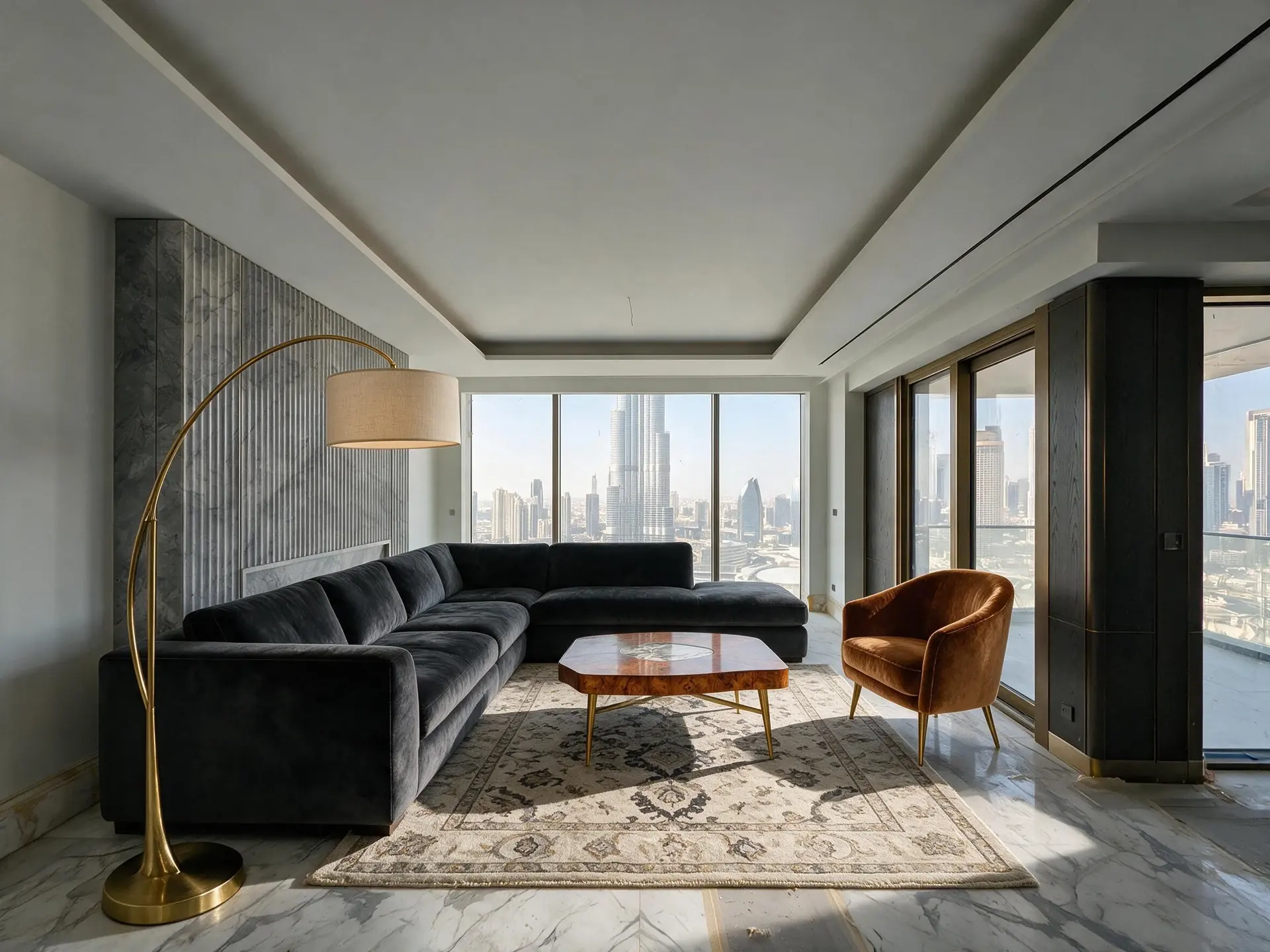
Before and after of an empty Burj Khalifa view penthouse living room in Downtown Dubai. — enhanced by Plotpane
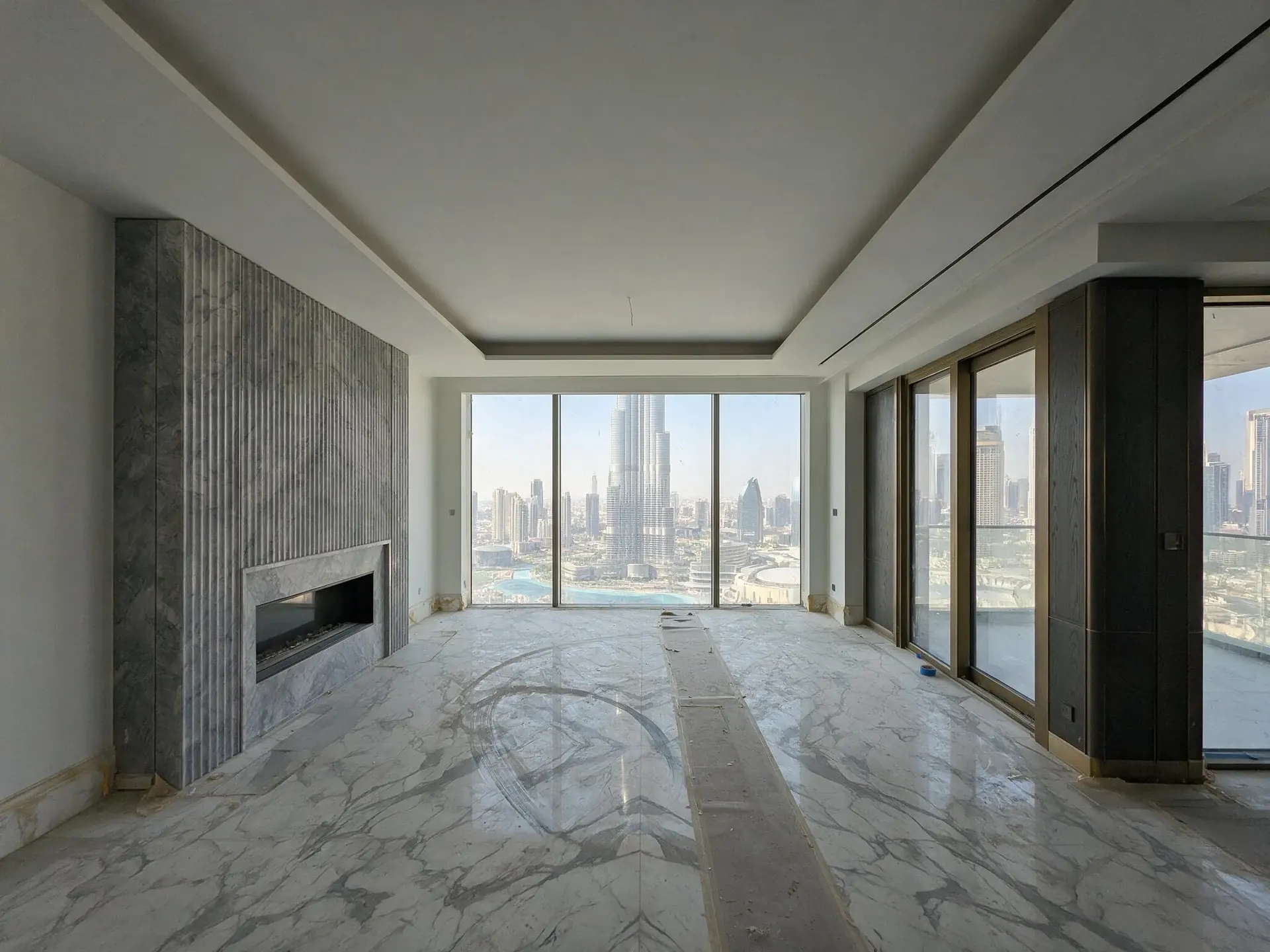
Before and after of an empty Burj Khalifa view penthouse living room in Downtown Dubai. — original listing photo before editing
BeforeAfter
Virtual Staging · Downtown Dubai sky-penthousesDrag to compare · 1 credit · ~2 min
  • Auto Enhance
  • Perspective Fix
  • Sky Swap
  • Lawn & Pool Revive
  • Clutter Removal
  • Day to Dusk
  • Virtual Staging
Seven toolsPick one per image — every one on every plan
~2 min averageMeasured across all seven tools, not a best case
1 credit per imageEvery tool costs the same — no per-feature pricing
The editor

Drop the shoot. Pick one tool. Leave.

Up to 100 photos in a batch, one credit each, and the tool applies to all of them. Nothing to configure per image.

plotpane.com/app/dashboard

01 · Your photos · 12/25

listing-01.jpg
listing-02.jpg
listing-03.jpg
+ 9 more

02 · What kind of shot

InteriorExterior

03 · What to do

04 · Room

Living roomBedroomDining roomKitchen

05 · Furnish as

European ClassicModernScandinavianGulf ModernLuxury
Render 12 photos · Virtual Staging

12 credits · about 8 min

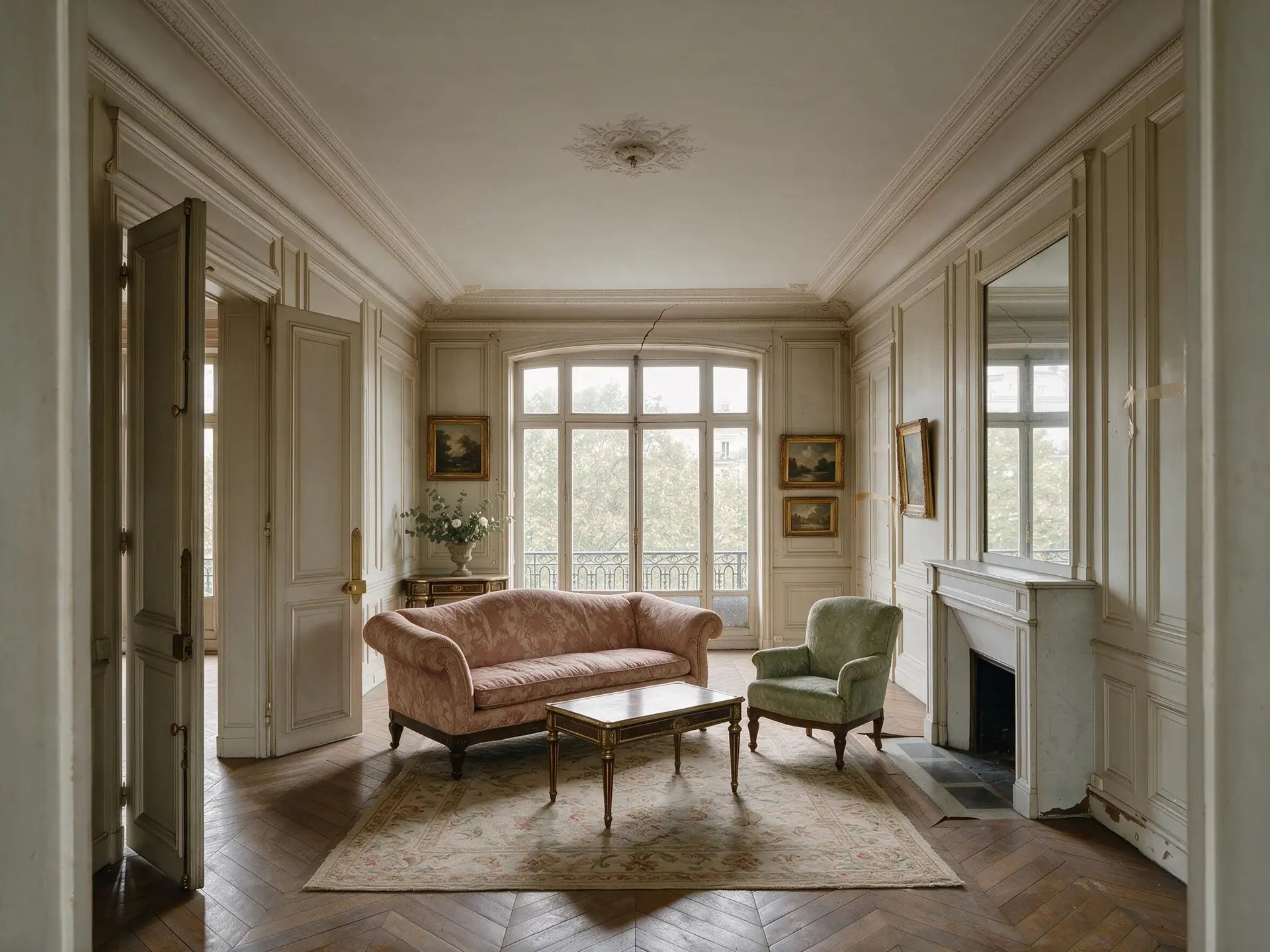
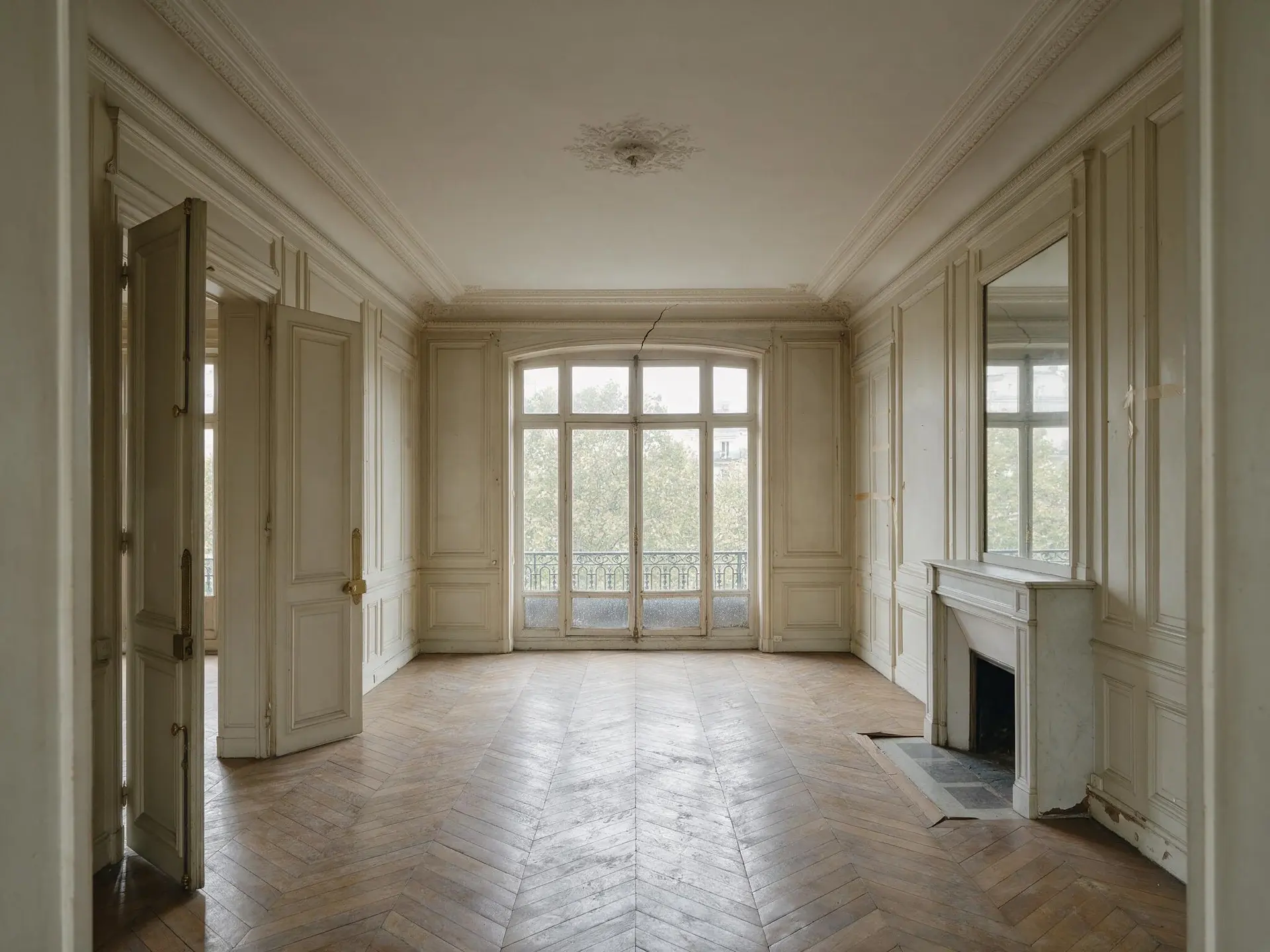
Before and after of an empty Avenue Montaigne grand salon in Paris furnished by virtual staging. — enhanced by Plotpane
Before and after of an empty Avenue Montaigne grand salon in Paris furnished by virtual staging. — original listing photo before editing

Virtual Staging· European Classic

JPEG · quality 92 · XMP disclosure embedded

Download JPEG
3 of 12 done
The toolkit

Seven tools.
One credit each.

Every enhancement an agent needs for a listing. One tool runs per image, whichever you pick, and the rest of the photograph is held by the same preserve list every time.

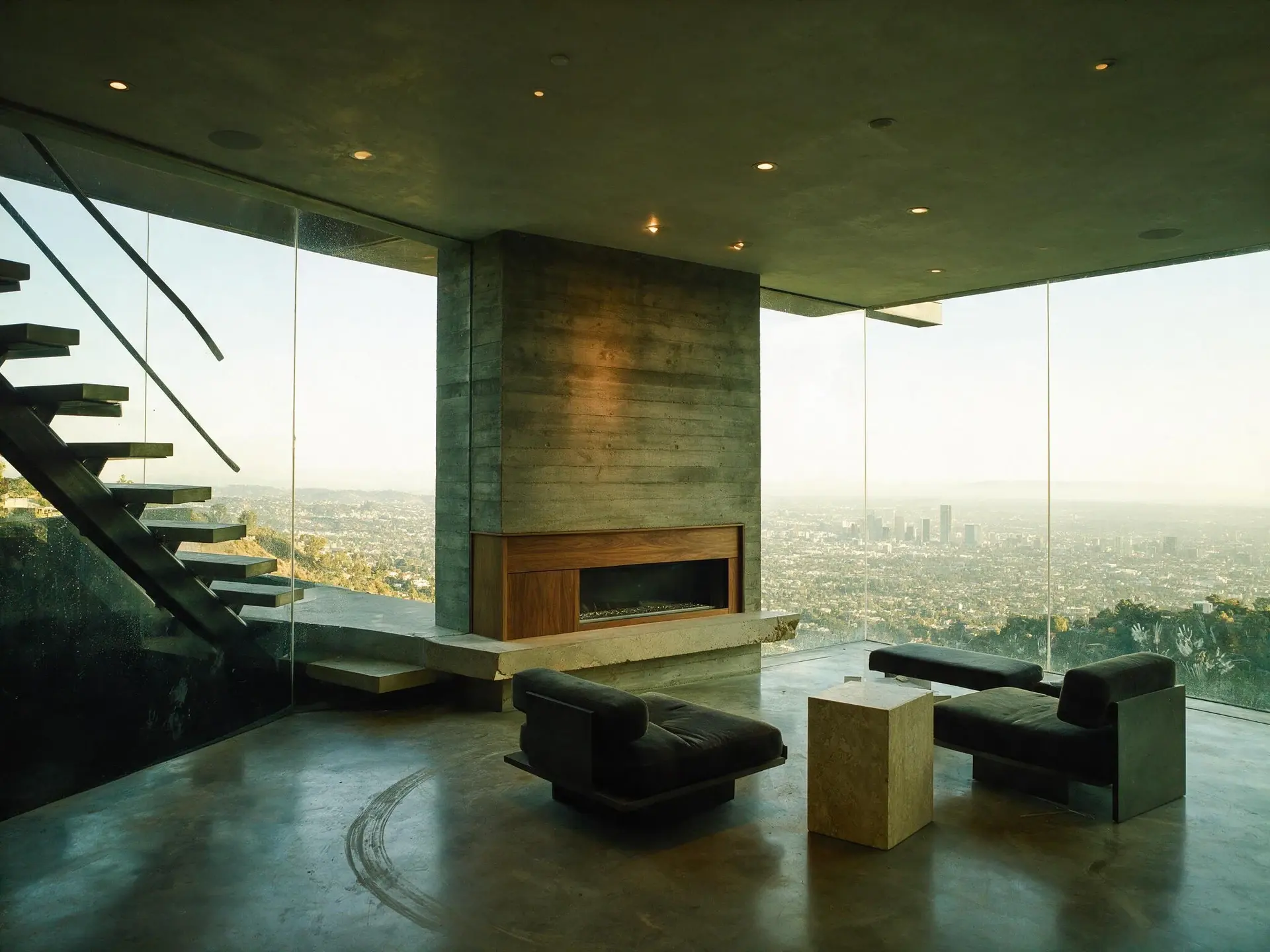
01 · Auto Enhance

Auto Enhance

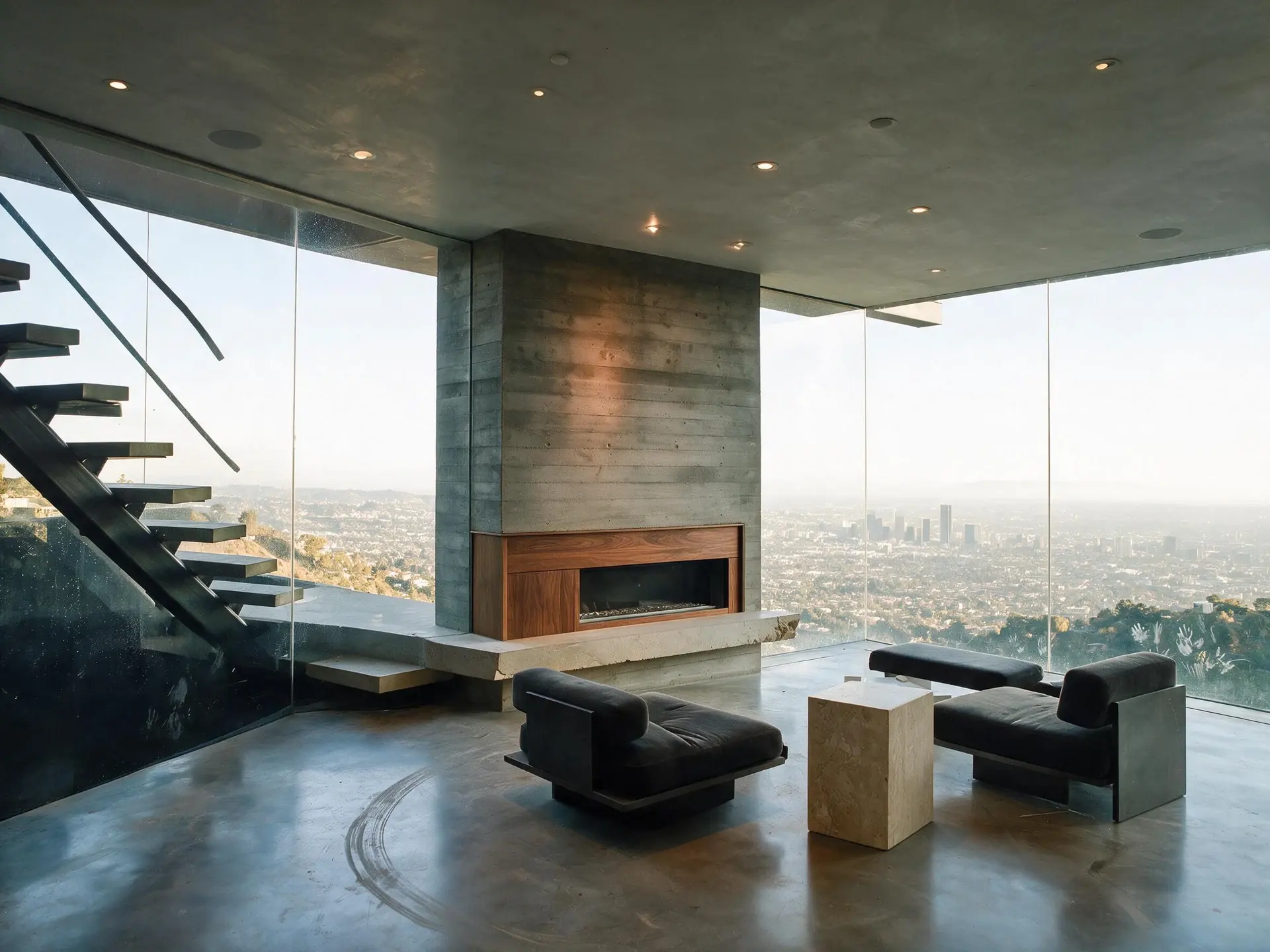
One-click correction for exposure, white balance, color, and clarity — tuned for the way buyers browse listings. Preserves every detail of the original photograph.

Shown on · Bird Streets — Hollywood Hills West

  • Balanced exposure across windows and interior
  • Neutral color cast, no orange glow from tungsten
  • Clarity boost without over-sharpening
Learn more about Auto Enhance
Before and after of a cantilevered glass house living room over the Los Angeles basin. — enhanced by Plotpane
Before and after of a cantilevered glass house living room over the Los Angeles basin. — original listing photo before editing
BeforeAfter
02 · Perspective Fix

Perspective Fix

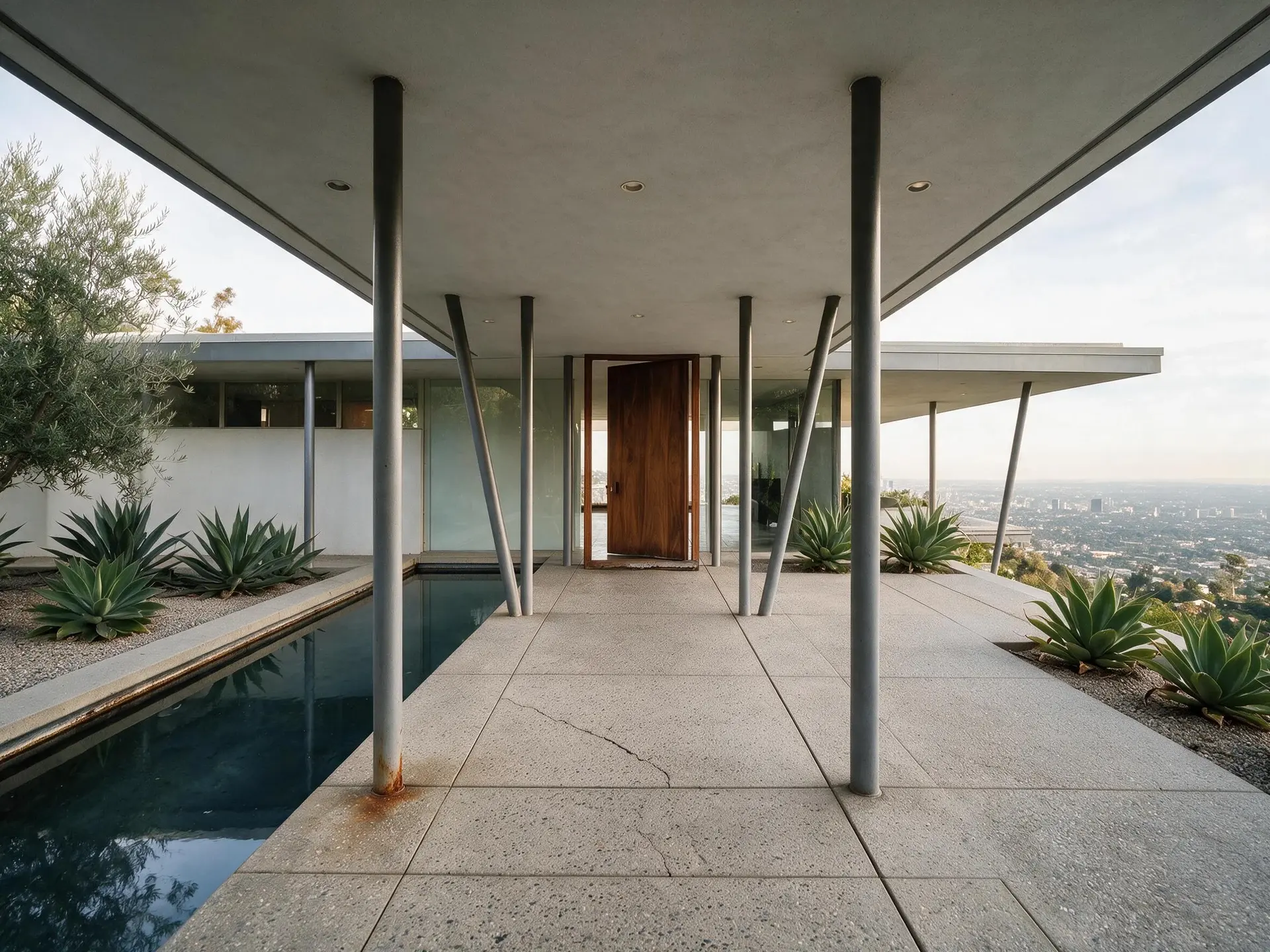
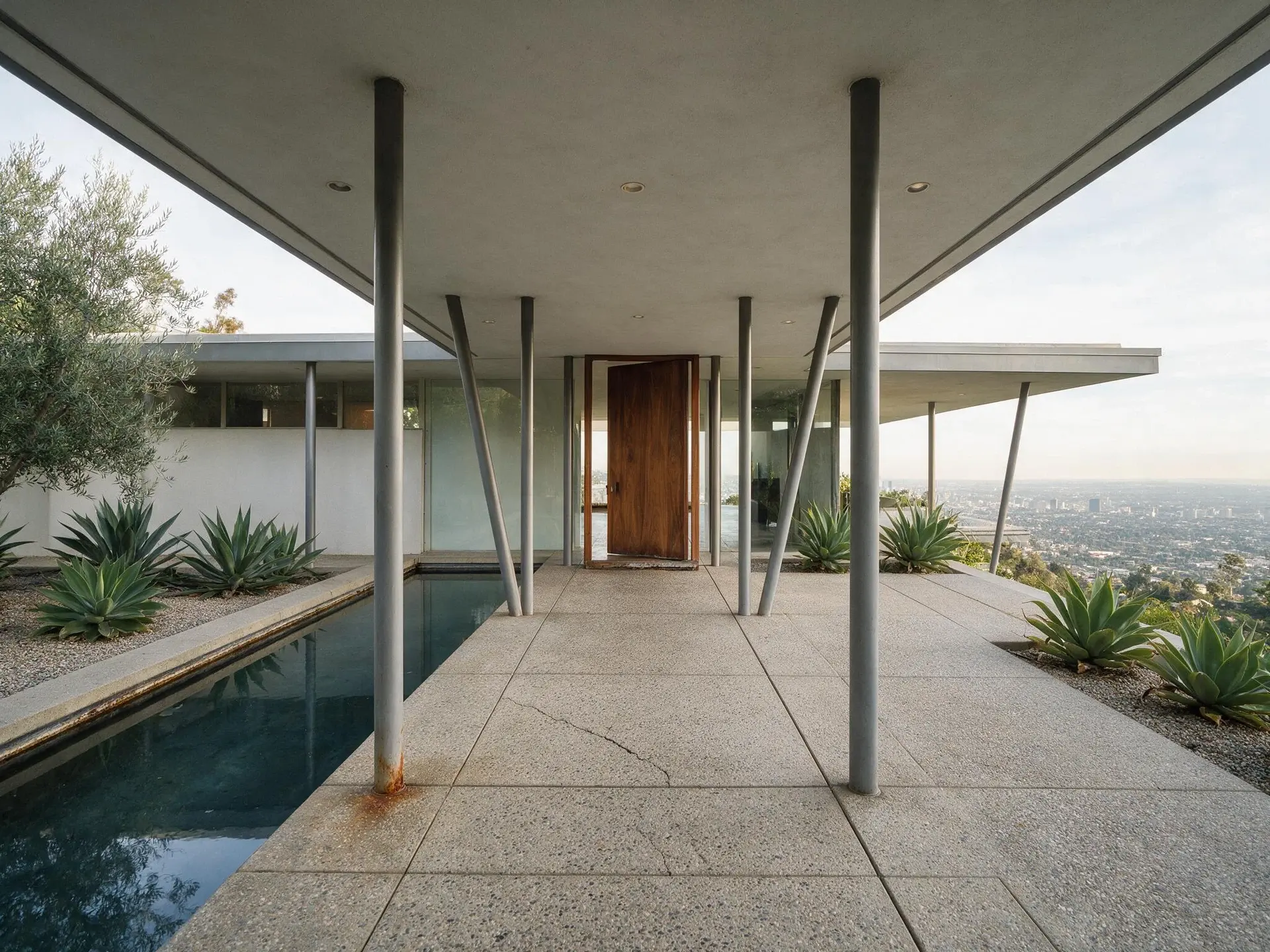
Phone-shot listings lean. Plotpane detects verticals, floors, and horizons and corrects them with sub-pixel precision — no manual sliders.

Shown on · Trousdale Estates — Beverly Hills

  • Detects verticals, floors, and horizons automatically
  • Sub-pixel precision straightening
  • Extends edges naturally where re-projection reveals margin
Learn more about Perspective Fix
Before and after of a post-and-beam entry colonnade at a Trousdale Estates house in Beverly Hills. — enhanced by Plotpane
Before and after of a post-and-beam entry colonnade at a Trousdale Estates house in Beverly Hills. — original listing photo before editing
BeforeAfter
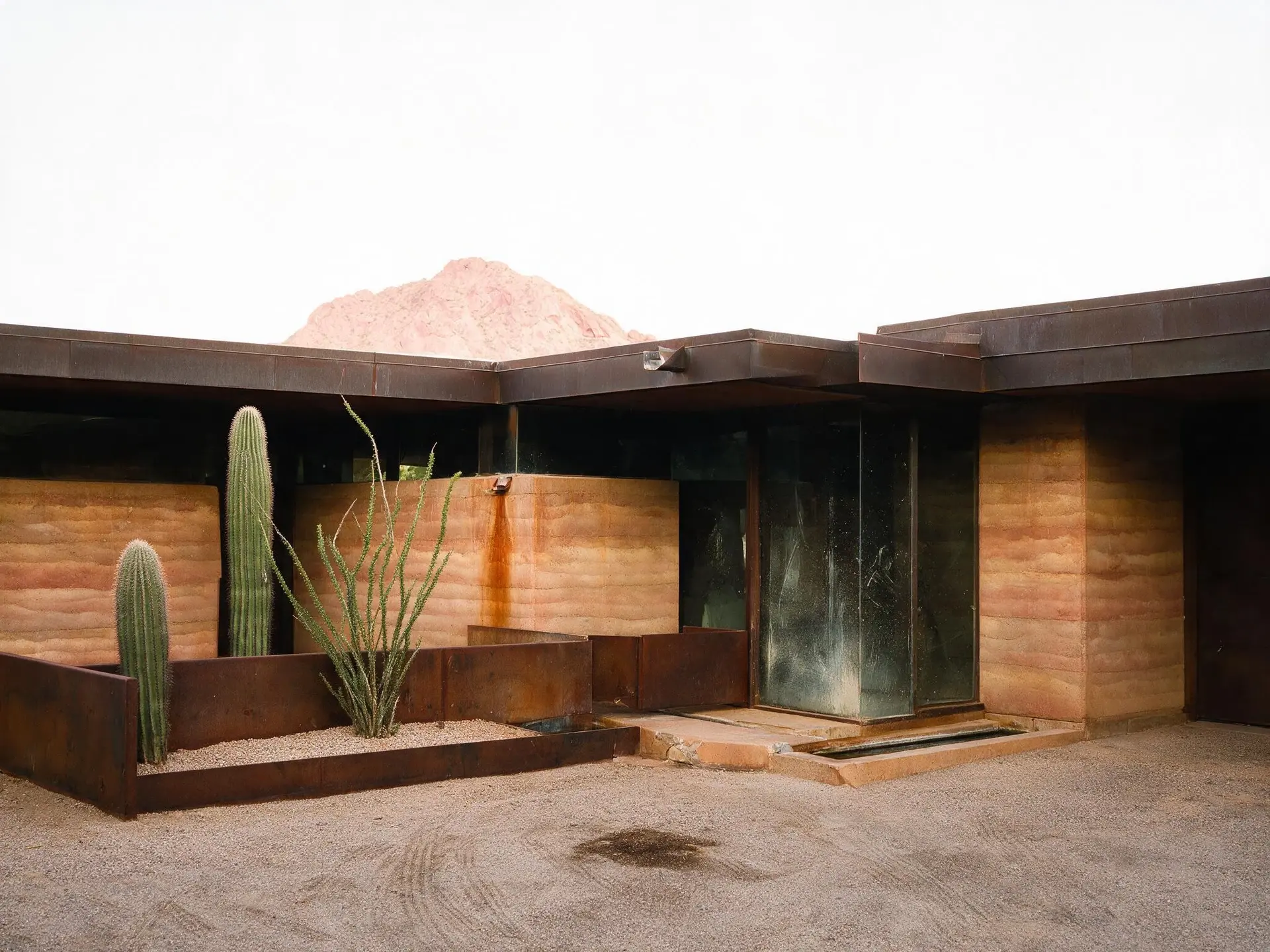
03 · Sky Swap

Sky Swap

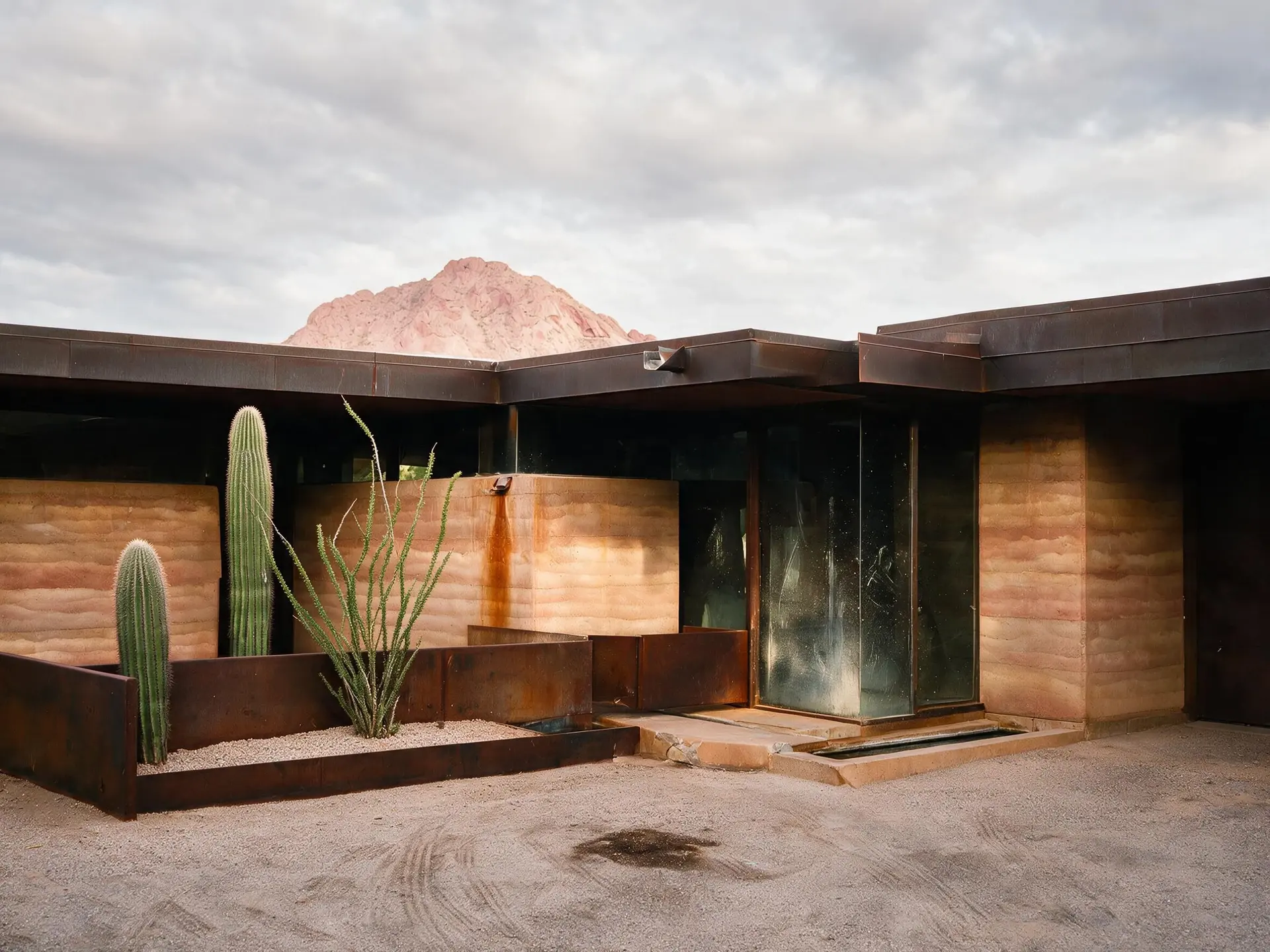
Natural-looking sky replacements with matched color grading across the whole frame. Choose clear blue, soft clouds, golden hour, or dramatic storm — no halos, no fake cyan.

Shown on · Paradise Valley — Scottsdale

  • Auto-segmentation — no masking required
  • Choose clear blue, soft clouds, golden hour, or dramatic storm
  • Matches color temperature across the frame
Learn more about Sky Swap
Before and after of a rammed-earth desert house below Camelback Mountain in Paradise Valley, Arizona. — enhanced by Plotpane
Before and after of a rammed-earth desert house below Camelback Mountain in Paradise Valley, Arizona. — original listing photo before editing
BeforeAfter
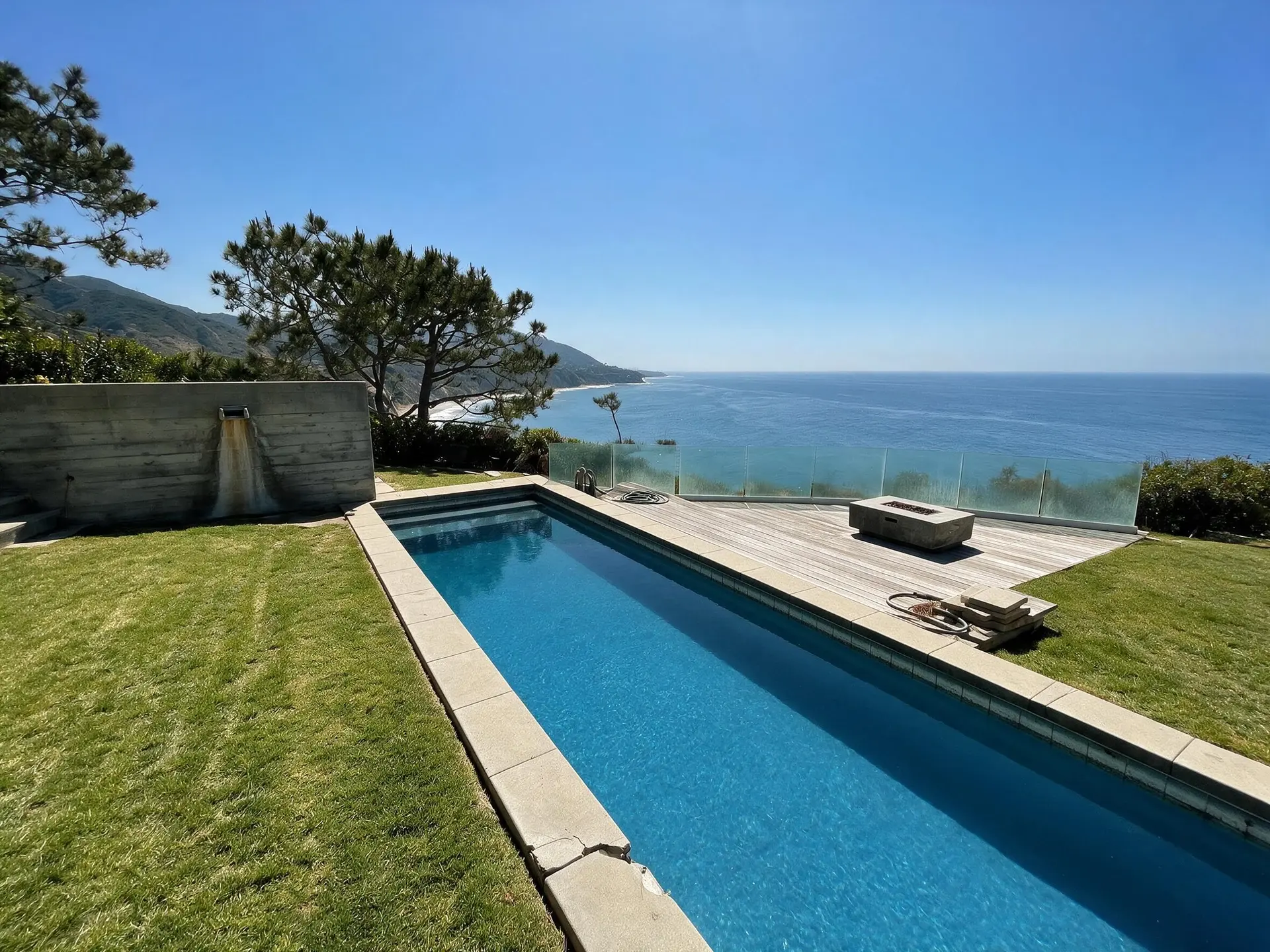
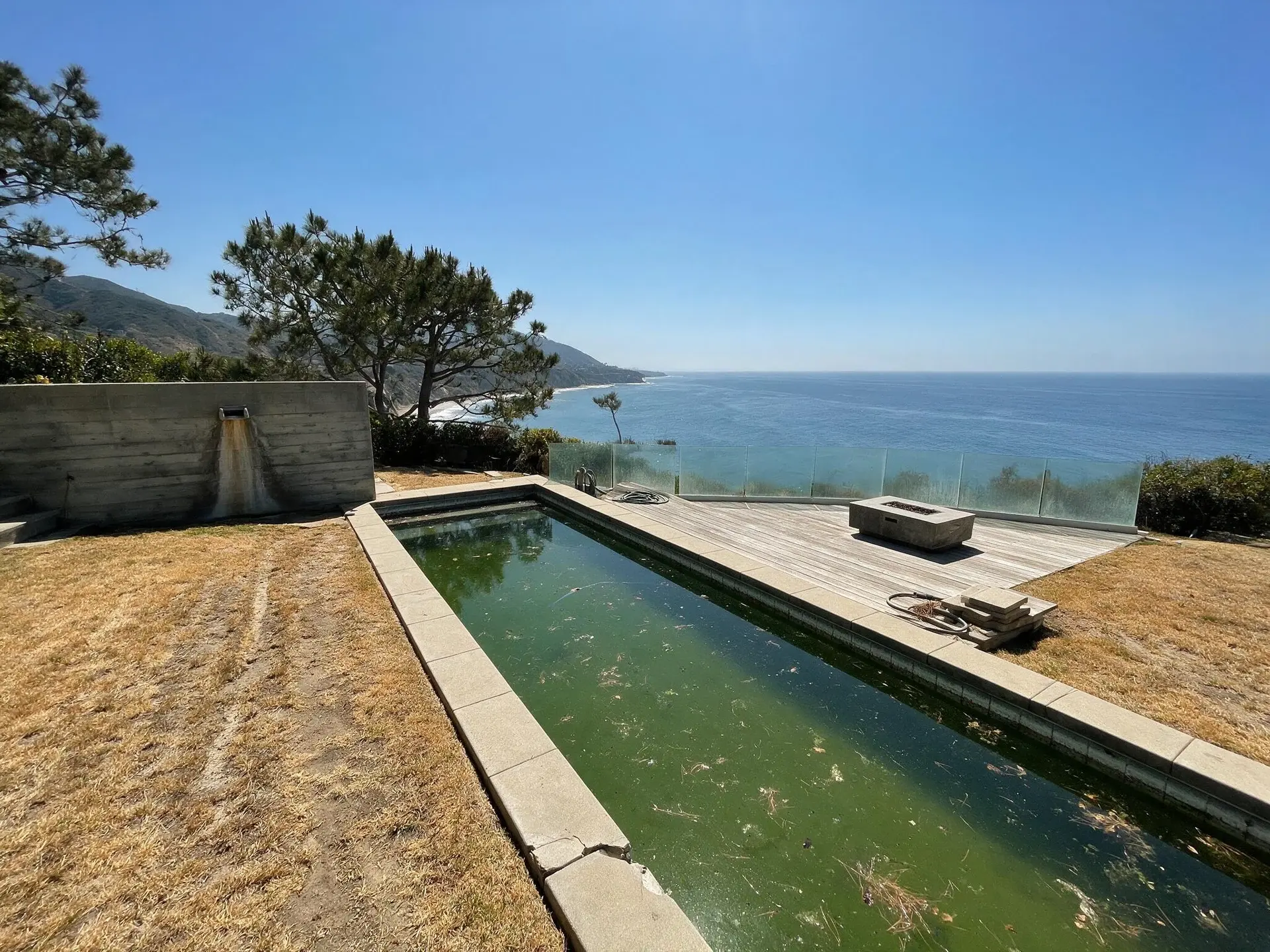
04 · Lawn & Pool Revive

Lawn & Pool Revive

Revive drought-browned lawns into healthy green and clarify cloudy pool water to listing-ready blue. Clean exports, no burned-in watermark on any plan.

Shown on · Point Dume — Malibu

  • Drought-brown lawn → healthy green
  • Algae-green pool → crystal blue
  • Structure-preserving edit — no added landscape features
Learn more about Lawn & Pool Revive
Before and after of an ocean-facing pool and lawn at a bluff-top estate on Point Dume, Malibu. — enhanced by Plotpane
Before and after of an ocean-facing pool and lawn at a bluff-top estate on Point Dume, Malibu. — original listing photo before editing
BeforeAfter
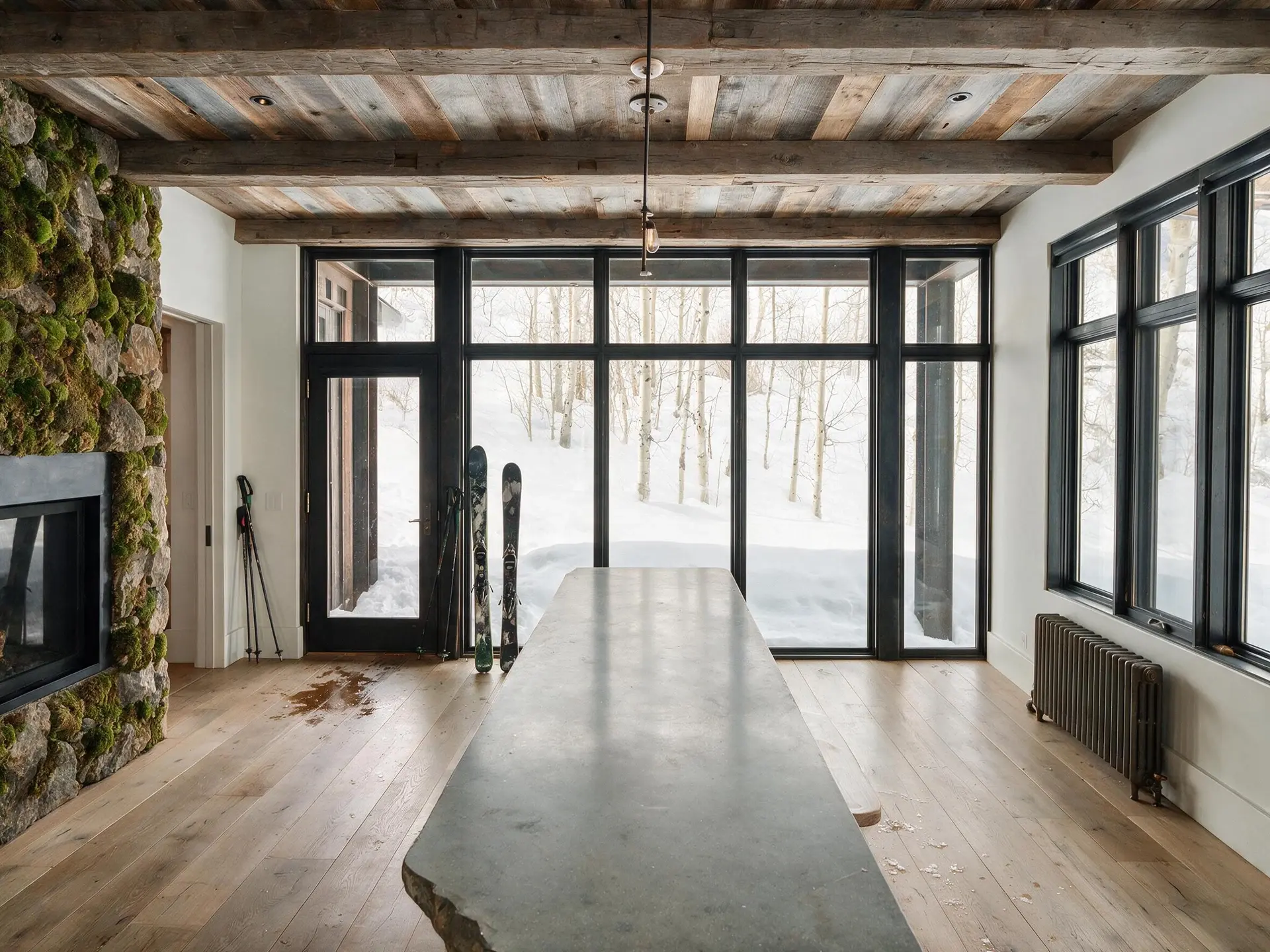
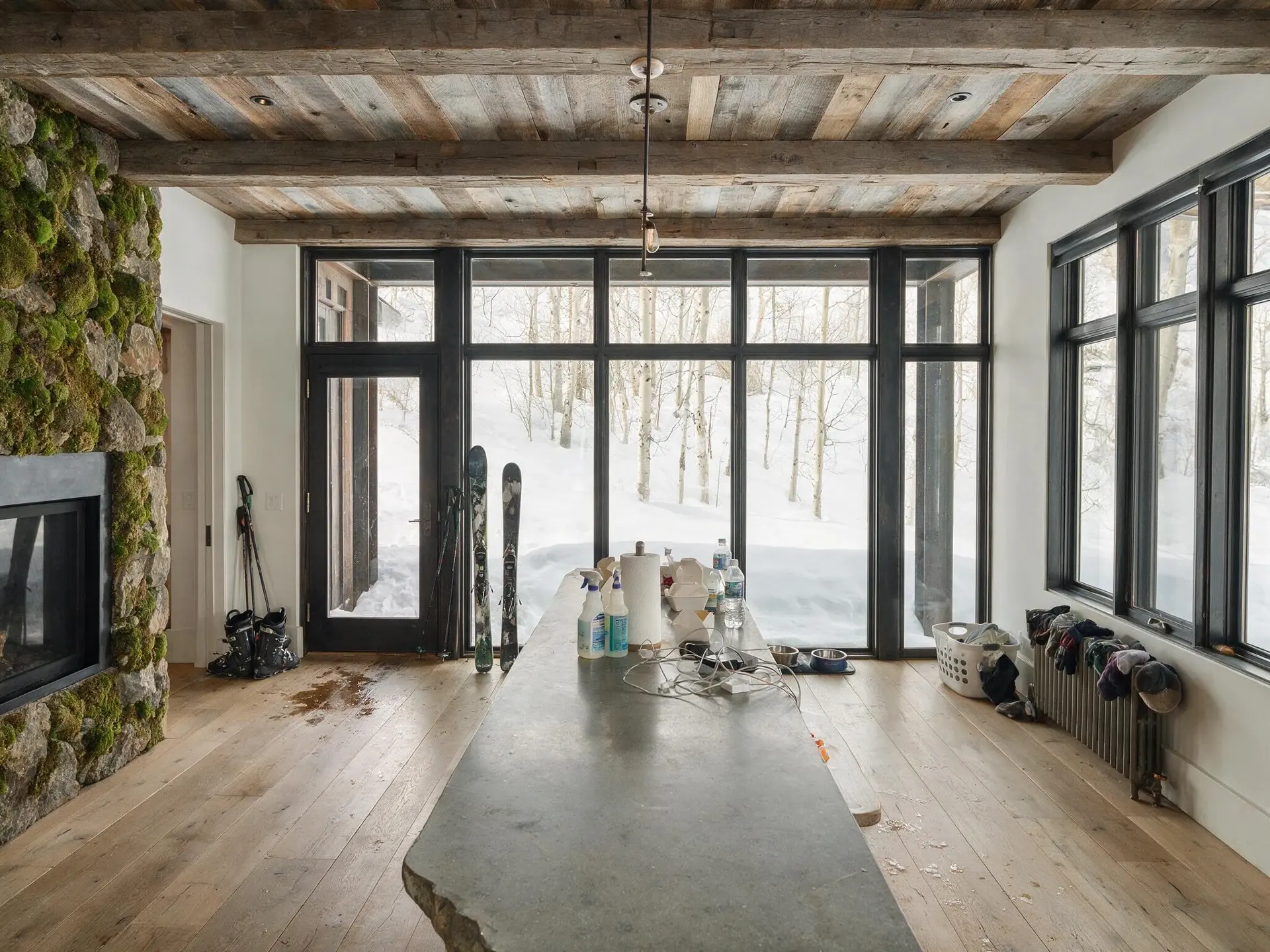
05 · Clutter Removal

Clutter Removal

Name what you want gone — bins, cars, yard signs, cables, clutter on the counters — and Plotpane reconstructs the surface behind it with matching material, grain, and shadow. Anything you don't name stays, even if it looks like clutter.

Shown on · West End — Aspen

  • Name what should go — no masking, no pixel-perfect selection
  • Reconstructs texture, shadow, and edge continuity behind it
  • Anything you don't name stays, even if it looks like clutter
Learn more about Clutter Removal
Before and after of a mountain house kitchen and great room in Aspen's West End with clutter removed. — enhanced by Plotpane
Before and after of a mountain house kitchen and great room in Aspen's West End with clutter removed. — original listing photo before editing
BeforeAfter
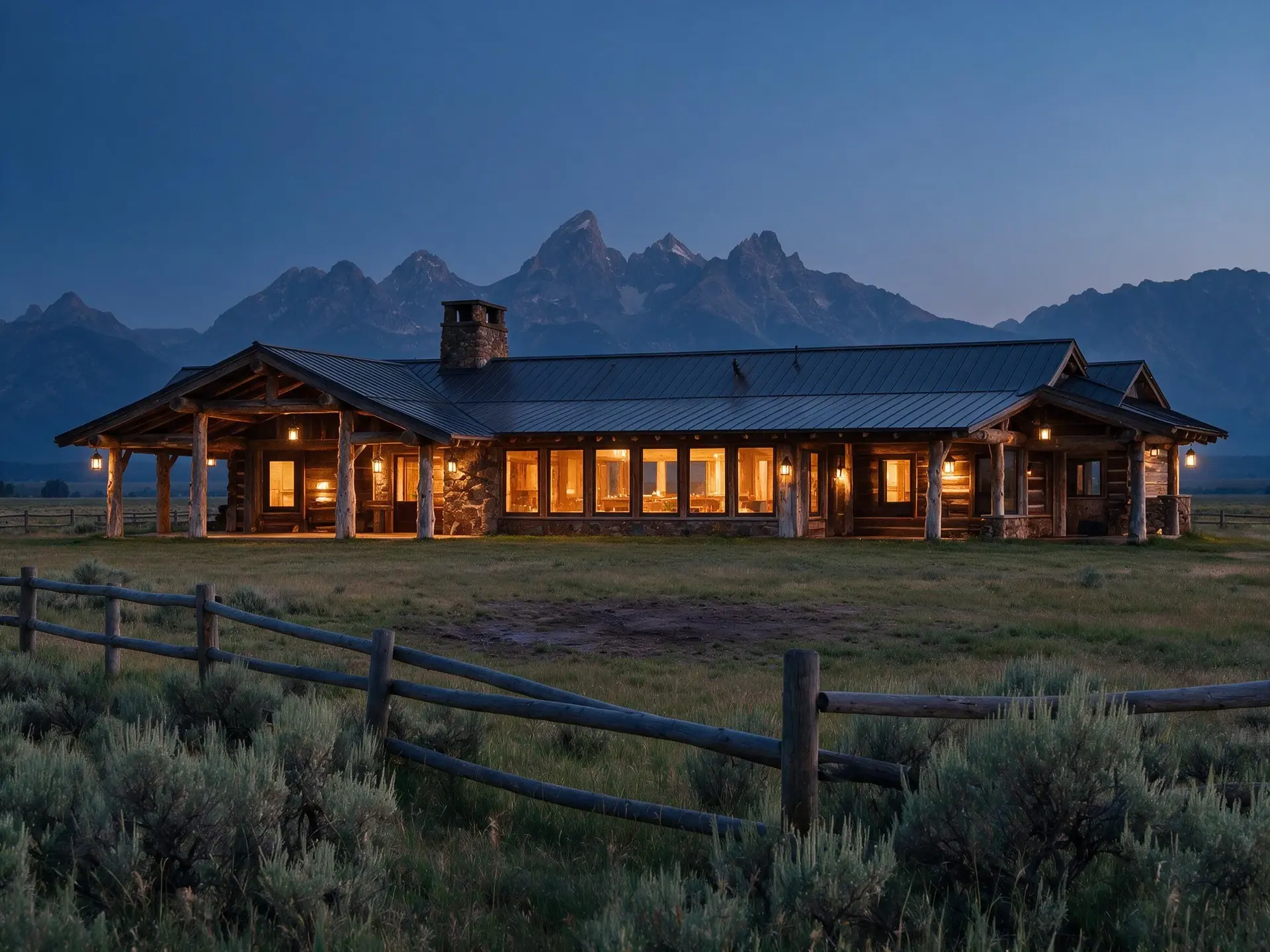
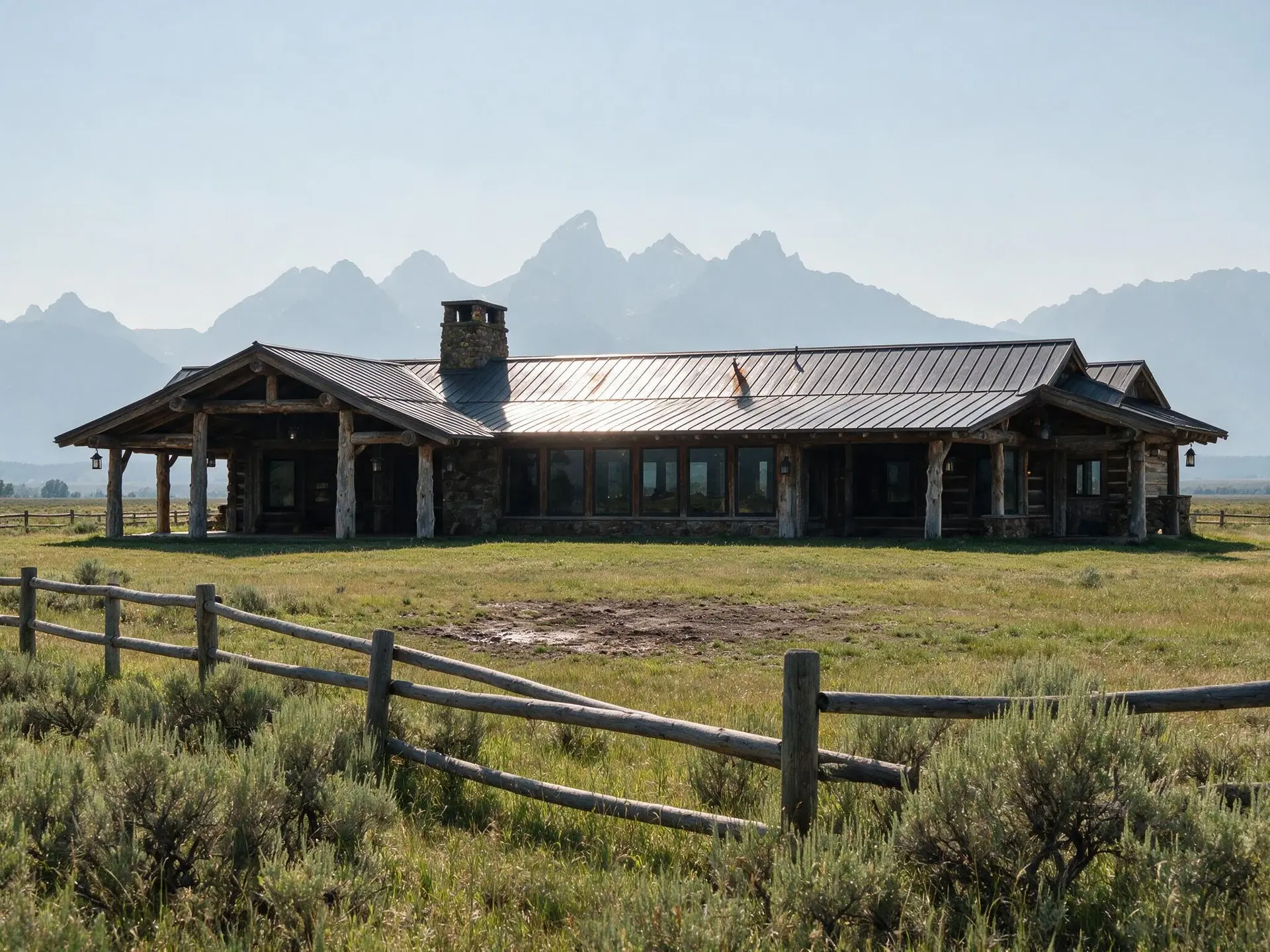
06 · Day to Dusk

Day to Dusk

Transform flat daytime exteriors into cinematic twilight with warm window glow, deepened shadows, and a golden sky. The single highest-clicked listing thumbnail treatment.

Shown on · Jackson Hole — Wyoming

  • Warm golden sky with physically plausible gradient
  • Windows glow warmly from a simulated interior light
  • Deepened shadows for cinematic contrast
Learn more about Day to Dusk
Before and after of a timber and stone ranch house facing the Tetons in Jackson Hole converted to dusk. — enhanced by Plotpane
Before and after of a timber and stone ranch house facing the Tetons in Jackson Hole converted to dusk. — original listing photo before editing
BeforeAfter
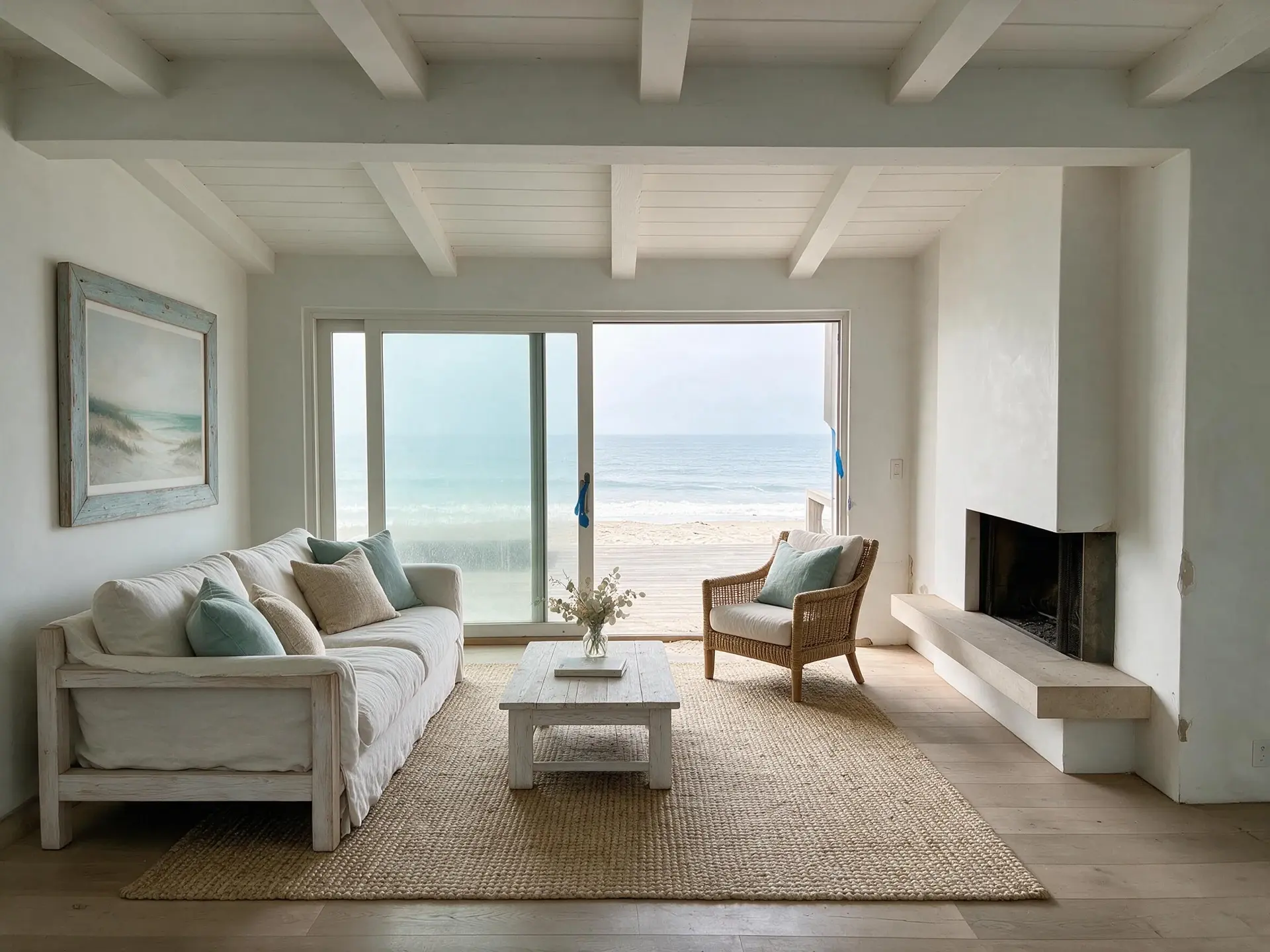
07 · Virtual Staging

Virtual Staging

Choose a design style — Modern, Scandinavian, Luxury, Coastal, Industrial, Farmhouse, Mid-Century — and Plotpane furnishes the room with realistic scale, lighting, and shadows.

Shown on · Carbon Beach — Malibu

  • Ten styles — Modern, Scandinavian, Gulf Modern, Luxury, European Classic, Japandi, Coastal, Industrial, Mediterranean, Mid-Century
  • Realistic furniture scale, lighting, and shadows
  • Never modifies walls, floors, windows, or ceilings
Learn more about Virtual Staging
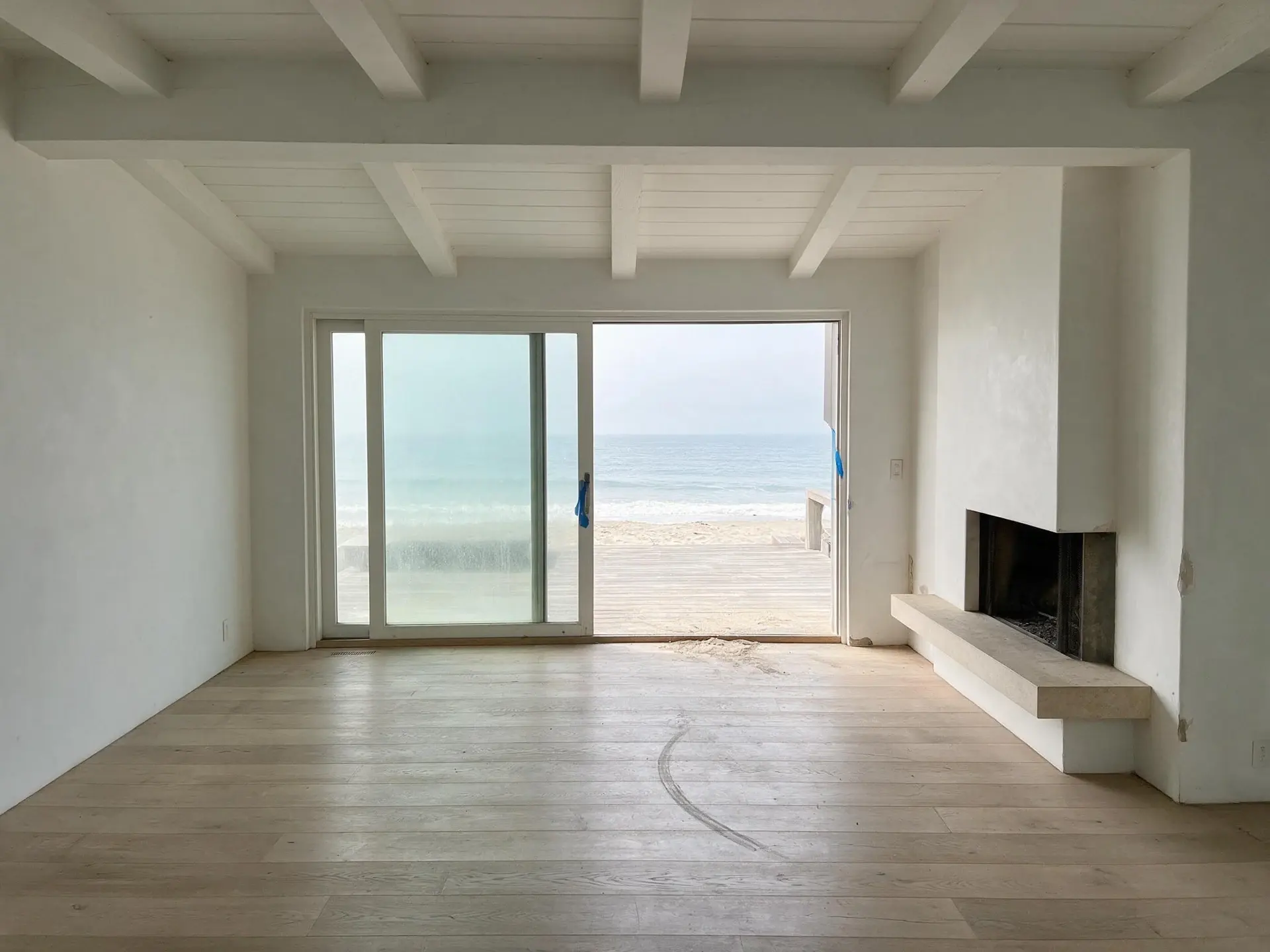
Before and after of an empty oceanfront living room on Carbon Beach, Malibu. — enhanced by Plotpane
Before and after of an empty oceanfront living room on Carbon Beach, Malibu. — original listing photo before editing
BeforeAfter
Batch consistency

Ten photos of one home.
One coherent listing.

Other AI tools hallucinate a different grade for every frame — your kitchen looks like one listing, your living room looks like another. Run one tool across a batch and every frame gets the same instruction and the same preserve list, so the set comes back looking like it came from one photographer rather than twenty separate experiments.

  • One tool across the whole batch — 5, 25 or 100 photos by plan
  • The same correction to white balance, exposure and grade on each
  • Per-photo fidelity to the architecture in the source
  • No cross-frame invention, no mismatched AI experiments

One listing · ten frames · one grade

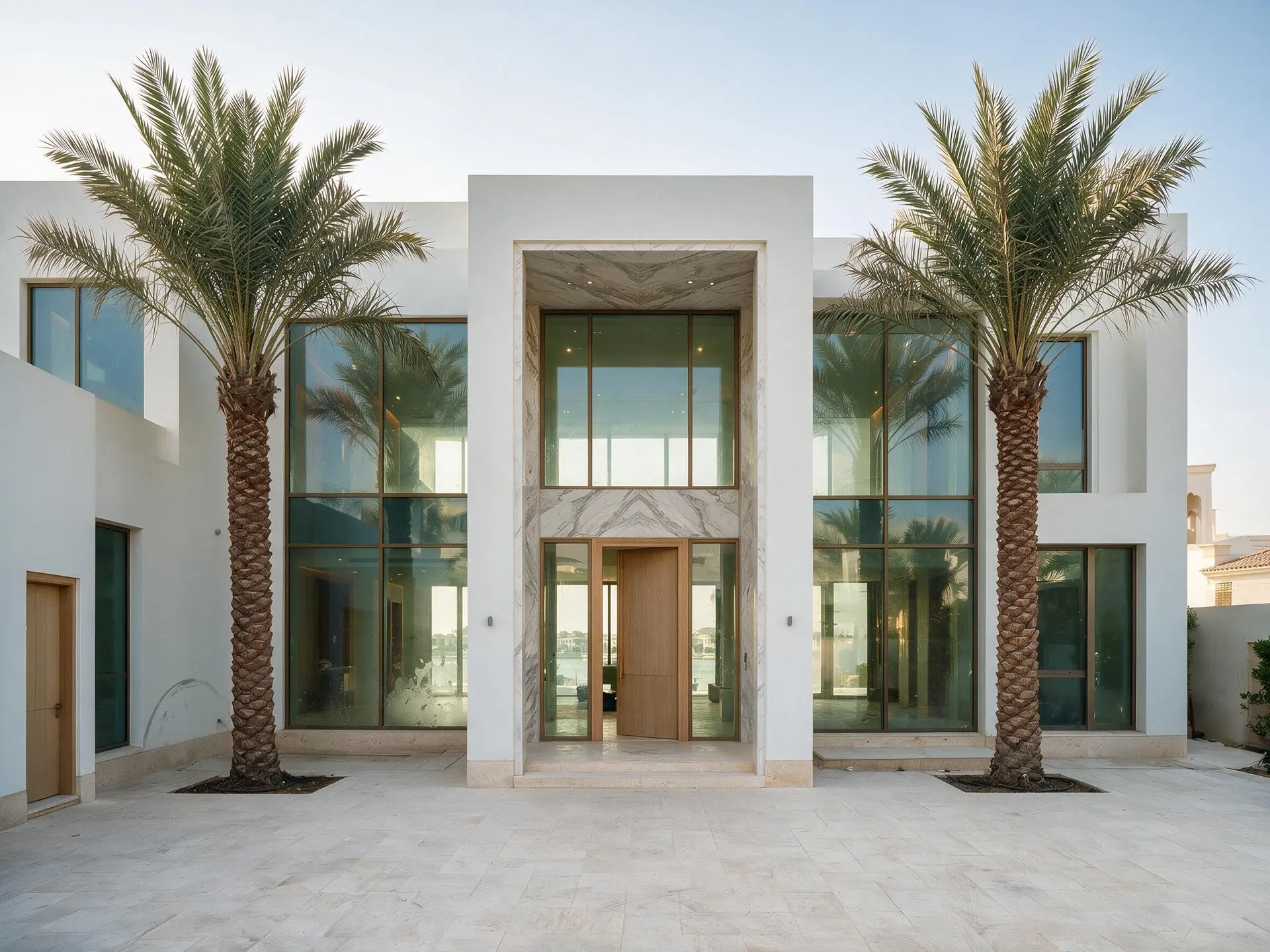
Before and after of the front elevation from the driveway, the two-storey entrance portal centred, mature palms either side, the motor court in pale stone, one of ten frames from a single Palm Jumeirah villa shoot in Dubai.
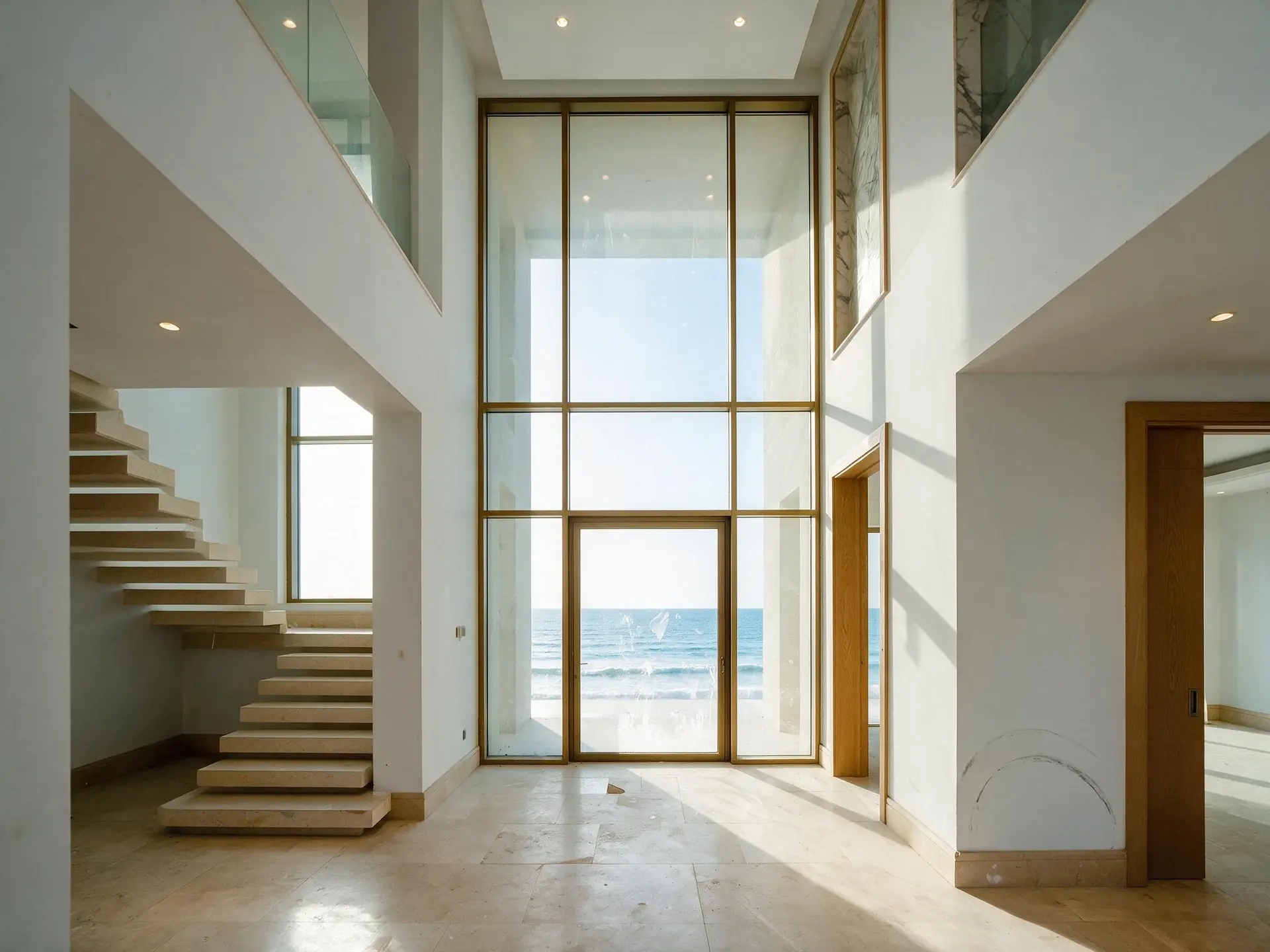
Before and after of the double-height entrance hall looking through to the sea, a floating stone stair on the left, a full-height window at the half-landing, one of ten frames from a single Palm Jumeirah villa shoot in Dubai.
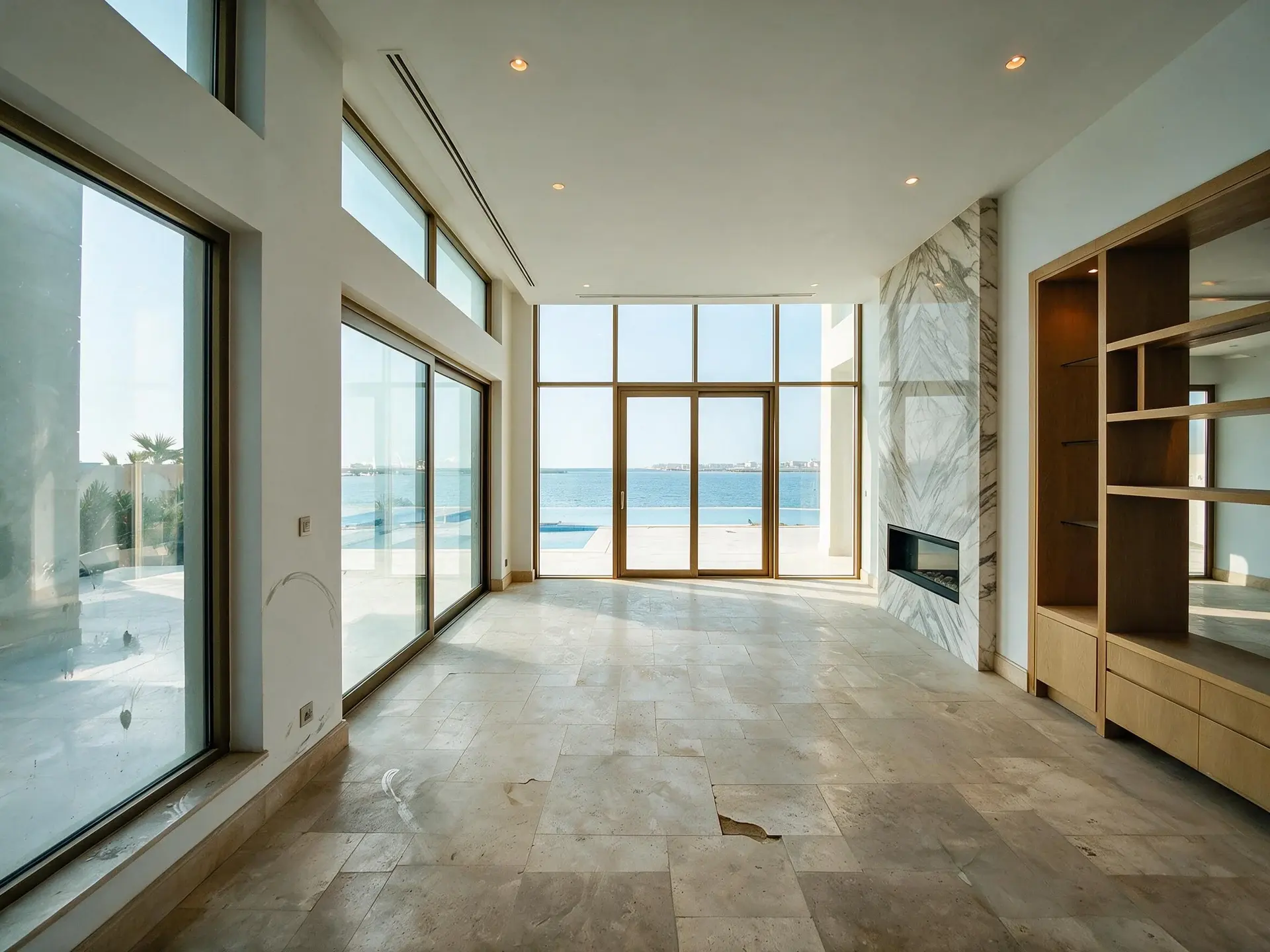
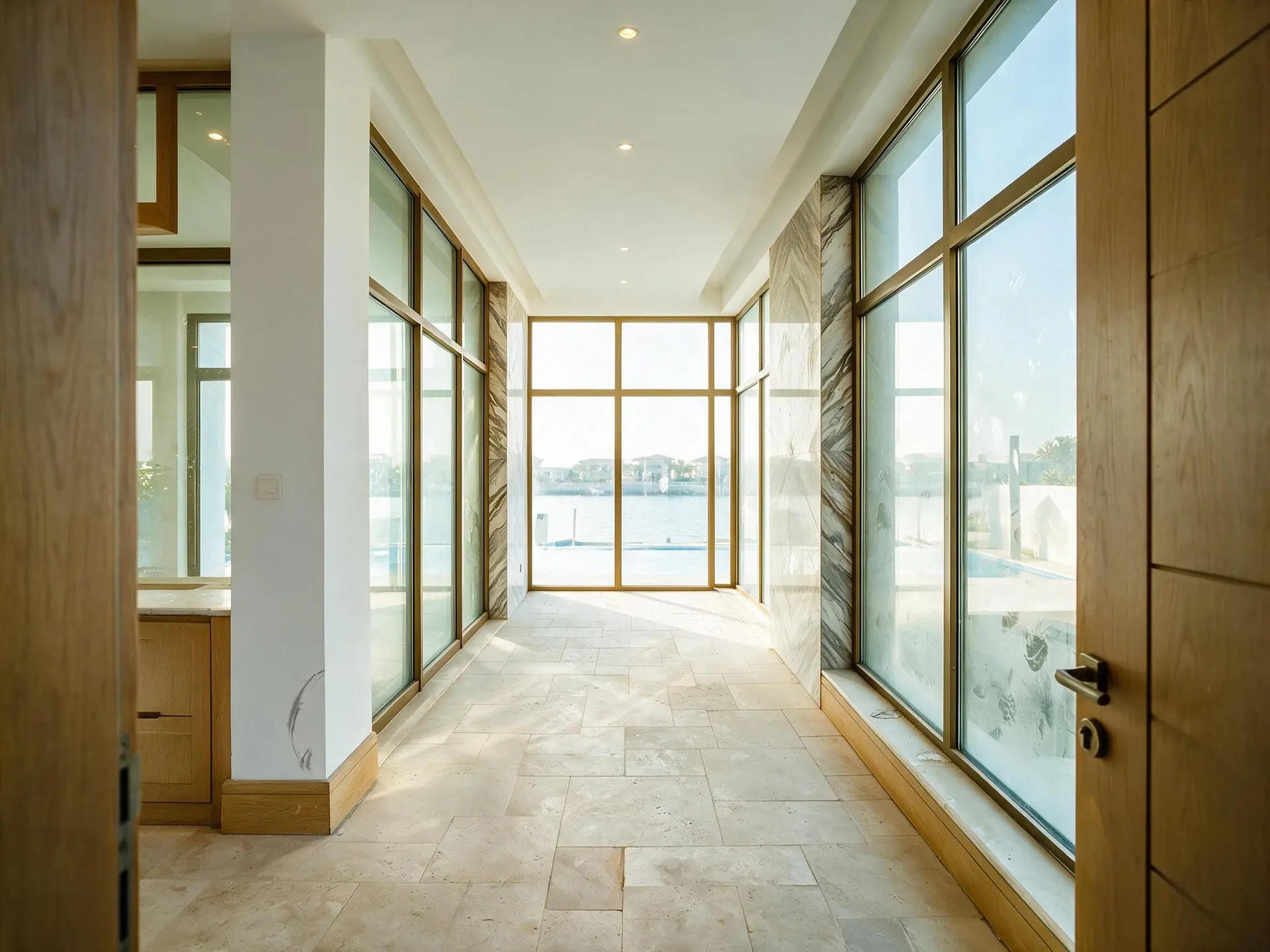
Before and after of the main living room shot down its long axis to the pool terrace and the Gulf, a linear marble fireplace on the right wall, one of ten frames from a single Palm Jumeirah villa shoot in Dubai.
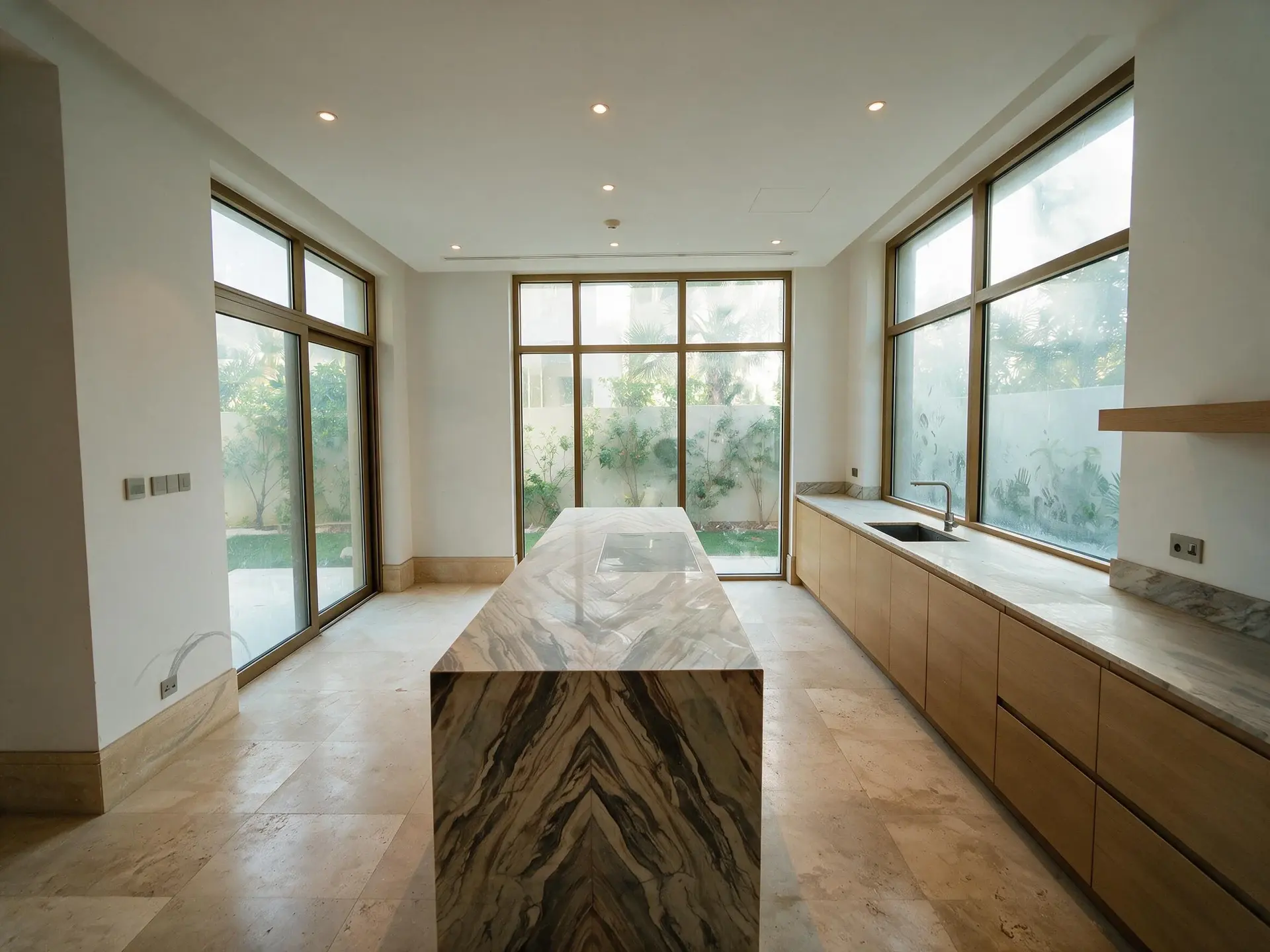
Before and after of the kitchen from the dining end, a long island in book-matched marble, handleless pale oak units, a run of glazing onto the side garden, one of ten frames from a single Palm Jumeirah villa shoot in Dubai.
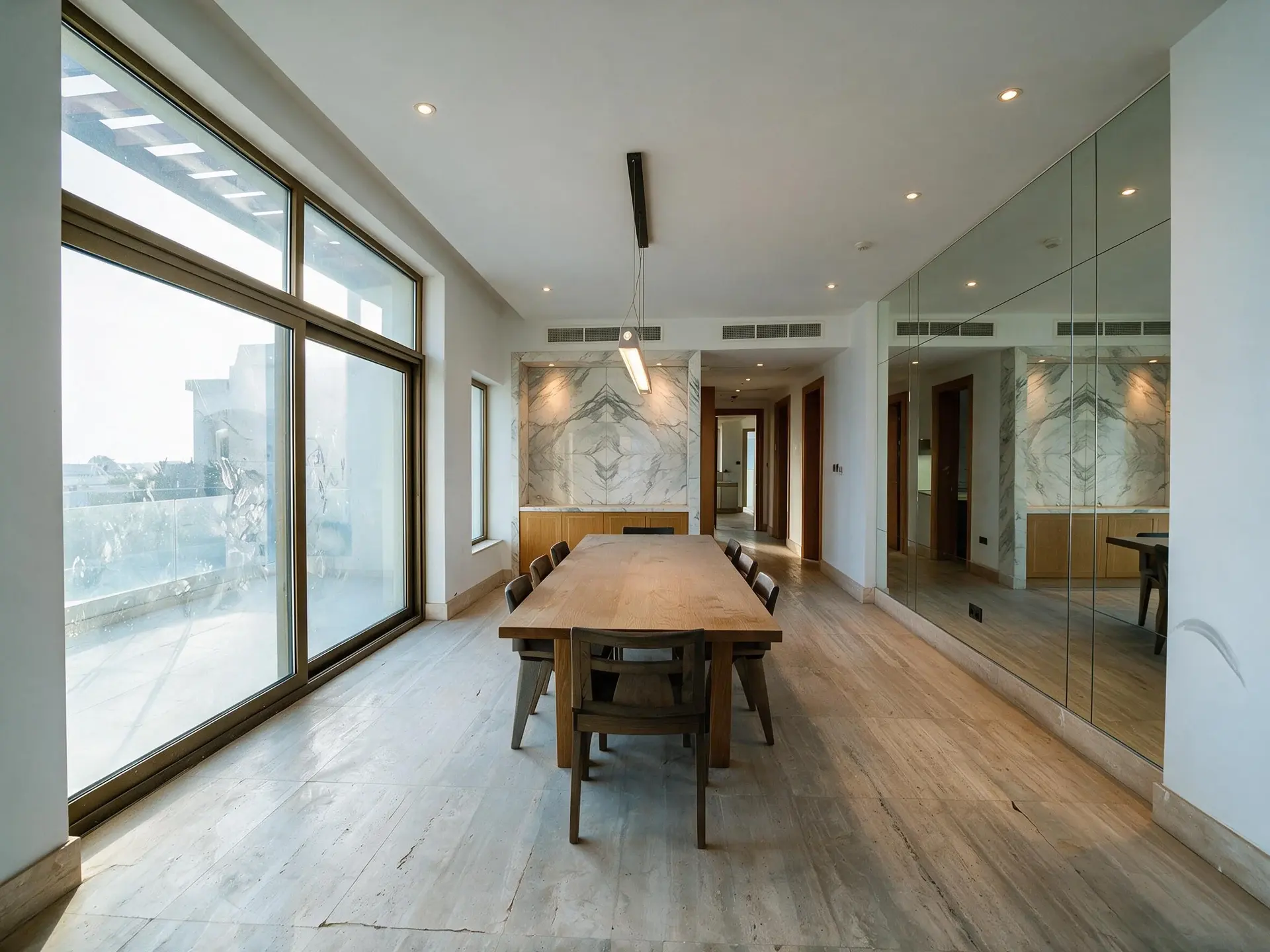
Before and after of the dining room, a long oak table under a linear pendant, glazing to the terrace on one side and a mirrored wall on the other, one of ten frames from a single Palm Jumeirah villa shoot in Dubai.
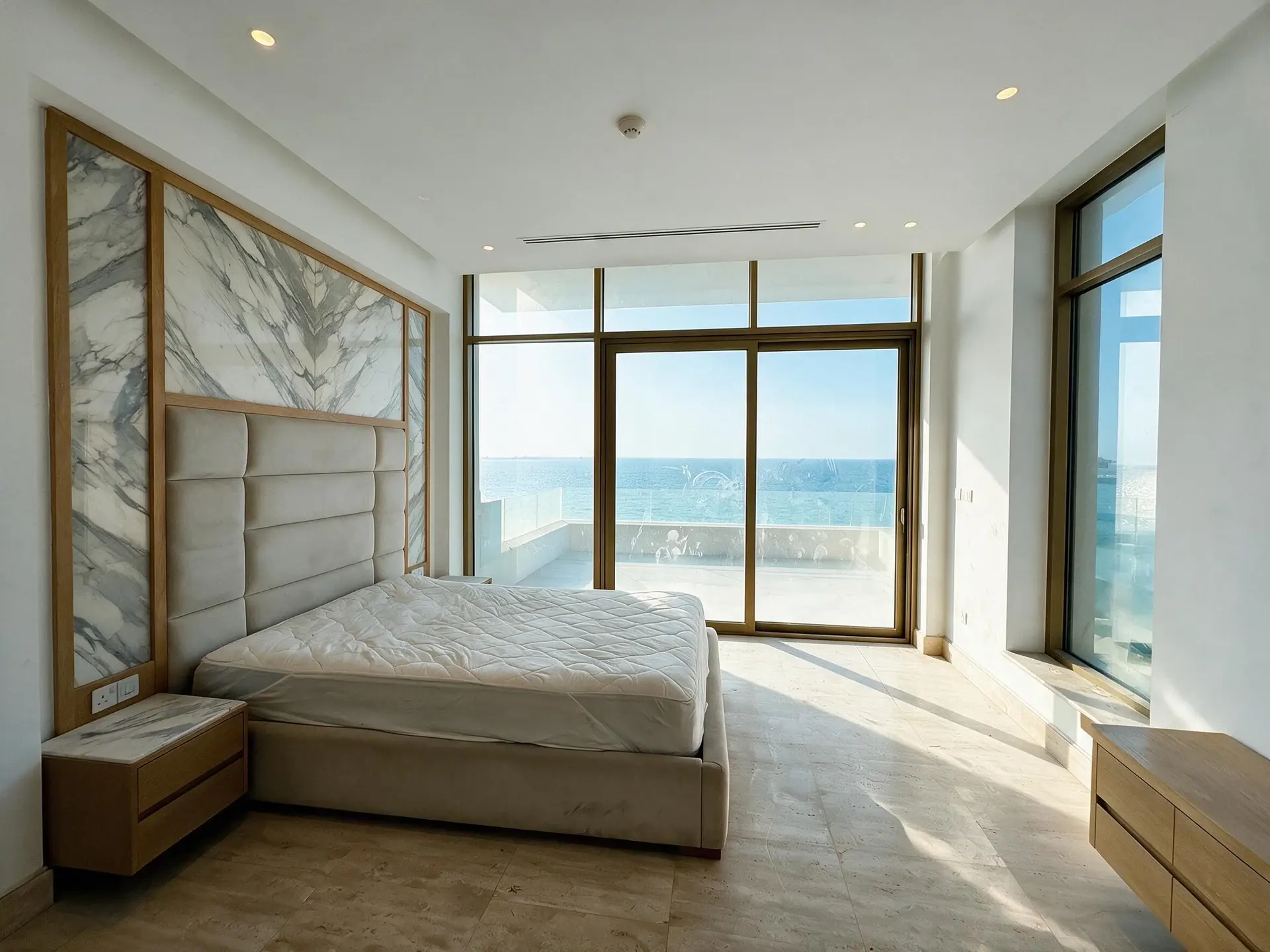
Before and after of the principal bedroom looking towards the glazing and the sea, a wide upholstered headboard wall, a terrace beyond the glass, one of ten frames from a single Palm Jumeirah villa shoot in Dubai.
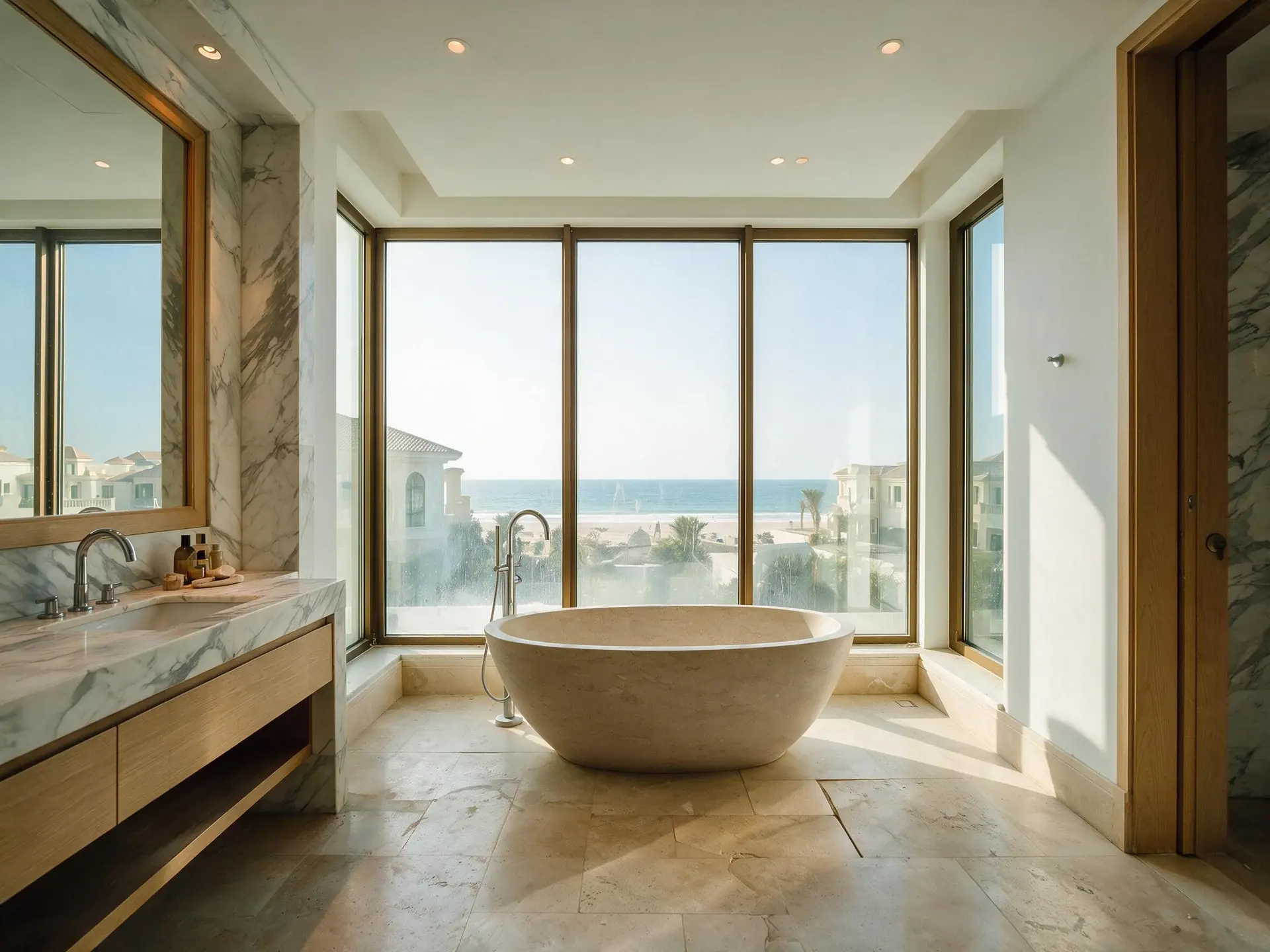
Before and after of the principal bathroom, a freestanding stone bath set in front of a full-height window, a marble vanity run on the left, one of ten frames from a single Palm Jumeirah villa shoot in Dubai.
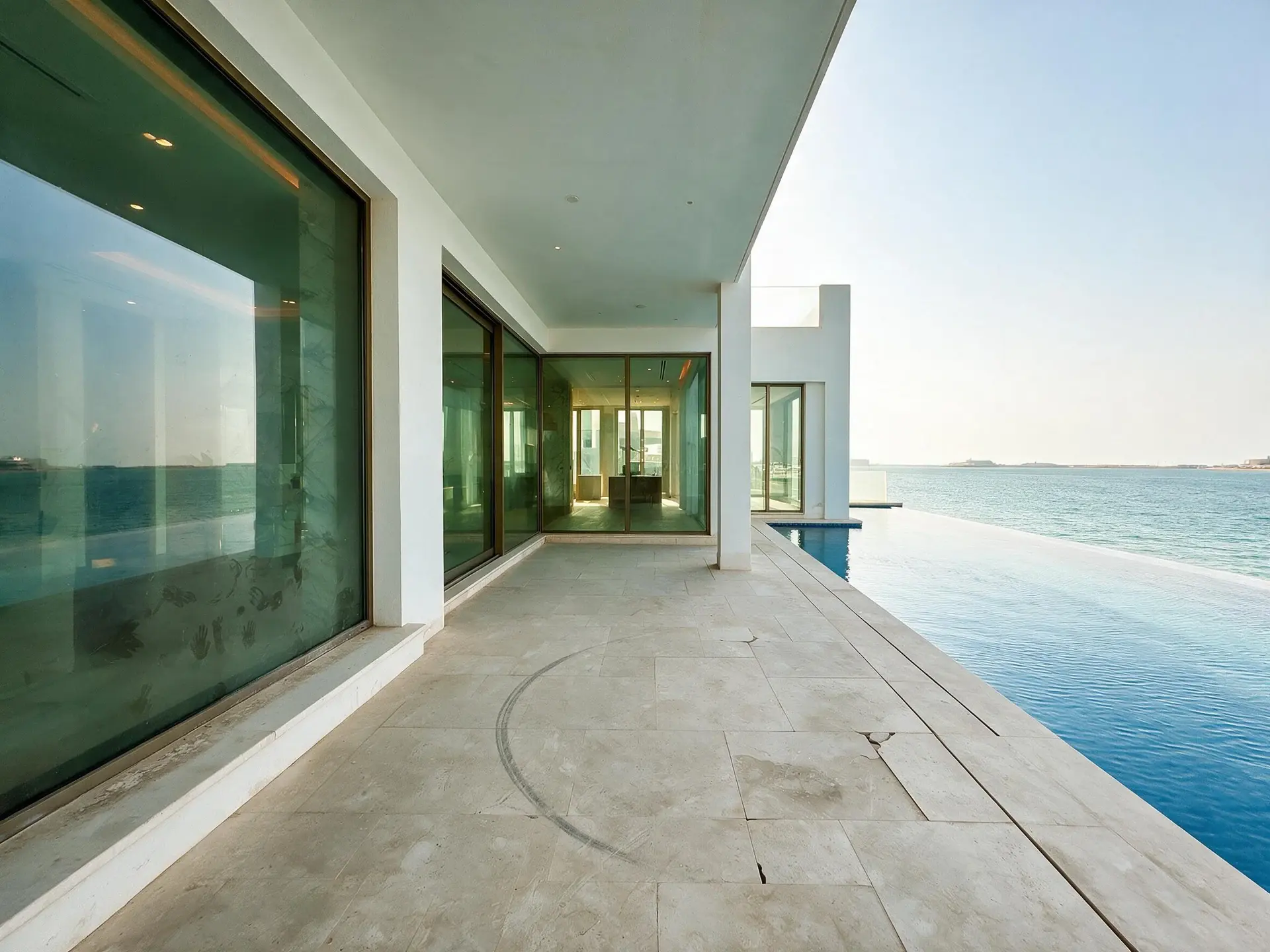
Before and after of the covered terrace from the living-room threshold, looking along the loggia to the pool and the water, one of ten frames from a single Palm Jumeirah villa shoot in Dubai.
Before and after of the pool terrace from the far end, the infinity edge running to the Gulf, sun loungers absent, the villa behind on the left, one of ten frames from a single Palm Jumeirah villa shoot in Dubai.
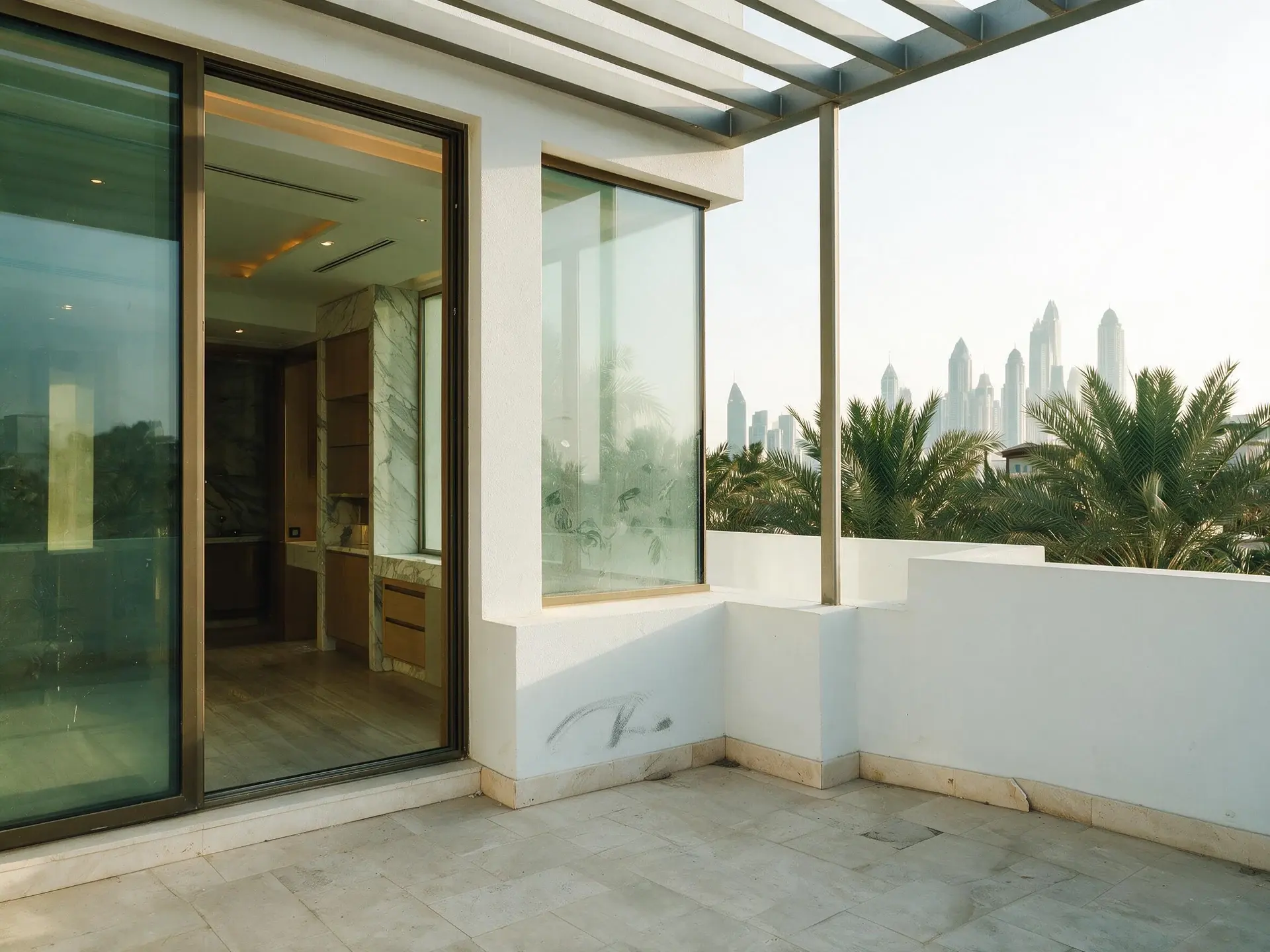
Before and after of the roof terrace looking back across the Palm fronds to the Dubai Marina skyline, a slim steel pergola overhead, one of ten frames from a single Palm Jumeirah villa shoot in Dubai.

Ten frames from one villa shoot, each run through the same tool — rendered independently, under the same instruction.

One tool · one credit each · same preserve list
Asked for, not built

Two more people ask about. Neither is in the app — the pages say why.

How it works

Four steps. The last one is downloading.

01

Upload the listing

One photo, or up to 5 / 25 / 100 at once by plan. JPG, PNG, WebP or HEIC.

02

Pick one tool

One tool per image, one credit. Pick a style or a sky if it has one.

03

Plotpane renders

About two minutes an image, three at a time.

04

Download, push, publish

JPEG, or the whole set as a ZIP.

Pricing

One credit per image.
Every tool, every plan.

Three plans. Every tool unlocked on all of them. Every render unmarked, standard or high resolution, cancel anytime.

Every plan starts with 3 free renders. No card until you subscribe.

Starter

For the solo agent shooting their own listings.

$39/month

billed yearly

40 credits monthly

  • 40 images per month — 1 credit each, whichever tool you use
  • No Plotpane mark on any render
  • Every tool, no tier gating
  • Standard output ~2.4K, or ~4.7K for a second credit
  • XMP disclosure metadata written into every export
  • Up to 5 photos per batch
  • Email support
Subscribe to Starter

For one agent, listing by listing.

Most popular

Pro

For top-producing agents and real-estate photographers.

$79/month

billed yearly

120 credits monthly

  • 120 images per month — 1 credit each, whichever tool you use
  • No Plotpane mark on any render
  • Up to 25 photos per batch, one preset across the shoot
  • Download a finished listing as a ZIP
  • Everything in Starter
  • Priority support
Subscribe to Pro

The plan a working photographer buys.

Agency

For brokerages, teams, and photography networks.

$199/month

billed yearly

400 credits monthly

  • 400 images per month — 1 credit each, whichever tool you use
  • No Plotpane mark on any render
  • Up to 100 photos per batch
  • Download a finished listing as a ZIP
  • Everything in Pro
  • Direct line to the founder, not a ticket queue
Subscribe to Agency

For a brokerage running whole shoots.

FeatureStarter$39/mo annualPro$79/mo annualAgency$199/mo annual
Renders per month40120400
Credits per image111
All seven tools
Free renders on sign-up333
Plotpane mark on the imageNoneNoneNone
Standard output (~2.4K)
High resolution (~4.7K, second credit)
XMP disclosure written into every export
Optional visible “Virtually Staged” label
Photos per batch525100
Download a set as a ZIP
Refund a render that came back wrong
SupportEmailPriority emailDirect to the founder
Cancel anytime, one click
At volume

A 25-photo listing costs 25 credits.

That is the whole pricing model. No per-tool rates, no seat maths, nothing to negotiate. We are not SOC 2 certified and there is no SSO, private deployment or API — if you need those to buy, better you know now than after a call.

Starter

1

listings
a month

Pro

4

listings
a month

Agency

16

listings
a month

Built to be trusted

What we promise, in plain language.

No vanity metrics, no invented press. Just the things that matter when you hand us a listing photo.

Security & handling

  • No SOC 2 attestation yet — and we say so
  • AES-256 encryption at rest
  • TLS 1.3 in transit

Every plan, every export

  • JPEG out at ~2.4K, or ~4.7K for a second credit
  • No Plotpane mark on any render on a paid plan
  • Cancel anytime

Render engine

  • One operation per render, named in the instruction
  • A preserve list sent with every render
  • ~2 min per render, measured
Questions

The usual questions,
answered directly.

  • No. Midjourney and DALL-E invent scenes from text prompts — beautiful for art, disqualifying for a listing. Plotpane is a structure-preserving pipeline: your room geometry, windows, and floor plan stay exact. We stage, re-light, swap skies, declutter, and enhance your actual photo. No hallucinated architecture, no invented rooms.

  • BoxBrownie and Styldod are human-edit services: you upload, a retoucher works overnight, you get a result in 24–48 hours at $2–$32 per image per treatment. They also sell things we do not have at all — floor plans, renderings, item removal by a person who can ask you what you meant. Plotpane is one machine pass: you pick one of seven tools, and the image comes back in about two minutes for one credit, whichever tool you picked, on a flat monthly subscription. Stacking two treatments on one photo means running it twice.

  • Yes, when disclosed. NAR guidelines, California AB 723, and REBNY Rule 3.3 all allow virtually staged photos provided the listing discloses them. Every Plotpane export embeds invisible XMP disclosure metadata so the staging record travels with the file. You still handle the listing-remarks disclosure in your MLS portal — that's the part only you can do.

  • Every render is sent with a preserve list as well as an instruction. It names one operation and forbids the rest: do not touch windows, doors, walls, ceilings, floors, cabinetry or fixtures unless the instruction names them; do not remove or conceal a defect, stain or crack; do not change what is visible through glass, and never invent a view. Furniture is added to empty rooms; named objects are removed from furnished ones; sky and light are re-graded. If you do see something invented, that is a bug — report the render in the app and the credit comes back.

  • Yes — one click in the Stripe billing portal from your dashboard. Billing stops immediately, remaining credits stay usable through the end of the billing period, and there's no cancellation fee.

  • Yes — any AI-generated or AI-modified image is considered an edit requiring disclosure under NAR's standards. That's why every Plotpane export writes invisible XMP disclosure metadata by default. The flag is machine-readable by MLS tooling and survives Lightroom round-trips. You still add the disclosure line to your listing remarks; we make sure the image itself is self-describing.

Ready when you are

Stop re-uploading.
Start shipping listing-ready.

Seven tools, one credit an image, a finished JPEG back in about two minutes — on every plan.

Get startedSee the before/aftersEvery tool on every plan · cancel anytime