The Best Autoenhance.ai Alternative for 2026 | Plotpane
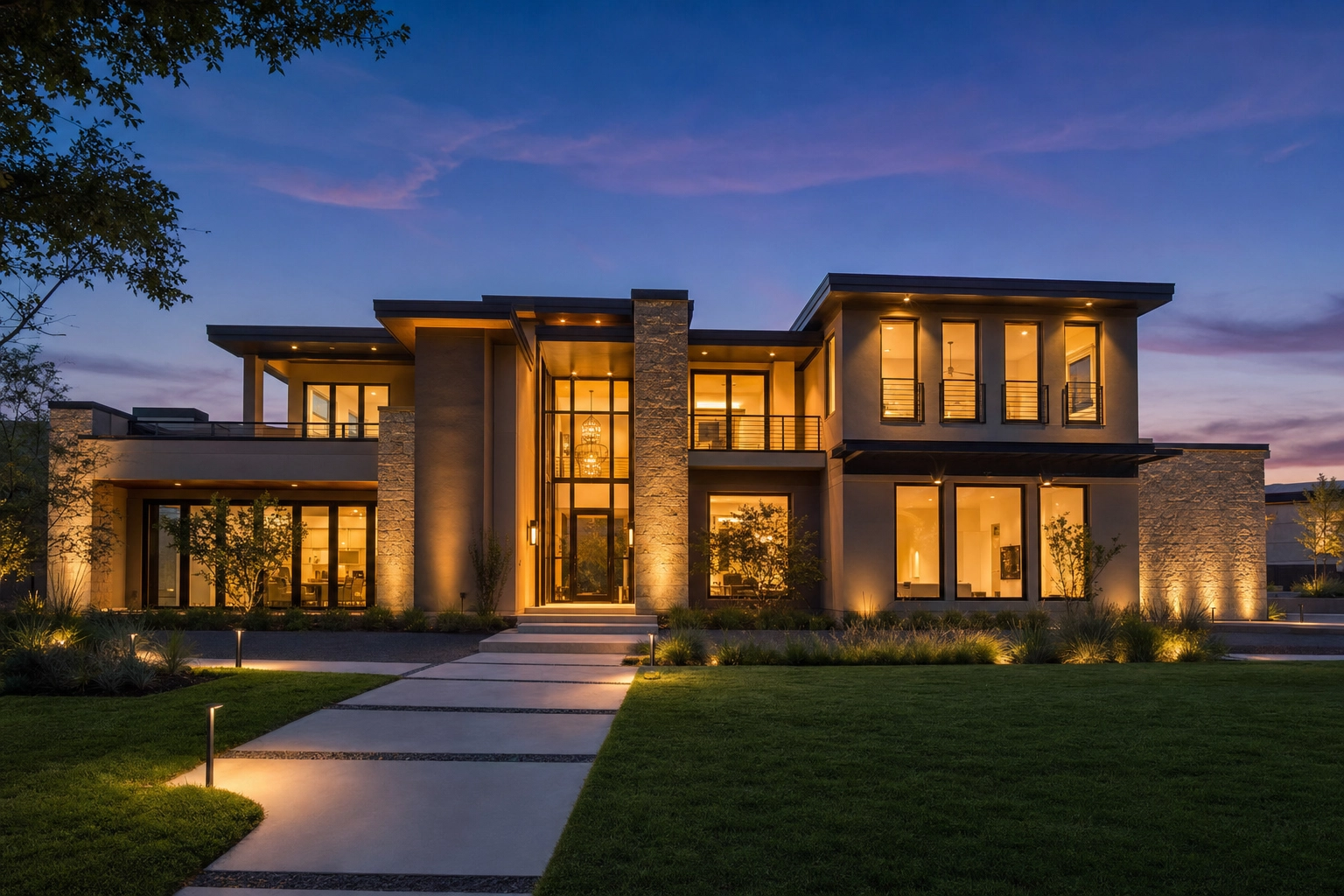
If you're weighing an Autoenhance alternative, you've probably already found the edge of what it does. Autoenhance.ai is a fast, AI-powered enhancement engine for real estate photos — HDR merge, sky replacement, perspective correction, white balance. It's genuinely good real estate photo editing software, and it makes the photo you took look better. But the moment you need to stage an empty room, turn a flat daytime exterior into a twilight cover shot, or erase a trash bin from the driveway, you've hit the wall and you're shopping for a second tool.
That gap is the whole reason this page exists. Plotpane isn't another enhancement engine — it ships seven tools for the whole listing: enhance, perspective, sky, lawn & pool, clutter removal, day-to-dusk, and virtual staging. You choose one tool per photo, it renders in about two minutes, and every tool costs the same single credit on a flat subscription. Below is an honest, head-to-head comparison: where Autoenhance.ai still wins, where Plotpane pulls ahead, and how to decide which belongs in your workflow. If you want the short version, Plotpane is the strongest Autoenhance alternative for anyone who needs to transform listings, not just correct photos.
Quick Summary: Autoenhance.ai is a narrow, high-volume photo enhancement engine with a strong API and pay-per-image pricing. Plotpane is a seven-tool listing editor — enhancement plus virtual staging, day-to-dusk, decluttering, lawn/pool revive, and perspective correction — each one image, one tool, one credit, back in about two minutes on a flat $49–$249/month subscription. Choose Autoenhance.ai for enhancement-only volume and API integration; choose Plotpane when you need the whole listing transformed, not just polished.
Why look for an Autoenhance alternative?
Most people searching for an Autoenhance alternative aren't unhappy with the enhancement — they've simply outgrown a tool that only enhances. The usual triggers are easy to spot: a vacant listing that needs virtual staging, a gray-sky exterior that should be a twilight cover, a backyard where the lawn burned out in August, or a driveway full of bins. Autoenhance.ai is excellent photo editing software for the corrections it covers — it just stops where those four jobs begin. The rest of this comparison maps exactly where that line falls, so you can decide which tool to reach for on each side of it. Either way, you'll compare the two on what actually differs — scope and price — not on turnaround, where they're a wash.
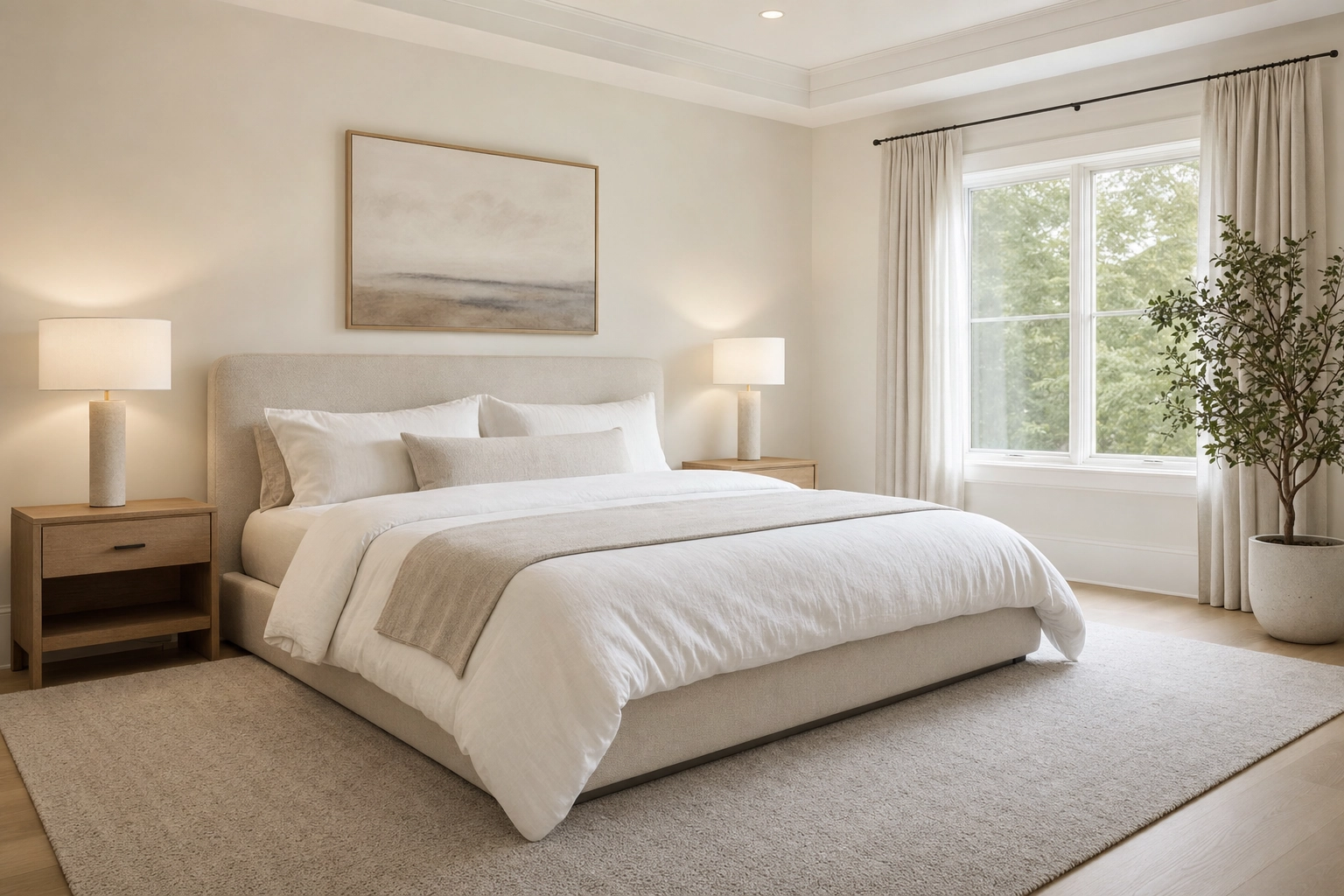
Autoenhance.ai vs Plotpane: cost, turnaround, output, and scope
Here's the honest headline before the table: both tools are AI-fast, so turnaround is roughly a tie. Autoenhance.ai returns enhancements in minutes; Plotpane renders in about two minutes an image. Speed isn't the reason anyone switches between them. The real difference is scope — how much of the listing each tool can actually transform — and the pricing model that follows from it.
| Autoenhance.ai | Plotpane | |
|---|---|---|
| What it is | AI photo enhancement engine | Seven-tool listing editor |
| Core tools | HDR merge, sky replacement, perspective correction, window pulls, white balance, relighting, color correction, auto-privacy, 360 | Auto enhance, perspective fix, sky swap, lawn & pool revive, clutter removal, day-to-dusk, virtual staging |
| Virtual staging | ❌ Not offered | ✅ 10 design styles |
| Day-to-dusk (twilight) | ❌ Not offered | ✅ Yes |
| Object / clutter removal | ❌ Not offered | ✅ Yes |
| Lawn & pool revive | ❌ Not offered | ✅ Yes |
| Room-type-aware staging | ❌ Not offered | ✅ Living, bedroom, dining, kitchen, office, outdoor |
| Multiple edits on one photo | Enhancement passes only | One tool per render — run it again for the next |
| Pricing model | Pay-per-image / volume tiers | Flat monthly subscription |
| Published price | ~$29 / $109 / $449 mo (≈50 / 250 / 1,500 images) + pay-per-image + custom | $49 / $99 / $249 mo (100 / 220 / 600 images, 1 credit each); 20% off annual |
| Turnaround | Minutes (AI) | ~2 minutes per image (AI) |
| Max output | 6K (Expert); full resolution from Advanced up | ~2400 px standard, ~4700 px on the optional hi-res pass |
| Resolution gated by plan | Full resolution starts on Advanced | ❌ No — same output on every plan |
| Free option | Free watermarked preview (no card) | 3 free renders, no card |
| Watermark on paid export | None | None |
| Input formats | Native RAW, developed from the sensor data | JPEG, PNG, WebP, HEIC/HEIF and camera RAW up to 25MB — RAW read as the camera's embedded full-size JPEG, not developed |
| Public API | ✅ Established | ❌ No (image app) |
| Integrations | Google Drive, Zapier, Dropbox, API | None — you download JPEGs and upload them anywhere (MLS, Zillow, CoStar, LoopNet, Crexi) |
| AI-disclosure metadata | n/a (no staging) | Invisible XMP on staged output |
| Best for | High-volume enhancement, media companies, API pipelines | Agents and photographers who need staging, dusk, and decluttering as well as enhancement |
Read the table top to bottom and a pattern appears: every row where Autoenhance.ai shows "Not offered" is a transformation, not a correction. That's not a knock — it's the product's deliberate focus. Autoenhance.ai polishes the photo. Plotpane rebuilds the listing. If you're shopping for an Autoenhance alternative, that single distinction — correct versus transform — is most of the comparison; the rest is budget and volume, which the next sections break down.
A note on method: every row above is checked against each tool's own current feature pages and published pricing, and judged on real estate listing photos specifically — the property images agents and photographers upload every week, not generic photo-editing benchmarks. Where Autoenhance.ai genuinely leads, this comparison says so plainly.
What Autoenhance.ai does well
A fair comparison starts by giving the incumbent its due. Autoenhance.ai isn't a generic photo app — it's purpose-built real estate software, and for that one job it's excellent. If your only task is to take a correctly composed shot and make it look professionally finished, it's a strong tool and a deserved category leader.
Its enhancement suite covers the corrections photographers actually bill for on listing photos:
- HDR merging — group and blend bracketed exposures into one balanced, natural-looking frame.
- Sky replacement — swap a flat, overcast sky for a bright one automatically.
- Perspective correction — straighten verticals so walls and windows sit true.
- Window pulls — mask windows to reveal the view outside instead of a blown-out white rectangle.
- White balance and color correction — area-by-area calibration rather than one blunt global slider.
- Image relighting — rebalance highlights and shadows for a well-lit room.
- Auto-privacy — automatically blur license plates and family portraits.
- 360 enhancements — clean up virtual-tour panoramas.
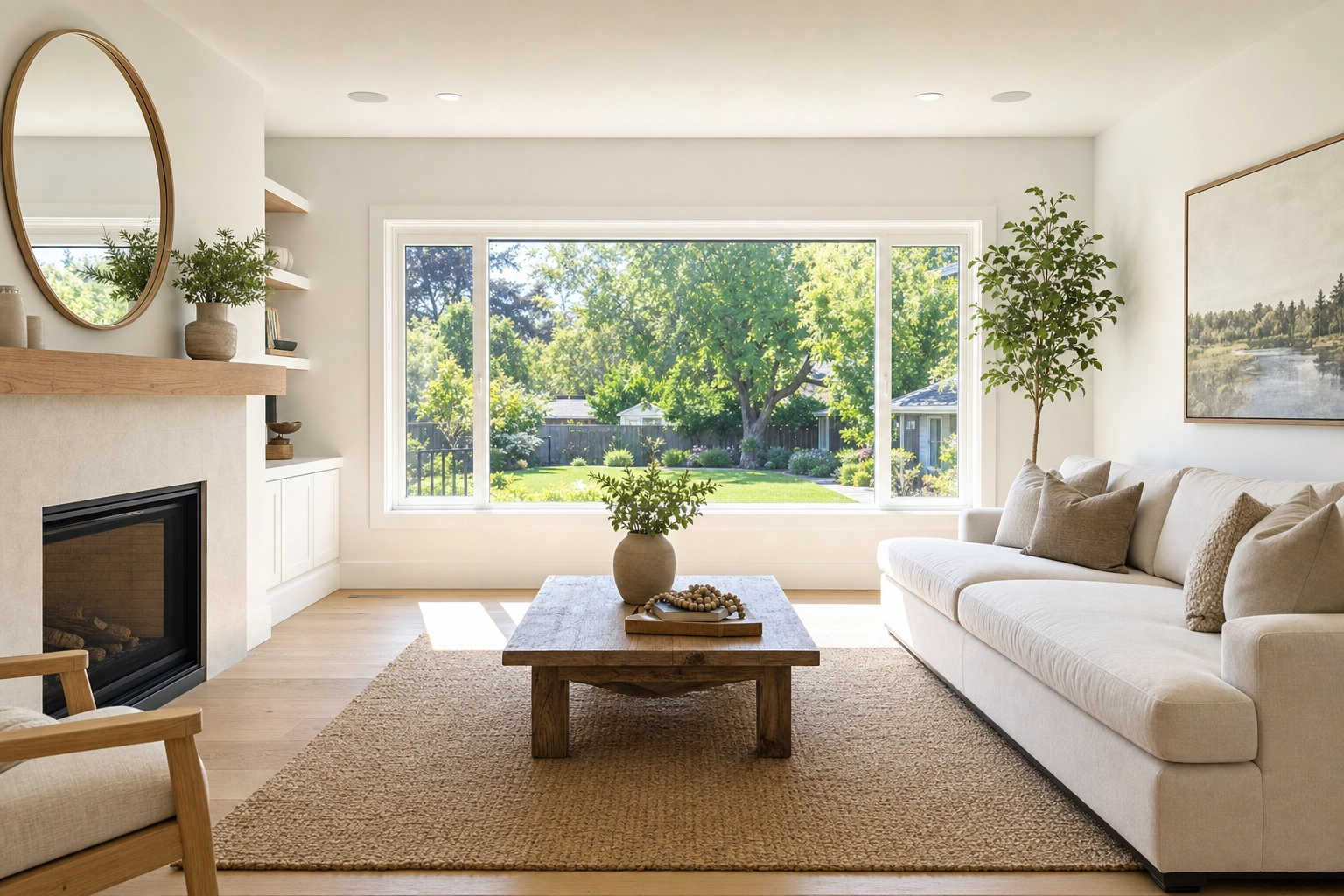
Two things genuinely set it apart for the right buyer. First, native RAW development and HDR bracket merging make it a natural fit for photographers who shoot the proper way and want a fast, consistent edit on every image. Plotpane now takes RAW files too, but the distinction is real and narrower than it sounds: Plotpane reads the full-size JPEG the camera already wrote inside the file, while Autoenhance.ai develops the sensor data. For a bracketed set, or for a single frame that needs the highlight latitude RAW exists to give you, Autoenhance.ai is doing something Plotpane is not. Second — and this is the big one — Autoenhance.ai has an established public API plus connectors for Google Drive, Zapier, and Dropbox. If you run a real estate media company processing thousands of images a month, or you're a portal that wants to embed instant enhancement into your own software, that API is a real moat. Plotpane does not offer a public API, and we'll be upfront about that throughout this comparison.
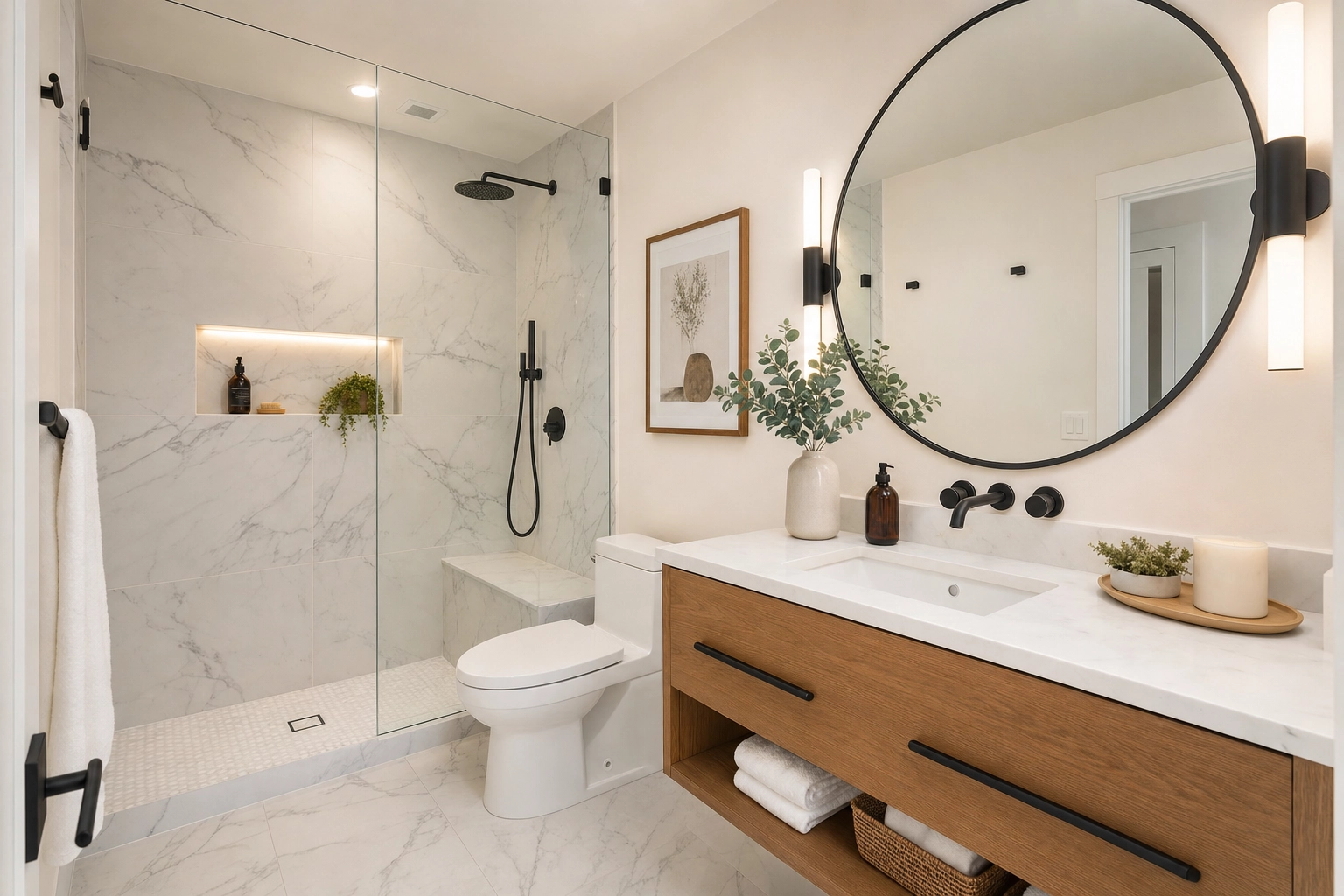
Autoenhance.ai also lets you preview every enhancement for free with a watermark before you pay, and its pay-per-image option means you can use it occasionally with no monthly commitment. At very high volume, its per-image cost can drop into pennies — cheaper than almost anything else on the market. On clean, well-composed interiors like the bright bathroom below, the enhanced result is hard to fault. None of that is spin; it's simply the right software for an enhancement-only job.
Where Autoenhance.ai stops — and Plotpane keeps going
Here's the line that matters: Autoenhance.ai improves the photo you already took. Plotpane changes what the listing shows. Every transformation below is something Autoenhance.ai doesn't offer in 2026 — confirmed against its own feature page. To do any of them, an Autoenhance.ai user has to buy and learn a separate piece of software.
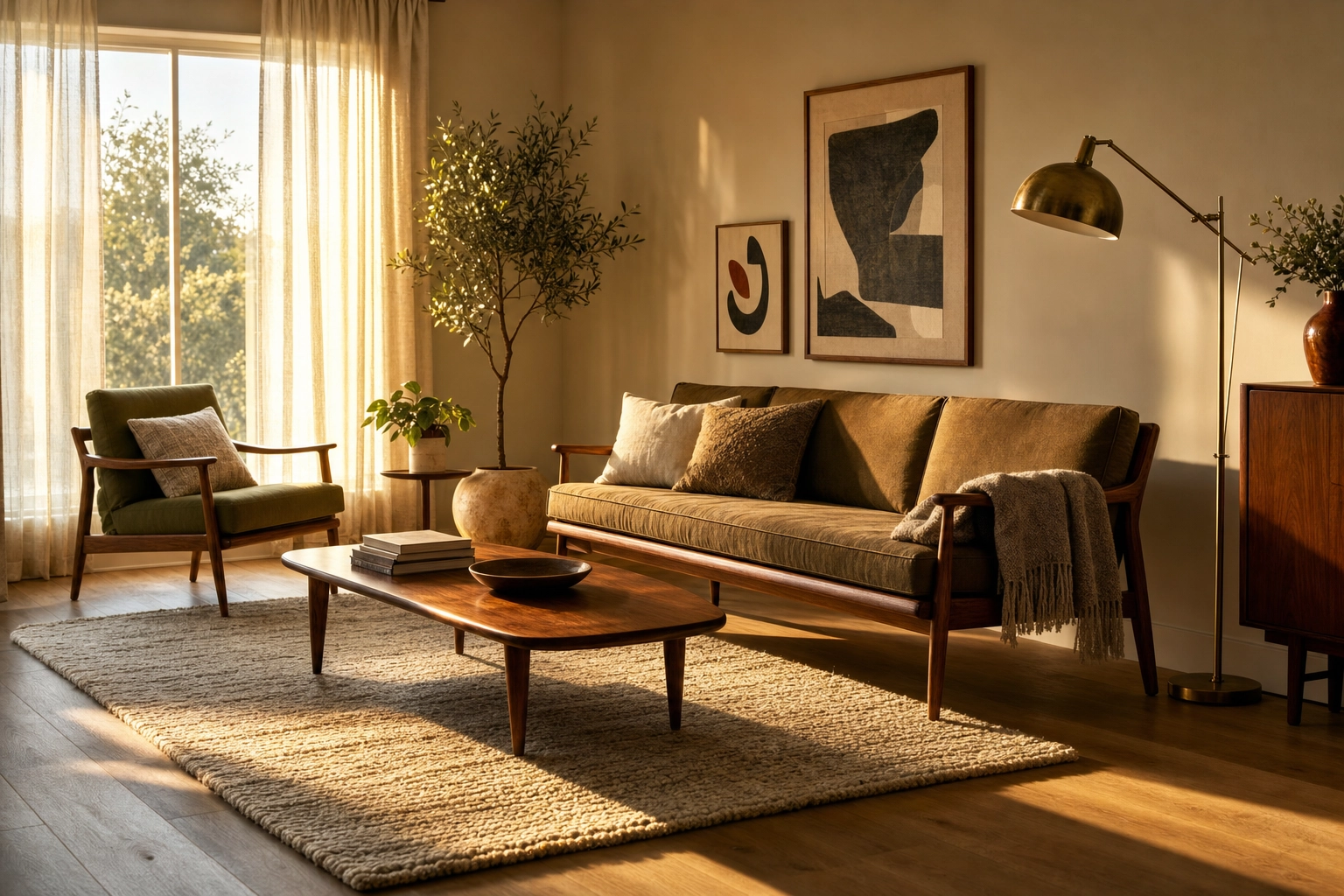
- Virtual staging. Drop photorealistic furniture into a vacant room in ten design styles, with correct scale, lighting, and shadows. An empty listing reads as a floor plan; a staged one reads as a home. The National Association of Realtors found that 83% of buyers' agents say staging makes it easier for buyers to visualize a property as their future home, and its 2025 research also tied staging to less time on the market. Autoenhance.ai can brighten the empty room — it can't furnish it.
- Day-to-dusk conversion. Turn a midday exterior into a warm twilight cover shot with glowing windows — no second trip to the property at golden hour. Traditional twilight reshoots add hundreds of dollars per listing; this replaces them.
- Clutter removal. Brush out bins, cars, power lines, personal photos, and countertop mess, with the AI reconstructing the texture underneath. Enhancement can't delete a parked truck from the driveway — it can only light the truck better.
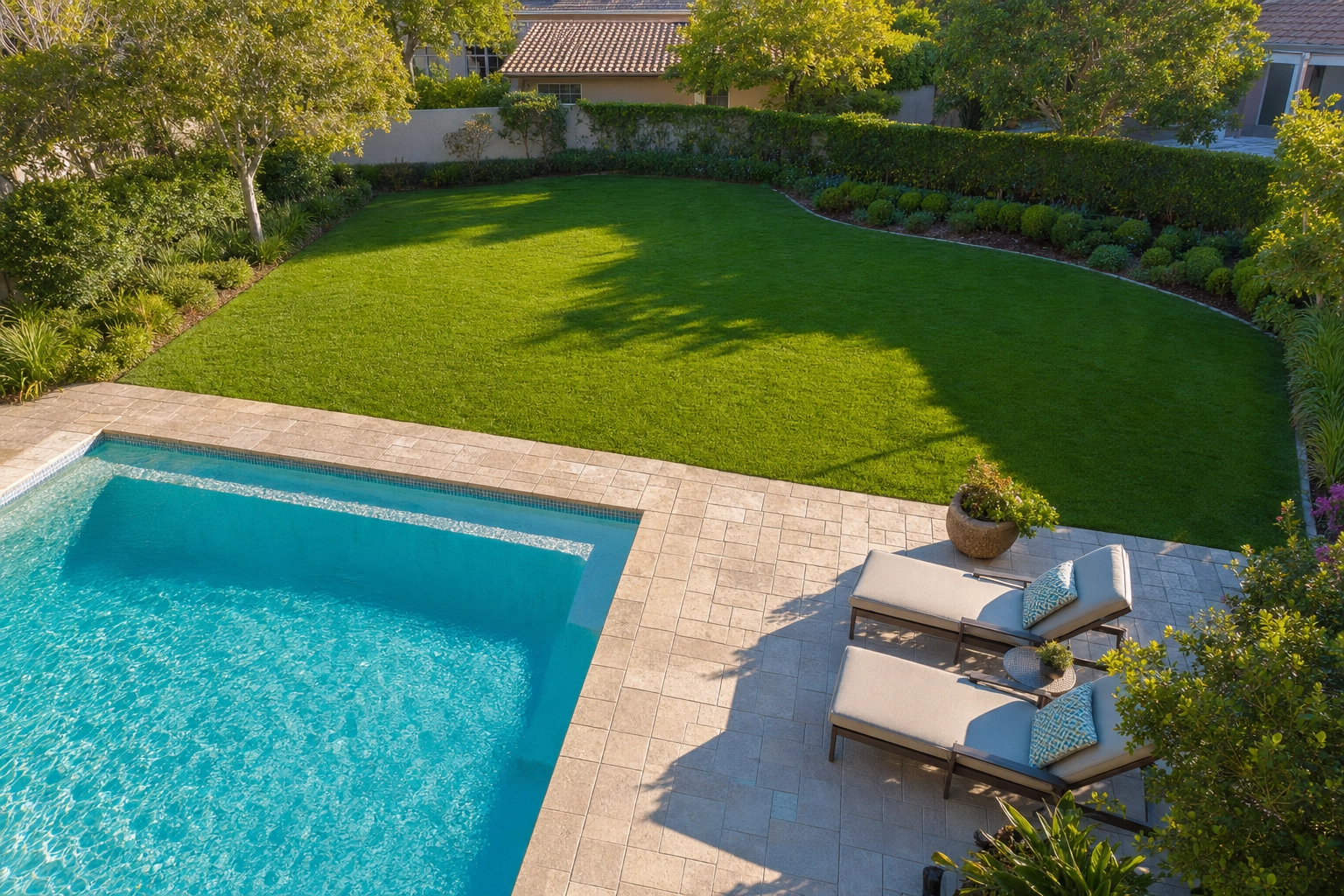
- Lawn & pool revive. Green up a patchy, summer-burnt lawn and clear cloudy pool water so the backyard sells the lifestyle instead of the maintenance backlog.
And the part that's easy to miss: every one of these costs the same single credit. There is no staging premium and no per-tool surcharge — one photo through one tool is one credit, and an MLS-ready JPEG comes back in about two minutes. They don't stack, though: running a second tool on the result is a second render and a second credit, because no pipeline here folds two operations into one pass. (The economics are worth a look — our virtual staging ROI breakdown does the cost math.)
Three structural differences are worth naming:
The same output resolution on every plan. Plotpane delivers around 2400 px on the long edge on the cheapest tier, and an optional high-resolution pass takes the same image to roughly 4700 px for one extra credit. Nothing about resolution is gated behind a tier. With Autoenhance.ai, full resolution starts on the Advanced plan — the Essential tier renders at a lower resolution. To be fair, Autoenhance.ai's Expert tier goes all the way to 6K, higher than Plotpane's maximum; if absolute pixel count is your priority, that's a point in its column.
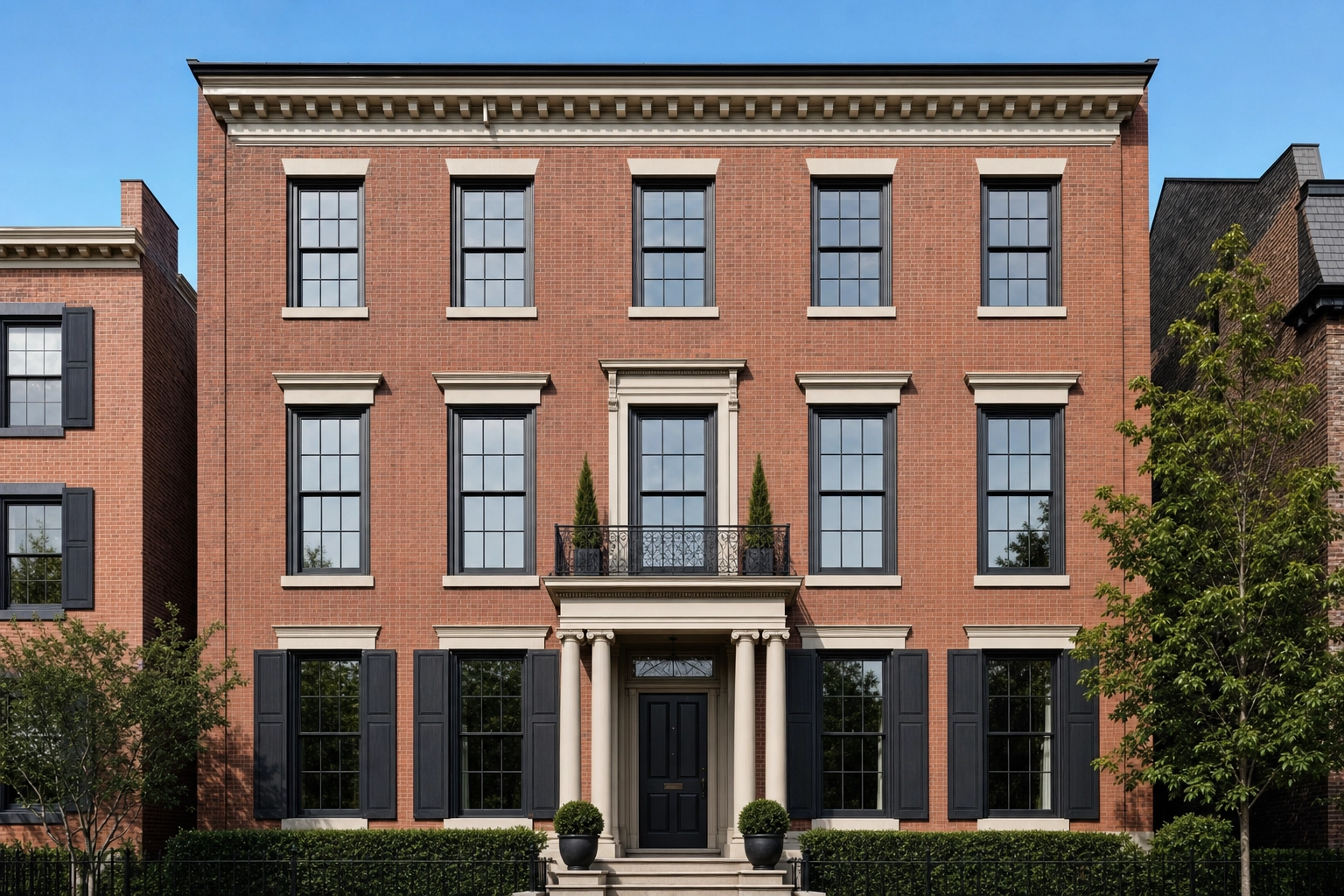
Structure-preserving fidelity. Plotpane's staging and enhancement run under a "Fidelity Contract" — every render carries an explicit preserve-list for geometry, glass, and existing architecture, so the AI never invents a room, moves a wall, or hallucinates a window. This is the opposite of a text-to-image tool. Your perspective fix and sky swap change the photo; they never change the property.
Built-in disclosure. Because Plotpane stages, every export carries invisible XMP AI-disclosure metadata, so the staging record travels with the file. You still write the listing-remarks disclosure in your MLS portal — that part is always the agent's job, and our MLS virtual staging disclosure guide walks through the rules state by state. Autoenhance.ai doesn't stage, so it doesn't need this — but it's exactly the feature you'll wish you had the first time you stage a vacant listing.
Pricing: pay-per-image vs a flat subscription
This is where the two products diverge the most, so let's do the math honestly rather than spin it.
Autoenhance.ai charges by volume. You pay only for the images you download. Its published plans land around $29/month for Essential (about 50 images), $109/month for Advanced (about 250 images, 4K), and $449/month for Expert (about 1,500 images, 6K), with custom enterprise pricing and a pay-per-image option on top. Exact numbers depend on the volume you select, and at enterprise scale the per-image rate drops into pennies. For pure enhancement at high volume, that's hard to beat.
Plotpane charges a flat subscription with every tool unlocked:
- Starter — $49/mo ($39 billed annually): 100 images a month — staged, enhanced, dusk, sky, decluttered, all one credit each.
- Pro — $99/mo ($79 billed annually): 220 images a month, batches of 50 photos at a time running one tool across the set, ZIP download.
- Agency — $249/mo ($199 billed annually): 600 images a month, batches of 150 photos at a time, ZIP download.
Annual billing is roughly 20% off across the board. The full breakdown lives on the Plotpane pricing page.
Now the comparison that actually matters. If all you ever do is enhance, Autoenhance.ai's per-image model can come out cheaper at the two ends: around 50 images a month, where its $29 Essential tier undercuts a $39 Starter, and past the 600 an Agency plan covers, which we cannot serve at all. Between those it no longer does — a $79 Pro plan now sits under the $109 Advanced tier at a comparable count. But the instant your listings need staging, twilight, or decluttering, the math flips. With enhancement-only software you'd be paying for Autoenhance.ai plus a separate staging service plus a separate day-to-dusk tool — three subscriptions, three logins, three exports to reconcile. Plotpane folds all of it into one flat price. A single Pro plan at $79/month annual covers 220 images spanning enhancement, staging, dusk, sky, and decluttering — each costing exactly one credit, work that would otherwise be split across multiple vendors.
One more practical note: Plotpane never auto-charges for overages. When you hit your render cap, new renders pause until the next cycle instead of surprising you with a bill. And neither tool watermarks a paid export — Autoenhance.ai's watermark only appears on the free preview. Run the numbers across a full month of listings and Plotpane becomes the rare Autoenhance alternative that folds several separate tools into one predictable bill.
When Autoenhance.ai wins vs when Plotpane wins
Neither tool is "better" in the abstract — they're built for different jobs. Here's the clean decision.
Choose Autoenhance.ai if:
- Your work is enhancement-only — HDR, sky, perspective, white balance — and you never stage or transform.
- You process very high volume (thousands of images a month) and want the lowest possible per-image cost.
- You're a media company or property portal that wants to integrate enhancement through an API.
- You shoot bracketed RAW and want native HDR merging, or you want the RAW developed from the sensor data rather than read from the JPEG preview the camera embedded in it.
- You prefer pay-per-image with no commitment, or you want a free watermarked preview before paying.
- You specifically need 6K output.
Choose Plotpane if:
- You need more than a polish pass — virtual staging, day-to-dusk, decluttering, lawn/pool, or perspective correction.
- You'd rather have one tool and one bill for staging, dusk, and decluttering than bolt three subscriptions together.
- You'd rather have flat, predictable pricing with every tool unlocked from day one.
- You want the same output resolution on your cheapest plan, not gated behind a mid-tier.
- You stage listings and want AI-disclosure metadata baked into every export.
- You list weekly and want a single tool for the whole listing, not just the lighting.
In practice, that maps cleanly to audiences. A high-volume editing shop or a developer integrating enhancement into their stack will be happy on Autoenhance.ai. A solo agent shooting their own listings, a top producer who needs vacant homes staged before the open house, or a real estate photographer selling a full edit-and-stage package will get more out of Plotpane — and so will a brokerage that wants one predictable bill for a season of listings — though the account is single-user, with no seats and no shared credit pool. The same logic extends beyond residential: property developers marketing pre-construction, short-term-rental operators chasing OTA consistency, and commercial brokerages prepping CoStar or LoopNet listings all need transformation, not just a brightness pass. That breadth — enhancement and transformation in one place — is the honest case for choosing Plotpane as your Autoenhance alternative. If you've also been weighing human-edit services, our BoxBrownie alternative breakdown covers the per-image model and our Pixlmob alternative breakdown covers the editor marketplace.
How to switch from Autoenhance.ai (or run both)
You don't have to rip anything out to try Plotpane, and for some teams the smartest move is to run both.
If Autoenhance.ai already powers your enhancement pipeline — especially through the API — keep it for what it's good at and add Plotpane for the transformations it can't do. Enhance and HDR-merge in Autoenhance.ai, then route the listings that need staging, dusk, or decluttering through Plotpane. Two tools, zero overlap.
If you'd rather consolidate, the migration takes an afternoon:
- Pick three recent listings and run each photo through the tool it actually needs — enhance, declutter, sky, or stage — so you can compare the finished images against your old workflow on real properties, not demos. Budget one credit per render, and a second credit for any photo you want to run through a second tool.
- Pick a staging style and a room type. Virtual Staging ships ten styles — Modern, Scandinavian, Coastal, Japandi, Mid-Century, Luxury, Industrial, Mediterranean, Gulf Modern, European Classic — and naming the room means a bedroom gets a bed rather than a sofa. A batch runs one tool at one setting across every photo in it.
- Bring your originals in any common format. Plotpane accepts JPEG, PNG, WebP, and HEIC straight off a phone, up to 25MB a file. Camera RAW goes in too — CR2, CR3, NEF, ARW, DNG and the rest — but it is not developed: Plotpane reads the full-size JPEG the camera wrote inside the file, so what you get is the camera's own rendering. A frame that needs real highlight recovery is still better developed in Lightroom or Capture One and exported as a full-quality JPEG.
- Validate, then decide. There's no contract; cancel any billing cycle in one click, and the 3 free renders you get on sign-up let you check the output on a real listing before you pay.
A couple of honest reminders so there are no surprises. Plotpane is image-only — it doesn't do video or generate floor plans, and it isn't a developer API. And whichever software stages the photo, you still handle the listing-remarks disclosure in your MLS; the tool embeds the metadata, but the written disclosure is always the agent's responsibility. If Plotpane is the Autoenhance alternative you land on, that one manual step is the only part it won't automate.
Frequently asked questions
What is the best Autoenhance alternative in 2026?
It depends on what you're missing. If you need an enhancement engine with an API at massive scale, the closest alternatives are other enhancement-only tools. But if you went looking because Autoenhance.ai can't stage, declutter, or convert to twilight, Plotpane is the best Autoenhance alternative for the job — it does all of that plus enhancement on a flat subscription, one credit and about two minutes an image, with no per-image accounting.
Does Autoenhance.ai do virtual staging?
No. As of 2026, Autoenhance.ai's feature set is enhancement-only: HDR merge, sky replacement, perspective correction, window pulls, white balance, relighting, color correction, auto-privacy, and 360 enhancements. It does not offer virtual staging, day-to-dusk, object removal, lawn/pool revive, or renovation. Plotpane covers four of those five — staging, day-to-dusk, clutter removal, and lawn/pool revive — alongside enhancement, which is the main reason agents compare the two in the first place. Renovation is the one neither tool does. If you're new to why staging matters, the NAR consumer guide to staging is a solid primer.
How much does Autoenhance.ai cost compared to Plotpane?
Autoenhance.ai prices by volume — you pay for the images you download — with published monthly tiers around $29 (Essential), $109 (Advanced), and $449 (Expert), plus pay-per-image and custom enterprise rates. Plotpane is a flat subscription at $49 (Starter), $99 (Pro), or $249 (Agency) a month, about 20% cheaper billed annually, with every tool included. For pure enhancement at high volume Autoenhance.ai can cost less per image; once you need staging or twilight, one Plotpane plan usually beats stacking multiple pieces of software.
Is there a free Autoenhance.ai alternative?
Not a permanent free one worth recommending for real listings. Autoenhance.ai itself offers a free watermarked preview, and many tools dangle limited free credits, but output with no visible mark generally requires a paid plan. Plotpane gives you 3 free renders when you sign up, no card required; those trial images carry a small Plotpane mark that any plan removes, so you can test it on a real listing before you pay.
Does Plotpane have an API like Autoenhance.ai?
No, and this is a genuine point in Autoenhance.ai's favor. Plotpane is an image application built for agents, photographers, and brokerages, not a developer API for embedding enhancement into another product. If programmatic, high-volume integration is a hard requirement, Autoenhance.ai's established API is the better fit. If you want the seven tools in a dashboard you run yourself, Plotpane is built for that.
Can I use Autoenhance.ai and Plotpane together?
Yes, and plenty of teams do. A common setup is to keep Autoenhance.ai for high-volume, API-driven enhancement and route the listings that need staging, day-to-dusk, or decluttering through Plotpane. Because Plotpane accepts JPEG, PNG, WebP, HEIC and camera RAW up to 25MB, the handoff is a file upload — though Plotpane reads the camera's embedded JPEG rather than developing the RAW, so anything that needs genuine RAW latitude should come out of your converter first.
Is Autoenhance.ai or Plotpane better for real estate photo editing?
For correcting photos at scale, Autoenhance.ai is excellent and hard to beat on per-image cost and API integration. For transforming listings — staging vacant rooms, twilight covers, decluttering — Plotpane does the jobs Autoenhance.ai does not cover at all. The honest answer: if "editing" means enhancement, pick Autoenhance.ai; if it means the whole listing, pick Plotpane.
Ready to do more than enhance? Plotpane is the Autoenhance alternative that ships all seven tools — enhancement, perspective, sky, lawn & pool, declutter, day-to-dusk, and staging — at one credit and about two minutes each, with no visible watermark on any plan. See plans and pricing, or talk to sales about volume for a brokerage, franchise, or photography network.