Real Estate HDR Photo Editing Services: What to Use in 2026
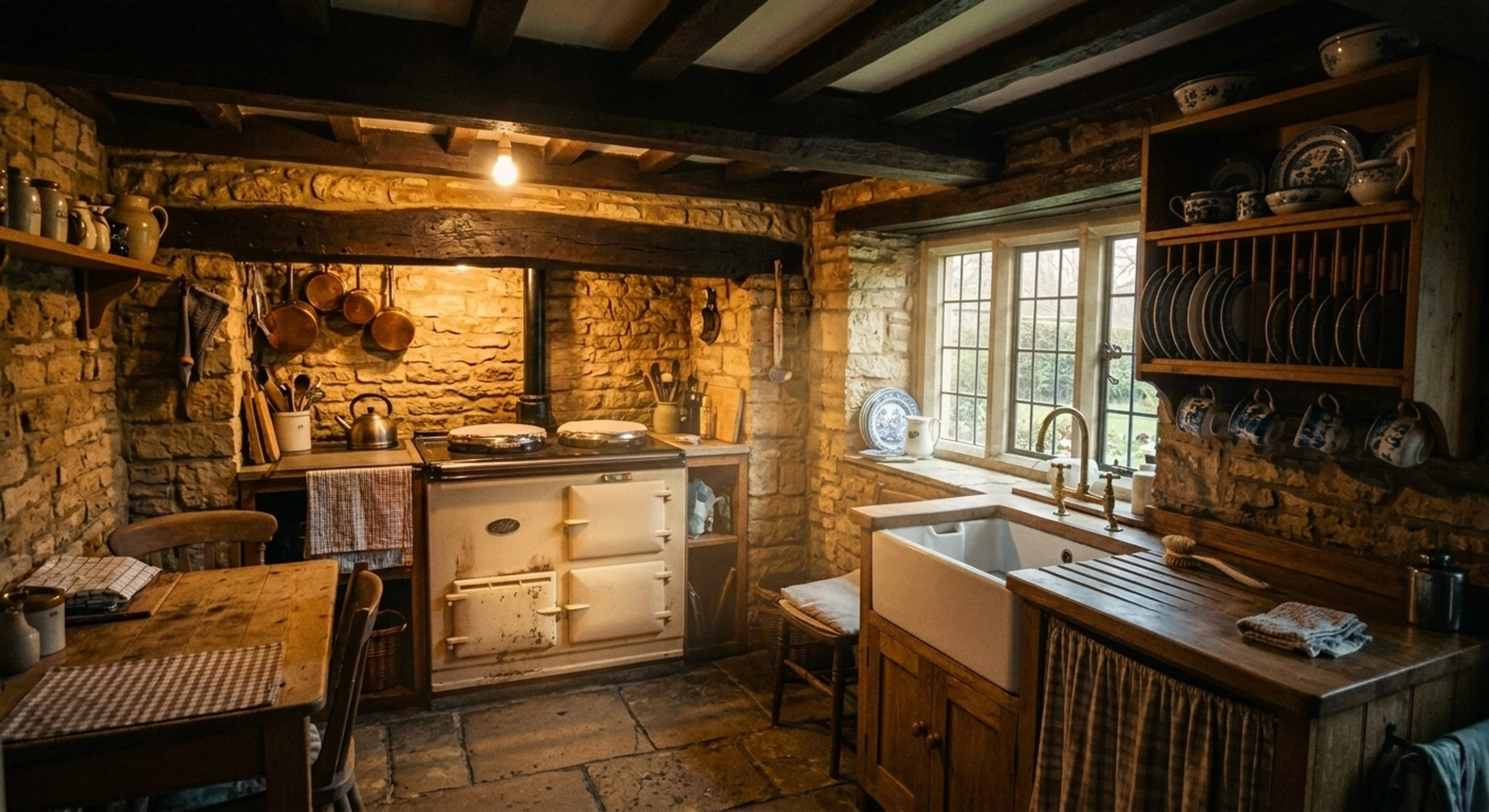
Every real estate interior is the same lighting problem: the window is four to six stops brighter than the room. Expose for the room and the window blows to white. Expose for the window and the room goes to mud. HDR editing is how you get both — a legible view through the glass and open shadows in the corners.
There are two completely different ways to buy that, and most comparison pages blur them together. This one doesn't.
Quick Summary: Traditional HDR editing services merge the exposure brackets you shot — typically 12–24 hour turnaround at $0.80–$2.00 per image. Single-image AI tone-mapping recovers the same window-and-shadow range from one ordinary photo in about two minutes on a flat monthly fee. Shoot brackets and want them merged? Use a bracket-merge service. Shooting single frames, or working through a backlog tonight? Use AI.
What "HDR editing" actually means for listing photos
High dynamic range imaging is about capturing a scene whose brightest and darkest parts exceed what one exposure can hold. In real estate that scene is almost always a room with a window.
In practice, "HDR real estate photography" refers to two distinct jobs:
- Merging — you shoot a bracketed set (commonly 3, 5, or 7 frames at ±1 or ±2 EV) and someone combines them into one image with the full range retained.
- Tone-mapping — taking that combined range, or a single well-exposed raw frame, and redistributing the tones so the result looks natural rather than the grey, halo-ringed "HDR look" that dates a listing instantly.
The second job is where photos are won or lost. A technically correct merge that has been tone-mapped badly looks worse than a clean single exposure, and buyers read it as amateur.
The two ways to get HDR editing done
| Bracket-merge service | Single-image AI | |
|---|---|---|
| Input | 3–7 bracketed frames per room | One photo per room |
| Who does it | Human editors | Software you run |
| Turnaround | 12–24 hours typical, 4–8h rush | ~2 minutes |
| Pricing | ~$0.80–$2.00 per image | Flat monthly |
| Revisions | Ticket, then re-queue | Re-render immediately |
| Consistency | Varies by editor | Same tool and setting every frame |
| Best for | Bracketed shoots, art direction | Single frames, volume, deadlines |
Neither is universally better. They solve the problem at different points.
When a bracket-merge service is the right answer
Be honest with yourself about your shooting workflow. If you are already bracketing, you have captured real data at both ends of the range, and a good editor merging those frames will beat any reconstruction from a single image. Nothing recovers detail that was never recorded.
Use a traditional HDR editing service when:
- You shoot brackets and want them merged. This is the obvious one, and it is a real capability gap in AI tools — including ours. See below.
- The job needs art direction. A hero shot for a $12M listing, where someone should be making judgment calls about mood, deserves a human.
- Windows are the whole point. Waterfront, skyline, or mountain-view properties where the view is the product justify the extra capture and cost.
- Volume is low. At ten images a month, per-image pricing is cheaper than any subscription.
When single-image AI wins
The economics invert as soon as you are editing on a deadline or in bulk.
Turnaround measured in minutes
The gap is not incremental. A 30-image listing that comes back tomorrow morning from an editing service is done in about an hour of wall-clock time with an AI pipeline — and you can review, re-render, and export while you are still parked outside the property.
You do not have to bracket
This is the part most photographers underestimate. If a single-image pipeline can recover the window and open the shadows, you can shoot one frame per room instead of five. That is 80% fewer frames to capture, card-offload, cull, and store — and it makes handheld shooting viable in rooms where a tripod is awkward.
Consistency across the set
A distributed editing team gives you photos edited by different people. The white balance drifts room to room, and a buyer scrolling the gallery feels it even if they cannot name it. One tool at one setting across all 30 frames removes that variable — what it cannot remove is the light you shot them in, so a set that reads as one shoot still starts at capture.
Flat cost
Per-image pricing punishes exactly the months you are busiest. A flat subscription does the opposite.
What Plotpane actually does — and does not do
Being specific matters more than sounding capable, so:
Plotpane performs single-image HDR tone-mapping. The enhancement pass works from one photograph: it recovers detail in blown window highlights so what is already visible through the glass reads clearly again, and lifts dark corners so the room is legible. It aims to hold the tonal range rather than crushing blacks or clipping highlights. It cannot recover a window that recorded nothing — see below.
It handles the mixed-light problem in the same render: neutralising the tungsten/daylight/LED mix so walls that should read neutral do, while keeping the warm pool around lamps so practicals still read as switched on. It also gently levels handheld tilt, which is why most phone frames need nothing else.
Plotpane does not merge bracketed exposures. If you upload five frames, it treats them as five separate photos. Bracket merging is a genuinely different operation and we do not do it. If that is your workflow, a bracket-merge service is the correct tool and we would rather tell you that than take the subscription.
It also will not invent what was not there. Every render runs under a fidelity constraint: no adding, removing, or relocating architecture, no revealing a view that was not at least partially visible, no concealing defects. A window that was pure white with zero recorded detail gets a plausible continuation of what is partly visible — not a fabricated skyline. That constraint exists because a buyer will stand in the room and compare.
Getting HDR right at capture
Editing cannot fix a capture problem, so the highest-leverage changes happen at the property:
- Shoot in the right light. Mid-morning or late afternoon gives you a window luminance the sensor can partly hold. Midday sun through south-facing glass is the hardest case.
- Turn the practicals on. Lamps and under-cabinet lighting give the room warmth and depth that no editing pass can convincingly fabricate.
- Kill the ceiling fan. Motion blur on blades survives every edit and looks like a mistake.
- Watch your verticals. Keep the camera level; converging walls are fixable but always cost some crop.
- Expose for the room, not the window when shooting single frames. Recovering a bright window is far more tractable than reconstructing a black corner — there is simply more information in the highlights.
Does HDR editing need to be disclosed?
Tone-mapping and exposure correction are corrections to the capture, not to the property, and are not treated as material alterations. Virtual staging and object removal are different — most MLSs require those to be labelled. Our MLS disclosure guide covers the specific rules, and the line we hold is simple: correcting how the camera recorded the room is fine, changing what is in the room needs a label.
Frequently Asked Questions
Is HDR editing the same as photo retouching? Overlapping, not identical. HDR editing specifically addresses dynamic range — windows and shadows. Real estate photo retouching is broader: it also covers colour, verticals, clutter, lawn and sky. Most listings need both, which is why enhancement passes bundle them.
Can AI HDR match a real bracket merge? For a typical interior with one or two windows, the difference in the finished listing photo is small enough that buyers will not see it. For extreme range — direct sun into a dark room — a real bracket set still holds detail that no single frame recorded. Match the method to the scene.
How much do real estate HDR editing services cost? Outsourced bracket merging generally runs $0.80–$2.00 per image, with rush tiers costing more. Plotpane is $39–$199 per month flat, covering 100 to 600 images depending on plan — which works out cheaper above roughly 25 images a month, and considerably cheaper at photographer volume.
What file formats can I upload? JPEG, PNG, WebP, HEIC and camera RAW — CR2, CR3, NEF, ARW, DNG, RW2 and the rest, up to 25MB. RAW is not developed: Plotpane reads the full-size JPEG the camera already wrote inside the file, so the tonal latitude that makes a bracket merge worth doing is not recovered from the sensor data. See the RAW upload guide.
How long does one image take? About two minutes, exported as a JPEG at around 2400 px on the long edge — or roughly 4700 px for a second credit — with no visible watermark.
The short version
If you bracket, buy bracket merging. If you shoot single frames — or you are staring at 40 images that need to be live before tomorrow's open house — single-image AI tone-mapping does the same job for the listing in about two minutes a frame, at a flat monthly cost.
Try it on one of your own photos and compare it against whatever you are paying per image today.