AI Real Estate Photo Editing: What It Does Well, and Where It Fails
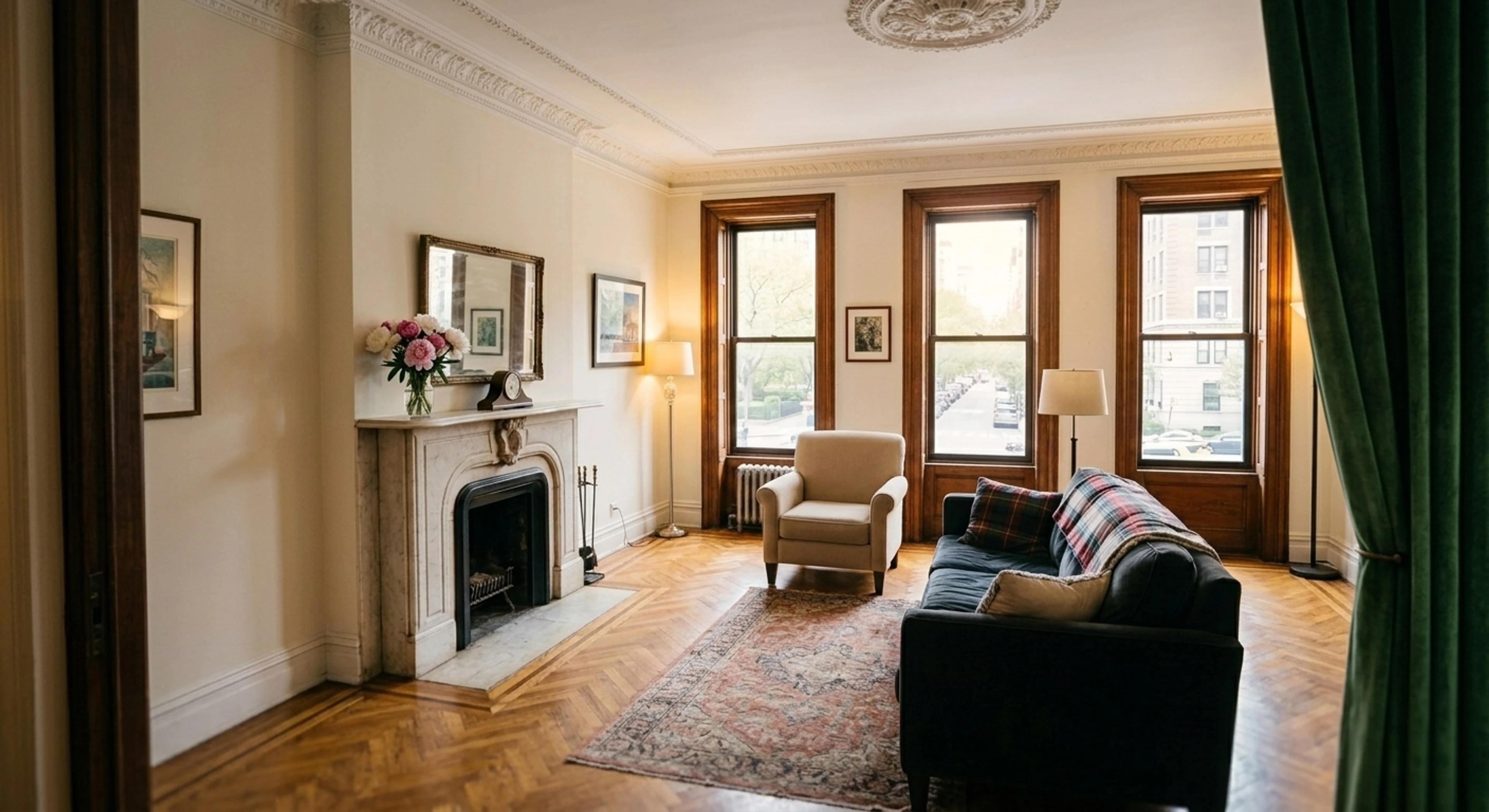
AI editing went from novelty to default for listing photos in about two years. It is now genuinely good at some jobs, unreliable at others, and legally constrained in ways most marketing pages skip.
This is the version I would want if I were choosing a tool: what works, what does not, and how to tell the difference before you pay for a year.
Quick Summary: AI reliably handles exposure and dynamic range, white balance, colour, verticals and clutter — the repetitive corrections that make up most of an edit. It is less reliable at anything requiring judgment about what belongs in a room, and every tool occasionally invents detail. The non-negotiable test for a real estate tool is whether it preserves the property faithfully, because a buyer is going to stand in that room.
What AI does reliably
Exposure and dynamic range. The core interior problem — window four to six stops brighter than the room — is now solved well from a single frame. Recovering highlight detail through glass while opening shadows is the single highest-impact edit on most interiors, and modern tone-mapping does it convincingly. Detail in our HDR guide.
Mixed-light white balance. Neutralising the daylight/tungsten/LED mix while keeping the warm pool around lamps is fiddly by hand and consistent by machine.
Vertical and perspective correction. Deterministic geometry. Nothing to hallucinate.
Colour fidelity. Restoring wood species, stone veining and metal finish to what they are — provided the tool is not pushing saturation, which several consumer-grade ones are.
Consistency across a set. This is where software genuinely beats a distributed human team. Thirty frames through one tool at one setting at least vary only by what you shot; thirty frames across three editors vary by who touched them as well. Neither approach fixes light that changed between rooms.
Where it still fails
Deciding what counts as clutter. Ask a model to "remove clutter" without telling it what, and it has to guess. Tools that guess will eventually delete a closet, a radiator, or a window, because to a model those are just objects. Any tool worth using either lets you say what to remove or errs heavily toward doing nothing.
Holding the camera still. Perspective drift during a heavy edit is a real and unsolved failure mode across tools. It is subtle and it matters: a room that subtly widens is a misrepresentation.
Inventing what was not recorded. A blown-out window with zero recorded detail is a blank. Some tools fill it with a plausible view — a skyline, a garden, a coastline. That view does not exist. This is the single most dangerous behaviour in a real estate tool.
Art direction. Nothing here makes a judgment call about mood on a hero shot for a trophy listing. That is still a person.
The constraint that separates real estate tools from photo tools
General-purpose AI editors optimise for a good-looking image. Real estate editors have to optimise for a true image, and those goals conflict more often than you would expect.
A buyer is going to physically visit the property and compare it against the photo. That single fact rules out a long list of things a general photo tool does happily: widening rooms, replacing views, straightening a roofline, removing a crack, greening a lawn without saying so.
The disclosure line is worth memorising, because it decides what needs a label:
- Correcting the capture — exposure, colour, verticals, dynamic range. Makes the photo more accurate. Not generally treated as material.
- Changing the scene — virtual staging, object removal, sky replacement, lawn replacement. The buyer will not find this. Usually requires disclosure.
Rules vary by MLS and state; the disclosure guide has specifics.
How to evaluate a tool in ten minutes
Do not judge on the marketing gallery — those are chosen. Run these five on your own photos:
- A room with a bright window. Does the view through the glass come back as something that was plausibly there, or as an invented skyline? Compare against the original.
- A room with built-in storage. Run the declutter pass. Count the closets before and after.
- A photo with a visible defect — a stain, a crack. Did it survive? If the tool silently removed it, that is a liability, not a feature.
- The same room twice. Do two runs produce consistent colour and geometry, or does each render drift?
- A wide-angle interior. Overlay the before and after. Did the walls move?
Any tool that fails 1, 3 or 5 is unusable for listings regardless of how good the output looks.
What it costs
Three pricing shapes in the market:
- Per-image — roughly $0.65–$2.00 for standard work, $8–$32 for staging or dusk. Cheapest at low volume.
- Credit bundles — you buy credits, and each render consumes some number of them, often more for staging or dusk. Read that footnote carefully; "100 credits" can mean twenty staged rooms.
- Flat subscription — a fixed monthly image count. Predictable, and the specialist work costs the same as the simple work.
Plotpane is the third shape: one credit per image whichever tool you use, 100 images a month at $39 billed annually, 220 at $79, 600 at $199. JPEG out at about 2400 px on the long edge, no visible watermark, about two minutes an image. Tools do not stack, so a frame you run twice costs two credits. We publish it that way specifically because variable per-tool pricing is the thing customers misread.
Where we are honest about our own limits
Since this page is on our site, the same scrutiny should apply to us:
- Every render runs under an explicit fidelity constraint — no adding, removing or relocating architecture, no revealing anything not already visible in frame, no softening a defect. That is enforced in the instruction on every single render, not a marketing line.
- Clutter removal takes a written target. Name what you want gone and that list is exhaustive; leave it empty and it errs toward doing nothing rather than guessing.
- Perspective drift is not fully solved here either. If you see it, send us the pair.
- Camera RAW uploads directly, but it is not developed. We take the full-size JPEG the camera already wrote inside the file — its own rendering of the scene — so there is no highlight recovery from sensor data here. A frame that needs that should be developed in Lightroom or Capture One and uploaded as a full-quality JPEG.
Frequently Asked Questions
Is AI real estate photo editing accepted by MLSs? Yes, with disclosure rules that depend on what was changed. Corrections to lighting and colour are fine unlabelled; staging and object removal generally need a label.
Can AI replace a real estate photo editor? For the repetitive corrective work, largely yes. For art direction on a hero image, no. Many photographers run both.
How long does an AI edit take? About two minutes per image, against 12–48 hours for outsourced human editing.
Will AI editing make my photos look fake? It can, and that is a tool choice. Over-saturated, over-sharpened, halo-ringed output dates a listing instantly. Judge on the five tests above rather than on which tool produces the most dramatic before/after.
What resolution should I work at? Full capture resolution, exported to your MLS's limit — see MLS photo size requirements.
Run the five tests on a photo of your own and see which ones we pass.