Real Estate Photo Retouching: What Gets Fixed, and What Must Not
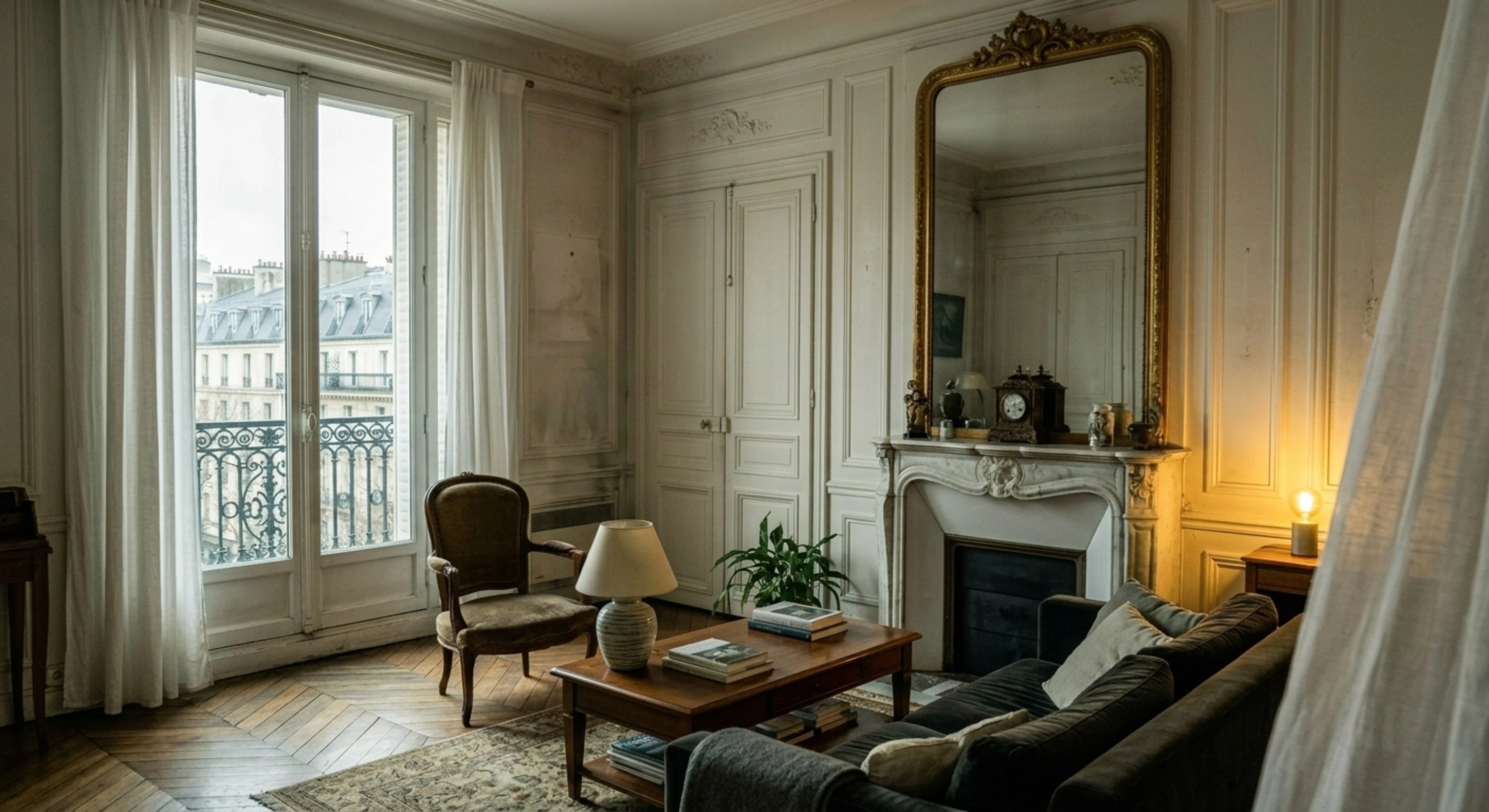
Retouching a listing photo is not the same job as retouching a portrait or a product shot. In those, you are making something look its best. In real estate, you are making a photograph an accurate record of a room that a buyer will physically walk into — and every edit is measured against that walk-through.
That constraint is the whole discipline. This guide covers what real estate retouching actually includes, what it costs, and the specific line most retouchers cross without noticing.
Quick Summary: Real estate photo retouching covers exposure and dynamic range, vertical correction, mixed-light white balance, colour truth, clutter removal, and sky and lawn replacement. The first four are corrections to the camera. The last three change what is in the frame, and most MLSs require those to be disclosed.
The two categories, and why the distinction matters
Every retouching operation falls into one of two buckets, and conflating them is how agents end up in front of a licensing board.
Correcting the capture. The room was fine; the camera failed to record it faithfully. Blown windows, colour casts from mixed lighting, converging verticals from a tilted camera, muddy shadows. Fixing these makes the photo more accurate, not less. No disclosure is expected.
Changing the scene. Adding furniture, deleting a bin, replacing an overcast sky with blue, greening a dormant lawn. The photo now shows something the buyer will not find. These are legitimate and widely used — but they are representations, and they carry disclosure obligations.
Keep the two straight and retouching is safe. Blur them and you are one complaint away from a problem.
What real estate retouching includes
Exposure and dynamic range
The core problem: interior windows run four to six stops brighter than the room. Retouching recovers highlight detail through the glass while lifting shadows in corners, ceilings, and joinery — without crushing blacks to pure black or clipping whites. This is the single highest-impact edit on almost every interior. We cover it in depth in the HDR editing guide.
Vertical and perspective correction
Point a wide lens slightly up or down and the walls converge. Buyers do not consciously notice corrected verticals; they absolutely notice uncorrected ones, and read the photo as amateur. Correction costs a little crop at the edges, which is why you frame slightly wide at capture.
Mixed-light white balance
A typical interior mixes daylight through glass (~5600 K), tungsten practicals (~2700 K), and LED downlights that could be anything. Automatic white balance splits the difference and gets everything wrong. Good retouching neutralises walls that are meant to read neutral while keeping the warm pool around lamps — otherwise the room looks sterile and the lamps look switched off.
Colour truth
Oak, walnut and teak read differently; Calacatta and Carrara are not interchangeable; brushed and polished metal reflect differently. Retouching should restore those to what they are, not push saturation. The teal-and-orange grade that flatters landscapes actively harms listings — it dates the photo and misrepresents the finishes a buyer is paying for.
Clutter removal
Bins, cables, car in the driveway, personal photographs, a pet bowl. Removing these is standard practice. Removing a defect — a crack, a stain, water damage — is not retouching, it is concealment, and it is the fastest route to a misrepresentation claim.
Sky and lawn
Grey sky to blue, dormant lawn to green. Both are common, both are representations, and both should be disclosed where the MLS requires it. The technical rule: replace only that region. A sky swap that introduces a mountain range which was never behind the house is not a sky swap, it is a different property.
What retouching must never do
This is the part worth being blunt about, because it is where money and licences are lost.
- Never conceal a material defect. Cracks, damp, damage, wear. Correct the lighting that makes them hard to see; do not remove them.
- Never alter architecture. No moving windows, extending rooflines, widening rooms, or removing a neighbouring building.
- Never invent a view. If the window shows a car park, it shows a car park.
- Never change proportion. Stretching a room to look larger is the oldest trick and the most actionable.
The standard we hold every render to: a buyer who saw the photo online and then arrives on site must find exactly what they saw, minus the corrected flaw.
What it costs
| Route | Typical price | Turnaround |
|---|---|---|
| Freelance retoucher | $2–$8 per image | 24–48h |
| Outsourced editing service | $0.80–$2.00 per image | 12–24h |
| In-house (your own time) | ~5–15 min per image | Immediate, but it's your evening |
| AI pipeline | Flat monthly | ~2 minutes per image |
The per-image routes are cheaper at low volume and get expensive fast. The crossover is usually somewhere around 40 images a month — roughly two listings for a working photographer.
Doing it yourself: a workable order of operations
If you are retouching in Lightroom or Capture One, this sequence avoids most of the rework:
- Lens corrections and verticals first. Everything downstream depends on the geometry being settled.
- White balance second, sampled off something genuinely neutral — a white ceiling, not a warm-toned wall.
- Recover highlights, then lift shadows. In that order; the reverse tends to produce grey, flat midtones.
- Local adjustments last — brighten a dark corner, calm a hot window.
- Clarity and sharpening at the very end, and less than you think. Over-sharpened tile grout is a signature of over-processing.
- Export at the MLS's maximum accepted dimensions, not at whatever the default is. See the MLS photo size requirements.
Where an AI pipeline fits
Plotpane runs the corrective half of that list — exposure and dynamic range, mixed-light white balance, colour truth, clarity — as a single render in about two minutes. Clutter removal, sky, lawn, verticals, and virtual staging are separate tools, each its own render and its own credit; nothing stacks them into one pass.
The constraint is deliberate and it is the reason it is usable for listings: it will not add, remove, or relocate architecture, will not reveal anything not already visible in frame, and will not soften a material defect. It corrects the capture. Anything that changes the scene is a separate, explicitly chosen operation you can disclose.
It does not replace a retoucher on a hero shot for a trophy property. It does replace the two hours you were going to spend tonight on 30 frames that all need the same four corrections.
Frequently Asked Questions
What is the difference between editing and retouching? In practice they are used interchangeably for listing photos. Where people do distinguish, "editing" tends to mean global corrections — exposure, colour, crop — and "retouching" means localised work like clutter removal and blemish cleanup.
Do I have to disclose retouched photos? Corrections to exposure, colour, and verticals are not generally treated as material. Virtual staging, object removal, and sky replacement usually are. Rules vary by MLS and by state — the disclosure guide has the specifics.
How long should retouching take per photo? A competent editor working manually spends 5–15 minutes on a typical interior. Automated passes handle the repetitive corrections in about two minutes; the time you keep is for the frames that need judgment.
Can retouching fix a badly shot photo? Partially. It cannot recover detail the sensor never recorded, un-blur motion, or fix a composition. Retouching amplifies a decent capture; it does not rescue a bad one.
What resolution should I retouch at? Work at full capture resolution and export to the MLS limit. Retouching a downsized file and then upscaling it produces visible artefacts along architectural edges.
If most of your evenings end with the same four corrections applied to thirty frames, that is the part worth automating. See what a pass looks like on your own photo.