StagerAI Alternative: Still-Photo Depth vs Media Breadth

If you're shopping for a StagerAI alternative, you've already noticed the obvious part: StagerAI is fast, its AI virtual staging is genuinely good, and it does far more than furnish empty rooms. So the useful question isn't "what's quicker?" Both StagerAI and Plotpane render in minutes, not the 24–48 hours a human-edit service needs. The question is what you want that speed pointed at.
StagerAI is a wide AI media platform: virtual staging, a dozen photo edits, HDR merge, 2D-to-3D floor plans, and cinematic video reels, all under one credit-based subscription. Plotpane takes the opposite approach — a focused, structure-preserving editor that goes deep on the still photos that actually sell a real estate listing: seven tools, one credit each whichever one you pick, the same output resolution on every plan, and batches sized to a whole shoot. This comparison is honest about both, including the places where StagerAI is the better pick.
Quick Summary: StagerAI and Plotpane are both fast, automated, structure-preserving AI built for real estate. StagerAI is broader — it adds video reels, HDR bracket merging, floor plans, and an API. Plotpane is the fidelity-first alternative: the same output resolution on every plan, all seven tools at one flat credit each, and batches that run one tool across an entire listing. Pick StagerAI for media breadth; pick Plotpane when the listing photos themselves are the product.
StagerAI vs Plotpane at a glance
Here's the head-to-head before we get into why each cell lands where it does. StagerAI details are drawn from its public site and help center as of mid-2026 and can change; Plotpane figures are current plan specs.
| Dimension | StagerAI | Plotpane |
|---|---|---|
| Category | Wide AI media platform (photo + video + floor plans) | Focused structure-preserving still-photo pipeline |
| Single-edit speed | Under ~60 seconds | ~2 minutes per render, one tool at a time |
| Core photo tools | Staging, declutter, magic eraser, retouch, sky, lawn, floor, wall paint, water, day-to-dusk, enhance | Seven: Auto Enhance, Perspective Fix, Sky Swap, Lawn & Pool Revive, Clutter Removal, Day to Dusk, Virtual Staging |
| Stacking tools in one pass | Tools applied individually | No — one tool per render, one credit each |
| Batch size | Batch via API | 10 / 50 / 150 photos at a time by plan, one tool across the batch |
| Output resolution | "High-resolution, web-optimized" | ~2400 px on every plan; ~4700 px on the optional hi-res pass |
| Watermark | On free preview | None on any plan (the 3 trial renders carry a small mark) |
| AI video / reels | Yes (9:16, 16:9, 1:1) | No — image-only by design |
| HDR bracket merge | Yes (auto-groups RAW brackets) | No (single-image enhance) |
| AI floor plans (2D→3D) | Yes | No |
| REST API | Yes (up to 500 images per batch) | No public API |
| Mobile app | iOS + Android | Web-based |
| Free trial | Free preview (watermarked) | 3 free renders (marked) |
| Credit roll-over | Credits roll over (expire after 6 months) | No — credits reset each cycle |
| Disclosure metadata | Not specified | Invisible XMP on every staged export |
| Pricing model | Credit-based / per-image (~$0.25–$0.53 per image, published rates) | Flat $39–$199/mo, all 7 tools at 1 credit each from day one |
Two honest takeaways. First, StagerAI is faster on a single edit and covers more media types — video and floor plans are real categories Plotpane simply doesn't touch. Second, Plotpane is simpler on the things that decide what a finished listing costs and how it exports: the same output resolution on every plan and every export, one flat credit whichever tool you reach for, and a clean, disclosure-tagged JPEG with no visible watermark on any plan.
What StagerAI does well (where it genuinely wins)
A fair comparison starts with what the other tool does better, and StagerAI has a real list — which is exactly why it shows up at the top of so many "StagerAI competitors" searches.
AI video and reels. StagerAI turns up to 15 listing stills into cinematic walkthroughs and short-form social video in 9:16, 16:9, and 1:1, with automatic music syncing. Plotpane does not do video at all — it's image-only by design, and we'd rather say that plainly than fake a feature. If reels and TikToks are part of how you market, that's a genuine reason to keep StagerAI in the stack.
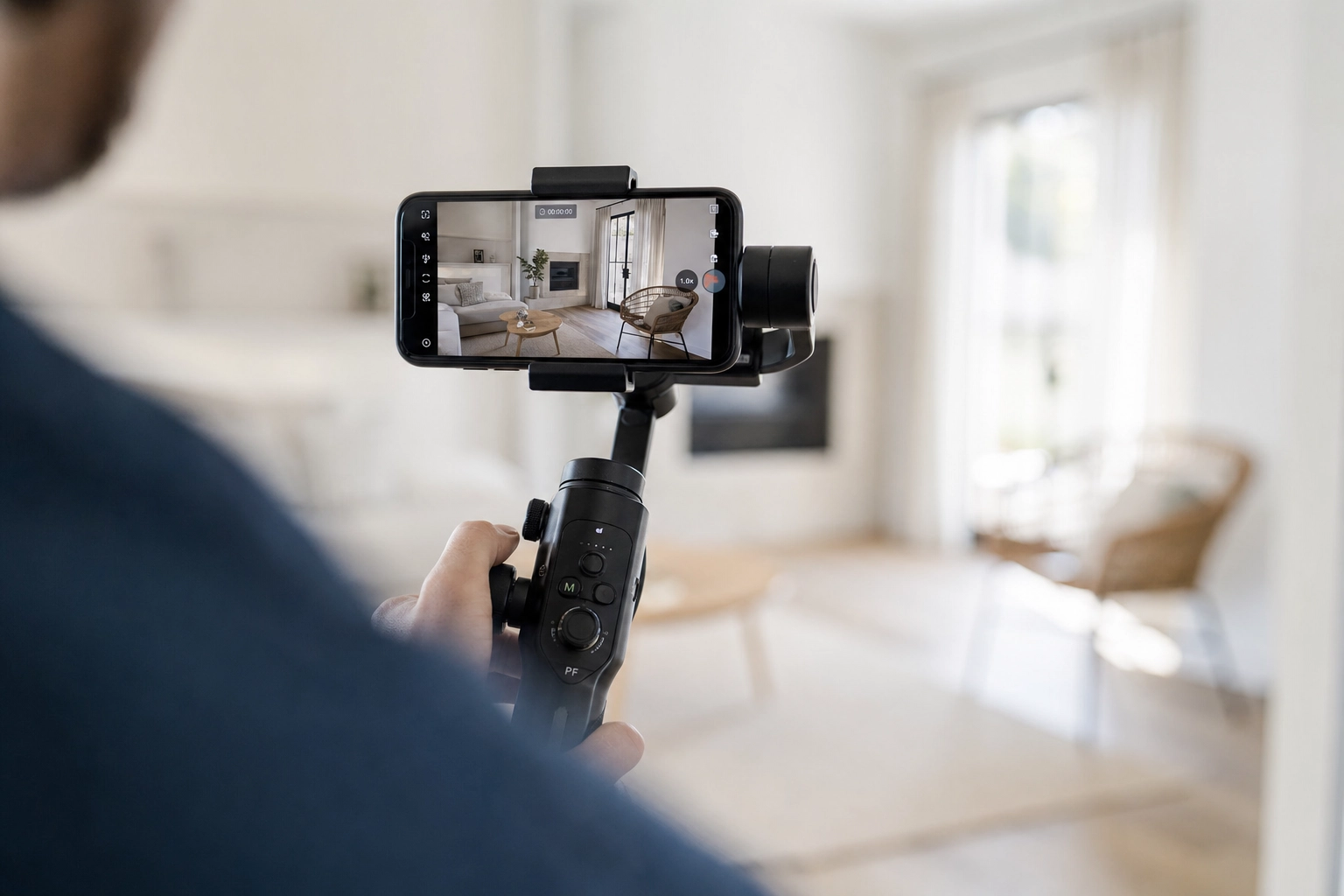
HDR bracket merging. Upload three or five RAW exposures and StagerAI's HDR Merge aligns and blends them, pulling windows and balancing shadows the way a photographer would by hand. Plotpane's Auto Enhance corrects a single image beautifully, but it doesn't merge exposure brackets. High-volume photographers working from bracketed sets will notice the difference.
Floor plans and an API. StagerAI converts a 2D floor plan or CAD export into a furnished 3D isometric render, and it ships a REST API that processes up to 500 images per batch — useful if you're wiring editing into a CRM or running an editing house with automated post-production. Plotpane has no 2D-to-3D feature and no public API today.
Mobile and a free preview. StagerAI has iOS and Android apps plus a free, watermarked preview, so an agent can stage a room from a phone on-site before paying anything. Plotpane is web-based and gives every new account 3 free renders, marked, with no card. For someone staging two or three rooms a month, StagerAI's per-image entry can be the cheaper, lower-commitment start.
If any of those — video, bracket HDR, floor plans, an API — is core to your workflow, StagerAI is the broader platform and you can stop reading here.
Where Plotpane is the stronger StagerAI alternative
Plotpane trades breadth of media types for depth and fidelity on one thing: the still photos that go on the MLS, Zillow, and the brochure. If those images are the product, four differences matter.
The same output resolution on every plan and every export — not "web-optimized"
StagerAI describes its output as "high-resolution, web-optimized" files. That's fine for a thumbnail grid, but it isn't a guaranteed resolution. Plotpane renders every image at around 2400 px on the long edge on every plan and every export, from the $39 Starter tier to the $199 Agency tier, and an optional high-resolution pass takes the same frame to roughly 4700 px for a second credit. The hi-res pass is the one to spend a credit on when a buyer will pinch-zoom it on a 27-inch monitor or it has to hold up on a printed flyer. Either way the number is the same on the cheapest plan as on the dearest — you are not re-buying image quality at a higher tier.

One credit per image, whichever tool you reach for
StagerAI applies its tools one at a time — stage the room, then declutter, then swap the sky, each as its own step. So does Plotpane: one photo, one tool, one render, with no way to fold two operations into a single pass. Where the two differ is what each of those renders costs. On Plotpane, day-to-dusk, Sky Swap, Clutter Removal, staging, and enhancement all bill the same single credit and all come back in about two minutes. On a credit model where a staged room costs several times an enhancement, the specialist work is what moves the bill. The trade runs both ways, and it is worth budgeting for: a frame that needs three treatments is three credits here.

Batches sized to a real shoot
A listing is 25 to 40 frames, and feeding them through one at a time is what actually eats the evening. Plotpane takes 10 photos at a time on Starter, 50 on Pro, and 150 on Agency, rendering three in parallel, with one tool at one setting applied across the whole batch. The enhancement pass on a 25-frame interior set is one upload and one decision rather than 25. What a batch does not do is lock colour between frames: every photo is rendered independently, so a bedroom shot under tungsten and a kitchen shot at noon still start from different light. A gallery that reads as one session still begins at capture.
Structure-preserving fidelity, by contract
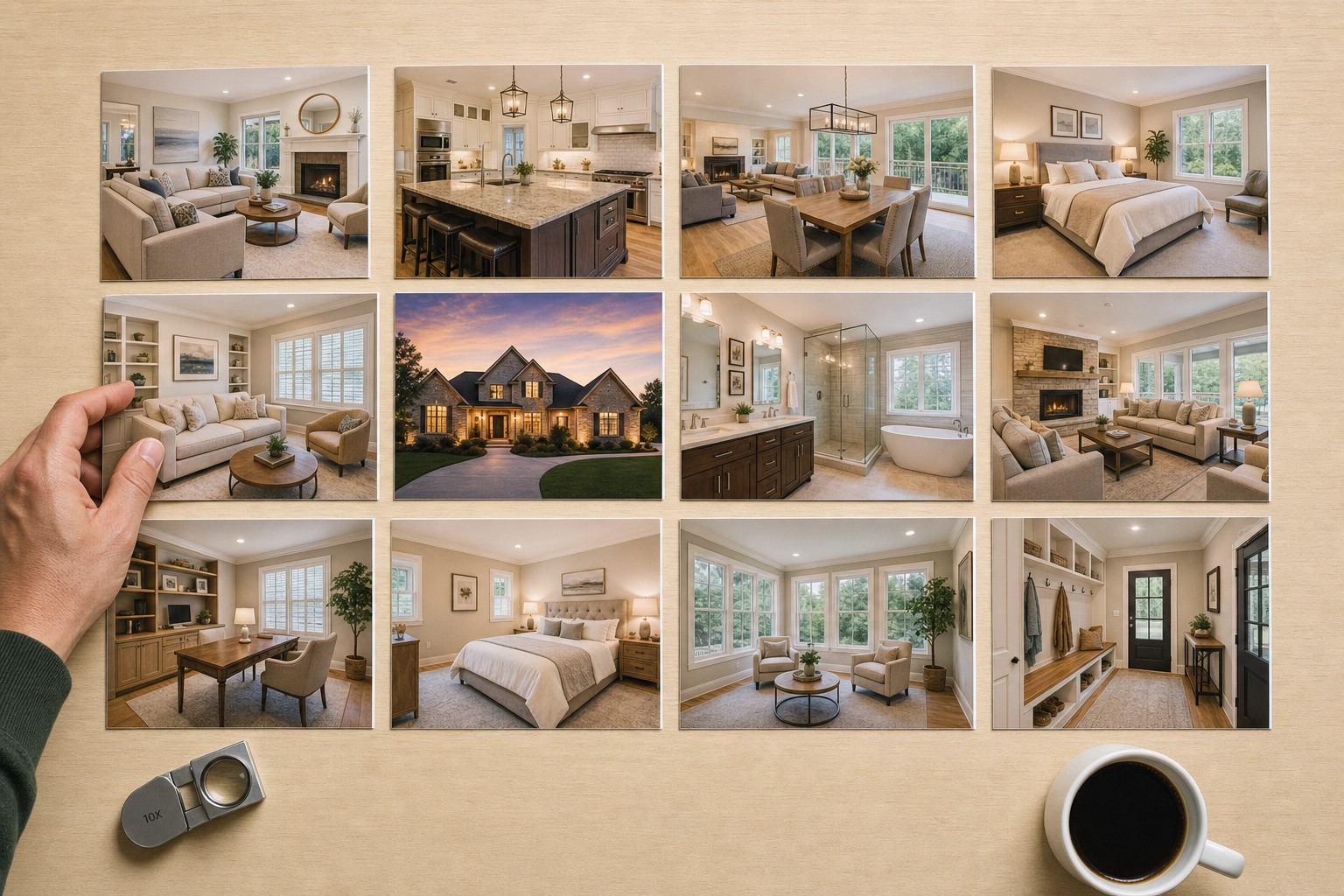
Both tools promise they won't invent architecture, and that matters: an MLS-bound photo can't grow a window or move a wall. Plotpane enforces it as a named guarantee — every render carries an explicit preserve-list for geometry, glass, and existing architecture into the engine, and staging places furniture on open floor while walls, windows, flooring, trim, and fixtures stay exactly as photographed. Every staged export also carries invisible XMP AI-disclosure metadata, so the edit history travels with the file. You still write the listing-remarks disclosure yourself — our state-by-state MLS disclosure guide covers that part.
Pricing compared: per-image credits vs flat render pools
StagerAI and Plotpane price on completely different logic, and the right answer depends entirely on volume — which is why "StagerAI pricing" and "StagerAI reviews" searches rarely give a clean verdict.
StagerAI runs a credit-based subscription billed through Paddle. Credits roll over month to month but expire after six months, plans start in the low tens of dollars, and the effective rate lands around $0.25–$0.53 per staged image on StagerAI's own published comparisons. Video, HDR, and editing all share the same credit pool. It's a clean pay-for-what-you-use model, and for a light month it's hard to beat.

Plotpane charges a flat subscription with a monthly render pool, and every plan includes all seven tools at the same output resolution — no per-tool surcharge, and no auto-charge if you run out (renders simply pause until your next cycle):
- Starter — $39/mo billed yearly: 100 images, one credit each whichever tool, ~2400 px output, no visible watermark, batches of 10 photos.
- Pro — $79/mo billed yearly: 220 images, batches of 50 photos at a time running one tool across the set, ZIP download.
- Agency — $199/mo billed yearly: 600 images, batches of 150 photos at a time, ZIP download.
Run the math on a typical four-listing month — say 32 staged rooms plus exterior dusk, sky, and enhancement work. On a per-image model the staging alone is real money before you touch the exteriors; on Plotpane's Pro plan that's a fraction of its 220-render pool, with credits left for everything else. The honest line: if you stage a handful of rooms a month and want reels too, StagerAI's per-image entry is cheaper. Once you're an agent editing whole listings every week, the flat pool plus untiered output resolution is the better deal — and you can compare all three plans directly. Plotpane gives every new account 3 free renders, no card, so you can test it on your own listing first.
The honest decision: who should pick which

Stay with StagerAI if social video and reels are part of your real estate marketing, you shoot bracketed RAW and want HDR merge, you need 2D-to-3D floor plans, you want an API or a phone app, or you only stage a few rooms a month and prefer pay-as-you-go credits.
Switch to Plotpane if the still photos are what sells the property, you want the same output resolution on every export rather than one gated by tier, you'd rather pay one flat credit for a staged room than a specialist rate, you want batches sized to a whole listing, and you value a structure-preserving guarantee with disclosure metadata baked in.
And it's genuinely fine to run both — StagerAI for the reels, Plotpane for the hero stills. If you're still mapping the field, our Autoenhance alternative breakdown covers the enhancement-only end of the category, and if you're weighing a human-edit service instead, the BoxBrownie alternative breakdown covers that trade-off.
Switching from StagerAI to Plotpane in a weekend
You don't have to rip anything out to test the difference. Pick your two or three most-used staging looks from the ten styles on offer — Scandinavian, Mid-Century, Coastal, Japandi, Modern, Luxury, Industrial, Mediterranean, Gulf Modern, European Classic — and name the room type with each so a bedroom gets a bed rather than a sofa. Run a month of overlap: send new listings through Plotpane, burn down your remaining StagerAI credits on in-flight work, and compare the finished galleries side by side on two or three closed listings. Bring your originals straight in — iPhone HEIC, JPEG, PNG, or WebP up to 25MB a file — though camera RAW needs a JPEG export first. And if you still want video, keep StagerAI for reels; the choice doesn't have to be all-or-nothing.

Frequently Asked Questions
Is there a free StagerAI alternative?
Not a truly free one worth using for live listings. StagerAI offers a free preview, but it's watermarked, and most usable AI virtual staging tools — Plotpane included — are paid. Plotpane gives every new account 3 free renders on sign-up, no card required, and those trial images carry a small Plotpane mark that any plan removes. From there, every plan ships the same output resolution and all seven tools from day one, instead of a permanently throttled free tier.
Does Plotpane do AI video or reels like StagerAI?
No. Plotpane is image-only by design and does not generate video, walkthroughs, or social reels. StagerAI does, and if motion content is part of your marketing, that's a real reason to keep it. We'd rather be upfront than imply a feature we don't ship — Plotpane's entire focus is the still photo, rendered with structure-preserving fidelity.
Is Plotpane faster than StagerAI?
On a single edit, StagerAI is marginally faster — it processes most edits in under 60 seconds, versus Plotpane's roughly two minutes. Neither tool stacks operations, though: a photo that needs staging and then a sky swap is two renders on both. What differs is the second render's price — one flat credit here, whatever that tool's rate is on a per-tool credit model. For one quick staging, StagerAI edges it; across a listing that needs several treatments, the gap closes.
How does Plotpane's virtual staging compare to StagerAI's?
Both place realistic, correctly scaled furniture with accurate shadows and lighting, and StagerAI reviews rightly praise its staging quality. The practical differences are pricing and resolution: a staged room is one credit on Plotpane, the same as an enhancement, and it renders at the same resolution on every plan — the kind of arithmetic our virtual staging ROI data works through. Plotpane ships ten design styles and six room types, and a batch applies one style and one room type across the photos in it. See Plotpane's virtual staging for examples.
Does Plotpane have an API like StagerAI?
Not today. StagerAI ships a REST API that handles up to 500 images per batch, which is a genuine advantage for editing houses and CRM integrations. Plotpane is a web app with bulk upload and batch processing (50 photos at a time on Pro, 150 on Agency), but no public API at the moment. If headless, programmatic editing is a requirement, StagerAI is the better fit.
Will the MLS accept Plotpane's AI-staged listing photos?
Yes — virtually staged photos are allowed across the U.S. when they're disclosed. The National Association of Realtors and state commissions permit them provided the listing makes clear the images are virtually staged, and NAR has consistently found that most buyers' agents say staging helps buyers picture a property as their own. Every Plotpane export embeds invisible XMP disclosure metadata, and you add the listing-remarks disclosure in your MLS portal — the part only you can do.
What is the best StagerAI alternative for photographers and agencies?
For real estate photographers shooting bracketed RAW and selling video, StagerAI's HDR merge and reels are hard to give up. For photographers and brokerages and teams whose deliverable is a set of finished stills, Plotpane's flat per-image credit, batch sizes, and ZIP delivery (on Pro and Agency) fit the production model better. Plenty of high-volume agents and teams land on both tools for different jobs — and that's a perfectly reasonable answer.
If you've been hunting for a StagerAI alternative that puts the listing photo first — the same output resolution on every plan, one flat credit whichever tool, and batches sized to a whole shoot — Plotpane is built for exactly that. Ready to see the difference on your own listing? Every plan ships all seven tools with no visible watermark, and you get 3 free renders to try it on your own photographs first. Compare the plans and run your next shoot through it.