11 Best Real Estate Photo Editing Software, Stage by Stage
The best real estate photo editing software for a working photographer in 2026 is a stack, not one app. Lightroom Classic stays the hub for culling and batch color. A merge step (Lightroom's own HDR Merge, Photomatix, Luminar Neo, or an AI service like Imagen, AutoHDR or Fotello) turns brackets into clean frames. Then an AI finishing app handles the few frames that need a new sky, a dusk cover or staging.
This guide maps 11 tools to the five stages of edit-night: culling, bracket merge, retouch, AI finishing and delivery. Each one gets its October 2026 price, its raw and bracket support, and the photographer it suits.
A disclosure up front: we make Plotpane, a real estate photo editor that sits in the AI-finishing slot. It does not merge brackets or develop raw files, so it appears where it fits, not at the top. If you're an agent who wants one AI-only editor rather than a photographer's stack, our AI photo editors compared guide covers that job.
Quick Summary: For most real estate photographers, the best editing setup in 2026 is Adobe's $19.99-a-month Photography plan, one merge app and one AI finisher. Volume shooters can hand the merge to Imagen ($0.32 a photo), AutoHDR ($0.53) or Fotello ($16–$18 a listing). Shooters who refuse subscriptions can own Photomatix Pro 7 ($99) and ON1 Photo RAW 2026 ($99.99) outright.
The best real estate photo editing software at a glance
Eleven tools cover the real estate photo editing workflow in 2026: seven desktop editors you operate yourself, three AI services that edit the whole shoot, and one AI finishing tool. Prices below are what each vendor (or a dated third-party check) listed in October 2026, in US dollars before tax.
| # | Software | Best for | Price model | Published price (Oct 2026) |
|---|---|---|---|---|
| 1 | Adobe Lightroom Classic | Culling, batch color, everyday HDR merges | Subscription | $19.99/mo Photography plan (with Photoshop, 1TB) |
| 2 | Adobe Photoshop | Flambient blends, hero-shot retouching | Subscription | Included in the same $19.99/mo plan |
| 3 | Photomatix Pro 7 | Dedicated batch HDR merging | One-time | $99 |
| 4 | Luminar Neo | HDR Merge plus AI relight | One-time | About $129–$199 by edition |
| 5 | ON1 Photo RAW 2026 | Owning a complete raw editor with HDR | One-time or yearly | $99.99 (MAX $169.99), or MAX at $89.99/yr |
| 6 | Capture One Pro | Color accuracy, tethered interiors | Subscription or perpetual | About $18/mo billed annually |
| 7 | Evoto | Cheap AI batch color on your own machine | Credit per export | About $0.07–$0.14 per exported image |
| 8 | Imagen for Real Estate | Browser HDR merge with human revisions | Per photo | $0.32/photo ($0.22 first month) |
| 9 | AutoHDR | Hands-off HDR and flambient edits at volume | Monthly photo plans | $265/mo for 500 photos ($0.53 each) |
| 10 | Fotello | Editing plus booking and delivery | Per listing | $16–$18/listing on 75-listing plans; $0.50/photo pay as you go |
| 11 | Plotpane | Dusk, staging and clutter fixes on finished frames | Monthly credits | $39/$79/$199 a month billed yearly (100/220/600 credits) |
Which tool covers which stage of the edit?
No single tool covers all five stages well, so the useful question is which stage each one owns. The matrix below is the part no vendor list shows you: Fotello comes closest to end-to-end, Lightroom Classic and ON1 cover the most stages you run yourself, and Photomatix and Plotpane each do one stage on purpose.
| Software | Culling | Bracket merge | Retouch | AI finishing | Delivery | Raw / brackets in |
|---|---|---|---|---|---|---|
| Lightroom Classic | Yes: flags, ratings, Survey view | Yes: Photo Merge to DNG | Partial: Generative Remove, masks | No staging or dusk | Partial: export presets | Raw yes, brackets yes |
| Photoshop | No | Partial: manual layer blends | Yes: full layers and masks | Partial: Sky Replacement, Generative Fill, by hand | No | Raw via Camera Raw; brackets as layers |
| Photomatix Pro 7 | No | Yes: batch with previews | Minimal | No | No | Raw yes, brackets yes |
| Luminar Neo | Partial: catalog | Yes: up to 10 brackets | Yes: GenErase | Partial: SkyAI, Relight AI; no staging | No | Raw yes, brackets yes |
| ON1 Photo RAW 2026 | Yes: AI Culling Assistant (MAX) | Yes | Yes: layers, Perfect Eraser | Partial: Sky Swap AI; no staging | No | Raw yes, brackets yes |
| Capture One Pro | Yes: Cull mode | Yes: HDR Merge | Partial: heal and clone layers | No | Partial: export recipes | Raw yes, brackets yes |
| Evoto | Yes: AI culling | No | Yes: AI batch color, removal | Partial: sky replacement | No | Raw yes, no bracket merge |
| Imagen for Real Estate | Yes | Yes: 3–9 bracket sets | Yes: window pull, perspective | Yes: AI Assistant staging, twilight | No | Raw yes, brackets yes |
| AutoHDR | No | Yes: HDR and flambient | Yes: removals, TVs, fireplaces | Yes: twilight, grass, staging | Partial: delivery-platform hand-off | Brackets or single frames |
| Fotello | Yes | Yes: auto-bracketing, flambient | Yes: plus human revisions | Yes: twilight and staging creations | Yes: booking, agent portal, websites, payments | All raw formats; single or multi-bracket |
| Plotpane | No | No | Partial: Clutter Removal, Perspective Fix, Auto Enhance | Yes: Sky Swap, Day to Dusk, Virtual Staging, Lawn & Pool Revive | Partial: ZIP download, free vertical reel | Reads raw's embedded JPEG; no brackets, no TIFF |
Read it column by column. If your weak spot is the merge, you need one "Yes" in that column you trust on your hardest window. If your weak spot is the upsell (twilights, staging, a cleaner exterior), you need a "Yes" in AI finishing. Most photographers end up with two or three tools, which is fine as long as each one owns a different column.
How we compared these 11 tools
We read each vendor's feature and pricing pages between October 9 and October 19, 2026, cross-checked prices against dated third-party reviews where a vendor page would not load, and priced one identical month of work (see the cost table below). We ran no blind output tests, so treat every quality claim as the vendor's until you've run your own brackets through a free trial. Plotpane is our product; it's ranked by the stage it fits, last in the workflow, not by preference.
Desktop editors you run yourself
Desktop editing software is the cheapest per photo because you are the editor. These seven tools differ in what they automate and whether you rent or own them.
1. Adobe Lightroom Classic: best hub for culling and batch edits
Lightroom Classic sits at the center of most real estate photographers' workflow, because it culls, merges and batch-edits inside one catalog. Photo Merge > HDR turns a bracket set into a DNG you edit like any raw file, and synced settings plus Upright perspective correction let one look roll across the images of a 30-photo listing in a few clicks.
Generative Remove (which spends generative credits) clears outlet covers, cords and reflections, and AI Denoise rescues high-ISO frames from dim interiors.
Where it stops: no sky replacement, no virtual staging, no day-to-dusk, and its merge can look flat on the hardest window-heavy rooms. That is why many shooters keep a second merge app.
Price: $19.99 a month on Adobe's annual Photography plan, which bundles Lightroom, Lightroom Classic, Photoshop and 1TB of storage. The Lightroom-only plan runs $11.99 to $14.99 a month; Adobe raised it for new subscribers in March 2026.
Best for: every photographer, as the hub of the stack.
2. Adobe Photoshop: best for flambient blends and hero shots
Photoshop is not a batch editor and shouldn't be judged as one. Its job in real estate photography is the frames that need hand work: flambient blends (one ambient frame plus flash frames, masked layer by layer), window pulls the merge missed, and the hero exterior an agent will print on a flyer.
Sky Replacement and Generative Fill handle the occasional exterior or object fix, and Actions automate repetitive steps. Our flambient editing guide walks through the layer stack.
Where it stops: every image is manual, so a 40-frame listing is hours, not minutes.
Price: included in the same $19.99 Photography plan.
Best for: flambient shooters and high-end hero images.
3. Photomatix Pro 7: best dedicated HDR merge
Photomatix Pro has been the real estate HDR specialist for well over a decade. Version 7 batch-merges a whole shoot with a preview of each bracket set, so you can pick a different preset per room, and HDRsoft says its real estate presets are built to handle blown-out windows. It saves 32-bit DNG and slots into a Lightroom or Capture One workflow as a plugin.
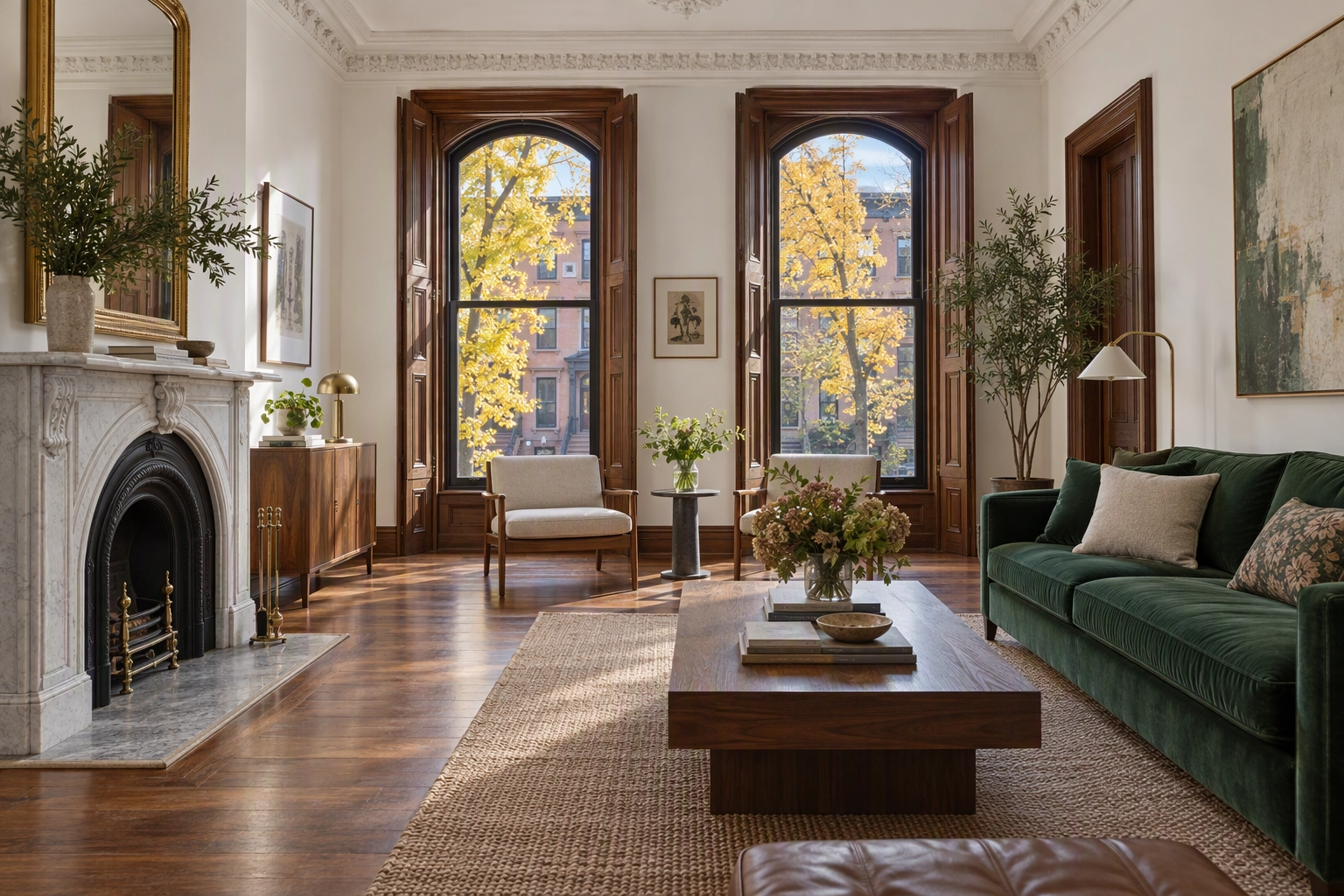
Where it stops: it merges and tone-maps, and that's all. No AI finishing, minimal retouching, and an interface that shows its age. HDRsoft says Photomatix Pro 8 is in private beta, expected at the end of Q4 2026 or in Q1 2027, and that a version 7 licence will upgrade free.
Price: $99 one-time.
Best for: HDR shooters who want control over tone mapping without a subscription.
4. Luminar Neo: best one-time editor with AI sky
Luminar Neo absorbed Skylum's old Aurora HDR engine, so HDR Merge is built in and merges up to 10 brackets into one image. SkyAI replaces skies with the roofline and trees masked for you, Relight AI lifts dark corners, and GenErase removes objects. It runs standalone or as a plugin inside Lightroom Classic and Photoshop.
Where it stops: its catalog is weaker than Lightroom's on large libraries, there's no virtual staging, and the generative tools come with one year of access before you renew through Luminar Prime.
Price: a one-time licence; dated third-party checks in October 2026 listed $129 (Desktop Only) to $199 (Max), and Skylum discounts often.
Best for: photographers who want an owned app that merges and swaps skies.
5. ON1 Photo RAW 2026: best all-in-one perpetual licence
ON1 Photo RAW is the most complete editor you can still own outright: raw development, a catalog, layers, HDR merge, panorama stitching, focus stacking, NoNoise AI, Sky Swap AI and the Perfect Eraser in one app. The MAX edition adds an AI Culling Assistant and runs as a plugin inside other editors.
Digital Camera World's review calls it a "do-it-all" program with "quirks and rough edges" and notes that even at retail it costs less than half of one year on Adobe's Photography plan.
Where it stops: no staging or dusk, and reviewers flag rough edges in performance.
Price: $99.99 perpetual, $169.99 for MAX, or MAX by subscription at $89.99 a year. ON1 is currently bundling version 2027 with a 2026 purchase.
Best for: the shooter leaving a subscription who still wants one app for everything.
6. Capture One Pro: best for color and tethered interiors
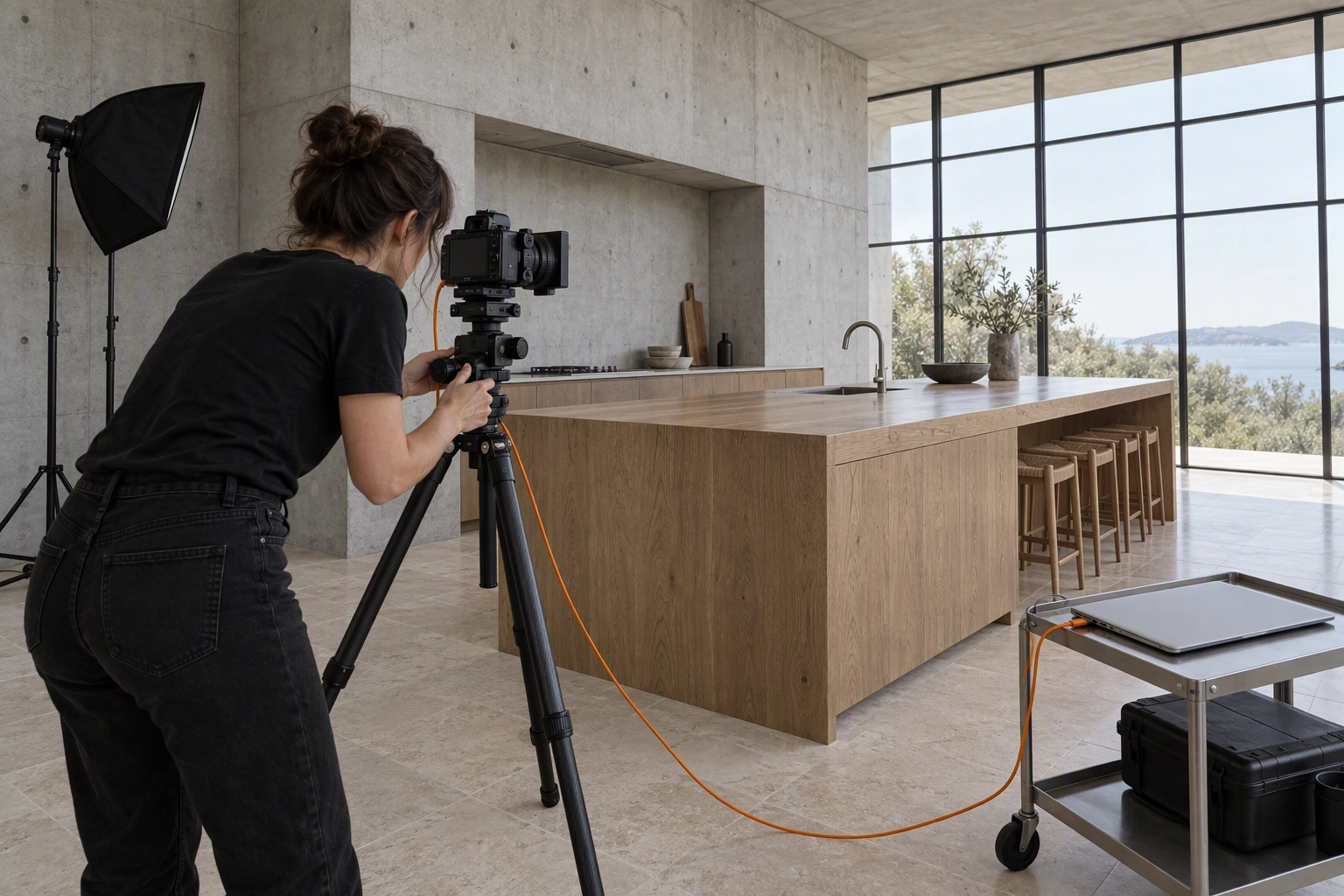
Capture One is the color-science pick. Its raw conversion and tethering are why architectural and interior photographers who shoot tethered to a laptop choose it, and its Keystone tool fixes converging verticals. HDR Merge and Panorama Stitching arrived in Capture One 22, and Cull mode speeds selection. Photomatix plugs in for heavier merges.
Where it stops: no AI sky, staging or dusk. Users on Capture One's own support forum report mixed results from its HDR merge on real estate brackets, so test it on your darkest property interior first.
Price: about $18 a month on annual billing after a 6% increase on June 2, 2026, as PetaPixel reported, or a perpetual Pro licence.
Best for: tethered interior shoots and color-critical architecture.
7. Evoto: best cheap AI batch for hands-on editors
Evoto is a portrait-first AI editor that real estate shooters borrow for its pricing: editing is free, and you pay one credit per exported image, roughly $0.07 to $0.14 depending on the pack. It runs on Windows, macOS and iPad, handles raw files, batch-applies presets and color across a set, and replaces skies. AI culling arrived in fall 2025, and version 8.0 added story-based culling in September 2026, per PetaPixel.
Where it stops: it's built for faces, not rooms, and it isn't a bracket merger, so merge in Lightroom first.
Price: credit packs or a yearly subscription; one credit per exported photo.
Best for: hands-on photographers who want cheap AI color on single-exposure or pre-merged files.
AI services that edit the whole shoot
These three platforms take the raw shoot and send back an edited listing. You stop being the editor and become the reviewer in that workflow, which is a different job with a different cost per photo.
8. Imagen for Real Estate: best browser merge with human backup
Imagen for Real Estate is a browser app that returns edited images from a raw upload, with the first batch done in under 10 minutes by Imagen's own figure. Its HDR Merge groups brackets automatically (sets of 3 to 9 frames shot less than 90 seconds apart), then it pulls windows, replaces skies and corrects perspective.
The AI Assistant handles virtual staging, twilight and object removal from a plain-language request. Every listing includes three human revisions, output goes up to 6K, and a built-in AI-disclosure watermark helps with laws like California's AB 723.
Where it stops: cost scales linearly with every photo, and you trade fine control of the look for consistency.
Price: $0.32 a photo pay as you go ($0.22 in the first month), with a 250-photo free trial and no card.
Best for: bracket shooters who want the merge and the grade off their desk.
9. AutoHDR: best hands-off HDR at volume
AutoHDR is a real-estate-only AI platform: upload brackets or flash frames and it returns HDR or flambient edits in about 20 to 30 minutes. Its feature list covers twilights, fire in fireplaces, TV blackouts, removals, sky replacement, grass greening and virtual staging. You only pay for what you download, and unused credits roll over.
Where it stops: you review its look rather than build your own. In an r/RealEstatePhotography comparison thread, one photographer said AutoHDR "really likes to white out the trim around windows."
Price: free for 10 photos a month; Standard is $265 a month for 500 photos ($0.53 each, or $225.25 a month billed yearly); Enterprise is $2,250 for 5,000 ($0.45 each).
Best for: property media companies shooting many listings a week.
10. Fotello: best for editing plus delivery in one platform
Fotello is a platform that sells editing and the business around it: booking forms, agent portals, property websites, payments and media delivery, with AI editing priced per listing. It accepts every raw format, single or multi-bracket sets and flambient shoots; it does window pulls and grass work, and its in-house team revises any edit within six hours, as many times as it takes.
Where it stops: paid plans are built around 75 listings a month, and the free tier brands output and lists AI edits as view-only. The same Reddit thread had one shooter report Fotello "added in some warmth" where they didn't want it. Our Fotello alternative page covers the agent's side of this choice.
Price: Essential is $16 a listing (billed as $1,200 a month for 75 listings, up to 50 photos each); Ultimate is $18 (up to 75 photos, two twilights and two stagings per listing). Pay-as-you-go photo editing is $0.50.
Best for: photographers who want one platform from booking to delivery.
AI finishing for the frames that need more
After the merge and the grade, a few frames in every listing still need a different job: an overcast exterior, a vacant room, a bin on the driveway, a twilight cover the agent will pay extra for. That's the AI finishing slot.
11. Plotpane: best for one-credit sky, dusk and staging add-ons
Plotpane does one job in this stack. You send finished frames through one of seven tools: Auto Enhance, Perspective Fix, Sky Swap, Lawn & Pool Revive, Clutter Removal, Day to Dusk and Virtual Staging. Each image costs one credit, whichever of the seven you pick, and each one changes only what it's asked to while leaving the property's walls, windows and floors alone.
A render takes about two minutes, three run at a time, and batches go up to 10, 50 or 150 photos by plan, so one Sky Swap can run across every exterior in a listing in a single pass with the same grade. Exports are ~2.4K as standard or ~4.7K for a second credit, unwatermarked on paid plans, with invisible XMP disclosure metadata and a ZIP of the finished listing.
Where it stops: Plotpane does not merge HDR brackets, does not develop raw files (it reads the camera's embedded full-size JPEG, explained in our raw upload note), does not accept TIFF, and has no saved presets. It runs one tool per render, so a staged twilight shot is two credits.
Price: $39, $79 or $199 a month billed yearly for 100, 220 or 600 credits, with 3 free renders and no card. See Plotpane pricing.
Best for: photographers who sell twilight and staging add-ons without opening Photoshop. Our page for photographers shows how that fits a delivery.
What does edit-night software cost at 20 listings a month?
At 20 listings a month with 25 delivered photos each (500 finished photos), editing software runs from about $20 a month for Adobe's plan to $265 for AutoHDR. The catch is that the cheapest rows make you the editor. Here is the same month priced on every tool, using the published prices above.
| Software | Cost for 500 delivered photos a month | Who does the editing |
|---|---|---|
| Adobe Photography plan | $19.99/month flat | You: merge, grade, retouch |
| Photomatix Pro 7 | $99 once | You: merge only |
| Luminar Neo | About $129–$199 once | You |
| ON1 Photo RAW 2026 | $99.99 once, or $89.99/year for MAX | You |
| Capture One Pro | About $18/month | You |
| Evoto | About $35–$70/month (500 × $0.07–$0.14) | You, with AI batch help |
| Imagen for Real Estate | $160/month (500 × $0.32) | AI, plus 3 human revisions per listing |
| AutoHDR | $265/month Standard ($225.25 billed yearly) | AI service |
| Fotello | About $250/month pay as you go (500 × $0.50); plans start at $1,200 for 75 listings | AI plus human revisions, with delivery |
| Plotpane (finishing only) | $39/month billed yearly for 100 credits: 5 finishing renders per listing | AI finishing on selected frames |
The number the table leaves out is your time. Say manual merging and grading takes you 90 minutes a listing. Twenty listings is then 30 hours a month, and at $50 an hour that's $1,500 of your evenings. That math is why per-photo AI services that look expensive next to $19.99 still win for busy shooters. Our guide to outsourcing real estate photo editing runs the same trade-off against human editors.
Which stack fits how you shoot?
The right stack depends on two things: how you capture (HDR brackets, flambient, or single frames) and how many listings you deliver a week. Four common workflow setups follow; each pairs a hub, a merge step and a finishing step.
The solo HDR shooter
Lightroom Classic for culling, merging and grading, with Photomatix Pro 7 or Luminar Neo for the rooms where Lightroom's merge goes flat. Add Plotpane for the twilight and staging upsells. Total: $19.99 a month, $99 to $199 once, and $39 a month billed yearly.
The flambient shooter
Lightroom Classic for culling and the base grade, and Photoshop for the blends, both in the same Photography plan. When volume outgrows your evenings, Fotello and AutoHDR both accept flambient sets, so you can hand off standard listings and keep hand-blending the premium ones.
The media company at volume
An AI service owns the merge: AutoHDR for hands-off speed, Imagen for consistent looks across several shooters, or Fotello if you also want booking and delivery. Keep Lightroom for touch-ups, and route the vacant rooms and hero exteriors to a finishing tool. Our notes on bulk real estate photo editing cover batch handling.
The no-subscription budget
ON1 Photo RAW 2026 ($99.99) as the hub and Photomatix Pro 7 ($99) for merging comes to just under $200 once, with no monthly bill. You give up Lightroom's ecosystem, and you still do all the editing yourself.
What no editing software does for you
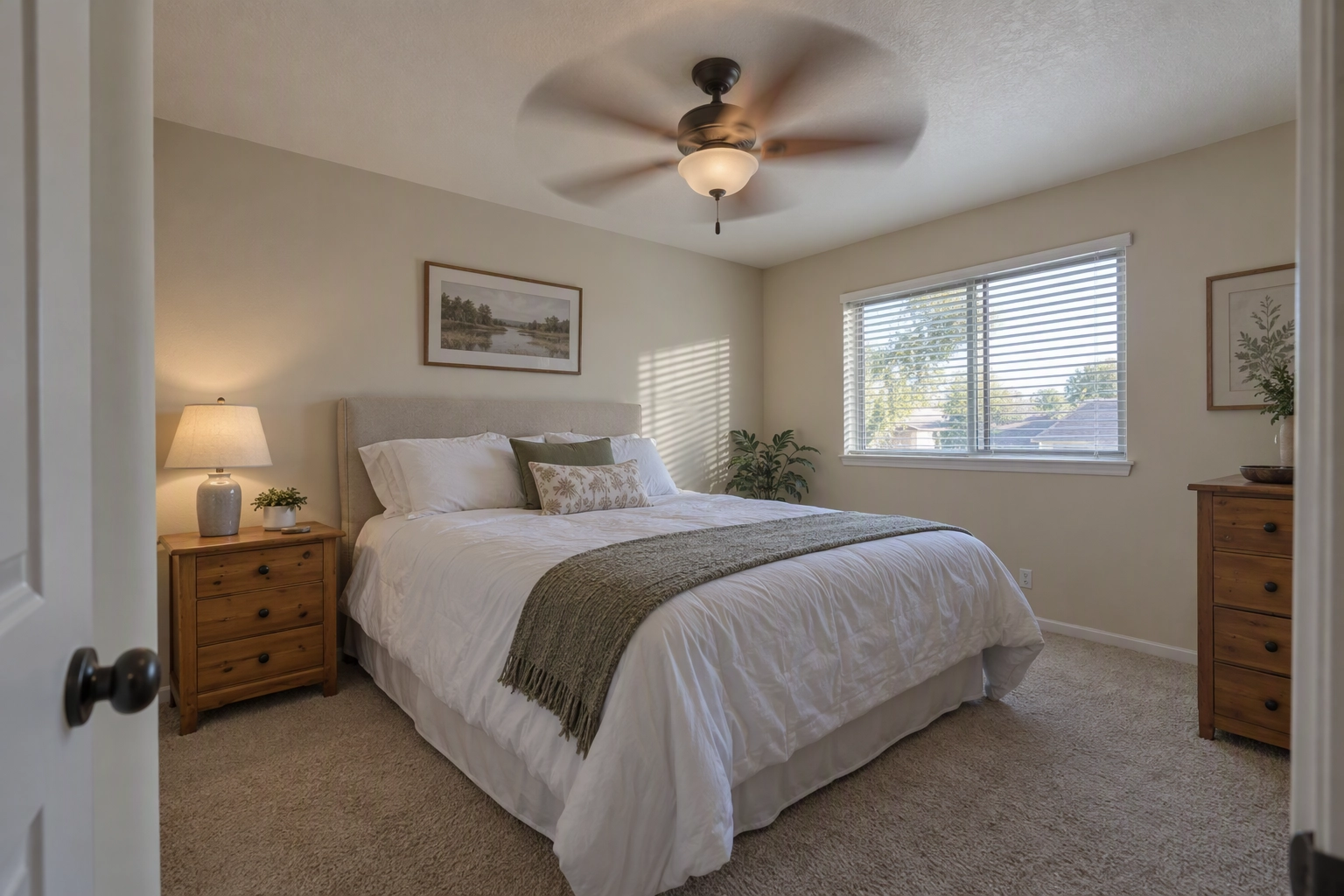
No software fixes a missing bracket, motion blur from a ceiling fan, or a room shot from the wrong corner. Listing photos are a property's first showing: the National Association of Realtors' 2025 Profile of Home Buyers and Sellers found that 52% of buyers found the home they bought online. Capture discipline still sets the ceiling on every set of images.
Disclosure is also yours. California's AB 723, in force since January 1, 2026, requires a disclosure next to digitally altered listing images and access to the unaltered original. Exposure, color, cropping and straightening generally don't count as altered; virtual staging, object removal, sky swaps and lawn greening do. Imagen's watermark and Plotpane's XMP metadata help, but the agent still labels altered photos in the MLS. Our MLS disclosure guide covers the rules by board.
Frequently Asked Questions
What is the best real estate photo editing software for beginners?
Start with Lightroom Classic on Adobe's $19.99 Photography plan. Learn HDR merge, Upright and synced presets on your first 20 properties before buying anything else. Add a dedicated merge tool or an AI service once you know which rooms Lightroom handles badly.
Is Lightroom enough for real estate photography?
For most HDR listings, yes. Lightroom Classic culls, merges brackets and batch-grades a full shoot. It has no sky replacement, virtual staging or day-to-dusk, and its merge can go flat on very bright windows, so most working shooters add one more tool.
What is the best HDR software for real estate?
Photomatix Pro 7 ($99) gives the most tone-mapping control, Luminar Neo merges in one click with AI relighting, and Lightroom Classic is good enough for most rooms. If you'd rather not merge at all, Imagen, AutoHDR and Fotello merge brackets for you per photo or per listing.
Is there free real estate photo editing software?
Not for professional unwatermarked volume. The usable free starts are AutoHDR's 10 photos a month, Imagen's 250-photo trial, Fotello's branded free tier, Plotpane's 3 free renders with no card, and free trials of Luminar Neo and ON1. Open-source HDR mergers such as Luminance HDR exist but need more hand-tuning.
Can AI replace a real estate photo editor?
For standard rooms, mostly. AI services now merge brackets, pull windows and swap skies in minutes, and both Imagen and Fotello add human revisions for the edits they miss. Complex composites, odd rooms and art-directed hero shots still benefit from a person.
Do I need Photoshop for flambient editing?
Traditionally, yes: flambient means masking flash frames over an ambient frame in layers. Fotello and AutoHDR now accept flambient sets and blend them for you, which makes Photoshop optional for standard listings but still useful for premium ones.
The best real estate photo editing software is the stack whose weakest stage you've tested on your own hardest room. Run one dark, window-heavy interior and one overcast exterior from a real property through each free trial, compare the results at full size, and keep only the tools that own a column in the matrix above.