8 Bracket Plans for HDR Real Estate Photography
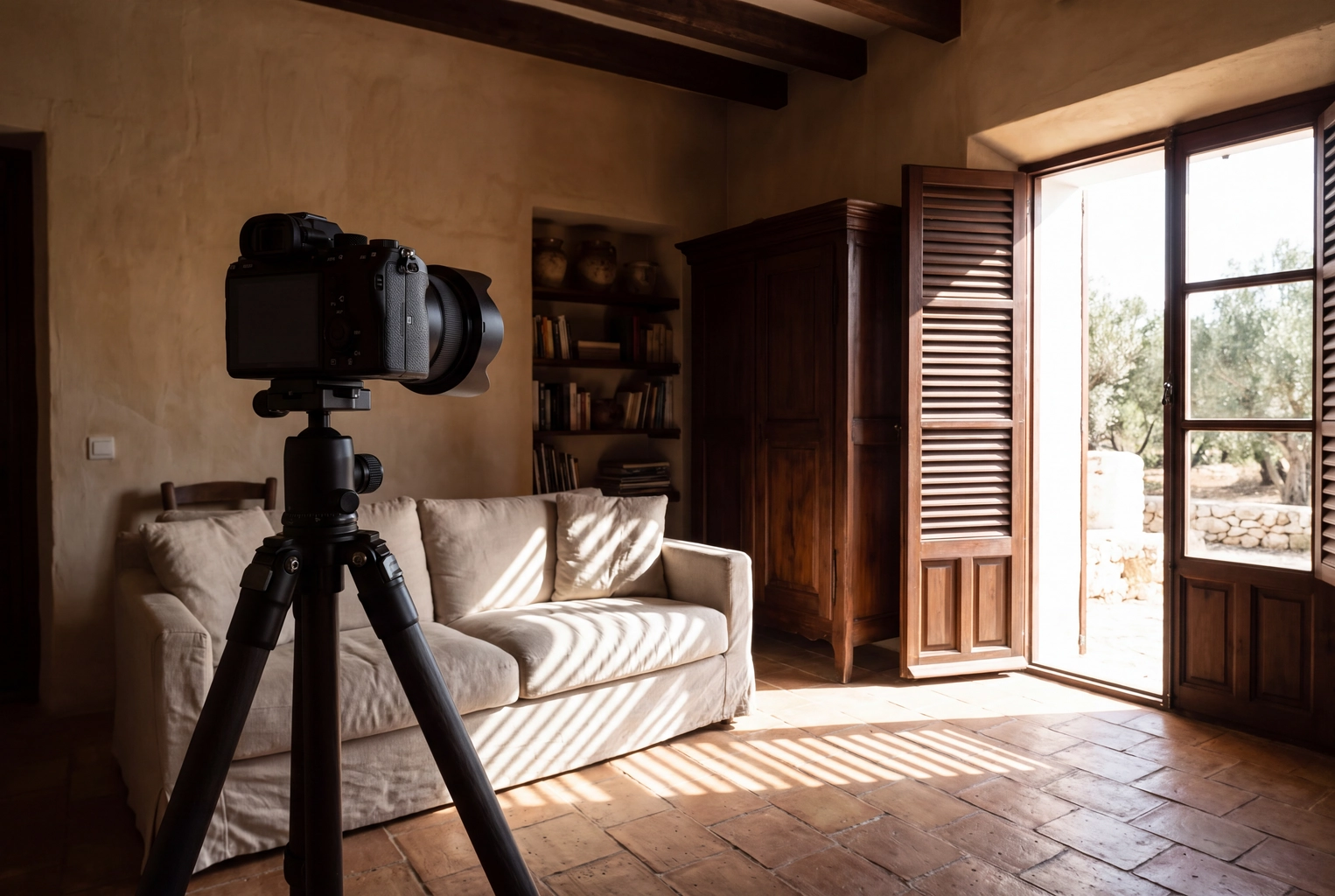
Most HDR real estate photography guides give one bracket for every room: three or five frames, two stops apart. That default suits a sunny living room and wastes frames in a windowless hallway. Below: a bracket plan for eight scenes, three ways to merge, and a per-room comparison with flambient editing and single-frame editing in Plotpane's Auto Enhance.
Quick Summary: Bracket by scene, not by habit: 3 frames at 2 EV for a window on an overcast day, 5 at 2 EV for a sunlit view, and 7 (or 5 plus a window pull) when sun hits the glass or floor. Merge in Lightroom Classic or Photomatix for control, Enfuse for the most natural tones, or an AI service for speed. Flambient beats HDR in mixed light; a single frame plus AI is fastest in routine rooms.
What is HDR real estate photography?
HDR (high dynamic range) real estate photography is a capture-and-merge method: a camera on a tripod records several exposures, and software combines the images so the bright window and dark corners both read. It exists because a sunlit view through the windows holds more dynamic range than one exposure can capture cleanly.
The National Optical Astronomy Observatory's light-level table lists an overcast day at about 1,075 lux, full daylight at 10,752 lux and direct sun at 107,527 lux. Against a room lit to roughly 100 lux, that is about 3.4, 6.7 and 10 stops. Each stop doubles the light, so the sunny window is a thousandfold spread.
That spread, not taste, decides how many frames HDR photography needs.
How many brackets does each scene need?
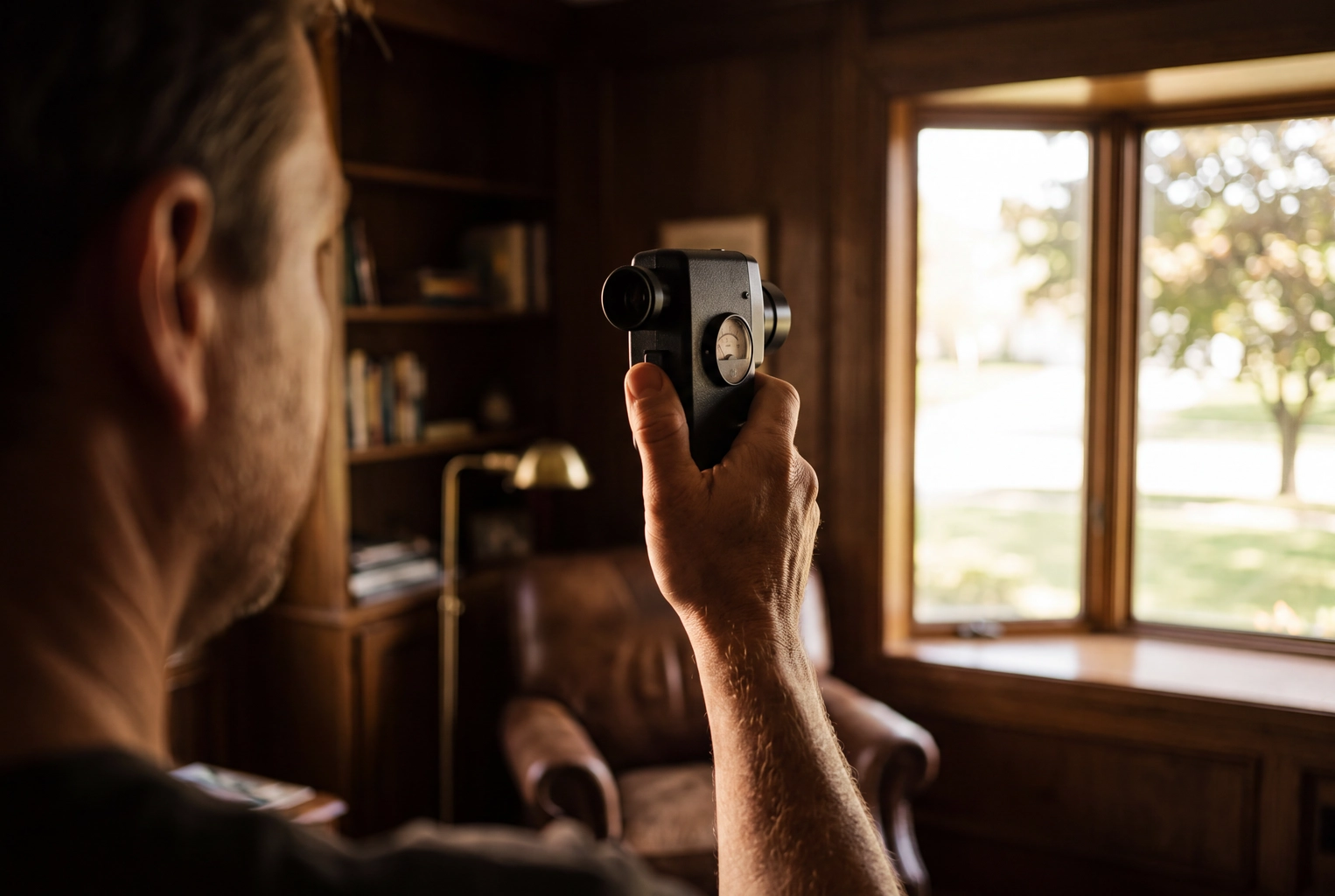
Five frames at 2 EV spacing (−4, −2, 0, +2, +4) is the right default for a room with a sunlit window. HDRsoft, the maker of Photomatix, says bright window views often need at least five frames at 2 EV, or nine at 1 EV. Dimmer or simpler scenes need fewer.
| Scene | Frames | Spacing | Bracket | Why |
|---|---|---|---|---|
| Windowless hall, closet or bath | 3 | 1 EV | −1 to +1 | +1 cleans shadow noise |
| Window in frame, overcast or north light | 3 | 2 EV | −2 to +2 | View sits 3–4 stops over the room |
| Sunlit view through the window | 5 | 2 EV | −4 to +4 | The default; −4 holds the view |
| Sun on the glass or floor, or the view sells the property | 7, or 5 + window pull | 2 EV | −6 to +6 | Hot patches still clip at −4 |
| Kitchen or bath with bulbs in frame | 5 | 2 EV | −4 to +4 | Bare bulbs are the hottest point |
| Dim room with small windows (basement, den) | 5 | 2 EV | −2 to +6 | Shift the whole bracket up |
| Front exterior in even light | 1–3 | 1 EV | −1 to +1 | One raw frame often holds it |
| Exterior, bright sky over a shaded porch | 5 | 2 EV | −4 to +4 | Porch shade is the dark end |
After the first set, check two frames:
- The darkest frame: the glass and any bulb should show no blinking highlight warning. If it still flashes, add a frame or a window pull.
- The lightest frame: the darkest corner you care about should sit mid-histogram, not against the left edge.
To move a bracket rather than widen it, make the base exposure two stops brighter: −4 to +4 becomes −2 to +6 for a dark den. In aperture priority, +2 compensation does it, since Nikon's manual notes bracketing adds to compensation.
Check your camera's bracketing limits
- Nikon Z6III: increments go up to 3 EV, but programs at 2 EV or wider stop at five shots. For more frames, fire a second bracket from a darker base, or add a window pull.
- Canon EOS R6 Mark II: three AEB shots by default, up to 3 stops apart in 1/3-stop steps. The "Number of bracketed shots" custom function raises the count.
- Sony a7 IV: brackets of 3, 5 or 9 frames, per Sony's spec sheet.
Phone apps merge a burst internally and hand you one frame: that's the single-frame route below.
How to shoot HDR real estate photos, step by step
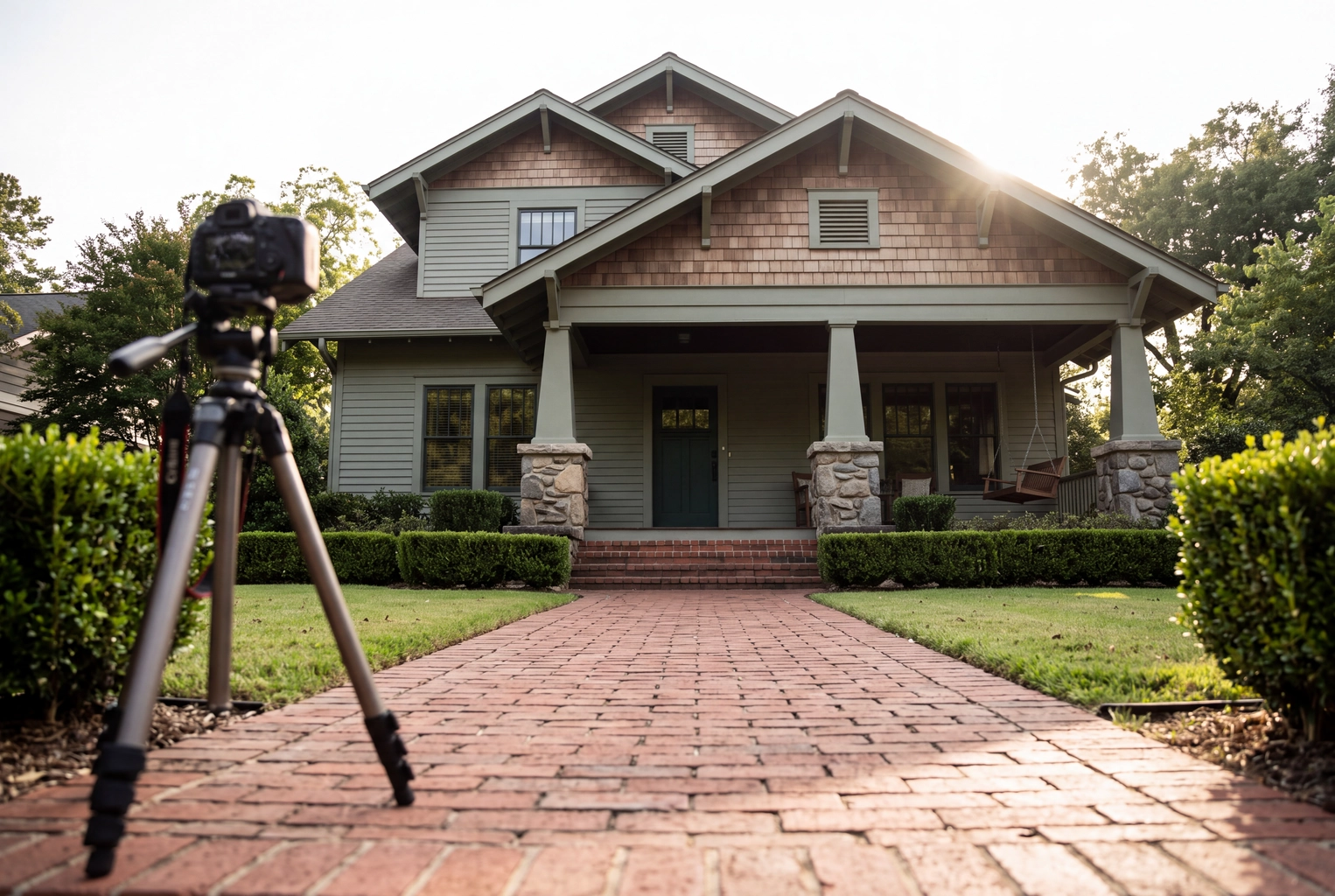
Lock the camera down, fix everything except shutter speed, meter a midtone, and fire without touching anything. The professional sequence, room after room:
- Level the tripod. Keep the sensor vertical so walls stay parallel.
- Shoot RAW at f/8 and ISO 100. Sharp front to back, clean shadows.
- Fix white balance and focus. Pick daylight or a Kelvin value so colors match across frames, focus once, then switch to manual focus.
- Meter a midtone. Spot-meter a wall of average brightness, away from the glass, and make that 0 EV in manual mode.
- Set bracketing from the table and fire in continuous drive with a remote, or a 2-second timer if your camera fires every frame after it.
- Lamps on, fans off, people out. A spinning fan or a moving curtain ghosts across frames.
- Shoot a window pull when the view sells the property. Expose for the scene outside alone, and blend it over the glass later.
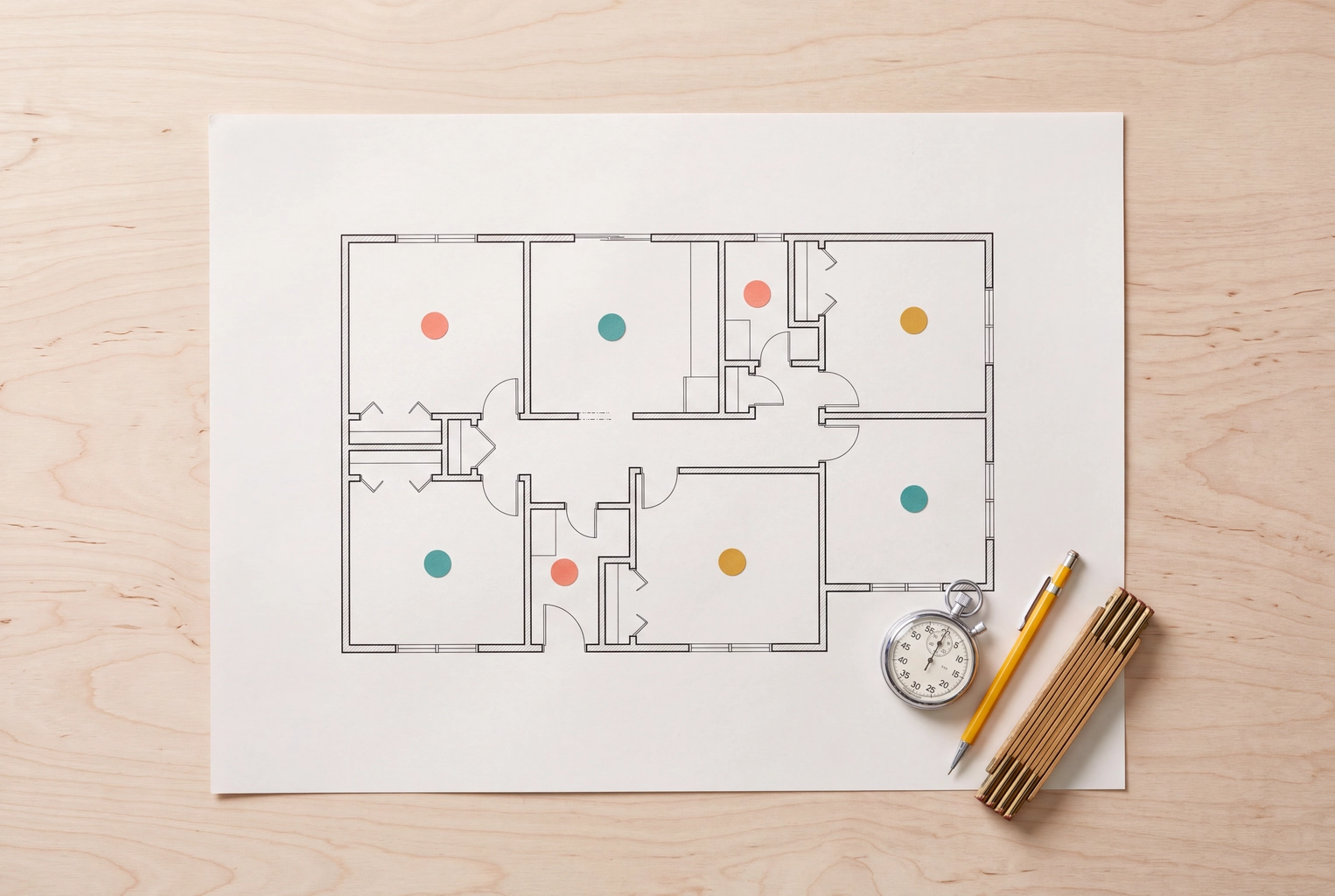
In a dim bedroom metered at 1/8 s, five frames at 2 EV run 1/125, 1/30, 1/8, 1/2 and 2 seconds: about 2.7 seconds in total. The real minutes go into moving and leveling the camera, which every method shares. Our interior real estate photography guide covers camera height and composition.
3 ways to merge brackets
Every HDR photography merge either builds a true high-dynamic-range file and tone-maps it, blends the best-exposed pixels from each frame directly, or hands the job to an AI service.
1. HDR merge and tone mapping (Lightroom Classic, Photomatix)
In Lightroom Classic, select the frames and choose Photo > Photo Merge > HDR. The merge dialog offers Auto Align, Auto Settings and four deghost levels (None, Low, Medium, High), then writes a DNG you edit like a raw file. For a whole listing, group frames with Auto-Stack by Capture Time, then press Shift+Ctrl+H (Shift+Cmd+H on a Mac) to merge without opening the dialog. Our Lightroom editing guide covers the steps after the merge.
Photomatix Pro, a $99 one-time license, adds real estate presets, finer ghost control and batch processing of whole folders of brackets. More looks also means more ways to reach the gray, haloed "HDR look."
2. Exposure fusion (Enfuse-style blending)
Enfuse is a free, open-source command-line tool built on the 2007 Exposure Fusion paper by Tom Mertens, Jan Kautz and Frank Van Reeth. It never builds an HDR file. It scores every pixel in every frame for good exposure, saturation and contrast, then blends at several scales so no seams show. Photomatix's Fusion/Interior method takes the same approach. Fusion results rarely halo and look natural, but can come out flat, so plan a gentle curve afterward.
3. AI bracket-merge services
AI services such as AutoHDR and Imagen take your uploaded brackets, group them by scene, then merge and edit them. Imagen's support documentation asks for groups of 3 to 9 exposures shot less than 90 seconds apart. You trade control for desk time, and quality varies by service. Turnaround and per-image prices are compared on our HDR photo editing services page.
Hand blending using luminosity masks in Photoshop is a fourth, slower route: the flambient layer logic.
HDR vs flambient vs single frame + AI: time per room
For most listings, HDR photography wins on window detail per minute, flambient wins on color in mixed light, and a single frame plus AI wins on total minutes. The minutes are planning ranges, not benchmarks; replace them with your own.
| HDR brackets | Flambient | Single frame + AI | |
|---|---|---|---|
| Frames per composition | 3–7 | 2–5 (ambient, flash, window pull) | 1 |
| On site, per room | 2–3 min | 4–6 min | About 1 min |
| Desk, per room | 1–3 min after a batch merge | 3–5 min hand blend | About 2 min render, unattended |
| Mixed bulbs and daylight | Keeps the color casts | Best | One global correction |
| Window view | Good to very good | Best | Only what the frame recorded |
| Typical failure | Halos, gray tones, ghosts | Flash shadows, slow | Clipped glass stays clipped |
The flambient range has an anchor: one shooter on r/RealEstatePhotography reported that 25 to 30 flambient photos of a 2,000 sq ft property took more than two hours. For a 25-frame listing, the three methods land roughly here:
- HDR: 125 files to offload and cull, 50 to 75 minutes on site, 25 to 75 minutes at the desk.
- Flambient: two hours or more on site, plus 75 to 125 minutes of blending.
- Single frame + Auto Enhance: 25 files, about 25 minutes on site, and about 18 minutes of unattended rendering, three images at a time.
The line is blurring: Photomatix's maker says version 8, now in private beta, adds an "HDR + Flash" mode that blends a flash frame into merged brackets for mixed light.
Then choose by scene:
- The view is the product (waterfront homes, skyline condos): 5 to 7 brackets plus a window pull, or flambient.
- Warm pendants against blue daylight: flambient. HDR averages the casts; it can't remove them.
- Secondary bedrooms, halls, laundry: 3 brackets or a single frame. Buyers scroll past them.
- No tripod, or an agent shooting their own listing: a single frame. Handheld brackets ghost.
Where Plotpane fits, and where it doesn't
Plotpane does not merge brackets. It works one frame in, one frame out, so five uploaded exposures come back as five separate images. It fits HDR work in two places.
The single-frame route. Shoot one frame exposed so the glass isn't blown, then run Auto Enhance. One render corrects exposure, white balance, color and clarity, balancing window and interior on that frame, in about two minutes for one credit. It can't rebuild a window that recorded pure white, and it never invents a view. Raw files are read from their embedded JPEG, so pull highlights in Lightroom first when a frame needs it.
The finishing pass. Export the merged file as a JPEG (Plotpane takes JPEG, PNG, WebP, HEIC and camera raw, not TIFF), then run Sky Swap on an exterior with a flat gray sky or Perspective Fix on leaning verticals. Each tool is a separate render at one credit. Plans start at $39 a month billed yearly for 100 images, and the first 3 renders are free with no card. The real estate photo editor page shows all seven tools.
How to avoid the overcooked HDR look
Overcooked HDR is why many professional photographers distrust the method; one r/photography thread is titled "My unpopular opinion: HDR on Real Estate photography looks terrible." The fixes are mostly restraint:
- Halos around windows and lamps: lower local contrast or detail strength, or switch to fusion.
- Gray, flat walls: set a true black and white point after the merge, then add a gentle S-curve so contrast looks natural.
- Neon colors: leave the saturation slider near zero and fix white balance instead.
- Ghosts: raise deghosting, or mask in one frame where a curtain or tree moved.
- A view brighter than the room: it looks pasted in, and buyers notice. Let the window sit only slightly above the walls.
Frequently Asked Questions
Are 3 brackets enough for real estate?
For overcast light or north-facing windows, yes: three frames at 2 EV span 4 stops. Sunlit views need 5, and sun on the glass or floor needs 7 or a window pull.
Is HDR or flambient better for real estate?
Flambient is better in mixed light, because the flash frame removes the color casts every ambient bracket records. HDR photography is faster on site and needs no flash, so many photographers bracket routine listings and save flambient for hero shots in luxury homes.
Can you shoot HDR real estate photos handheld?
You can, using Auto Align, but expect ghosting and soft results. In a dim room the +4 frame may need a 2-second shutter, which no hand holds still. Use a tripod, or shoot a single frame.
Should you merge RAW files or JPEGs?
For Lightroom's merge, use RAW for the best quality: it writes a DNG that keeps the combined range, while JPEGs have already discarded highlight and shadow data. Fusion is the exception. The Photomatix FAQ says its Fusion presets often give better results from JPEG files. Either way, export finished images as JPEGs for the MLS.
Do HDR listing photos need an MLS disclosure?
Merging exposures changes how the camera recorded the room, not the property itself, so it counts as enhancement, like a color or tone edit. Virtual staging and object removal usually need a label, and a swapped sky is a gray zone at some MLSs. Our MLS disclosure guide covers the rules, and your MLS has the final word.