10 Airbnb Photo Requirements From Airbnb Itself
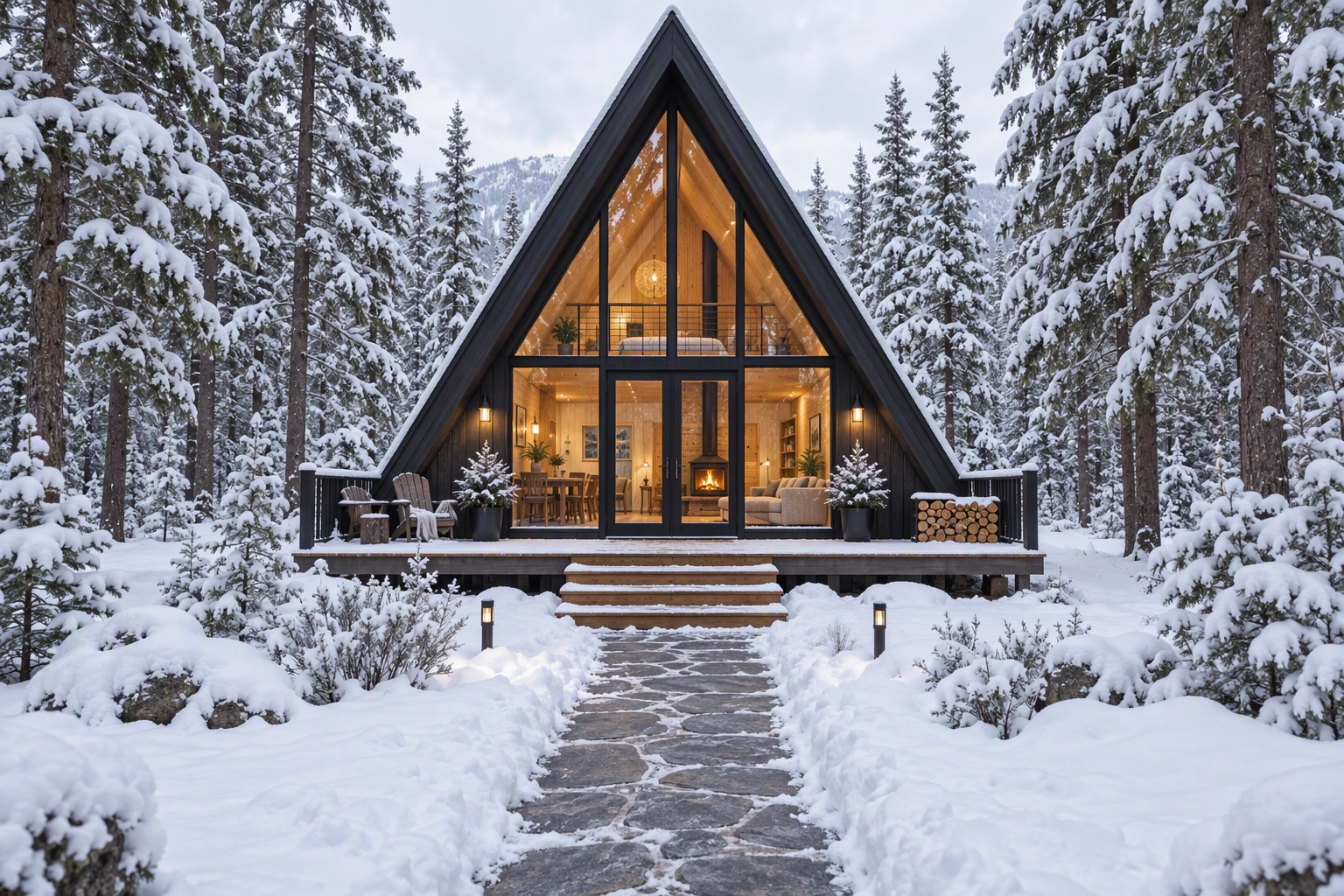
Airbnb photo requirements fit in one sentence: upload 5 or more landscape photos, each no smaller than 1024 × 683 pixels (the hosting guide asks for 1200 × 800), give every room in your photo tour its own photo, keep logos and links advertising another business off the image, and never edit a photo to hide a flaw or add an amenity guests won't find. We checked every rule against Airbnb's own Help Center and Resource Center pages on 13 October 2026.
Quick Summary: Meet the higher of Airbnb's two published sizes (1200 × 800 px, files up to about 10 MB), lead with five high-quality photos that could each be the cover, and keep every edit honest. The ground rules let Airbnb pull any photo where AI or other digital tools hid damage or added amenities.
This page covers the rules. For how to shoot each room, read our Airbnb photography guide.
What are Airbnb's photo requirements in 2026?
Airbnb's photo requirements for a home listing come down to 10 rules from seven Help Center and Resource Center pages, covering size, file weight, orientation, count, the cover, room coverage, descriptions, advertising and accuracy. Here they are in one table, each with its source.
| # | Requirement | The rule | Source |
|---|---|---|---|
| 1 | Minimum resolution | 1024 × 683 px; "when in doubt, a bigger photo is better" | Taking great photos of your listing |
| 2 | Recommended resolution | 1200 × 800 px or larger | How to take great photos |
| 3 | File size | Bigger is better, up to about 10 MB | Same Resource Center page |
| 4 | Orientation | Landscape; vertical photos "won't showcase your space as well" | Taking great photos of your listing |
| 5 | Minimum count | "You need at least 5 photos to get started" | How to add the best photos |
| 6 | Cover and first five | First 5 photos shown prominently; the first is the large one in search | Setting up a photo tour |
| 7 | Room coverage | Each room needs a photo to appear in the photo tour | Setting up a photo tour |
| 8 | Visual descriptions | Under 250 characters, describing only what is shown | Add visual descriptions |
| 9 | No advertising | No superimposed logos, links or company names for a separate business | Content Policy |
| 10 | Accuracy | No AI or digital edits that hide flaws or damage, or add amenities | Ground rules for home hosts |
Airbnb publishes no accepted-format list for home listings (JPEG is the safe choice), no maximum count and no label for edited images.
What size should Airbnb photos be?
Airbnb photos should be 1200 × 800 pixels or larger, landscape, and no heavier than about 10 MB. Airbnb publishes two minimums: 1024 × 683 px in its Help Center and 1200 × 800 px in its hosting Resource Center. Meet the higher number and you clear both.
The two pages also disagree about the crop. The Help Center says search results "are all displayed in landscape"; the Resource Center says images "are cropped into squares in search results". Compose for both: keep the main subject (the bed, the view, the hot tub) in the middle third of the frame.
Our export recipe:
- 3:2 aspect ratio, the shape of both published sizes.
- Long edge of 2,000 to 2,400 px. A host in the Community Center reported fresh photos looking pixelated on a PC; extra resolution is cheap insurance.
- JPEG in sRGB, with no digital zoom, which throws away image quality.
The same size logic runs through our MLS photo size requirements and Zillow guides.
How many photos does an Airbnb listing need?
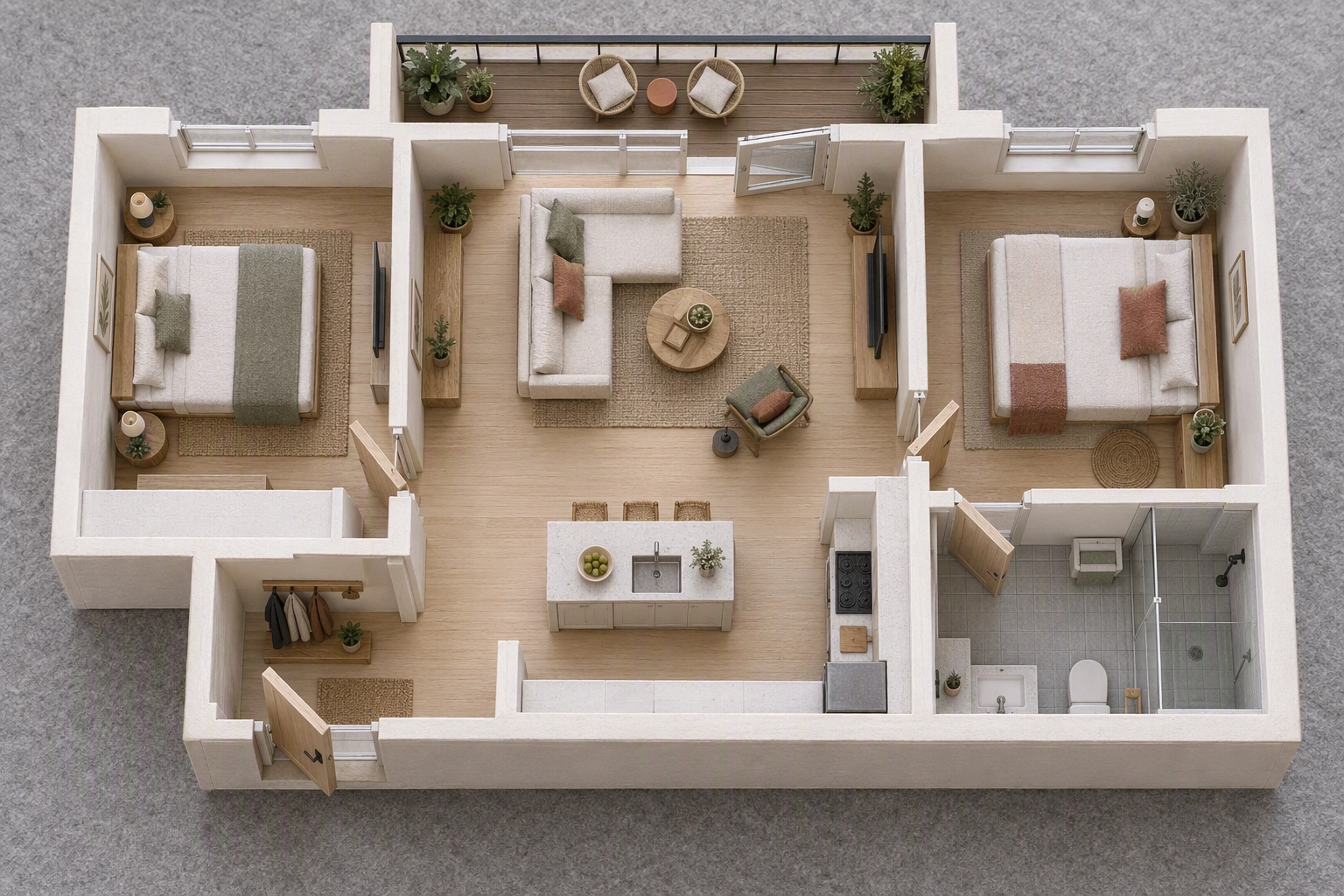
An Airbnb listing needs 5 photos to get started, plus one photo of every room or space you want in the photo tour, which uses AI to sort images by room. There is no published maximum. For most homes the real floor is the room count: a property with seven spaces needs seven photos. Here is a typical two-bedroom apartment:
| Space | Wide | Mid or detail | Total |
|---|---|---|---|
| Living room | 1 | 2 | 3 |
| Kitchen | 1 | 2 | 3 |
| Two bedrooms | 2 | 2 | 4 |
| Bathroom | 1 | 1 | 2 |
| Balcony | 1 | 1 | 2 |
| Entrance or exterior | 1 | 1 | 2 |
| Total | 7 | 9 | 16 |
Seven is the floor for a complete tour; 16 is our working target, following Airbnb's tips to mix "wide, mid-range, and close-up images."
What are Airbnb's cover photo rules?
Your cover photo is the first photo in the listing and the large one in search, and the first five photos are displayed prominently. You set the cover in the photo tour (All photos, then Make cover photo), and changes can take up to 30 minutes to appear.
Since Airbnb's 2026 Summer Release on 20 May 2026, hosts in the Community Center report that the app picks which top photo each guest sees first. No Airbnb page confirms it, so treat it as reported, not official, and make all five first photos cover-grade:
- Landscape, sharp at thumbnail size, and bright with natural light.
- The reason people book (the view, the pool, the main living space) near the centre.
- Avoid near-duplicates: two angles of one sofa waste a slot.
- Shot this season. A summer garden in a December search reads as stale and costs bookings.
Captions, visual descriptions and accessibility photos
Airbnb asks for two kinds of text on photos. Captions explain what a photo can't show, like "the dining table extends to seat 10." Visual descriptions, the platform's name for alt text, objectively describe what is in the photo in under 250 characters, for guests who use screen readers or can't load images.
Mood belongs in the caption, objects and layout in the visual description.
Accessibility photos carry the strictest rules. Each accessibility feature you list needs a clear photo, and Airbnb reviews it against its photo guidelines before it appears. Its guide asks for a photo every 10 feet (3 m) along the path from parking to the entrance, proof of no steps or thresholds higher than 2 inches (5 cm), and doorways shot from 8 feet (2.4 m) back with the door open. Miss one and you may be asked for a new photo, or lose the feature.
What is not allowed in Airbnb listing photos?
Airbnb's Content Policy bans superimposed logos, links or company names that advertise a separate business, plus content that breaks someone's copyright or privacy, and the ground rules ban photos that misrepresent the property. The policy covers content "generated or edited using AI," so none of this relaxes for AI images.
What to avoid in practice:
- Watermarks, logos and URLs. A host in Reddit's r/AirBnBHosts reported that a faint, embossed web address in one corner was detected and the photos rejected.
- Text overlays. Banned outright for Experiences; for homes, the advertising rule catches most overlays.
- Someone else's images. That includes photos lifted from another listing or a stock library.
- Identifiable people. Shoot empty rooms and keep guests, neighbours and children out of frame.
- Location giveaways. Airbnb withholds the street number and exact map pin until a reservation is confirmed. A legible house number or lockbox code on your exterior photo hands that out anyway, so keep it out of frame or remove it.
Can you edit or virtually stage Airbnb photos?
Yes, within a line Airbnb draws in its ground rules. Its own photo tips tell hosts to adjust brightness, contrast and highlights and to crop or straighten. What it won't accept is AI or other digital technology used to "edit flaws, hide damage, add amenities or attributes that are not part of a listing, or otherwise misrepresent the listing."
Airbnb repeated that test to CBC News in October 2026, with one extra word: "materially" misrepresent. Here is how common edits land:
| Edit | Verdict | Why |
|---|---|---|
| Brightness, contrast, white balance | Allowed | Airbnb's own photo guide recommends it |
| Straightening tilted walls, cropping | Allowed | It asks for straight-ahead, realistic views |
| Replacing a flat grey sky | Low risk | Weather isn't an amenity; keep it plausible for the season |
| Removing your laundry basket or bins | Allowed | Guests won't find them either |
| Painting out a stain, crack or worn carpet | Not allowed | "Edit flaws, hide damage" |
| Removing the building site next door | Not allowed | Hosts must disclose surroundings that affect noise |
| Greening a lawn, clearing a cloudy pool | Only if true at check-in | Otherwise it edits a flaw out of an amenity |
| Adding furniture, a hot tub or a fire pit | Not allowed | "Add amenities or attributes" |
Virtual staging needs the most care. On a for-sale listing, a staged sofa shows a buyer what a room could hold. On Airbnb, guests rent the furniture, so the sofa in the photo is a promise. Stage only the exact pieces guests will find (say, furniture bought and arriving before the first check-in), disclose it in the caption and swap in real photos once it's in. See virtual staging for Airbnb hosts.
There is no label for edited images, so the caption is your disclosure. Overselling also costs bookings twice: accuracy is one of the six category ratings Airbnb uses to pick Guest Favorites, so a misleading photo hurts the review and then the badge. Fix the flaw, don't edit it.
Pre-upload checklist for Airbnb listing photos
Run every photo through these 12 checks to ensure it meets the rules above.
- Long edge of 1,200 px or more.
- JPEG, under about 10 MB.
- Landscape 3:2 frame, subject centred for the square crop.
- Five photos or more, and one for every room in the tour.
- Your strongest five first, each good enough to be the cover.
- Wide, mid-range and close-up shots of the main rooms.
- No watermark, logo, URL, phone number or business name.
- No legible house number, street sign, door code or lockbox.
- No identifiable people, and no photo you don't own.
- Every edit leaves the room as guests will find it.
- Staged images say so in the caption.
- A visual description for each photo, and a clear photo for every accessibility feature.
After uploading, wait 30 minutes and open the listing in a logged-out browser window to see what guests see.
How Plotpane brings phone photos up to Airbnb's bar
Most phone photos already clear Airbnb's size floor. What lets them down is tilt, dim rooms, flat skies and clutter. Plotpane fixes those on the photos you already have, in about two minutes per image and three at a time, without inventing anything guests won't find at check-in.
| Problem in the phone shot | Plotpane tool | Honest limit |
|---|---|---|
| Walls lean from a tilted phone | Perspective Fix | Straightens, never widens |
| Dark room, blown-out window | Auto Enhance | Natural daylight, not a showroom glow |
| Flat grey sky on the exterior | Sky Swap | Plausible for the season |
| Bins, a cleaning caddy, a parked car | Clutter Removal | Temporary items only, never damage |
| Patchy lawn, cloudy pool | Lawn & Pool Revive | Only if true when guests stay |
| An empty room | Virtual Staging | Only with the real furniture, captioned |
The standard export is about 2.4K on the long edge, double Airbnb's 1200 px recommendation, and a second credit buys a high-resolution export of about 4.7K. Plotpane adds no watermark, so nothing trips the advertising rule, and it never reinvents walls, windows or floor plans. It writes an invisible XMP disclosure record into staged files for your own records, but guests never see metadata, so the caption disclosure stays your job.
It accepts iPhone HEIC files (format notes) and returns a JPEG ready for Airbnb, Vrbo or Booking.com (platform notes). Co-hosts managing several properties can lock one preset across a listing on the Pro and Agency plans (short-term rental). Boutique hotels on Airbnb get minor leeway for hotel-like representative inventory.
Plans start at $39 a month billed yearly, with 3 free renders and no card needed. See pricing.
Airbnb photo requirements vs Experiences and Vrbo
The home rules are not Airbnb's only photo rules. Experience hosts work to a vertical spec, and Vrbo, where many hosts cross-list a property, sets a 6-photo floor.
| Rule | Airbnb home | Airbnb Experience | Vrbo |
|---|---|---|---|
| Orientation | Landscape | Vertical | Horizontal best |
| Minimum size | 1024 × 683 px (1200 × 800 advised) | 800 × 1,200 px | 1024 × 683 px |
| Minimum count | 5 to start | 5 | 6, at all times |
| File size | Up to about 10 MB | Up to 10 MB | Not published |
| Source | Help and Resource Center | Experience photo guide | Vrbo photo requirements |
The same series covers Realtor.com, Redfin and Zoopla for property sale listings.
Frequently Asked Questions
Do I need professional photography for Airbnb?
No. Airbnb says most cameras, including your smartphone, can capture high-quality listing photos. It also offers professional photography in select cities, but those photos are for personal use only and can't go on Vrbo or any other rental site, per the help page. Photos you or your own photographer took can.
Can I upload iPhone photos to Airbnb?
Yes. Recent iPhones shoot 12 megapixels or more, far above the size floor. No format list is published, and some hosts report HEIC upload trouble; if a file fails, set Settings > Camera > Formats to Most Compatible so the phone saves JPEG.
Are watermarks allowed on Airbnb photos?
No, not if they advertise a business. The Content Policy bans superimposed logos, links or company names promoting a separate business, which covers a photographer's watermark and your own booking site. Upload the clean file.
Does an Airbnb host need a profile photo?
Yes. Airbnb requires every host to have a profile photo, and it shows on your listing. The best profile photos clearly show your face.
Can Airbnb remove my listing photos?
Yes. It can ask hosts to remove content that misrepresents a property, and repeated or severe violations can mean suspension, lost Superhost status and adjusted payout timing.