Vrbo Photo Requirements 2026: 8 Reasons Photos Get Rejected
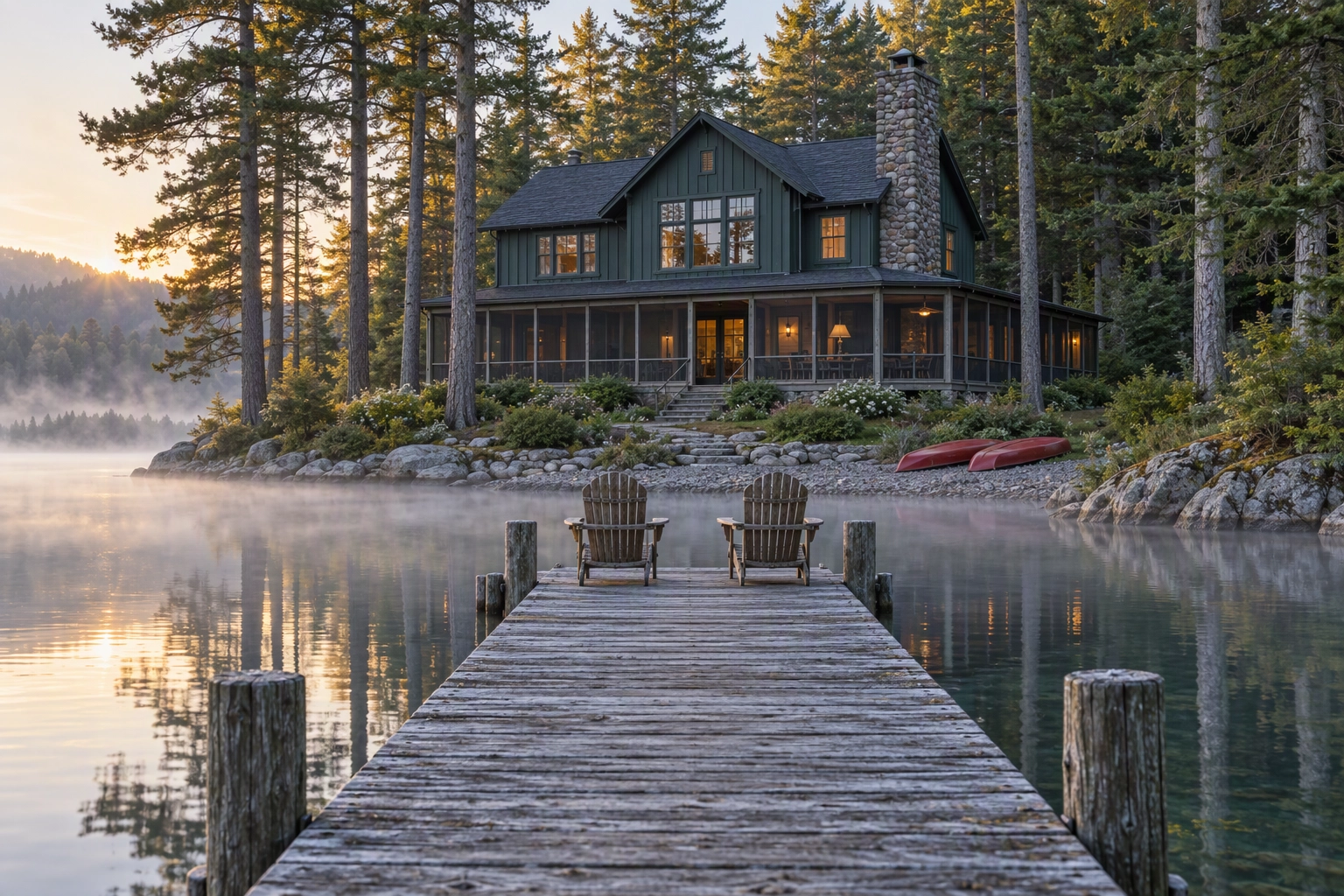
Vrbo photo requirements are shorter than most guides make them look. You need at least 6 unique photos published at all times, each at least 1024 × 683 pixels (Vrbo calls 3840 × 2160 or higher ideal), saved as JPEG, PNG, WebP, AVIF or SVG, and framed horizontally for the best display. The penalty is the part owners miss: fewer than six published photos for more than 30 days can trigger an indefinite suspension. Every figure below was checked against Vrbo's own help centre on 10 October 2026.
Quick Summary: The core Vrbo photo requirements are at least 6 unique, sharp, colour images at the minimum size or above, with no watermarks, text overlays, collages or close-ups. Vrbo's AI can now pick your cover and reorder the gallery, so every photo you upload has to be good enough to lead.
What are the Vrbo photo requirements in 2026?
The Vrbo photo requirements in 2026 are a 6-photo minimum, a resolution floor, five accepted file formats and eight rejection triggers. They are split across Vrbo's photo guidelines and its upload instructions. Here they are in one table.
| Requirement | Vrbo's rule | Source |
|---|---|---|
| Minimum count | At least 6 unique photos, published at all times | Photo guidelines |
| Penalty | Under 6 for more than 30 days can mean an indefinite suspension | Photo guidelines |
| Duplicates | Removed and not counted toward your total | Photo guidelines |
| Minimum resolution | 1024 × 683 px | Photo guidelines |
| Ideal resolution | 3840 × 2160 px or higher | Photo guidelines |
| File formats | JPEG, PNG, WebP, AVIF or SVG | Photo guidelines |
| Orientation | Horizontal displays best; vertical is acceptable | Photo guidelines (US) |
| Maximum file size | Not published by Vrbo; channel-manager docs cite 20 MB | Third-party docs |
| Multi-unit properties | 1 exterior, 1 interior or lobby, 3 guest room and 1 bathroom photo | Photo guidelines |
| Captions | Optional, per photo, from the three-dot menu | Upload page |
| Room tagging | Bedrooms and bathrooms only | Upload page |
| Cover and order | Vrbo's AI tool can choose the hero and the sequence | Upload page |
| Recommended count | At least 25, per Vrbo's notices to hosts | Vrbo host notice |
Two rows deserve a second look. Several property-manager guides still list JPG, PNG and GIF, but Vrbo's current page names JPEG, PNG, WebP, AVIF and SVG. GIF is not on it, and neither is iPhone HEIC, so convert those files first. And 25 photos is a recommendation from Vrbo's host notices, not a rule: treat 6 as the line you never cross and 25 as the target for a whole-home vacation rental.
The 8 reasons Vrbo rejects a photo
Vrbo rejects photos that are black and white, duplicated, blurry, close-ups, collages or non-photos, or that carry text or graphic overlays. Those are the following eight triggers Vrbo lists. Rejection works per file: the failing one is flagged and the rest of the gallery stays live.
- Black and white or sepia. Every frame should be in colour.
- Blank, duplicate or near-duplicate photos. Two frames of one corner taken a step apart count as near-duplicates.
- Blurry or pixelated images. Vrbo warns against phone Portrait Mode, which blurs on purpose.
- Close-ups. A macro of a throw pillow or a coffee mug tells guests nothing.
- Collages or montages. One file must hold one photo of one listing.
- Something other than a photo. Documents, certificates, illustrations and posters are refused. Floor plans and property maps are fine, area maps are not.
- Text overlays. URLs, phone numbers and contact details are out.
- Graphic overlays. Watermarks with logos and decorative borders are out.

In the Vrbo dashboard, refused files appear as Rejected photos under Edit Property, then Photos. If channel-manager software pushes your content, they show up as integration errors in its daily audit report.
Vrbo's UK guidelines page has also listed more triggers: license plates, QR codes, portrait orientation, close-ups of a plant, photos copied from another listing, copyrighted material and scenes unrelated to the property or area. If you create listings in more than one market, meet the stricter list.
Can people, AI edits or door codes appear in Vrbo photos?
People are not banned outright, but Vrbo's content policy forbids identifiable photos of children or other third parties without consent, and close-ups of people that say nothing about the stay. In practice, shoot empty spaces. The same policy covers AI edits and access details.
The rules come from Expedia Group's Partner Provided Content Policy, which applies to every Vrbo listing:
- Identifiable people. No close-up or identifiable photos of specific children or third parties without consent.
- Access details. No door codes, key locations or exact street details. Those go only to travelers with a booking, so check keypad close-ups and house-number plaques.
- Drinking. Nothing that suggests irresponsible drinking. A wine glass on a deck rail is fine; a counter of empties is not.
- AI edits. No AI-generated or AI-edited content that misrepresents the property.
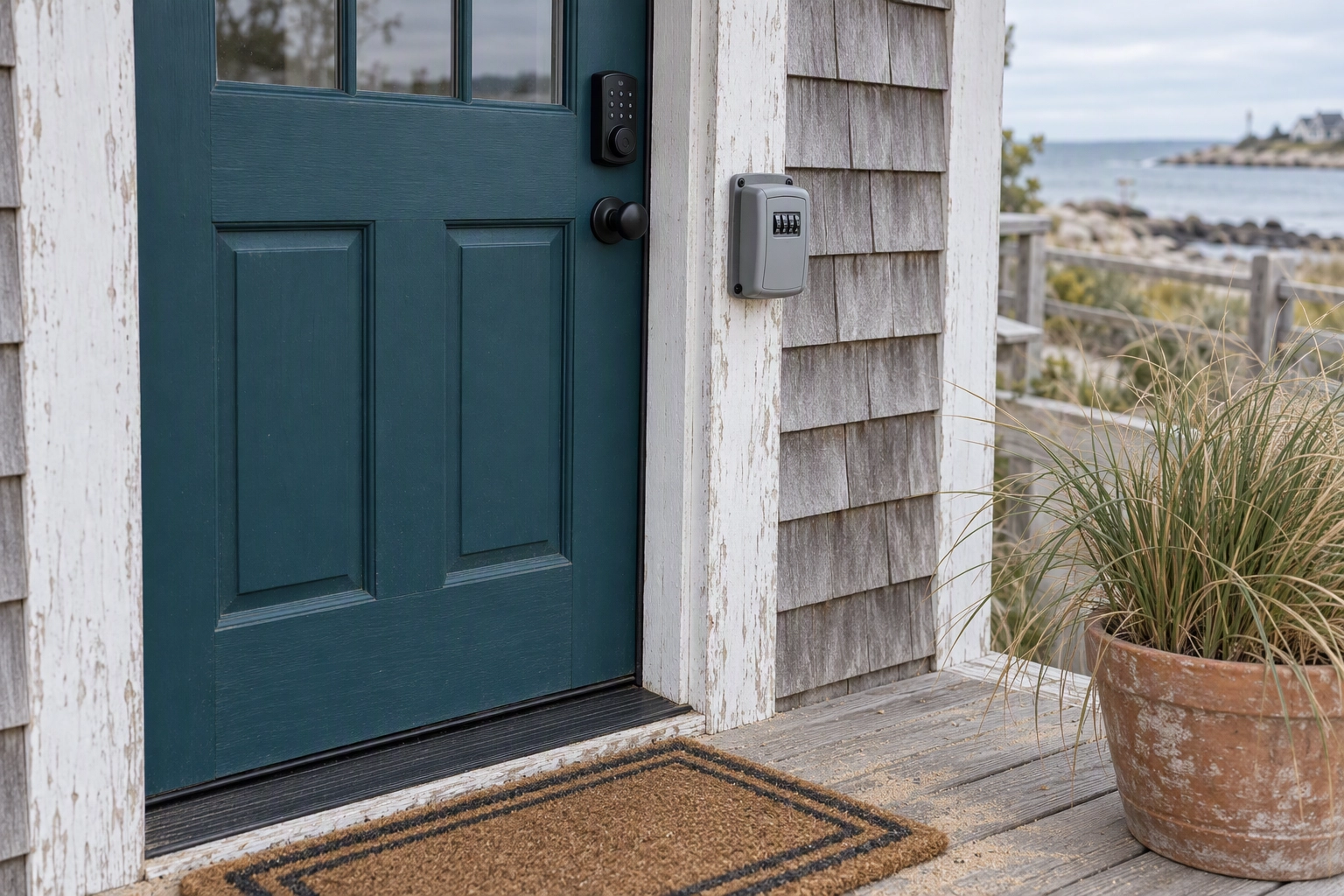
That last rule is the important one. Nothing in the Vrbo photo requirements bans editing. The policy bans editing that changes what guests will find when they arrive. Correcting exposure, straightening a wall or replacing a flat grey sky leaves the home as it is. Painting out a crack, inserting a hot tub or turning gravel into lawn does not. Vrbo's listing guidelines say it in one line: a listing must accurately portray the rental.
How do photo order and quality affect Vrbo search placement?
Vrbo does not name photos as a direct ranking factor, but it ties photo quality to property views, and its AI can now choose your cover and reorder your gallery. Order isn't one of the formal Vrbo photo requirements, yet any photo you upload may end up first, so all of them have to be strong.
Vrbo's ranking metrics page tracks property views, search appearances, bookings, acceptance rate, cancellation rate and reviews. To raise property views, it tells hosts to improve content and photo quality and keep rates competitive. A sharper cover earns more views from the same number of search appearances, and views feed bookings.
The bigger change is ordering. Vrbo says it uses an AI-powered tool to choose the best hero image and image order, rearranging the photos you have already uploaded. You can opt out through a survey linked on its upload page. Hosts in forums have reported the tool leading with a bathroom, a winter scene in August and a close-up of a decorative plate. Some saw the change only in guest view, so check the listing in a logged-out browser window.
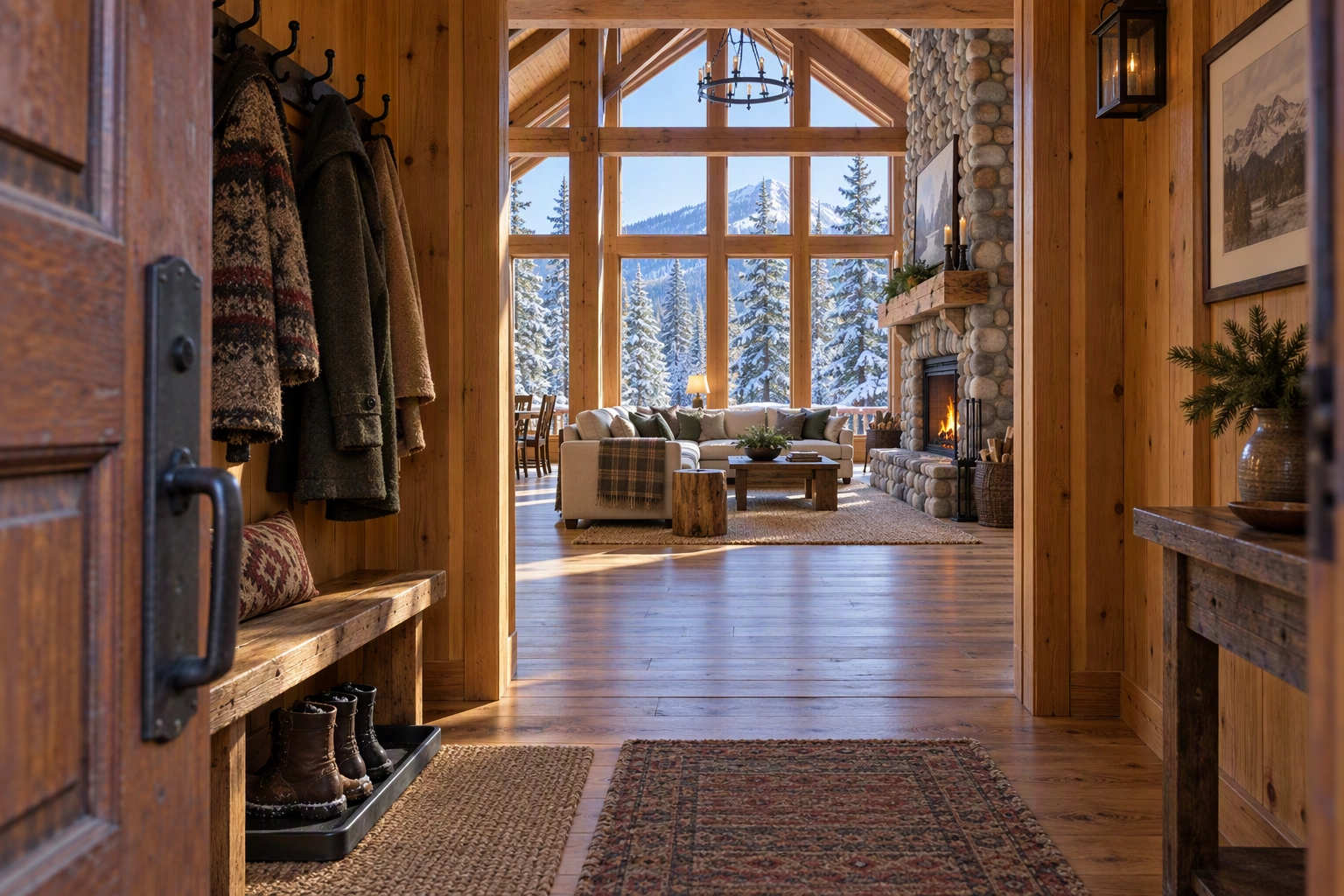
Once an algorithm picks the cover, your weakest photo is a candidate for it. A dim hallway that used to sit at position 22 can now open the listing. Cull those frames or fix them, and keep a strong exterior or view shot in the set so the tool has a good option.
If you have opted out, lead with the reason people book (the view, the pool or the main living space), then follow the route guests walk through the property. Our vacation rental photography guide covers how to shoot that sequence; this page sticks to Vrbo's rules.
A pre-upload checklist for Vrbo photo requirements
Run your images through these twelve checks before you upload. Each maps to a published Vrbo rule or a policy line.
- At or above the minimum size, with the long edge near 3840 px where possible.
- Saved as JPEG, PNG, WebP or AVIF, with HEIC converted.
- A horizontal frame.
- Colour, not black and white or sepia.
- Sharp: no Portrait Mode, motion blur or digital-zoom pixelation.
- One frame per angle, no near-duplicates.
- No watermark, logo, border, URL, phone number or QR code.
- One photo per file, never a collage.
- No identifiable guests or children, and no readable license plates.
- No legible door code, lockbox or house number.
- Every edit leaves the property as guests will find it.
- At least 6 live at all times, 25 or more as the target. Upload replacements before you delete.
After uploading, wait 10 minutes (Vrbo's stated delay) and open the listing logged out to see which cover it shows.
Getting phone photos to Vrbo's bar without a reshoot
Most owner-shot phone images already meet the size side of the Vrbo photo requirements. What sinks them is tilt, dull skies, clutter and dark interiors. Plotpane fixes those on the files you already have, in about two minutes per image and three images at a time, without reinventing the property.
| Problem in the phone shot | Why it hurts on Vrbo | Plotpane tool |
|---|---|---|
| Walls lean from a tilted phone | Looks amateur at thumbnail size | Perspective Fix |
| Flat grey sky over the exterior | A dull cover in search results | Sky Swap |
| Patchy lawn, cloudy pool water | Undersells what guests book for | Lawn & Pool Revive |
| Bins, a cleaning caddy, a parked car | Clutter, and a readable plate | Clutter Removal |
| Dark living area, blown-out window | Reads as dim at small sizes | Auto Enhance |
| Midday exterior with no mood | Loses the click to a twilight cover | Day to Dusk |
Plotpane's standard export is about 2.4K on the long edge, more than double Vrbo's minimum width. Spend a second credit and the high-resolution export is about 4.7K, past the 3840 px ideal. Plotpane adds no watermark, one of Vrbo's eight rejection triggers, and writes an invisible XMP disclosure record into the file.
It does not reinvent architecture, walls, windows or floor plans, which keeps you clear of the AI clause. Use judgment on the rest: green the lawn only if it is green when guests stay, and leave a pool alone if it is closed for repairs.
For managers running several vacation rental units, Pro and Agency plans hold one preset, white balance and grade across a listing (batch editing), so a 25-photo gallery still looks like one home when Vrbo reshuffles it. Plans start at $39 a month billed yearly for 100 credits, and your first 3 renders are free with no card. See plans, our short-term rental page, or using Plotpane exports on Airbnb, Vrbo and Booking.com.
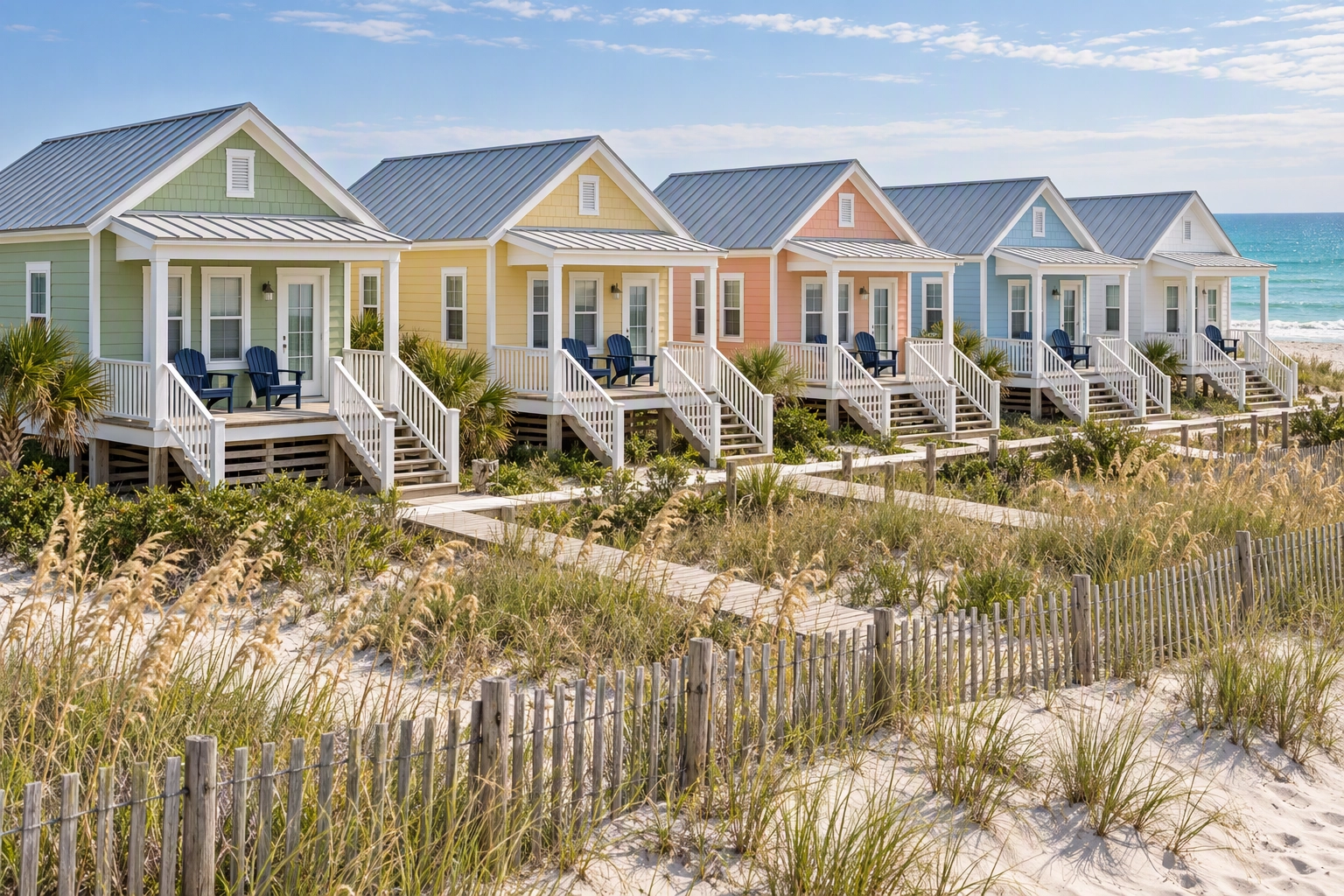
Editing has limits. It won't create a room you never photographed or rescue an out-of-focus frame. If your set is five shots of one living room, reshoot first.
How Vrbo photo requirements compare with other listing platforms
Vrbo's size floor is modest; its count rule and overlay ban are where vacation rental listings fail. We keep the same spec sheets for sales portals: Zillow, Redfin, Realtor.com, Zoopla and our MLS photo size guide. If you cross-list on Airbnb, read our Airbnb photography guide, then create one master set at the largest clean size you have.
Frequently Asked Questions
How many photos does Vrbo require?
At least 6 unique photos, published at all times. Fewer than six for more than 30 days can lead to an indefinite suspension, and duplicates don't count. Vrbo's host notices recommend 25 or more.
What size should Vrbo photos be?
At least 1024 × 683 pixels, with 3840 × 2160 or higher described as ideal. Vrbo doesn't publish a maximum file size; channel-manager docs cite 20 MB.
Do Vrbo photo requirements differ by country?
Slightly. The US help centre accepts vertical photos; the UK page has listed portrait orientation, license plates and QR codes as rejection reasons. Shoot horizontal everywhere.
What happens if my photos don't meet the Vrbo photo requirements?
Each failing file is marked Rejected and stays off the listing. If that leaves you under six published photos for more than 30 days, the listing can be suspended indefinitely.
Why did Vrbo change my cover photo?
Vrbo's AI photo optimization chooses the hero and order from the photos you uploaded. You can opt out through the survey on its upload page.
Can I put captions on Vrbo photos?
Yes. Open the three-dot menu on a photo, choose Edit, type the caption and save. Leave out URLs, phone numbers and street details, which the content policy bans.
Is it allowed to edit Vrbo photos with AI?
Yes, as long as the result doesn't misrepresent the property. Expedia Group's policy bans AI-edited content that misrepresents a rental, not editing itself. Fixing exposure, tilt or a grey sky is fine; inventing a feature is not.