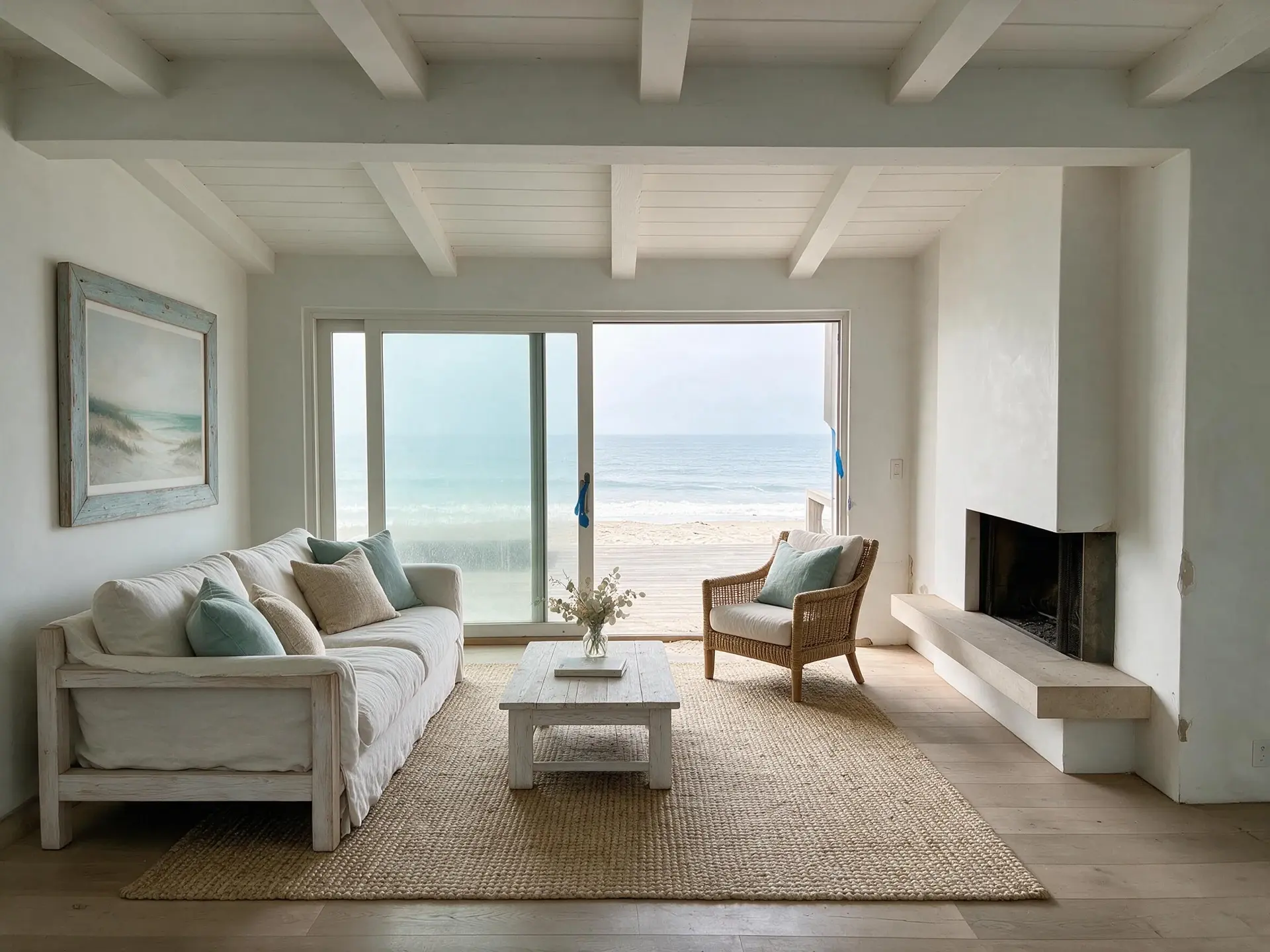
How do I take vacation rental photos with just a phone?+
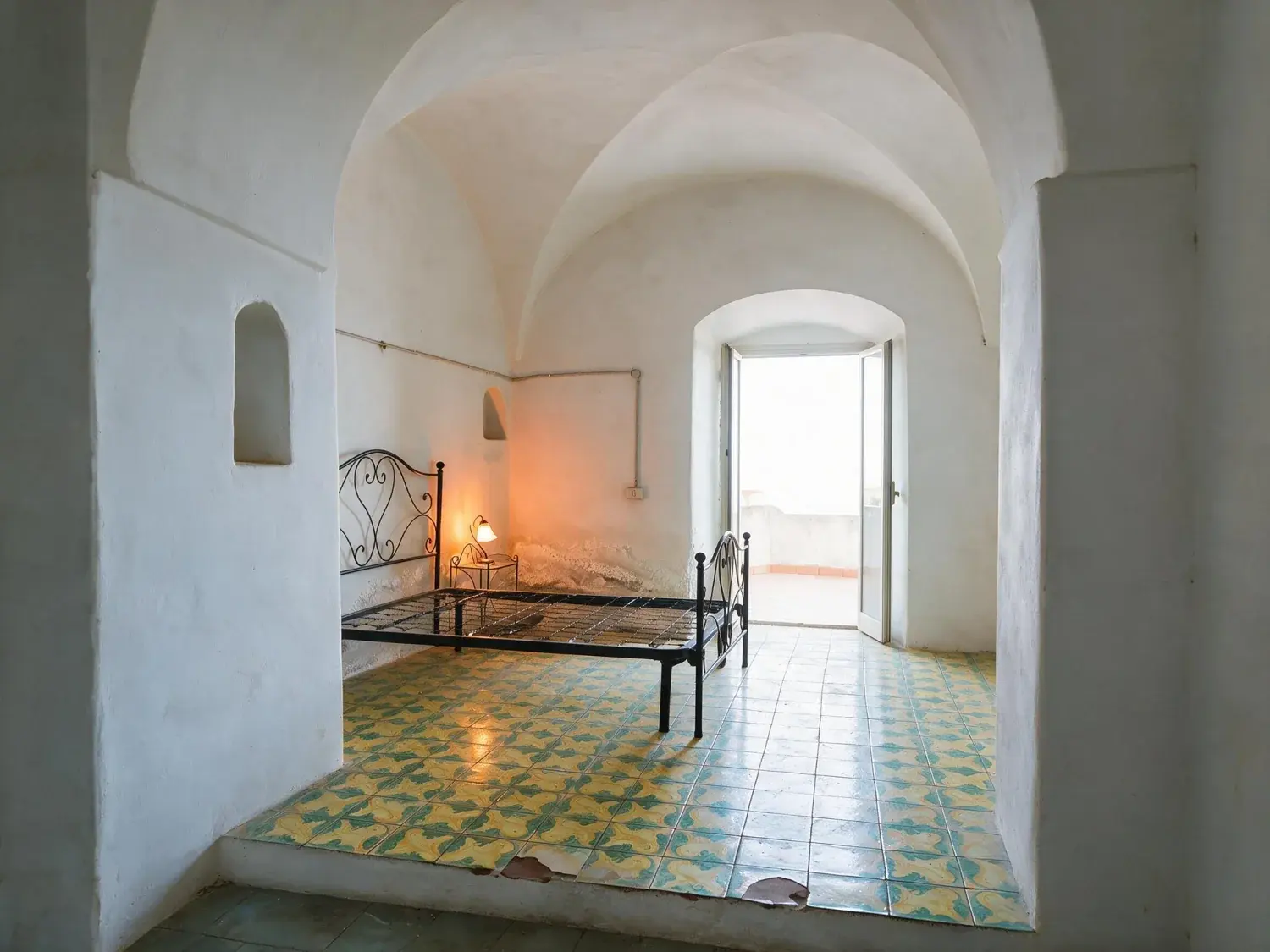
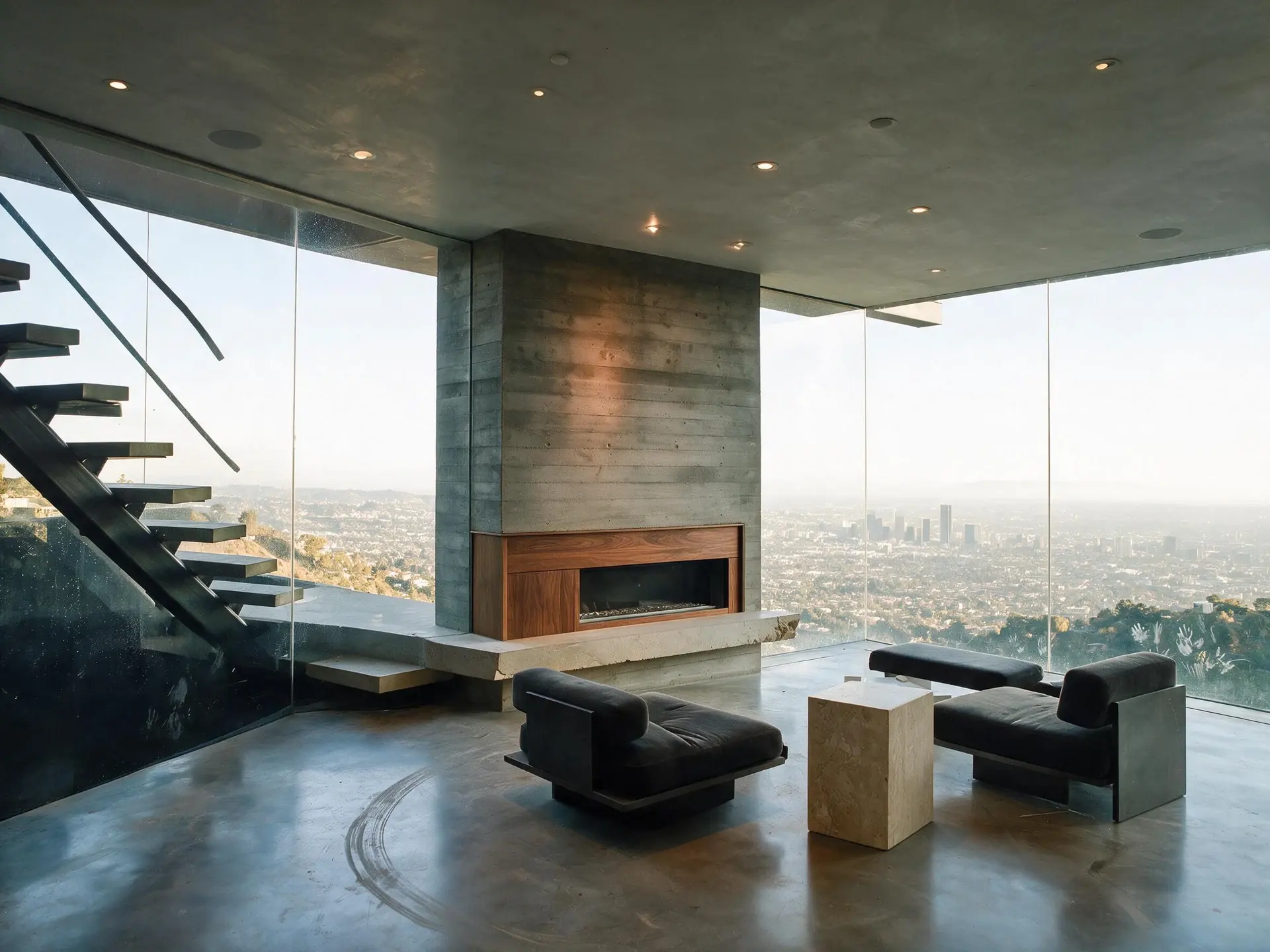
Turn on every lamp and open every blind, then shoot in the middle of the day when the window and the room are closest in brightness. Stand in a corner and shoot the two walls opposite you — corner shots read as a room, flat-on shots read as a wall. Hold the phone at chest height rather than eye height, and keep it level: switch on your camera's grid and level indicator so you are not tilting up to catch the ceiling. Use the main lens rather than the 0.5x ultra-wide, which bends the edges and turns a small room into a fisheye. Cover every room, both directions down any long space, every sleeping surface you advertise, every bathroom, and the one thing people actually book you for — the deck, the view, the hot tub. Fix exposure and tilt afterwards instead of trying to nail them on site.
What are the best photo angles for a vacation rental booking site?+
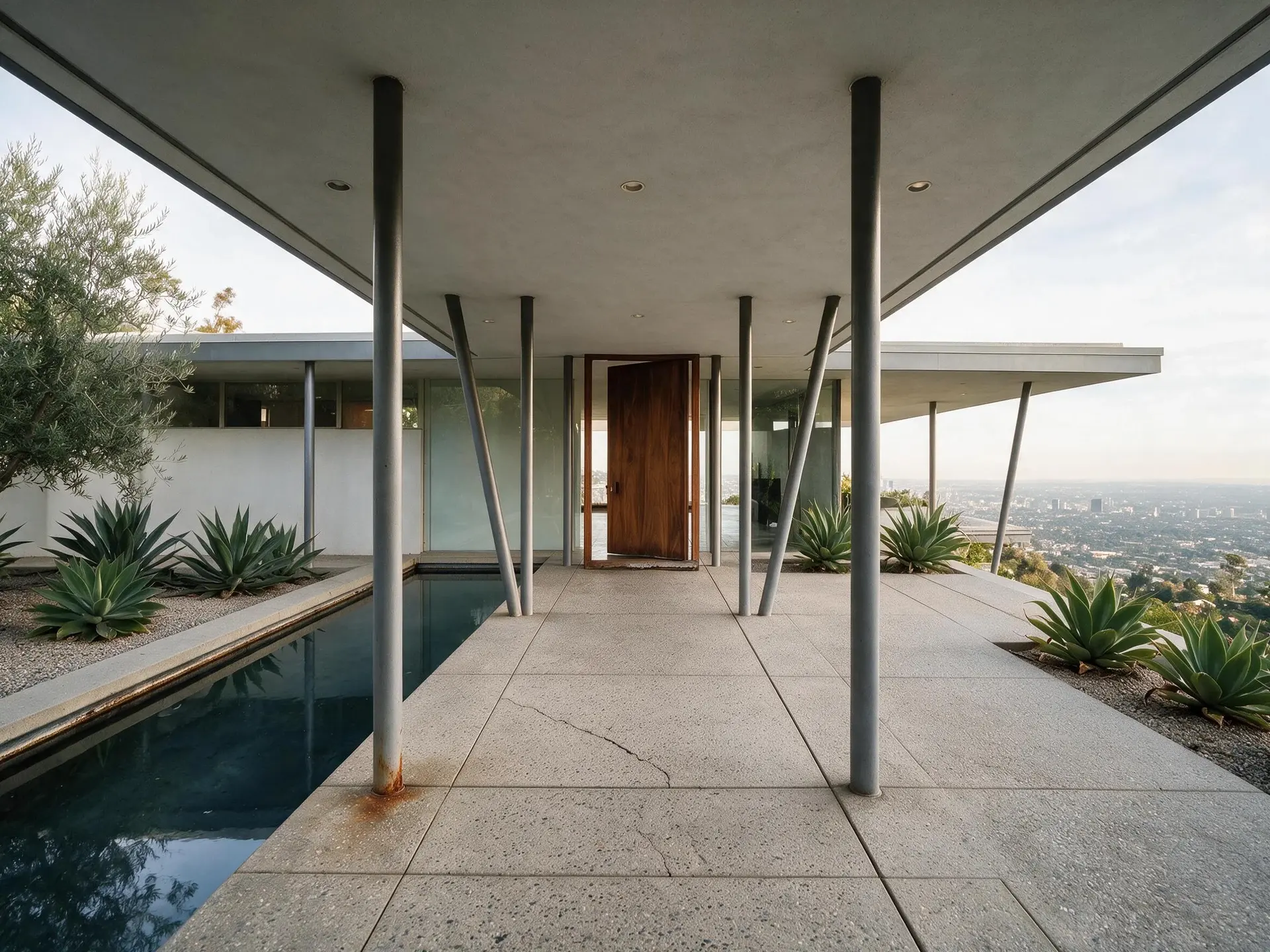
Corner-in, chest height, level. From a corner you see two walls and the floor between them, which is what makes a room legible; pressed against one wall, the same room flattens out. Chest height matches how the space looks when you are sitting in it and stops the ceiling eating a third of the frame. Level matters more than anything else — a phone tilted up to fit the ceiling makes every vertical lean, and that single mistake is what separates a host gallery from a photographer's at thumbnail size. Shoot the hero of each room from the door a guest actually walks through. Outside, back up further than feels natural and take the whole elevation with some ground in front of it. If the verticals in your existing photos already lean, Perspective Fix straightens them for 1 credit — it crops slightly to square the frame, so leave yourself a little margin when you shoot.
How should I display and order the photos on the listing?+
Lead with the single frame that makes someone stop scrolling — usually the view, the pool, the deck or the main living space, rather than the exterior. After the cover, order the gallery the way a guest walks the property: entry, living, kitchen, dining, then each bedroom with its bathroom, then outdoor space, then the extras. Write a caption on every photo; Airbnb and Vrbo both allow per-photo captions and most hosts leave them empty. Show every sleeping surface you advertise, the sofa bed included, and every bathroom. Twenty to thirty photos covers a typical two-bedroom without padding, and four near-identical shots of the same corner read as thin rather than thorough. Keep the cover landscape — a vertical cover is cropped hard in the mobile results grid.
Does photography really matter with vacation rentals?+
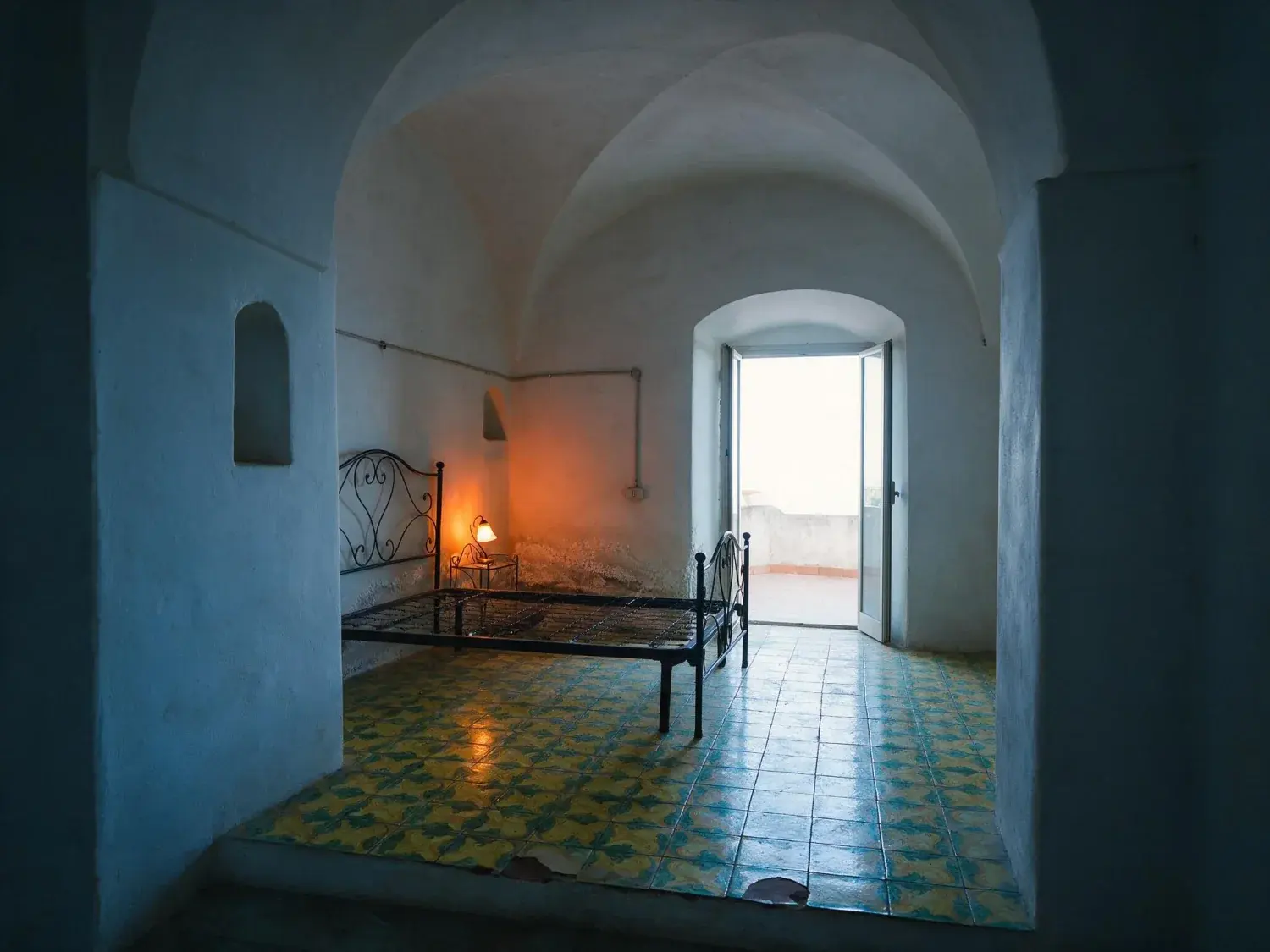
Your listing competes as a thumbnail in a grid before anyone reads a word of it, so the cover photo does most of the work of earning a click. That much is uncontroversial, and we are not going to attach an invented percentage to it. The part hosts underrate is the other direction: the photos also set the expectation the guest measures the place against on arrival. Airbnb and Vrbo both give guests a route to a refund when a property is materially different from what was advertised, and reviews punish the gap even when nobody files a claim. So the target is photos that are accurate and well made, not photos that are flattering. Corrected exposure, straight walls and a tidy frame are accurate. An invented view is not.
How much does Airbnb photography cost, and is it worth it?+
Rates vary too much by market for a figure here to mean anything — get two or three quotes from photographers who shoot rentals near you, and ask exactly what 'edited' includes, because it can mean anything from a colour pass to full exposure blending. A shoot is worth it when framing is the problem: wrong angles, rooms missed, no exterior, nothing of the feature people book you for. It is poor value when the framing is fine and the files are simply badly exposed, tilted or cluttered — on Plotpane that is 1 credit and about two minutes per image, 49 cents on Starter, rather than a second site visit. Plenty of hosts end up doing both once: a proper shoot for the frames, then editing for the seasonal and post-refurbishment updates that would otherwise mean paying for another visit.
How should I stage the place before I photograph it?+
Physical staging beats every edit available. Make the beds tightly with white linen, clear every counter down to one or two deliberate objects, and hide the bins, the drying rack, the cleaning caddy, the toiletries, the router and the phone chargers. Take the magnets off the fridge, open the blinds fully, switch on every lamp including the ones you never use, move the shoes and the dog bowl out of frame, straighten the cushions and the dining chairs, sweep the deck and put the barbecue cover away. Then walk each room looking only at the floor, which is where clutter hides in a wide shot. Whatever you missed, Clutter Removal will take out for 1 credit if you name it — bins, cables, a laundry rack, the shoes at the door. It removes only what you name, and it will not conceal a stain, a crack or worn paint. That is deliberate: those are things a guest will find anyway.
Will there be a watermark, and do I have to disclose that the photos were edited?+
No watermark on any paid plan — the JPEG you download is clean. The three free renders you get at signup do carry a small visible Plotpane mark, and every paid plan removes it. Disclosure is a separate question. Every export carries an XMP metadata packet naming the operation, the engine and the timestamp, written into the file you download; Airbnb, Vrbo and Booking.com all re-encode photos on upload, which strips it, so keep the download as your own dated record. Nothing is stamped on the image itself. For enhancement — exposure, colour, straightening, sky, and clutter that is genuinely yours to move — no US booking portal asks you to declare a process, and the standard you are held to is accuracy of the result. Virtual staging is different: if furniture appears that is not in the unit, say so in the listing description and switch on the optional visible 'Virtually Staged' label, which is available per render. For a short-term rental we would generally advise against staging furniture at all. Unlike a buyer touring a house, your guest arrives and sleeps in the room.