How to Take Real Estate Photos With iPhone (11 Tips)
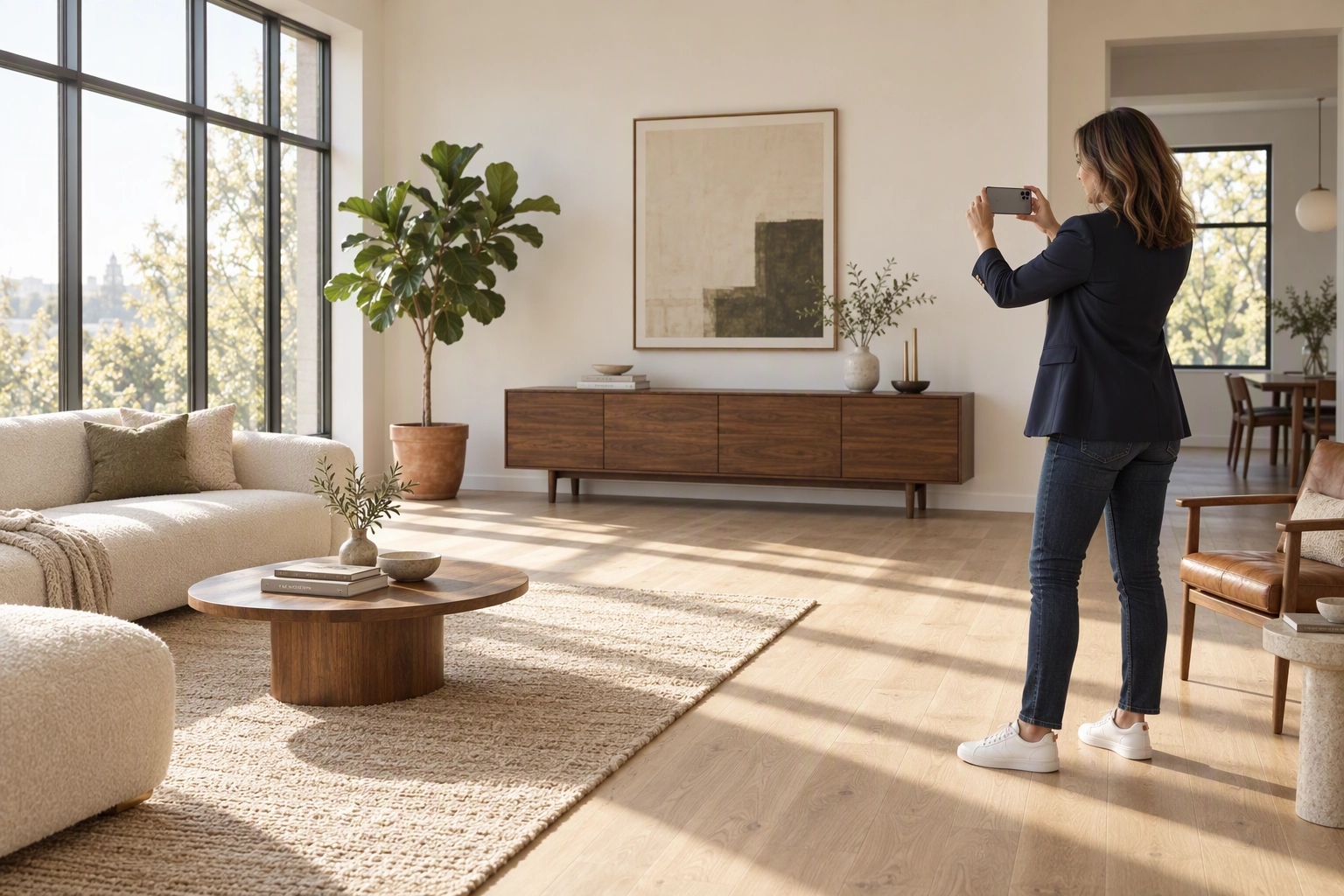
Most iPhone listing photos look amateur for the same four reasons: the wrong lens for the room, a phone tilted to fit the ceiling, exposure set by the window, and frames taken in random order. This guide shows how to take real estate photos with iPhone that look professional: which lens fits each room, what changes by model, how to lock exposure, and a shot order for any property.
Quick Summary: Use 0.5x only in small rooms, about 0.7x in most rooms and 1x for open spaces and exteriors. Keep the phone level at chest height, lock exposure on a wall instead of the window, capture HEIC rather than ProRAW, and shoot the property in gallery order.
Start with the six basics
Six core settings are covered in our guide to iPhone real estate photo editing: Grid and Level on, chest height with no tilt, 0.5x only for small spaces, landscape only, Smart HDR off where your model allows it, and every lamp on with Portrait mode skipped.
Which iPhone settings to use, by model
Your model decides whether you have a 0.5x lens and whether ProRAW tempts you into oversized files. Every iPhone from the 11 on has a 13 mm, 120° Ultra Wide except the SE, 16e, 17e and Air.
| Models (Pro incl. Pro Max) | 0.5x lens | ProRAW | What to do differently |
|---|---|---|---|
| SE (2nd, 3rd gen), 16e, 17e, Air | None | No | 1x from the far corner, plus a doorway frame per room |
| 11, 11 Pro, 12, 13, 14 (incl. mini, Plus) | 12 MP | No | On 11 and 12 models, turn Smart HDR off indoors |
| 12 Pro, 13 Pro | 12 MP | 12 MP, about 25 MB | Stay on HEIC |
| 14 Pro, 15 Pro | 12 MP | Up to 48 MP, about 75 MB | Leave RAW Max and HEIF Max off |
| 15, 16 (incl. Plus) | 12 MP | No | Keep the 24 MP default |
| 16 Pro, 17, 17 Pro | 48 MP | Pro models only | 0.7x is a clean crop of the 48 MP Ultra Wide |
| 18 Pro | 48 MP | Up to 48 MP | Set one white balance in Pro controls for the whole home |
The iPhone 18 Pro, out since September 2026, adds manual shutter and white balance controls (Apple tech specs), which help every room match.
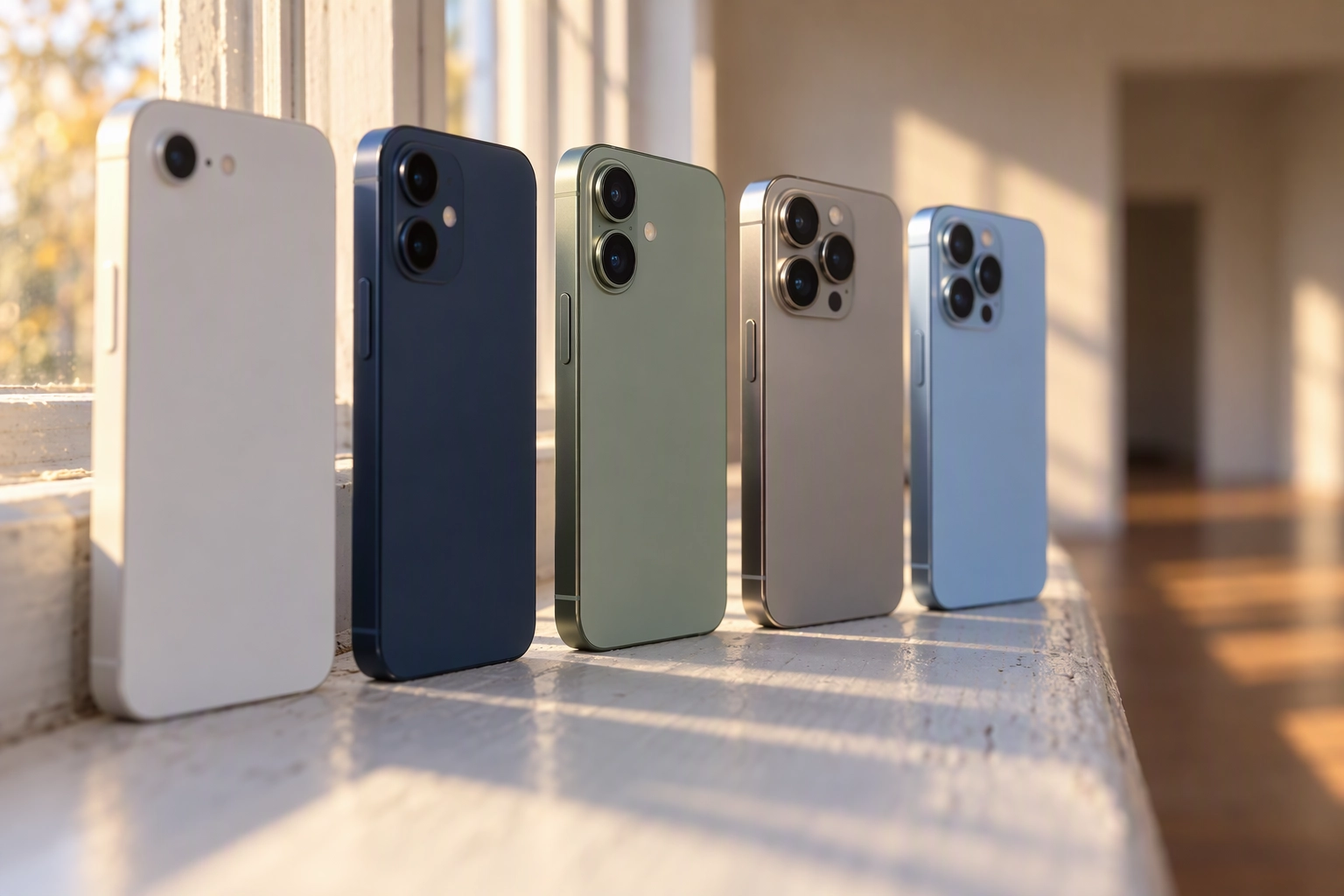
How to take real estate photos with iPhone: 11 tips
Set the phone up before you walk in, control the light room by room, frame from corners and doorways, then work in gallery order.
Set up the phone (tips 1–4)
1. Pick the lens by room size. Use 0.5x in rooms under about 10 feet across: bathrooms, laundry rooms, closets. In most bedrooms and kitchens, pinch to about 0.7x, roughly an 18 mm wide-angle equivalent, close to what pros use on full-frame cameras. Use 1x for open-plan spaces, exteriors and details. Between 0.5x and 1x the iPhone crops the Ultra Wide, so even a 12 MP model keeps about 2,880 pixels across at 0.7x, above the 2,048 px in our MLS size guide.
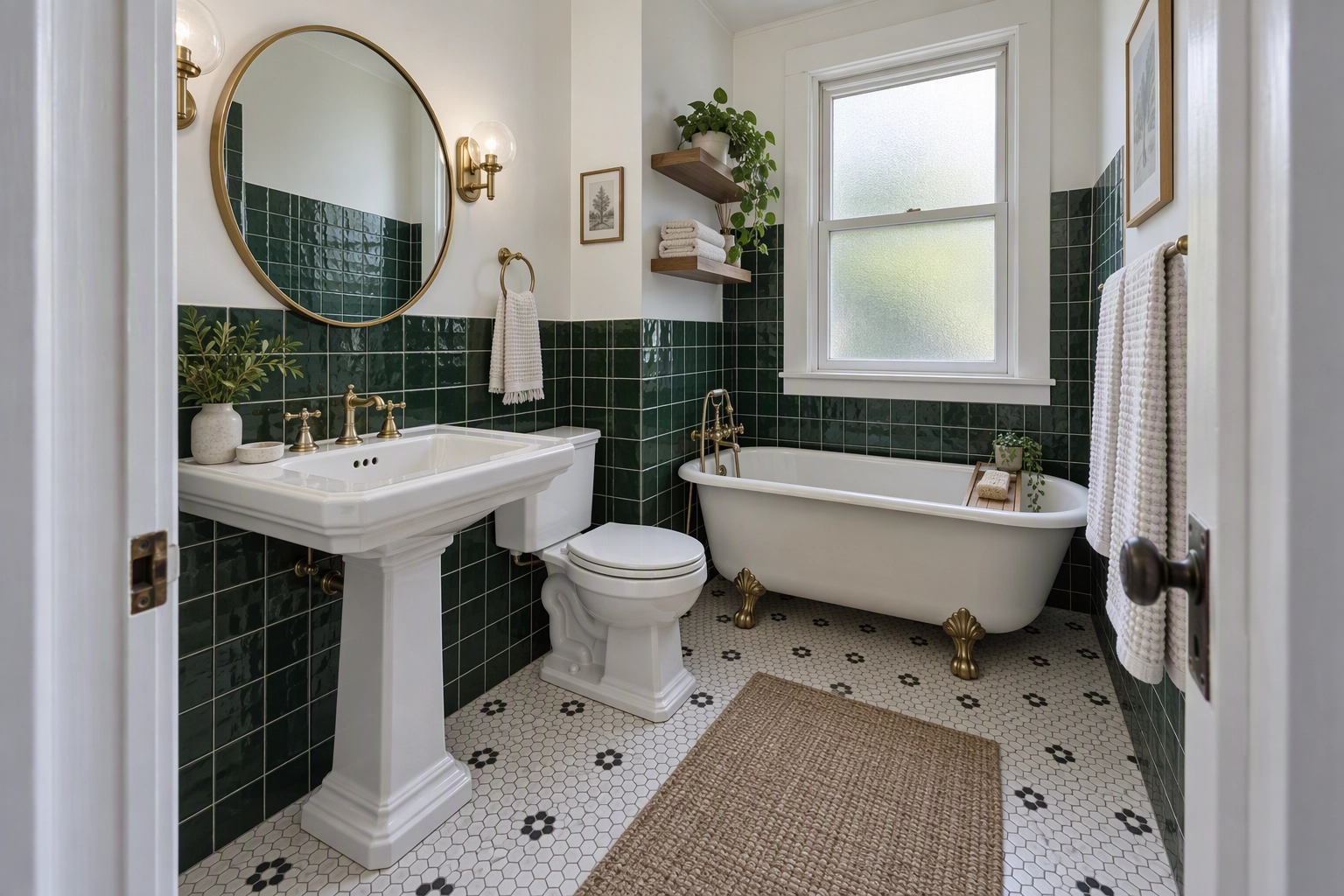
2. Level the phone, then never tilt it. If the ceiling doesn't fit, step back or go wider. Verticals lean fastest in 0.5x shots. You can fix leaning walls in editing, but every degree corrected crops the edges.
3. Hold it at 4 to 5 feet. Chest height suits living rooms, bedrooms and exteriors; drop to about 4 feet in kitchens and bathrooms so counters read as surfaces. Using a tripod keeps that height in every room (equipment guide).
4. Capture HEIC and leave the extras off. In Settings > Camera > Formats, choose High Efficiency at the default size. Apple puts a 12 MP ProRAW at about 25 MB and a 48 MP one at about 75 MB (Apple Support). Plotpane takes files under 25 MB and reads a raw's embedded JPEG rather than developing it (HEIC and raw notes). Leave Lens Correction on; since the iPhone 12 it corrects Ultra Wide edge distortion.
Control the light (tips 5–7)
5. Lock exposure on a wall, not the window. Touch and hold a sunlit wall beside the window until AE/AF Lock appears, then slide the sun icon down a notch until the window frame keeps detail (Apple's steps). Without the lock, the iPhone re-meters each time a window enters the frame, and frames of one room drift in brightness. Dark corners lift cleanly when editing with Auto Enhance; a pure-white window has nothing left to recover, even with HDR.
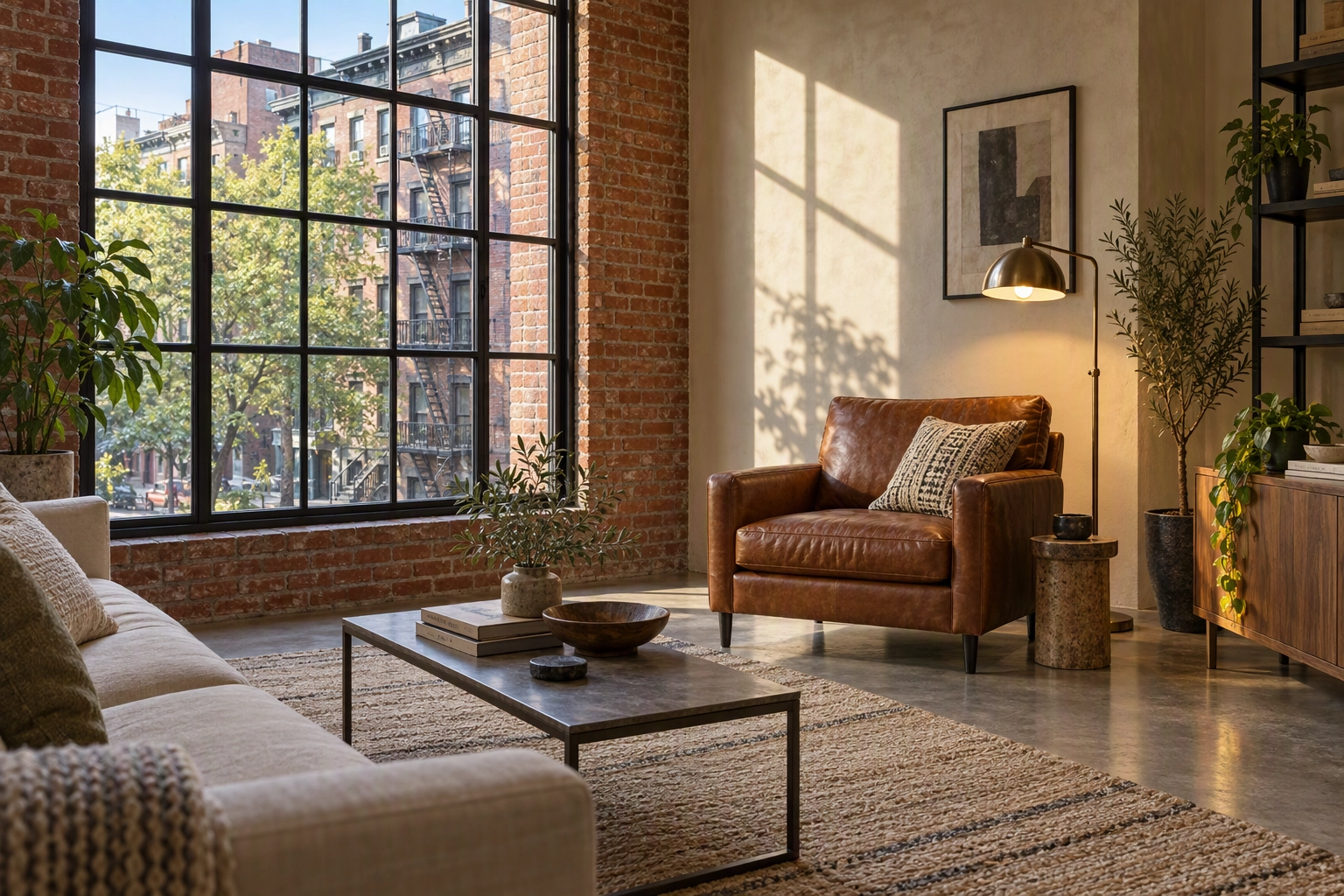
6. Flash off, every lamp on. The built-in flash throws hard shadows and bounces off glass and stainless steel. Turn it off, open the blinds and avoid mixed lighting.
7. Steady the phone in dim rooms. Night mode switches on by itself in low light and needs a multi-second capture. Using a tripod and the 3-second timer removes thumb shake, and on models where Smart HDR can't be switched off, a still phone helps it merge cleaner HDR frames every time.
Frame each room (tips 8–9)
8. Shoot from corners and doorways, in landscape. Back into the corner opposite the room's best feature so three walls show, then take a second frame from the doorway at a different angle. The 3-wall and 20-60-20 composition rules are in our 21 real estate photography tips, and the interior guide goes room by room.
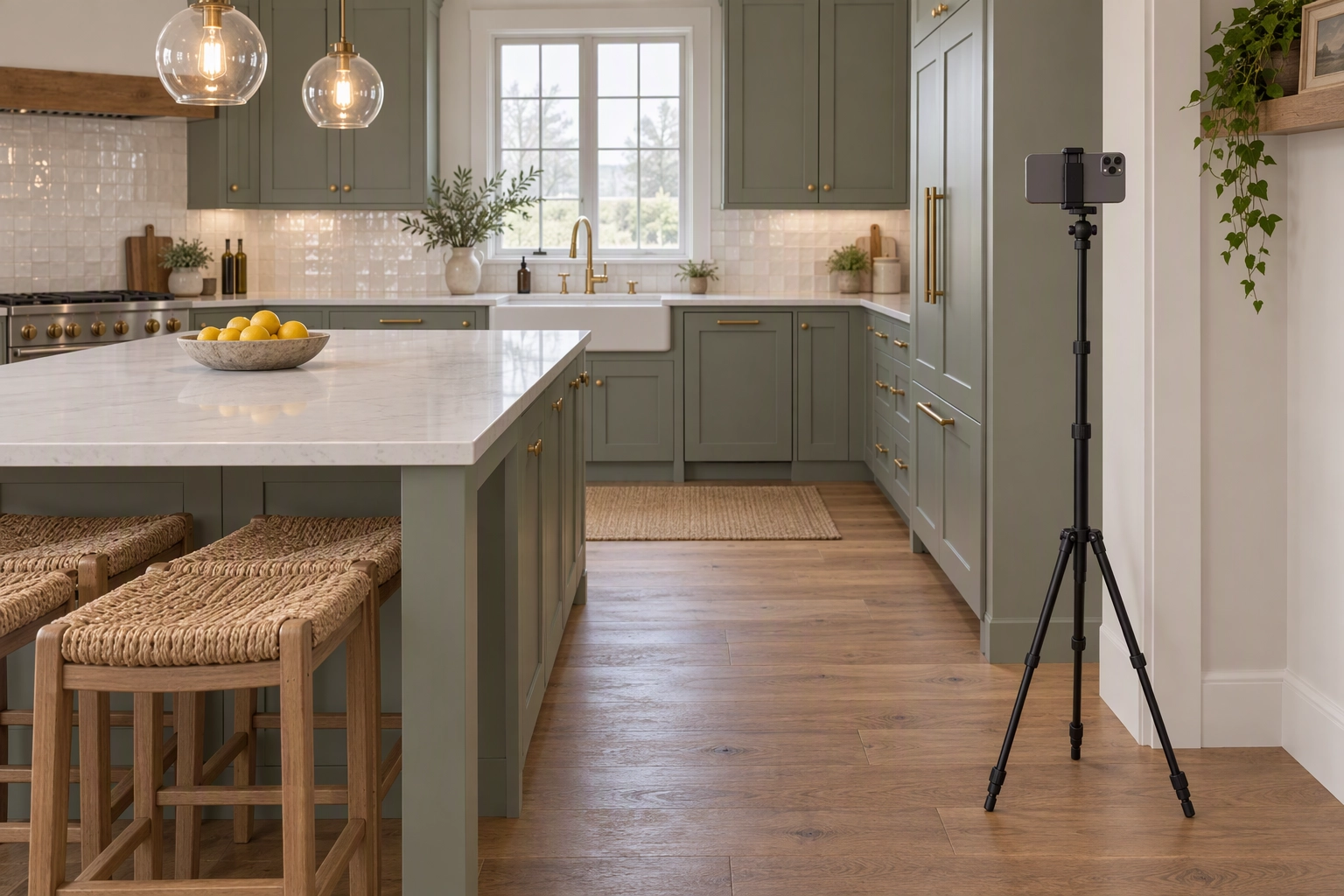
9. Leave a margin at the edges. Keep furniture off the edges of a 0.5x frame, where the Ultra Wide stretches it most, and leave room on every side, since straightening trims edges.
The per-room shot order (tip 10)
Work in the order the gallery will run, front to back, and your Camera Roll is already sorted for upload. A three-bedroom home comes to about 25 images:
| # | Room | Frames | Lens | Where to stand | Height |
|---|---|---|---|---|---|
| 1 | Front exterior | 3 | 1x | Across the street, 45° and straight on | 5 ft |
| 2 | Entry | 1 | 0.7x | Just inside the front door | 5 ft |
| 3 | Living room | 3 | 0.7x or 1x | Opposite corners, one toward the view | 5 ft |
| 4 | Kitchen | 3 | 0.7x; 0.5x if galley | Corner, plus one down the island | 4 ft |
| 5 | Dining | 1 | 1x | Kitchen side, showing flow | 5 ft |
| 6 | Primary bedroom | 2 | 0.7x | Doorway corner, then far corner | 4.5 ft |
| 7 | Primary bath | 2 | 0.5x | Doorway, off-axis to the mirror | 4 ft |
| 8 | Other bedrooms | 1 each | 0.5x or 0.7x | Doorway corner | 5 ft |
| 9 | Other baths | 1 each | 0.5x | Doorway | 4 ft |
| 10 | Yard, patio | 3 | 1x or 0.7x | Back corner toward the house; patio out | 5 ft |
| 11 | Details | 2–4 | 1x or 2x | Fireplace, fixtures, view | Eye level |
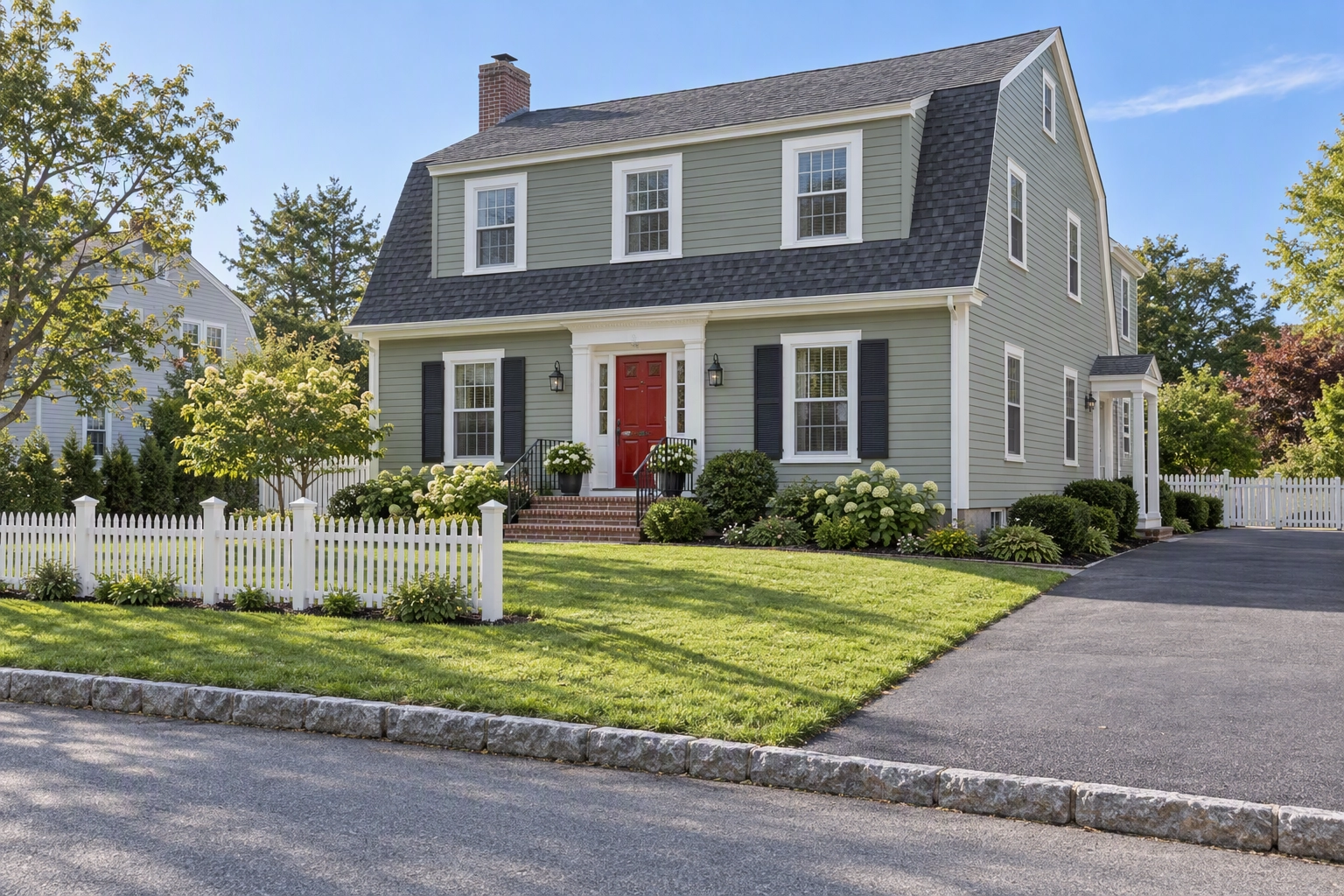
Take the front exterior shots when the sun is on the facade, even if that means shooting them last; they still upload first. See exterior real estate photography for timing.
Tip 11: Check every frame before you leave
Before you lock up, zoom into each frame using two fingers. A soft frame, a leaning door or a missed room takes a minute to redo while shooting, and a second trip later. Count images against the table.
After the shoot
Taking the frames is done when every one is level, sharp and complete. Plotpane takes HEIC straight from the phone, up to 25 MB a file. Perspective Fix straightens verticals you couldn't avoid, and Auto Enhance balances interior light against the windows without changing the property. Each render costs one credit and takes about two minutes, with 3 free renders and no card (plans). Next step: the editing workflow and costs.
Frequently Asked Questions
Is an iPhone good enough for real estate photos?
For most listings, yes: any iPhone from the 11 on has a wide lens and more resolution than an MLS gallery displays. Luxury and architectural property listings still call for professional real estate photography and the best camera for real estate photography.
Should I use the 0.5x lens for real estate photography?
Only in small rooms. In bigger ones, 0.5x stretches furniture at the edges and makes the space look deeper than it is; 0.7x or 1x from a corner gives a truer sense of size.
Should I shoot ProRAW or HEIC for listing photos?
HEIC. ProRAW only pays off if you develop it yourself in Lightroom. Plotpane reads the full-size JPEG inside a raw instead of developing it, and refuses one that carries only a thumbnail.
How many photos does a listing need?
About 25 for a typical three-bedroom home, split as in the table above. Check your MLS image limit before taking the first frame.