Most photo-editing guides assume a living room. A commercial frame breaks differently: the atrium leans because you tipped the camera back to keep the mezzanine in, the warehouse elevation has a blank white sky over pewter cladding because you shot it at noon in the yard, and the parking lot is full of tenant cars and a dumpster. PlotPane runs seven tools — Auto Enhance, Perspective Fix, Sky Swap, Lawn & Pool Revive, Clutter Removal, Day to Dusk and Virtual Staging — one credit per render, whichever one you pick. This page is about what they do to office, industrial and retail frames specifically.
The four repairs a commercial frame actually needs
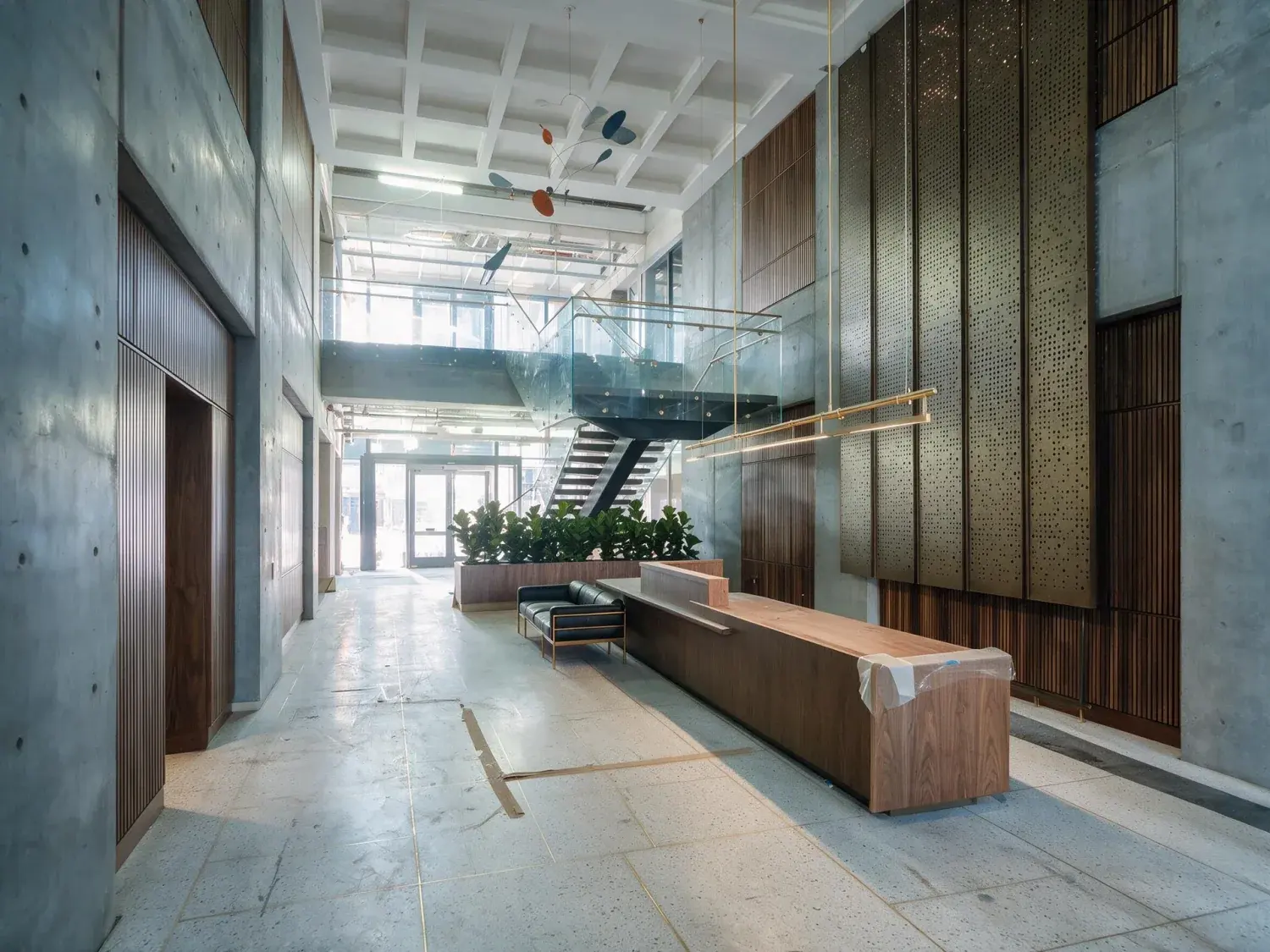
A double-height lobby atrium shot at 24mm from the vestibule leans. You tipped the camera back to keep the mezzanine and the feature stair in the frame, and now every mullion and every column converges toward the top of the picture. Perspective Fix straightens the verticals, levels the horizon, crops minimally to square the frame, and changes nothing else — no exposure move, no colour move, no content. A warehouse elevation shot from the yard at midday has a blank overcast across the top third and flat pewter cladding under it. Sky Swap replaces only the sky region and re-matches the light on the panel; it is explicitly told not to introduce hills, a skyline or a landmark that was not in the original frame. A parking lot full of tenant cars, a dumpster and traffic cones goes to Clutter Removal — and here you should name the objects, because the untargeted mode removes loose clutter only and will leave anything it cannot confidently classify. A whole floor plate goes to Auto Enhance, which pulls the blown curtain wall back, lifts the dim core end, and neutralises the LED-against-daylight cast that makes ten frames of one floor look like ten different buildings.
Perspective Fix — converging verticals on lobby atriums, column grids and curtain-wall mullions
Sky Swap — blank overcast over a warehouse or big-box elevation shot at noon
Clutter Removal — tenant cars, dumpsters, cones and pallets on a yard or parking deck
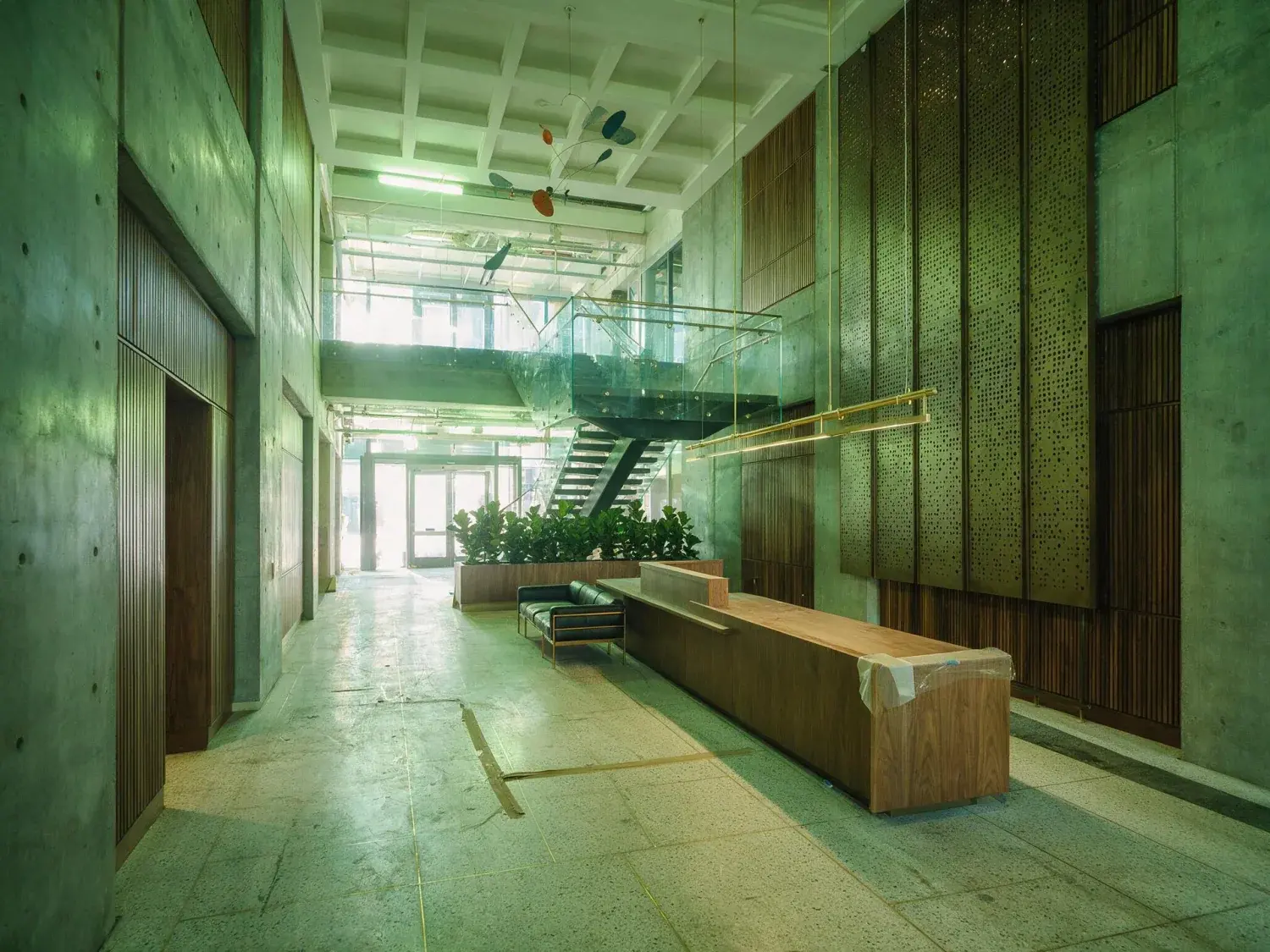
Auto Enhance — blown glazing at one end, dim core at the other, mixed light across a floor plate
02
One tool across a floor plate, not one frame at a time
A single office floor is rarely one photograph. It is the lift lobby, four or five module views down the demise, the corner, the kitchen point, the core door, and then the same again on the floor above. Shot handheld across an afternoon, those frames drift: white balance moves as the sun comes round the building, exposure moves as you turn toward or away from the glass. Batch applies one tool with one setting across the whole set, so the drift comes out consistently instead of frame by frame with your judgement changing halfway. Starter takes 10 photos at once, Pro 50, Agency 150. Pro and Agency return the finished set as a ZIP; on Starter you download images one at a time. Every render costs exactly one credit whichever of the seven tools you used, so Perspective Fix on the atrium costs the same as Auto Enhance on the floor plate and there is no reason to skip the repair a frame actually needs. Budget about two minutes per render. Subscription credits reset at the end of each billing period and do not roll over, which matters when deal flow is lumpy — buy the tier that matches a normal month rather than a peak one.
Batch ceilings: 10 photos on Starter, 50 on Pro, 150 on Agency
ZIP download of a finished set on Pro and Agency
1 credit per render, any tool — Starter $49/100, Pro $99/220, Agency $249/600
Subscription credits reset each period; they do not carry forward
03
Where the file goes: CoStar, LoopNet, Crexi and the OM
CoStar and LoopNet are the same company, Crexi is the independent alternative, and the same photo set usually ends up in a Buildout or in-house flyer and an offering memorandum as well. All of them take JPEG, which is the only thing PlotPane exports — quality 92, about 2.4K, or roughly 4.7K for a second credit. There is no layered file and nothing press-ready, so if your OM designer works in InDesign and wants a press file for a full-bleed spread, PlotPane is not the last step in that chain. On the way in it accepts JPEG, PNG, WebP, HEIC and camera raw — though a raw is not developed, only read for the full-size JPEG the camera already wrote inside it. If you shoot brackets, you merge and export a JPEG first: this takes one frame per render and merges no exposure brackets, and it does not develop raw — a raw upload is read for the camera's embedded JPEG. It also does not push anything anywhere — there is no API and no connector, so the finished images come down to your machine and go up to CoStar, LoopNet or Crexi by hand, exactly like the ones you edited yourself. Check the current image spec on each platform before you upload; they change theirs more often than we change ours.
Out: JPEG quality 92, about 2.4K — or about 4.7K for a second credit; no press-ready file
In: JPEG, PNG, WebP, HEIC and camera raw — raw read as its embedded JPEG, not developed. No bracket merging
No API and no DAM connector — upload to the portals by hand
04
Disclosure when the listing is not on an MLS
Commercial listings mostly sit outside the residential MLS, so the virtual-staging disclosure rules that boards such as ARMLS, Bright MLS and Stellar impose on residential agents generally do not reach a LoopNet or Crexi listing at all. What does reach it is NAR's Code of Ethics Article 12, which binds REALTORS® in commercial practice too and requires a true picture in advertising, plus ordinary FTC standards on deceptive advertising. The practical line is the same one the tools are built around: cosmetic correction is fine, material misrepresentation is not. PlotPane writes an XMP packet into every JPEG it exports — the operation, the engine, a render id, the render timestamp, and a plain-language description stating that the image was digitally edited and that architecture, dimensions and permanent fixtures were preserved. That record travels with the file into your archive, which is the version of disclosure that helps when a tenant rep asks months later why the photograph and the walkthrough do not match. A visible "Virtually Staged" label is available per render as well, but it exists for residential MLS rules and you will rarely want it on a commercial frame. It is off by default.
XMP disclosure — operation, engine, render id and timestamp — in every export
Optional visible "Virtually Staged" label per render, off unless you turn it on
No MLS staging rule on most CRE listings; NAR Article 12 and FTC advertising standards still apply
05
What it will not do to a commercial frame
The preservation rules are strict on purpose, and on commercial work that is usually the point. It will not invent architecture: no glazing you did not shoot, no columns, no phantom facade on a redevelopment play, no imagined skyline. Auto Enhance recovers detail in a blown curtain wall so that what is already visible through the glass reads, but it is told never to invent a view — if the Midtown outlook came back as white paper, it comes back as white paper. Sky Swap changes the sky region and nothing else. Clutter Removal with no named target leaves anything it cannot confidently call loose clutter, which means dock bumpers, bollards, fire equipment and tenant signage generally stay put unless you list them. Beyond the frame itself: there is no API, no DAM integration, no team seats, no shared brand presets, no priority queue and no white-label. One login, one browser, one upload. For a two-broker shop or a photographer covering industrial and flex, that is not a constraint you will notice. For a national platform marketing team that wants this wired into Buildout, it is a real limit and better known before you subscribe than after.
Cosmetic edits only — no invented architecture, glazing, views or renderings
No API, DAM integration, team seats, brand presets, priority queue or white-label
Name your removal targets on a yard or parking-deck frame; the untargeted mode is conservative
For this region
Local questions, answered
How to do real estate photo editing on commercial listings?+
Sort the frames by what is actually wrong with each one rather than running a single pass over everything. Leaning verticals in a lobby or down a column grid go to Perspective Fix. A blank overcast over an industrial elevation goes to Sky Swap. Tenant cars, dumpsters and pallets in a yard go to Clutter Removal with the objects named. Mixed light, blown glazing and a dark core across a floor plate go to Auto Enhance, batched so the whole floor gets the same treatment. Each render is one credit, whichever tool, so there is no cost reason to bundle repairs into the wrong tool.
How does real estate photo editing work in PlotPane?+
You upload a JPEG, PNG, WebP or HEIC, pick one of the seven tools, and the image goes through a single structure-preserving edit pass: the instruction names one operation, and a set of preservation rules holds everything else. It comes back as a JPEG at quality 92 with an XMP disclosure packet written into it. A render takes about two minutes. There is no slider panel, no layer stack and no manual masking; the control you have is which tool you choose and, for Clutter Removal, exactly which objects you name.
How to edit interior real estate photos of an office floor?+
Take the geometry first and the light second. Run Perspective Fix on anything you shot tipped back to fit the ceiling in — it corrects converging verticals and levels the horizon without touching exposure or colour. Then batch Auto Enhance across the whole floor with one setting so the module views, the lift lobby and the kitchen point end up matching: it pulls back the blown curtain wall, lifts the dim end of the demise, and neutralises the LED-against-daylight cast. Pro batches 50 frames at once and returns them as a ZIP, which is a floor or two per batch on a typical shoot.
How to edit real estate photos shot on a phone during a site walk?+
Phone frames from a site walk fail in predictable ways: handheld tilt, a blown window wall, a colour cast from whatever lighting the outgoing tenant left switched on. Auto Enhance handles all three in one render, including a gentle level of any handheld tilt. If the frame leans badly enough that walls and door frames visibly converge, use Perspective Fix instead — it is the tool built for that and it makes no other change. Upload the phone frame as it comes — JPEG, PNG, WebP, HEIC and camera raw all go in, a raw being read for the full-size JPEG the camera wrote inside it rather than developed.
Can it handle HDR brackets from an industrial or retail shoot?+
No. PlotPane takes one image per render and does not merge exposure brackets. It does read raw files, but only for the full-size JPEG the camera embedded in them — it does not develop the sensor data. If you bracket, merge in whatever you already use and export a JPEG, then bring that in for correction, sky work or clutter removal. On a single well-exposed frame, Auto Enhance recovers a good deal of the highlight and shadow range on its own, which covers most leasing photography — but it is not a substitute for a proper bracket merge on a high-contrast dock elevation at midday.
Do commercial listing photos need an edited-image disclosure?+
There is usually no MLS rule to comply with, because most commercial listings are not on a residential MLS. NAR's Code of Ethics Article 12 still requires a true picture in advertising for REALTORS® in commercial practice, and FTC deceptive-advertising standards apply to the marketing generally. PlotPane embeds an XMP packet in every export recording the operation, the engine, a render id and the timestamp, plus a statement that the edits were cosmetic and that architecture, dimensions and permanent fixtures were preserved. Check your own brokerage's marketing policy — some require a line in the flyer or OM regardless of what the portal asks for.
Pricing
One credit per image. Every tool, every plan.
Three plans. Every tool unlocked on all of them. Every render unmarked, standard or high resolution, cancel anytime.
Every plan starts with 3 free renders. No card until you subscribe.
Starter
For the solo agent shooting their own listings.
$39/month
billed yearly
100 credits monthly
100 images per month — 1 credit each, whichever tool you use
No Plotpane mark on any render
Every tool, no tier gating
Standard output ~2.4K, or ~4.7K for a second credit
XMP disclosure metadata written into every export
Download a finished listing as a ZIP
Free vertical listing reel from your finished photos
Cinematic clips from a single photo — 1 credit per second of video
That is the whole pricing model. No per-tool rates, no seat maths, nothing to negotiate. We are not SOC 2 certified and there is no SSO, private deployment or API — if you need those to buy, better you know now than after a call.
Starter
4
listings a month
Pro
8
listings a month
Agency
24
listings a month
Questions
The usual questions, answered directly.
No. Midjourney and DALL-E invent scenes from text prompts — beautiful for art, disqualifying for a listing. Plotpane is a structure-preserving pipeline: your room geometry, windows, and floor plan stay exact. We stage, re-light, swap skies, declutter, and enhance your actual photo. No hallucinated architecture, no invented rooms.
BoxBrownie and Styldod are human-edit services: you upload, a retoucher works overnight, you get a result in 24–48 hours at $2–$32 per image per treatment. They also sell things we do not have at all — floor plans, renderings, item removal by a person who can ask you what you meant. Plotpane is one machine pass: you pick one of seven tools, and the image comes back in about two minutes for one credit, whichever tool you picked, on a flat monthly subscription. Stacking two treatments on one photo means running it twice.
Yes, when disclosed. NAR guidelines, California AB 723, and REBNY Rule 3.3 all allow virtually staged photos provided the listing discloses them. Every Plotpane export embeds invisible XMP disclosure metadata so the staging record travels with the file. You still handle the listing-remarks disclosure in your MLS portal — that's the part only you can do.
Every render is sent with a preserve list as well as an instruction. It names one operation and forbids the rest: do not touch windows, doors, walls, ceilings, floors, cabinetry or fixtures unless the instruction names them; do not remove or conceal a defect, stain or crack; do not change what is visible through glass, and never invent a view. Furniture is added to empty rooms; named objects are removed from furnished ones; sky and light are re-graded. If you do see something invented, that is a bug — report the render in the app and the credit comes back.
Yes — one click in the Stripe billing portal from your dashboard. Billing stops immediately, remaining credits stay usable through the end of the billing period, and there's no cancellation fee.
Yes — any AI-generated or AI-modified image is considered an edit requiring disclosure under NAR's standards. That's why every Plotpane export writes invisible XMP disclosure metadata by default. The flag is machine-readable by MLS tooling and survives Lightroom round-trips. You still add the disclosure line to your listing remarks; we make sure the image itself is self-describing.
The toolkit
Seven tools. One credit each.
Every one is a single structure-preserving pass: it changes what you asked for and leaves the building alone.