Plotpane · Arizona (ARMLS)
Arizona (ARMLS)

ARMLS Photo Rules for Virtual Staging (Arizona Regional MLS, Rule 8.23)

ARMLS photo rules are set by Arizona Regional Multiple Listing Service, the MLS that covers Phoenix, Scottsdale, Mesa, Chandler, and most of Maricopa and Pinal counties (Tucson sits under a separate MLSSAZ handbook). The controlling provision for listing media is ARMLS Rule 8.23, which allows virtual staging but bars third-party watermarks, contact info, and brokerage branding on any photo. Rule 8.23 sits on top of NAR Code of Ethics Standard of Practice 12-13 — any material the consumer could mistake for reality must be clearly presented as an artistic rendering — and ARS 32-2153 misrepresentation standards for Arizona licensees.

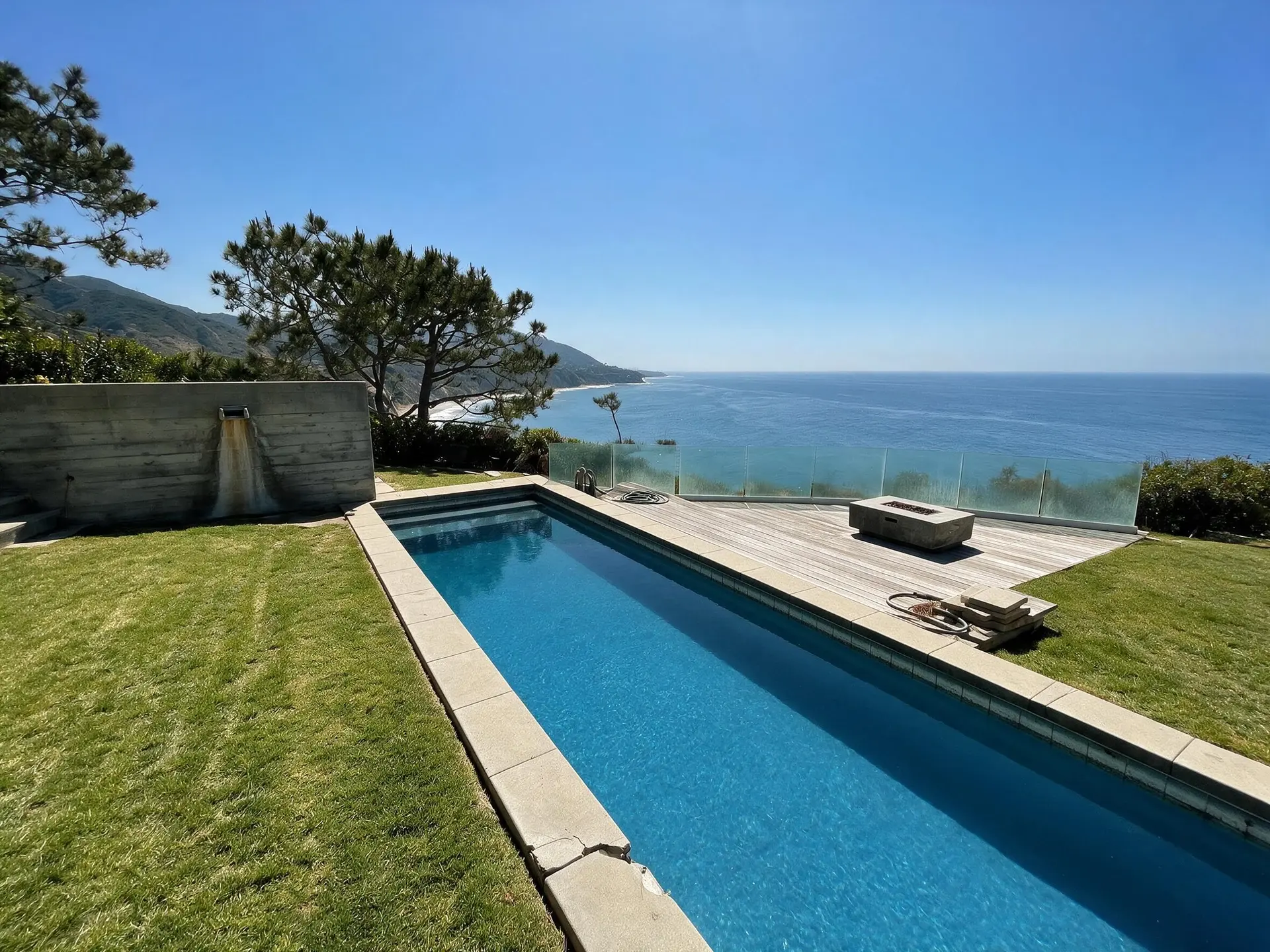
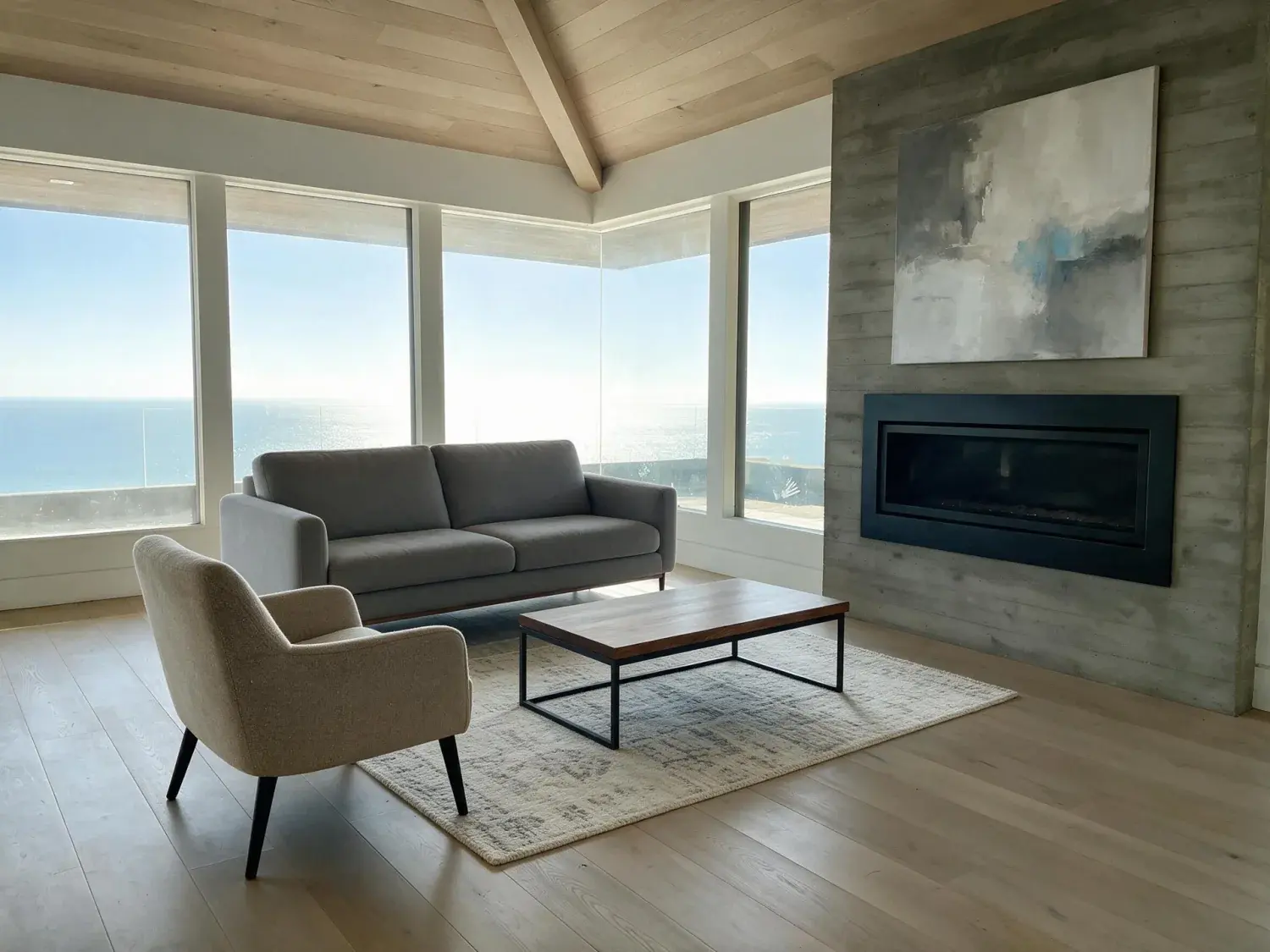
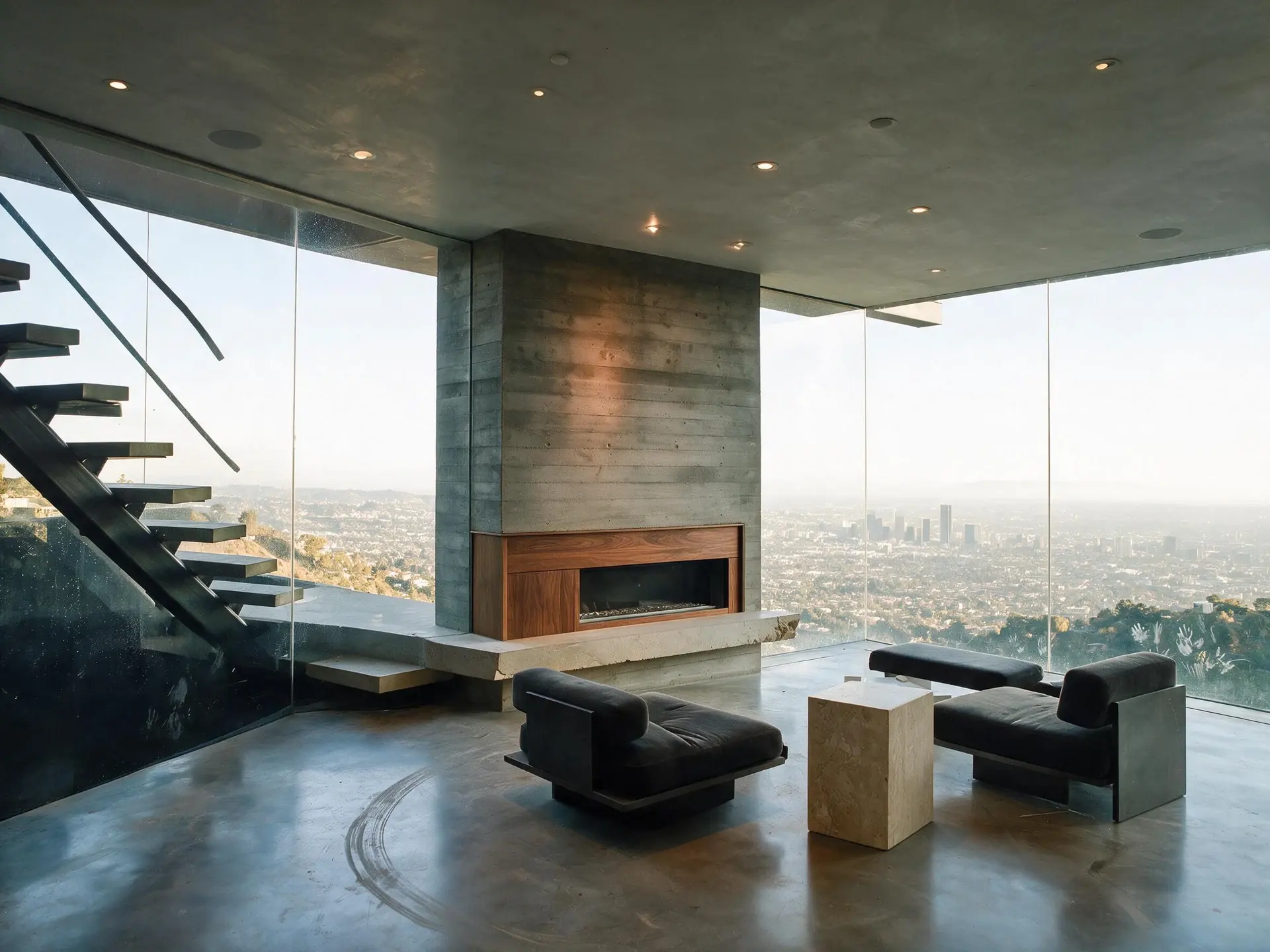
Before and after of a cantilevered malibu glass villa perched over the pacific, the living room an empty sunlit stage waiting to become a buyer's dream — enhanced by Plotpane
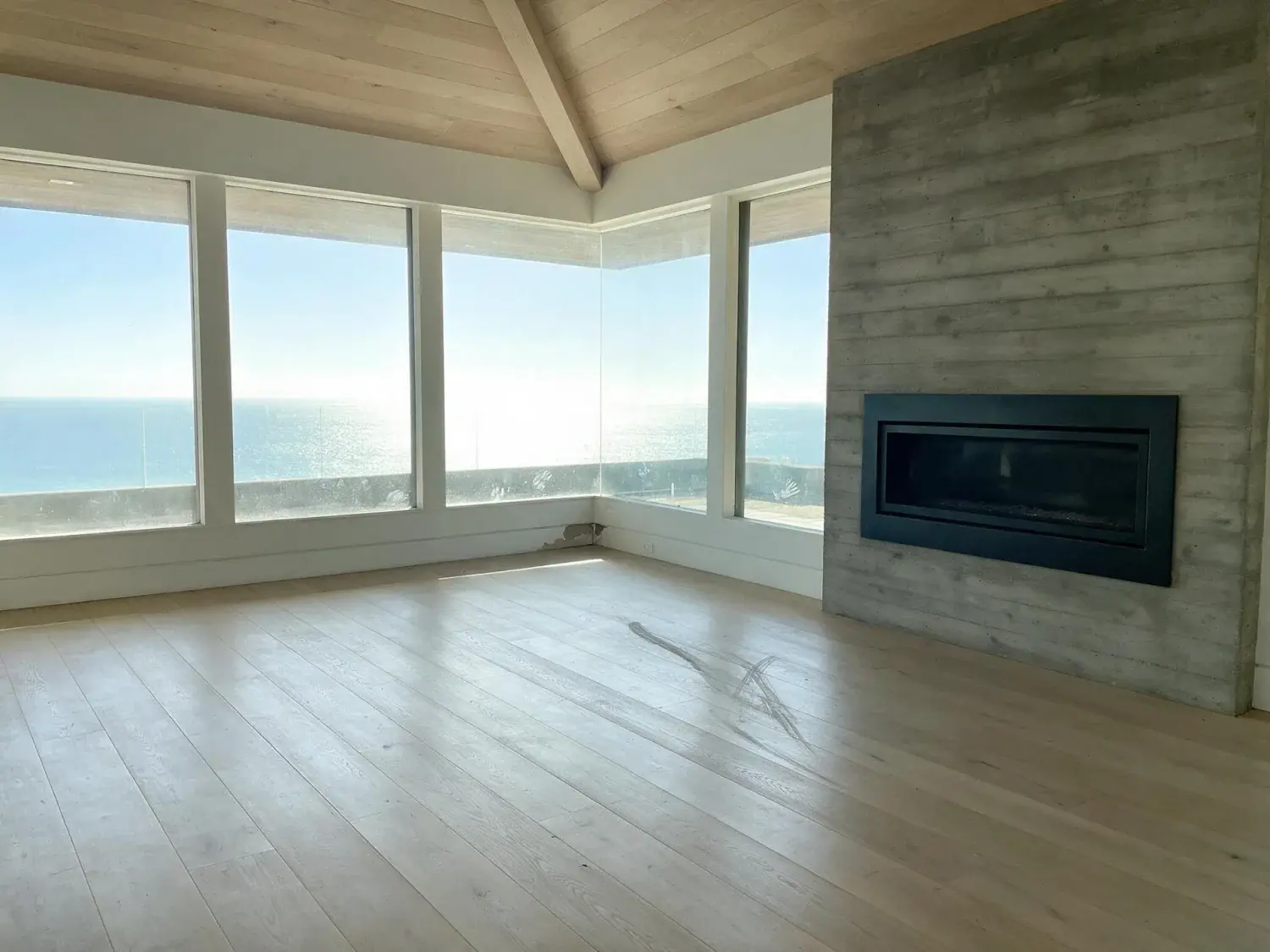
Before and after of a cantilevered malibu glass villa perched over the pacific, the living room an empty sunlit stage waiting to become a buyer's dream — original listing photo before editing
Before
After
01

What ARMLS Rule 8.23 actually says about virtual staging

ARMLS photo rules live inside the ARMLS Rules & Regulations document (armls.com/docs/armls-rules-regulations.pdf) with the public summary at armls.com/watermarks. Rule 8.23 bars photographs and other media from being altered to display text, brokerage or agent contact information, phone numbers, email, websites, entity names, or watermarks of any kind — except watermarks specifically provided by ARMLS. Virtual staging is explicitly permitted: ARMLS's own guidance at armls.com/virtually-staged-photos confirms it, and the Preferred Photographer Program certification quiz (armls.com/become-certified) treats "virtual staging is allowed" as a correct answer. If you choose to denote a virtually staged photo with a watermark, you must use one of the ARMLS-approved "Virtually Staged" marks, unaltered in design or color. Non-compliant images can be removed and can trigger participant fines under Rule 8.26 compliance enforcement.

  • Rule 8.23 bans third-party watermarks and any contact info, URL, phone, email, or brokerage branding on MLS photos
  • Virtual staging itself is allowed — ARMLS explicitly confirms this
  • Only ARMLS-approved "Virtually Staged" watermarks may be burned into a staged photo, and only unaltered
  • At least one front exterior photo must remain on the listing until close (see armls.com/all-about-armls-photo-rules)
  • Rule 8.26 lets ARMLS or the Subscriber's Association remove non-compliant media and assess fines
02

How Plotpane's workflow lines up with ARMLS photo rules

The most common way agents trip Rule 8.23 with a virtual-staging SaaS is letting the tool burn its own brand watermark onto the export — that is an immediate violation, even if the staging content itself is compliant. Plotpane ships every export as a clean JPEG at about 2.4K with no burned-in Plotpane mark on any paid plan — only the three free trial renders carry one — so the file arrives ready for either clean upload or the ARMLS-approved "Virtually Staged" watermark applied at the agent's discretion. Staging scope stays additive — furniture and décor placed on the open floor — with no repainted walls, fabricated fireplaces, added rooms, or invented architectural features, which keeps the output inside Rule 8.23 and NAR SoP 12-13. Every staged export also carries an invisible XMP metadata tag recording that the image is virtually staged; MLS and portal uploads re-encode images and routinely strip metadata, so treat that tag as the record in your own archive rather than something the buyer sees. Use the listing's public remarks to disclose virtual staging in plain language — ARMLS requires the photo itself to stay clean, so the remarks field is where the written disclosure lives.

  • Clean ~2.4K exports on every paid plan — no Plotpane watermark to break Rule 8.23
  • Agent can optionally apply the ARMLS-approved "Virtually Staged" mark at upload
  • Additive staging only — furniture and décor on the open floor; no fabricated architecture
  • Invisible XMP disclosure in every export — your archive record, since uploads re-encode
  • Written virtual-staging disclosure belongs in the public remarks field, not on the photo
03

Edge cases: HOAs, team branding, MLSSAZ crossover, and the accent-wall gray zone

Arizona HOAs (Sun City, Anthem, Verrado, DC Ranch, Desert Mountain) often restrict marketing photography of private amenities, and Rule 8.23 does not override an HOA's CC&Rs — virtually staging a clubhouse or pool amenity the HOA bars from public marketing can still violate HOA rules and the misrepresentation standard under ARS 32-2153. Arizona team-branding under ADRE Substantive Policy Statement 2005.06 requires the employing broker's name in advertising, but that disclosure cannot live on the MLS photo under Rule 8.23 — it goes in the listing remarks. If a listing sits in Tucson, Oro Valley, or Marana it is likely in MLSSAZ (Tucson Association of REALTORS), not ARMLS, and the MLSSAZ handbook controls there. Dual-agency and co-op disclosure under AAR forms does not affect photo rules but affects how virtual staging is worded in remarks — use plain language. Accent walls: ARMLS permits adding an accent paint color on an existing wall; flag it in the remarks so buyers do not arrive expecting that color on showing day.

For this region

Local questions, answered

Is virtual staging legal under ARMLS photo rules?+

Yes. ARMLS explicitly allows virtual staging — armls.com/virtually-staged-photos and the Preferred Photographer Program quiz both confirm it. Rule 8.23's restriction is on the image's text and watermarks, not on the staging content itself, as long as the staging stays additive (furniture, décor, accent paint) and does not fabricate architectural features. NAR Code of Ethics SoP 12-13 also requires that any altered image be clearly presented as an artistic rendering — so disclose the staging in the listing remarks.

Does ARMLS Rule 8.23 make virtual staging better or worse for MLS compliance?+

Rule 8.23 actually simplifies compliance for virtually staged photos: the photo must be clean (no third-party watermarks, no contact info, no brokerage branding) and the written disclosure lives in the listing remarks, not on the image. That means a tool like Plotpane, which exports a clean ~2.4K file with invisible XMP metadata on every paid plan, is inherently easier to upload compliantly than a tool that burns its own brand onto every export. Where it can go worse is if the staging is non-additive — e.g. a fabricated fireplace, a room that does not exist — which risks crossing into ARS 32-2153 misrepresentation.

What are the two different Arizona MLS organizations, and does Rule 8.23 cover both?+

ARMLS (Arizona Regional MLS) covers Phoenix, Scottsdale, Mesa, Tempe, Chandler, Glendale, and most of Maricopa and Pinal counties. MLSSAZ (Tucson Association of REALTORS) covers Tucson, Oro Valley, Marana, and Pima County. Rule 8.23 is an ARMLS rule and applies only to ARMLS listings — MLSSAZ has its own rules and regulations document at tucsonrealtors.org. If you list in both service areas, check each handbook separately because the watermark and virtual-staging language differs. Always verify the current MLS handbook — rules evolve.

Pricing

One credit per image.
Every tool, every plan.

Three plans. Every tool unlocked on all of them. Every render unmarked, standard or high resolution, cancel anytime.

Every plan starts with 3 free renders. No card until you subscribe.

Starter

For the solo agent shooting their own listings.

$39/month

billed yearly

100 credits monthly

  • 100 images per month — 1 credit each, whichever tool you use
  • No Plotpane mark on any render
  • Every tool, no tier gating
  • Standard output ~2.4K, or ~4.7K for a second credit
  • XMP disclosure metadata written into every export
  • Download a finished listing as a ZIP
  • Free vertical listing reel from your finished photos
  • Cinematic clips from a single photo — 1 credit per second of video
  • Up to 10 photos per batch
  • Email support
Subscribe to Starter

For one agent, listing by listing.

Most popular

Pro

For top-producing agents and real-estate photographers.

$79/month

billed yearly

220 credits monthly

  • 220 images per month — 1 credit each, whichever tool you use
  • No Plotpane mark on any render
  • Up to 50 photos per batch, one tool across the shoot
  • Download a finished listing as a ZIP
  • Free vertical listing reel from your finished photos
  • Everything in Starter
  • Priority support
Subscribe to Pro

The plan a working photographer buys.

Agency

For brokerages, teams, and photography networks.

$199/month

billed yearly

600 credits monthly

  • 600 images per month — 1 credit each, whichever tool you use
  • No Plotpane mark on any render
  • Up to 150 photos per batch
  • Download a finished listing as a ZIP
  • Free vertical listing reel from your finished photos
  • Everything in Pro
  • Direct line to the founder, not a ticket queue
Subscribe to Agency

For a brokerage running whole shoots.

FeatureStarter$39/mo annualPro$79/mo annualAgency$199/mo annual
Renders per month100220600
Credits per image111
All seven tools
Free renders on sign-up333
Plotpane mark on the imageNoneNoneNone
Standard output (~2.4K)
High resolution (~4.7K, second credit)
XMP disclosure written into every export
Optional visible “Virtually Staged” label
Photos per batch1050150
Download a set as a ZIP
Refund a render that came back wrong
SupportEmailPriority emailDirect to the founder
Cancel anytime, one click
At volume

A 25-photo listing costs 25 credits.

That is the whole pricing model. No per-tool rates, no seat maths, nothing to negotiate. We are not SOC 2 certified and there is no SSO, private deployment or API — if you need those to buy, better you know now than after a call.

Starter

4

listings
a month

Pro

8

listings
a month

Agency

24

listings
a month

Questions

The usual questions,
answered directly.

  • No. Midjourney and DALL-E invent scenes from text prompts — beautiful for art, disqualifying for a listing. Plotpane is a structure-preserving pipeline: your room geometry, windows, and floor plan stay exact. We stage, re-light, swap skies, declutter, and enhance your actual photo. No hallucinated architecture, no invented rooms.

  • BoxBrownie and Styldod are human-edit services: you upload, a retoucher works overnight, you get a result in 24–48 hours at $2–$32 per image per treatment. They also sell things we do not have at all — floor plans, renderings, item removal by a person who can ask you what you meant. Plotpane is one machine pass: you pick one of seven tools, and the image comes back in about two minutes for one credit, whichever tool you picked, on a flat monthly subscription. Stacking two treatments on one photo means running it twice.

  • Yes, when disclosed. NAR guidelines, California AB 723, and REBNY Rule 3.3 all allow virtually staged photos provided the listing discloses them. Every Plotpane export embeds invisible XMP disclosure metadata so the staging record travels with the file. You still handle the listing-remarks disclosure in your MLS portal — that's the part only you can do.

  • Every render is sent with a preserve list as well as an instruction. It names one operation and forbids the rest: do not touch windows, doors, walls, ceilings, floors, cabinetry or fixtures unless the instruction names them; do not remove or conceal a defect, stain or crack; do not change what is visible through glass, and never invent a view. Furniture is added to empty rooms; named objects are removed from furnished ones; sky and light are re-graded. If you do see something invented, that is a bug — report the render in the app and the credit comes back.

  • Yes — one click in the Stripe billing portal from your dashboard. Billing stops immediately, remaining credits stay usable through the end of the billing period, and there's no cancellation fee.

  • Yes — any AI-generated or AI-modified image is considered an edit requiring disclosure under NAR's standards. That's why every Plotpane export writes invisible XMP disclosure metadata by default. The flag is machine-readable by MLS tooling and survives Lightroom round-trips. You still add the disclosure line to your listing remarks; we make sure the image itself is self-describing.

Ready when you are

Stop re-uploading.
Start shipping listing-ready.

Seven tools, one credit an image, a finished JPEG back in about two minutes — on every plan.

Get startedSee the before/aftersEvery tool on every plan · cancel anytime