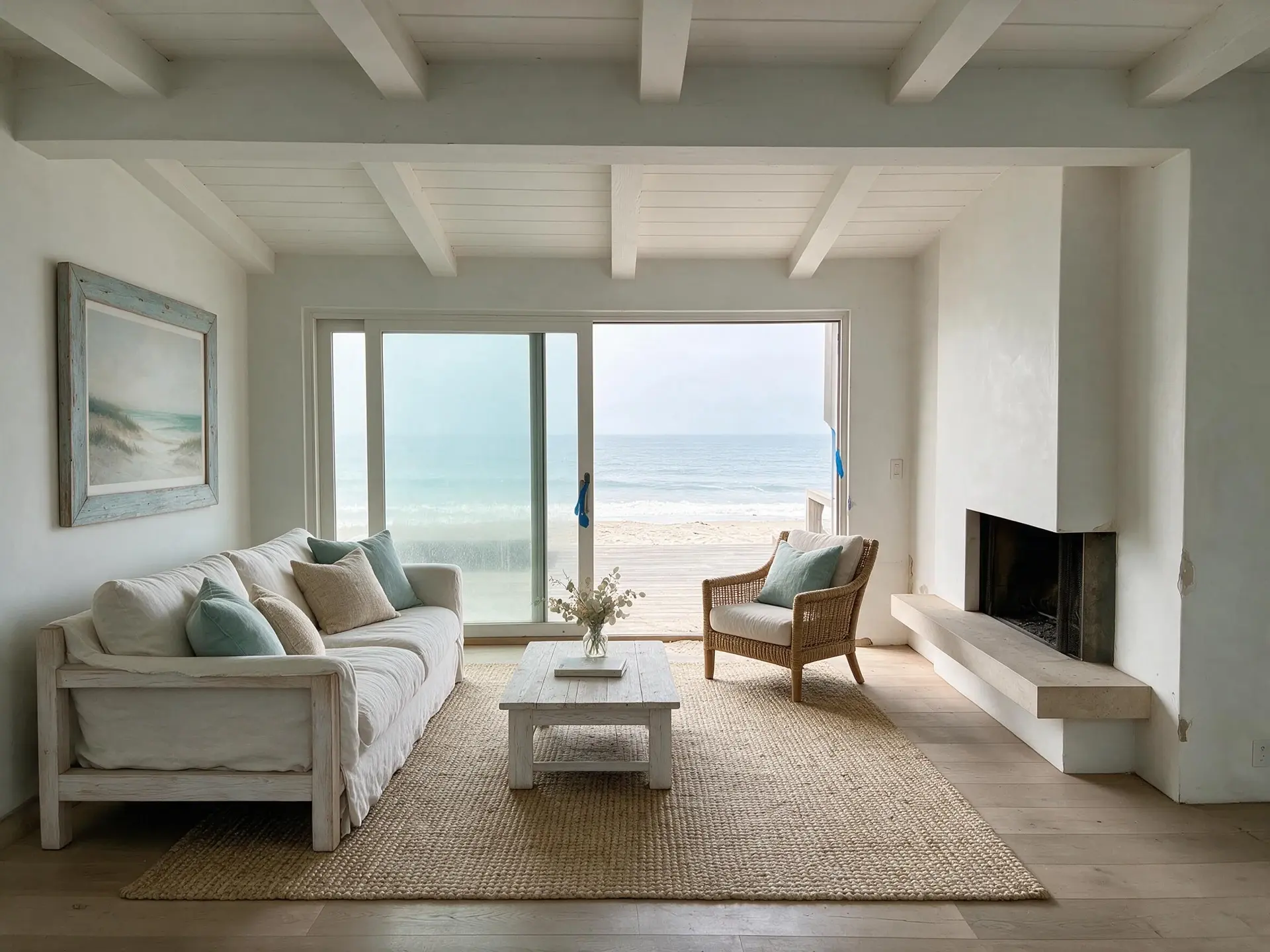
CRMLS virtual staging compliance under California AB 723
California Regional MLS (CRMLS) — the largest MLS in the United States — enforces its Digitally Altered Image Guidance on top of California Assembly Bill 723, which took effect January 1, 2026. Together, the two rulebooks now decide whether a virtually staged photo can sit in your Los Angeles, Orange County, San Diego, Inland Empire, or Coachella Valley listing without getting pulled. This page is an advisory reference for agents and compliance leads working CRMLS inventory — not legal advice — and pairs the rulebook with the workflow that satisfies it.
California AB 723 + CRMLS rules on digital alteration
California AB 723 (Pellerin, chaptered 2025) amended the Business & Professions Code to require that any real estate listing featuring a significantly digitally altered image include the original, unaltered image alongside a clear disclosure. The statute took effect January 1, 2026 and is the first state-level photo-disclosure mandate in the country. CRMLS's Digitally Altered Image Guidance layers three operational requirements on top: (1) label each altered image in the photo description text field using terms such as "digitally enhanced," "digitally altered," or "virtually staged"; (2) post the original, unaltered image immediately before or after the altered version in the photo sequence; (3) never modify any real part of the property — wall color, flooring, cabinets, doorways, wall dimensions, utility poles, wires — unless the seller delivers that improvement at closing. CRMLS further prohibits AI-generated landscaping images in the MLS entirely, even with disclosure. The CRMLS Rules Committee has flagged that formal fines are under review for 2026, but non-compliant images are already subject to removal and participant citation today.
California AB 723 (effective January 1, 2026) — original image + disclosure required statewide
CRMLS Digitally Altered Image Guidance — label in the photo description text field
Approved captions: "digitally enhanced," "digitally altered," or "virtually staged"
Original, unaltered image must appear immediately before or after the altered one
AI-generated landscaping prohibited in CRMLS entirely — disclosure does not cure it
02
How Plotpane's invisible XMP metadata + MLS remarks satisfy the CA rule
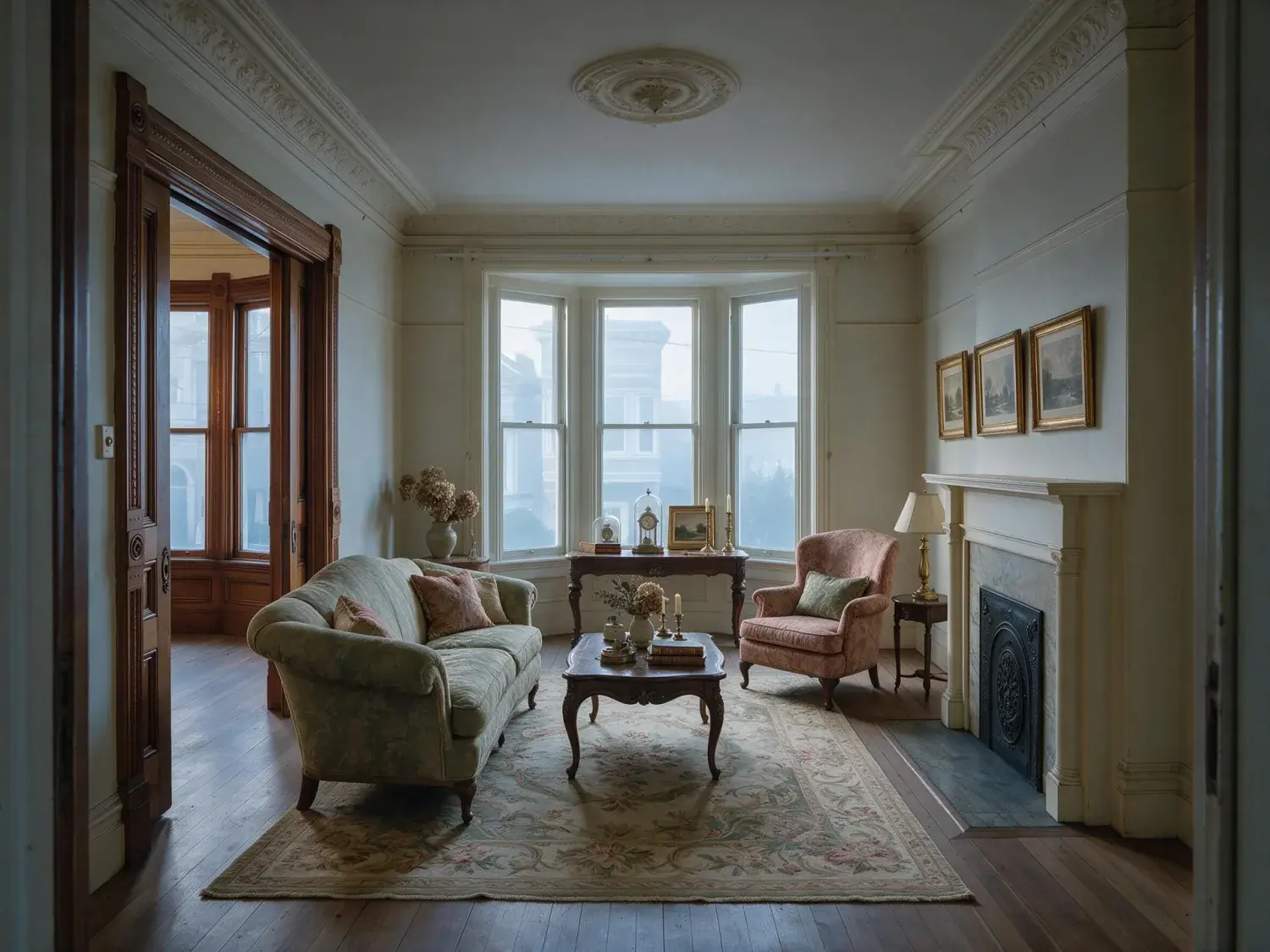
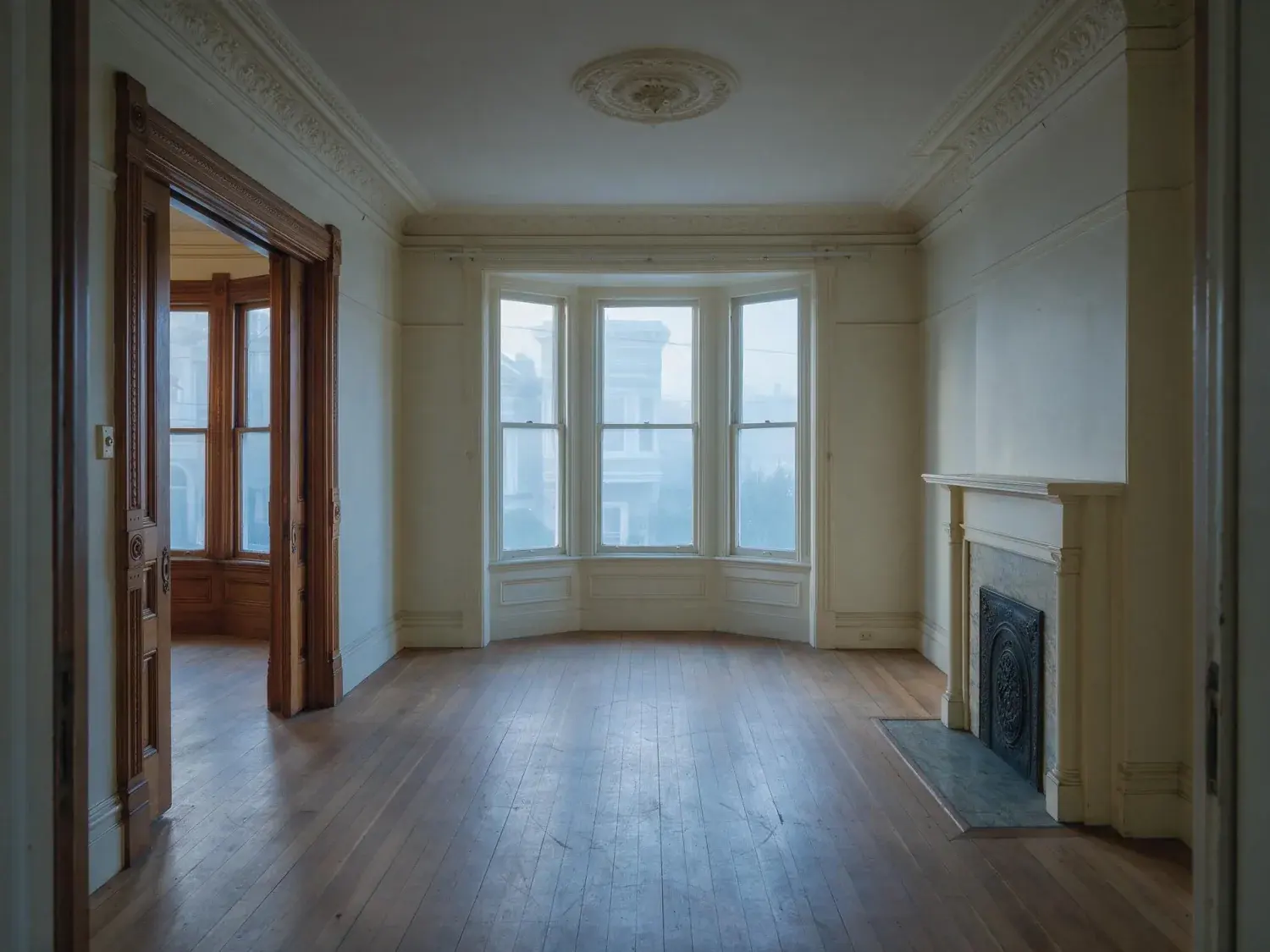
CRMLS's before/after pairing rule is unusual — most MLSs stop at caption-level disclosure — so a workflow that loses the source file fails the rule on upload. Plotpane never touches the file you uploaded — the staged render comes back as a separate JPEG — so pairing the two images in CRMLS's photo order is a single upload pass. Every export on a paid plan is a clean image at about 2.4K with no burned-in watermark, so the "Virtually Staged" caption in the CRMLS photo description field reads without fighting a logo. Plotpane's staging is additive only — furniture, rugs, art, soft goods — and never touches wall color, flooring, cabinets, doorways, landscaping, or utility infrastructure, so it stays on the compliant side of AB 723's "no altering real parts of the property" line. Every export also carries an invisible XMP disclosure tag written into the bytes you download; CRMLS, the portals and the Compass, Sotheby's International Realty, The Agency, and Douglas Elliman asset libraries all re-encode images on upload and routinely strip metadata, so treat the XMP as the record in your own archive rather than an audit trail that travels. The disclosure that does the work is the caption and the paired original. For dual-agency listings under Civil Code §2079.14–2079.17, the archived export is still a dated written record of which frames were staged.
Your original comes back untouched — upload it beside the staged render for CRMLS pairing
Clean ~2.4K output, no watermark on any paid plan — the caption reads cleanly in the photo description field
Additive furniture only — no wall, floor, cabinet, landscaping, or utility-pole edits
Invisible XMP disclosure metadata embedded in every export — asset libraries re-encode and strip it, so it is your own archive record
Matches NAR Standard of Practice 12-13 on honest presentation of a listed property
03
Edge cases — HOA staging, LA luxury dual-agency, disclosure language
HOA-heavy SoCal markets add a second rulebook on top of CRMLS. In Irvine, Rancho Mission Viejo, Palm Springs, Rancho Cucamonga, and Coachella Valley country-club tracts, HOA marketing rules can bar amenity photography — which implicitly bars virtually staging those amenities back in, even if CRMLS disclosure is perfect. In LA luxury dual-agency scenarios — Bird Streets, Trousdale, Hollywood Hills, Malibu Colony, Beverly Park — best practice is to restate the virtual-staging disclosure in the California Disclosure Regarding Real Estate Agency Relationship, not only the MLS caption, because dual agents carry heightened disclosure duties under the California DRE's virtual-staging advisory. On exact disclosure language: CRMLS accepts "digitally enhanced," "digitally altered," or "virtually staged," but "virtually staged" is the clearest for consumers and the least likely to trigger a buyer-agent complaint. Finally, the hard line on exteriors: adding a lawn, tree, pool, or water feature in the MLS triggers removal under CRMLS's outright ban on AI-generated landscaping images, so any exterior visualization belongs in a buyer-agent tool or off-MLS marketing, never the CRMLS listing.
For this region
Local questions, answered
Does CRMLS require posting the original photo next to every virtually staged one?+
Yes. CRMLS's Digitally Altered Image Guidance requires the original, unaltered image to appear in the listing immediately before or after the altered version, and California AB 723 codifies the same pairing requirement statewide as of January 1, 2026. Plotpane leaves your source file exactly as it was, so the before/after pair uploads as a single sequence in Matrix or Paragon. Always verify the current MLS handbook — rules evolve.
Can I use AI to add a pool, lawn, or landscaping to a CRMLS listing in Southern California?+
No. CRMLS prohibits AI-generated landscaping images in the MLS outright — disclosure does not cure the violation — and AB 723 bars alterations to any real part of the property (pool, flooring, wall color, cabinets, dimensions) unless the seller delivers that improvement at closing as part of the list price. Plotpane's staging is additive furniture only, which keeps LA, Orange County, San Diego, and Coachella Valley listings inside the line. Always verify the current MLS handbook — rules evolve.
What's the enforcement risk if I forget the "virtually staged" caption on a CRMLS photo?+
CRMLS can remove non-compliant images today and the CRMLS Rules Committee is reviewing participant-level fines for 2026. Independently, AB 723 exposes the listing broker to state-level misleading-advertising enforcement and to DRE license review under the California DRE's virtual-staging advisory. The compliant pattern is: caption each altered image in the photo description text field using "virtually staged," pair it with the original immediately before or after, and rely on Plotpane's XMP disclosure metadata as a secondary record. Always verify the current MLS handbook — rules evolve.
Pricing
One credit per image. Every tool, every plan.
Three plans. Every tool unlocked on all of them. Every render unmarked, standard or high resolution, cancel anytime.
Every plan starts with 3 free renders. No card until you subscribe.
Starter
For the solo agent shooting their own listings.
$39/month
billed yearly
100 credits monthly
100 images per month — 1 credit each, whichever tool you use
No Plotpane mark on any render
Every tool, no tier gating
Standard output ~2.4K, or ~4.7K for a second credit
XMP disclosure metadata written into every export
Download a finished listing as a ZIP
Free vertical listing reel from your finished photos
Cinematic clips from a single photo — 1 credit per second of video
That is the whole pricing model. No per-tool rates, no seat maths, nothing to negotiate. We are not SOC 2 certified and there is no SSO, private deployment or API — if you need those to buy, better you know now than after a call.
Starter
4
listings a month
Pro
8
listings a month
Agency
24
listings a month
Questions
The usual questions, answered directly.
No. Midjourney and DALL-E invent scenes from text prompts — beautiful for art, disqualifying for a listing. Plotpane is a structure-preserving pipeline: your room geometry, windows, and floor plan stay exact. We stage, re-light, swap skies, declutter, and enhance your actual photo. No hallucinated architecture, no invented rooms.
BoxBrownie and Styldod are human-edit services: you upload, a retoucher works overnight, you get a result in 24–48 hours at $2–$32 per image per treatment. They also sell things we do not have at all — floor plans, renderings, item removal by a person who can ask you what you meant. Plotpane is one machine pass: you pick one of seven tools, and the image comes back in about two minutes for one credit, whichever tool you picked, on a flat monthly subscription. Stacking two treatments on one photo means running it twice.
Yes, when disclosed. NAR guidelines, California AB 723, and REBNY Rule 3.3 all allow virtually staged photos provided the listing discloses them. Every Plotpane export embeds invisible XMP disclosure metadata so the staging record travels with the file. You still handle the listing-remarks disclosure in your MLS portal — that's the part only you can do.
Every render is sent with a preserve list as well as an instruction. It names one operation and forbids the rest: do not touch windows, doors, walls, ceilings, floors, cabinetry or fixtures unless the instruction names them; do not remove or conceal a defect, stain or crack; do not change what is visible through glass, and never invent a view. Furniture is added to empty rooms; named objects are removed from furnished ones; sky and light are re-graded. If you do see something invented, that is a bug — report the render in the app and the credit comes back.
Yes — one click in the Stripe billing portal from your dashboard. Billing stops immediately, remaining credits stay usable through the end of the billing period, and there's no cancellation fee.
Yes — any AI-generated or AI-modified image is considered an edit requiring disclosure under NAR's standards. That's why every Plotpane export writes invisible XMP disclosure metadata by default. The flag is machine-readable by MLS tooling and survives Lightroom round-trips. You still add the disclosure line to your listing remarks; we make sure the image itself is self-describing.
The toolkit
Seven tools. One credit each.
Every one is a single structure-preserving pass: it changes what you asked for and leaves the building alone.