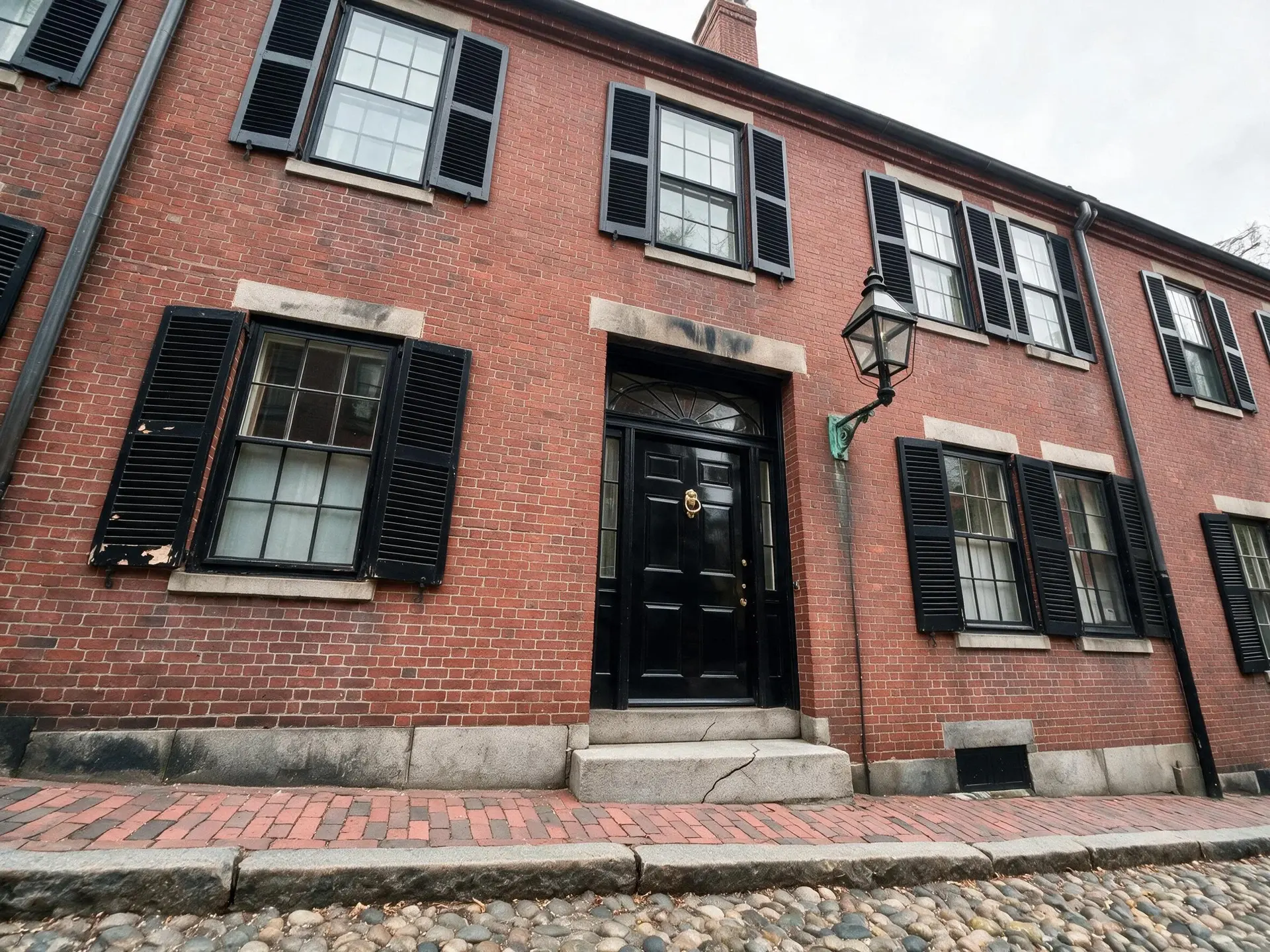
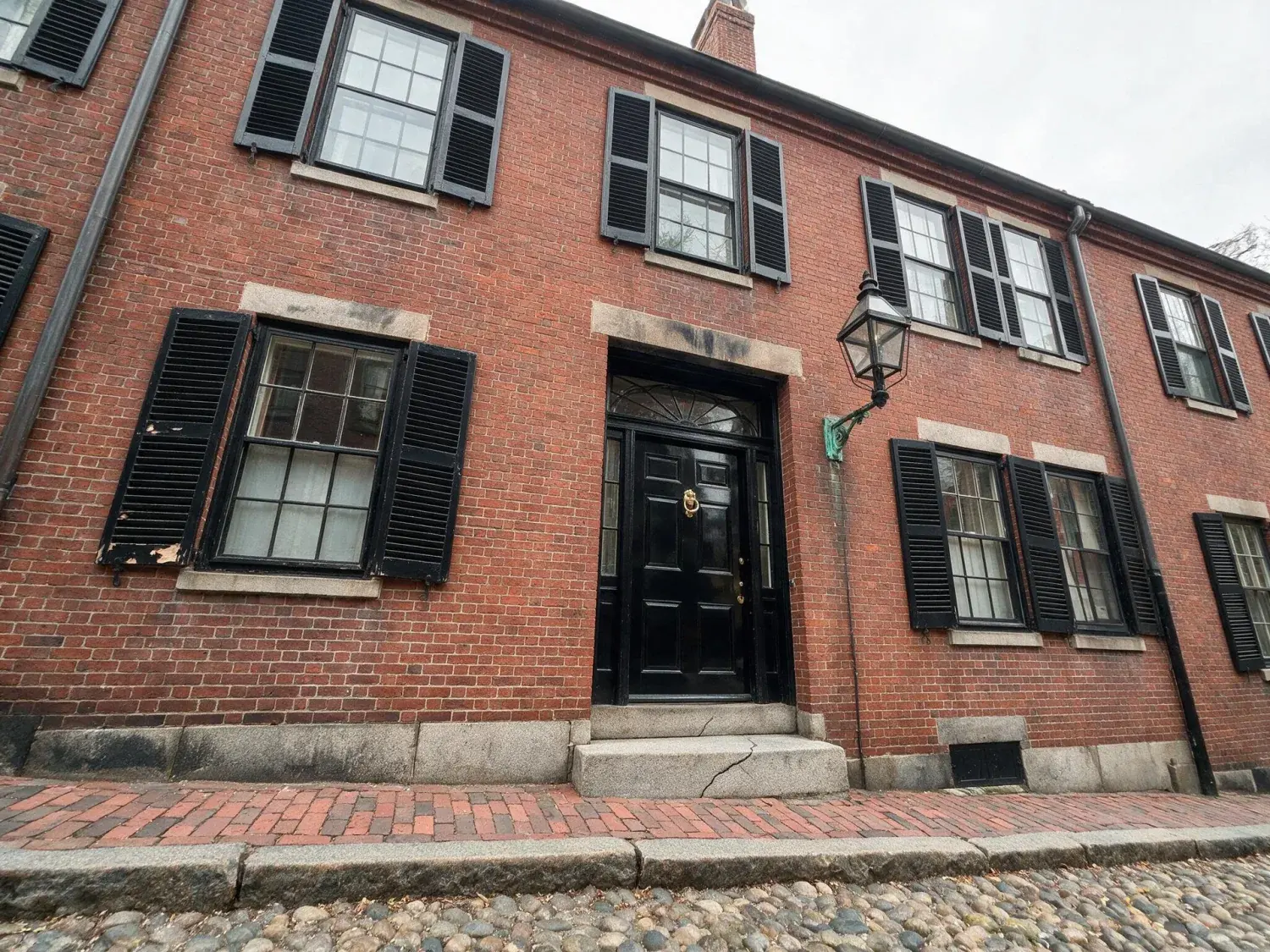
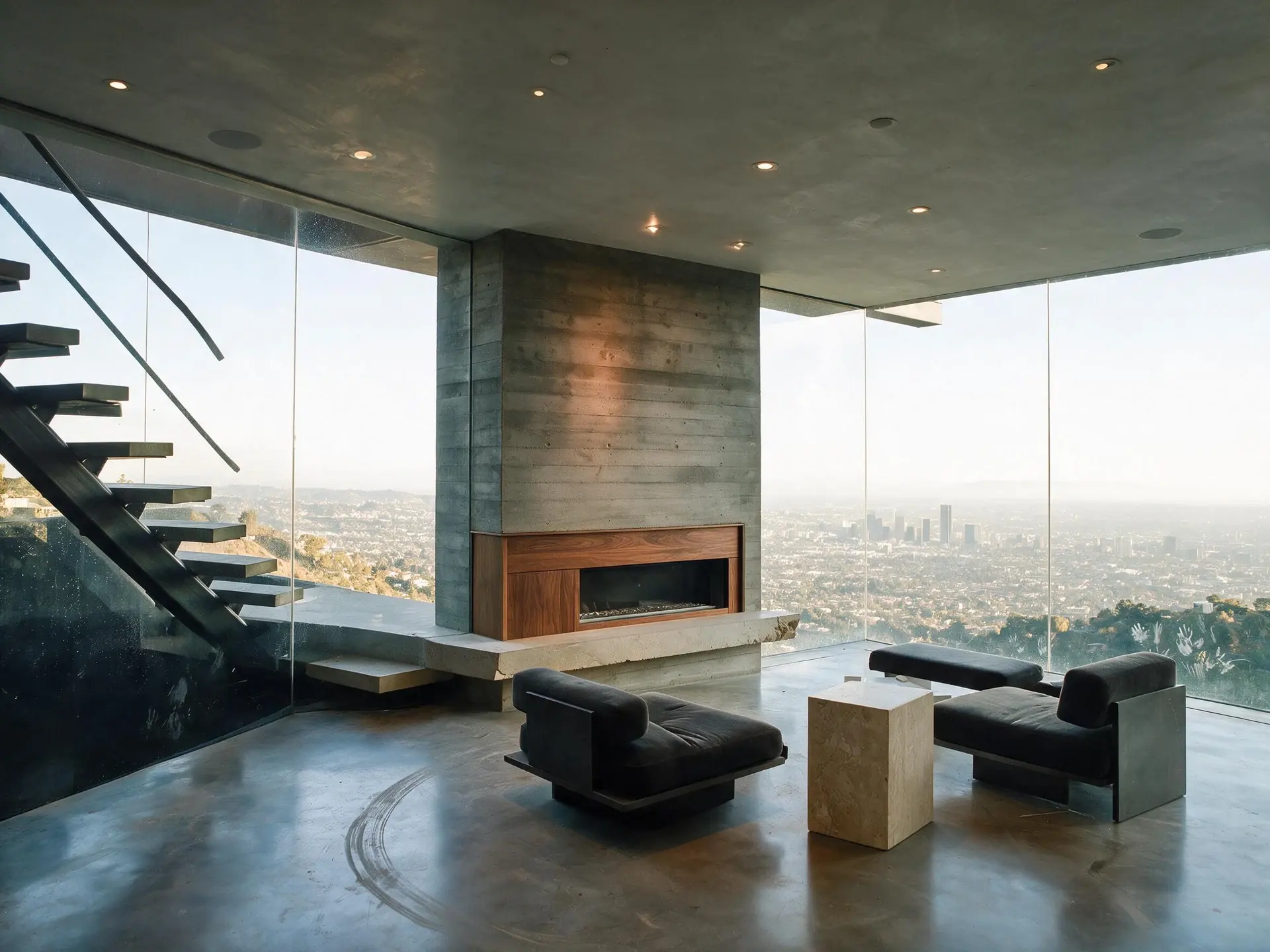
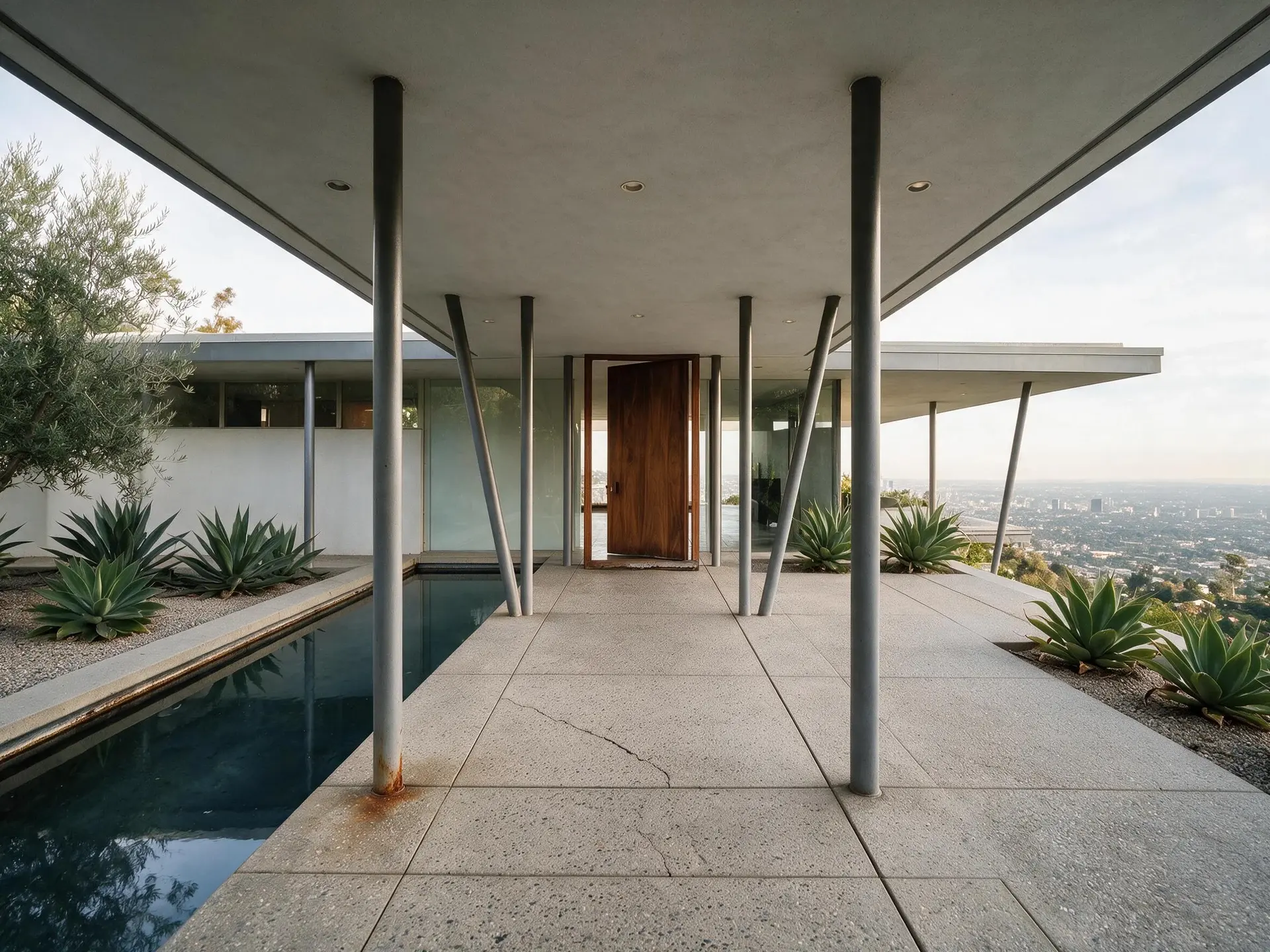
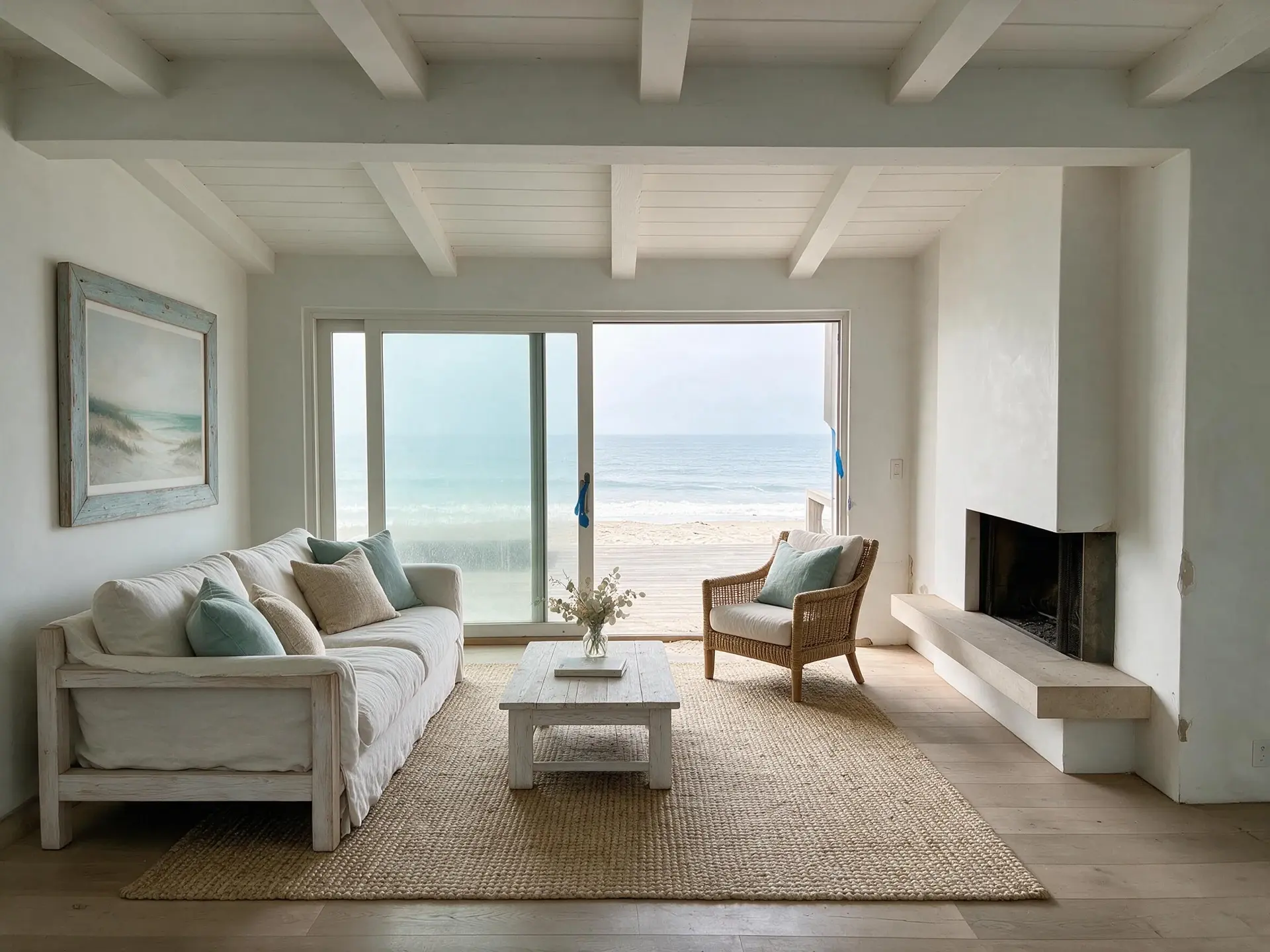
Retail CRE leasing photography is stuck between two bad options: the 14mm phone shot that makes an 1,800 sqft Fifth Avenue bay look like a parking garage, or the $1,200 architectural shoot nobody budgets for a strip-center inline unit. Plotpane takes the middle: Perspective Fix for the phone keystone, Auto Enhance for the T8 fluorescent cast and the blown-out vitrine, one credit each and about two minutes a render, exported as a CoStar / LoopNet / Crexi-ready JPEG at about 2.4K with the XMP enhancement trail baked in. It is built for the way CBRE, JLL, Cushman Wakefield and Newmark retail teams work — closing by frontage, anchor tenant and co-tenancy, not by glossy brochure.
Street retail, mall retail, lifestyle center — five failure profiles, one toolset
Retail CRE is not one asset class. Street retail on Fifth Avenue, Rodeo Drive or Michigan Avenue shoots under a completely different failure profile than a Simon Property Group mall inline, a Brookfield lifestyle center open-air corridor or a power-center pad site. Fifth Ave and Rodeo storefronts get sidewalk-reflection blow-out on the vitrine glass and pedestrian-scale wide-angle distortion — the 10-foot ceiling looks like it's collapsing inward. Simon, Brookfield Properties and Westfield mall inlines get a mixed-temperature nightmare: skylight at 5500K, LED downlights at 3000K, and storefront window spill from adjacent tenants that throws every color card off. Lifestyle centers (open-air Brookfield, Federal Realty, Regency) sit between the two — shot during the day, they read flat; shot at dusk without re-lighting, they read dead. Power centers and community shopping centers (Kimco, Kite Realty, InvenTrust) shoot like suburban strip — the bay itself is fine, but the parking field dominates the frame and the anchor tenant's signage gets cropped. Plotpane has no environment detector and no per-format preset: Auto Enhance corrects exposure, white balance and colour on whatever you upload, Perspective Fix squares the verticals, and which of the five you are standing in changes what you shoot rather than what you switch on.
Street retail (Fifth Ave, Rodeo, Michigan Ave, SoHo, Abbot Kinney) — Auto Enhance for vitrine glare and sidewalk exposure, Perspective Fix for the keystone
Mall inline (Simon, Brookfield, Westfield, Macerich, Taubman) — Auto Enhance on the mixed 3000K/5500K white balance and the storefront spill
Lifestyle center (Federal Realty, Regency, Brookfield open-air) — Day to Dusk on a flat daytime exterior, one credit
Power center / community shopping (Kimco, Kite, InvenTrust, Phillips Edison) — Auto Enhance to bring anchor signage back out of the parking field
Strip retail inline — Auto Enhance for the T8 / T12 / LED retrofit cast, Perspective Fix for the wide-angle bay
02
Vitrine glass, existing buildout, and the co-tenancy frame
Three things decide a retail listing photo, and only two of them are edits. The vitrine is first: a storefront shot into sidewalk glare comes back with the glass blown white and the daylight inside gone, and Auto Enhance pulls both back towards what was actually there — on a street retail listing the tenant's signage, the awning and the frontage feet are the deal, and they have to read. The existing buildout is second, and there the useful behaviour is restraint: Clutter Removal takes only the objects you type in, so the current tenant's fixtures, flooring transitions, HVAC vents and POS wiring stay in the frame unless you name them. Tenant-rep brokers on the acquisition side (RKF, Lee & Associates Retail, SRS Real Estate Partners) verify buildout condition before they'll bring a franchise operator through, and a cleaned-up phantom-tenant render disqualifies the listing in ICSC-standard tenant-rep workflow. Co-tenancy is third, and it is a shooting decision rather than an editing one — get the listing bay, the anchor and the adjacent national credit tenants (Starbucks, Chipotle, T-Mobile, First Watch, Shake Shack) into one frame, because Plotpane draws no overlays and will not add a tenant that was not photographed. Co-tenancy is the single largest lease-value driver in retail after frontage feet and percentage rent — a shoot that doesn't show it is leaving the pitch on the table.
Retail listings flow differently from office or industrial. Broker walks the bay with a phone camera, shoots 10-20 photos covering frontage, interior buildout, HVAC closet and rear access, then uploads to CoStar Retail, LoopNet Retail, Crexi Retail and RetailSpaces Commercial the same day. The franchise operator, SMB retailer or local boutique tenant decides within 48-72 hours based on photos plus frontage feet, anchor tenant, co-tenancy, CAM charges and percentage rent structure — the photo set is the first gate. Plotpane slots into this flow without adding a day: put the phone shoot up as a batch — 50 photos at once on Pro, 150 on Agency — and it runs unattended at about two minutes a frame while you write the flyer, then comes down as a ZIP. A full retail-portfolio tour of 50-plus bays across a Simon or Brookfield property list is a couple of batches on Agency at one credit an image, with the XMP enhancement trail baked per frame so ICSC-standard tenant-rep compliance audits (Cushman Wakefield Retail's largest-in-industry team, CBRE Retail, JLL Retail, Newmark Retail) can trace every edit back to the file you shot.
04
What Plotpane will not do on a retail listing
Retail CRE has no residential-MLS staging-disclosure framework — there is rarely furniture to stage in a shell or second-generation bay — but ICSC-standard tenant-rep verification, institutional LP diligence and brokerage compliance audits all score visual honesty. Plotpane will not add a phantom anchor tenant, fabricate a co-tenancy that does not exist, invent frontage feet the bay does not have, or render in a facade change that has not been entitled. The tool edits the photograph you actually shot — Auto Enhance for the vitrine and the T8 cast, Perspective Fix for the keystone, Clutter Removal for the objects you name — and it draws no overlays and adds no callouts. XMP metadata logs every render frame-by-frame so tenant-rep verification, acquisition-side diligence and brokerage compliance can trace exactly what changed against the file you uploaded.
For this region
Local questions, answered
Does Plotpane handle phone-shot retail photography, or does it need a DSLR?+
Phone-shot is exactly the case this is for. There is no separate retail preset and nothing to calibrate — upload the JPEG off the phone, pick one tool, get a JPEG at about 2.4K back about two minutes later. DSLR and mirrorless work goes through the same way, and camera raw goes in as it is — CR2, CR3, NEF, ARW, DNG and the rest — though the raw is not developed: we read the full-size JPEG the camera already wrote inside the file, so what you get is the camera's own rendering rather than highlight recovery from the sensor data. A CBRE Retail or JLL Retail broker shooting 15 bays across a Simon portfolio with a phone gets the same 2.4K output as one working from a dedicated architectural shoot.
Can it preserve a current tenant's interior buildout, or does it clone everything out?+
Nothing is cloned out unless you ask for it by name. Clutter Removal works from what you type — the pallet, the A-board, the bin — and anything you do not type stays, which is the behaviour retail needs. Tenant-rep brokers at RKF (Newmark-owned), Lee & Associates Retail and SRS Real Estate Partners verify buildout condition before bringing a franchise operator through, so fixtures, flooring transitions, HVAC vents, POS wiring and back-of-house access all have to read as-is. Auto Enhance and Perspective Fix correct lighting, color cast and keystone without touching the buildout. Phantom-tenant renders and fabricated architecture are explicitly out of scope.
How do I show co-tenancy if Plotpane cannot draw an overlay?+
You shoot for it. There is no overlay, callout or dot-connector tool here, and no aerial capture either — so the co-tenancy frame has to come from a drone overhead you already have or the CoStar / LoopNet aerial on file, composed so the listing bay, the anchor and the adjacent national credit tenants are all in it. Auto Enhance will clean up exposure and colour on that frame for one credit; the labelling happens wherever you build the deck. Co-tenancy drives lease value in retail second only to frontage feet and percentage rent structure — a pitch deck going to a franchise operator or institutional LP (Brookfield, Oaktree, Ares real estate) that doesn't show adjacent Starbucks, Chipotle, T-Mobile or Shake Shack is leaving the pitch on the table.
Does it export to CoStar Retail, LoopNet Retail and Crexi Retail dimensions in one pass?+
There is one export, and it clears all of them. Plotpane returns a single JPEG at quality 92 at about 2.4K — comfortably larger than CoStar Retail's 1200x800 primary, LoopNet Retail's 1920x1080 hero and Crexi Retail's 1024x768 grid — and each platform resizes on ingest, as do RetailSpaces Commercial and the ICSC directory. No per-platform round trip, no re-edit.
Will the XMP disclosure trail satisfy ICSC tenant-rep compliance?+
Plotpane writes an XMP enhancement trail into every export, recording the operation, the engine and the timestamp — and since one render is one tool, the trail reads one line per credit. Bracket merging never appears in it, because Plotpane takes a single image per render and does not merge exposures. ICSC-standard tenant-rep verification on the acquisition side, Cushman Wakefield Retail or CBRE Retail brokerage compliance audits, and institutional LP diligence all read the XMP directly against the file you shot. The trail satisfies current industry practice; it is not a substitute for a regulatory disclosure where one is specifically required by jurisdiction.
How does it price against CoStar's in-house architectural photography program?+
CoStar Group runs an in-house architectural photography program (credited on LinkedIn and Indeed as staff photographer roles, visible in RCR Digital, Eric Norton, Tommy Xing portfolios) that covers listings on the CoStar inventory directly. That program is a capex-equivalent service bundled into CoStar subscription fees and does not cover LoopNet, Crexi or RetailSpaces exports, nor third-party broker portfolios going to ICSC tenant-rep decks. Plotpane is a $99/month Pro plan, $79 billed annually — 220 images, one credit each — that you run yourself across every platform, including the phone-shot batch flow CoStar's program does not schedule for.
Pricing
One credit per image. Every tool, every plan.
Three plans. Every tool unlocked on all of them. Every render unmarked, standard or high resolution, cancel anytime.
Every plan starts with 3 free renders. No card until you subscribe.
Starter
For the solo agent shooting their own listings.
$39/month
billed yearly
100 credits monthly
100 images per month — 1 credit each, whichever tool you use
No Plotpane mark on any render
Every tool, no tier gating
Standard output ~2.4K, or ~4.7K for a second credit
XMP disclosure metadata written into every export
Download a finished listing as a ZIP
Free vertical listing reel from your finished photos
Cinematic clips from a single photo — 1 credit per second of video
That is the whole pricing model. No per-tool rates, no seat maths, nothing to negotiate. We are not SOC 2 certified and there is no SSO, private deployment or API — if you need those to buy, better you know now than after a call.
Starter
4
listings a month
Pro
8
listings a month
Agency
24
listings a month
Questions
The usual questions, answered directly.
No. Midjourney and DALL-E invent scenes from text prompts — beautiful for art, disqualifying for a listing. Plotpane is a structure-preserving pipeline: your room geometry, windows, and floor plan stay exact. We stage, re-light, swap skies, declutter, and enhance your actual photo. No hallucinated architecture, no invented rooms.
BoxBrownie and Styldod are human-edit services: you upload, a retoucher works overnight, you get a result in 24–48 hours at $2–$32 per image per treatment. They also sell things we do not have at all — floor plans, renderings, item removal by a person who can ask you what you meant. Plotpane is one machine pass: you pick one of seven tools, and the image comes back in about two minutes for one credit, whichever tool you picked, on a flat monthly subscription. Stacking two treatments on one photo means running it twice.
Yes, when disclosed. NAR guidelines, California AB 723, and REBNY Rule 3.3 all allow virtually staged photos provided the listing discloses them. Every Plotpane export embeds invisible XMP disclosure metadata so the staging record travels with the file. You still handle the listing-remarks disclosure in your MLS portal — that's the part only you can do.
Every render is sent with a preserve list as well as an instruction. It names one operation and forbids the rest: do not touch windows, doors, walls, ceilings, floors, cabinetry or fixtures unless the instruction names them; do not remove or conceal a defect, stain or crack; do not change what is visible through glass, and never invent a view. Furniture is added to empty rooms; named objects are removed from furnished ones; sky and light are re-graded. If you do see something invented, that is a bug — report the render in the app and the credit comes back.
Yes — one click in the Stripe billing portal from your dashboard. Billing stops immediately, remaining credits stay usable through the end of the billing period, and there's no cancellation fee.
Yes — any AI-generated or AI-modified image is considered an edit requiring disclosure under NAR's standards. That's why every Plotpane export writes invisible XMP disclosure metadata by default. The flag is machine-readable by MLS tooling and survives Lightroom round-trips. You still add the disclosure line to your listing remarks; we make sure the image itself is self-describing.
The toolkit
Seven tools. One credit each.
Every one is a single structure-preserving pass: it changes what you asked for and leaves the building alone.