Plotpane · Stale-listing refresh and relist re-activation
Stale-listing refresh and relist re-activation
Real estate photo retouching for stale, expired, and relisted homes
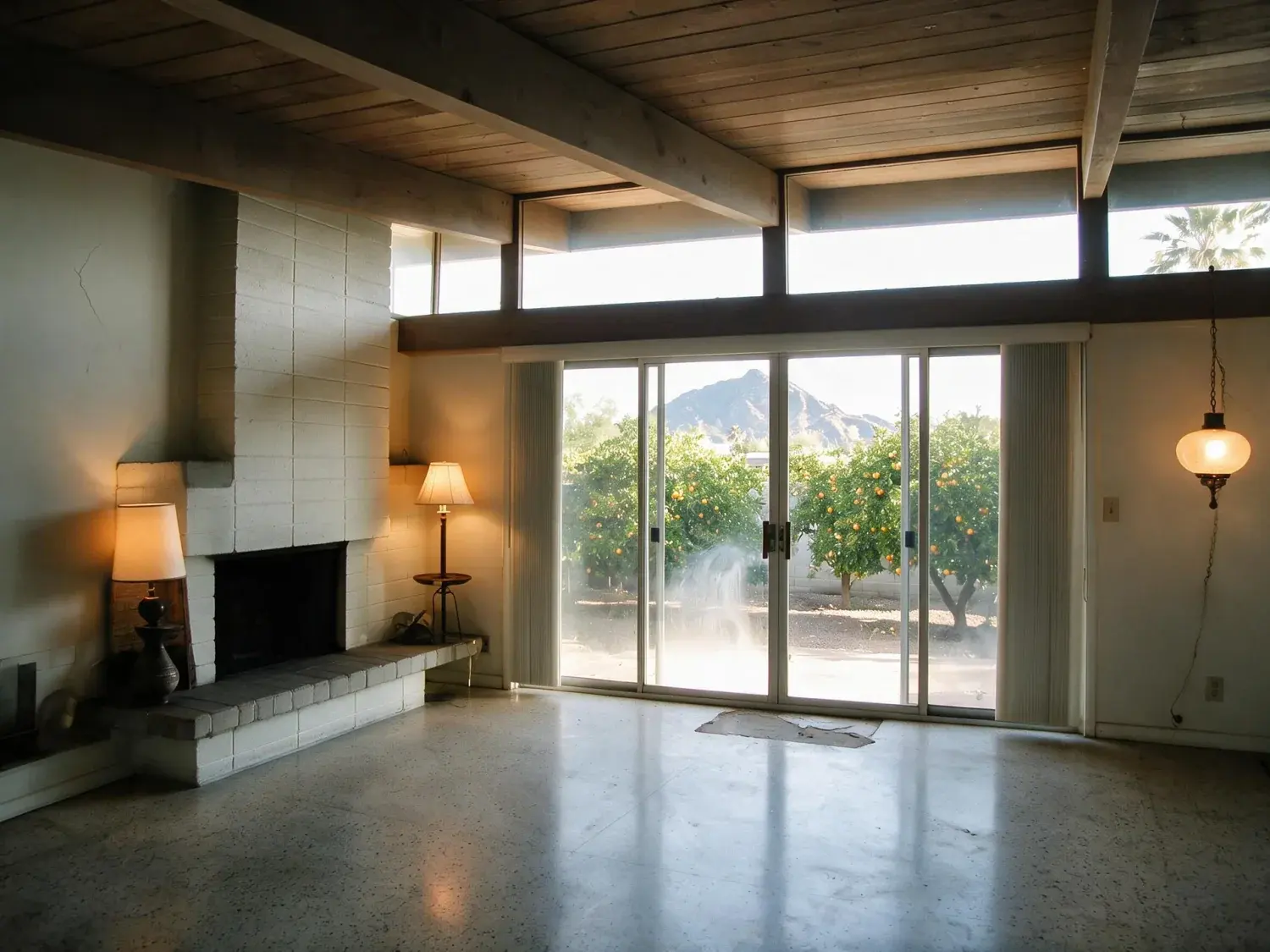
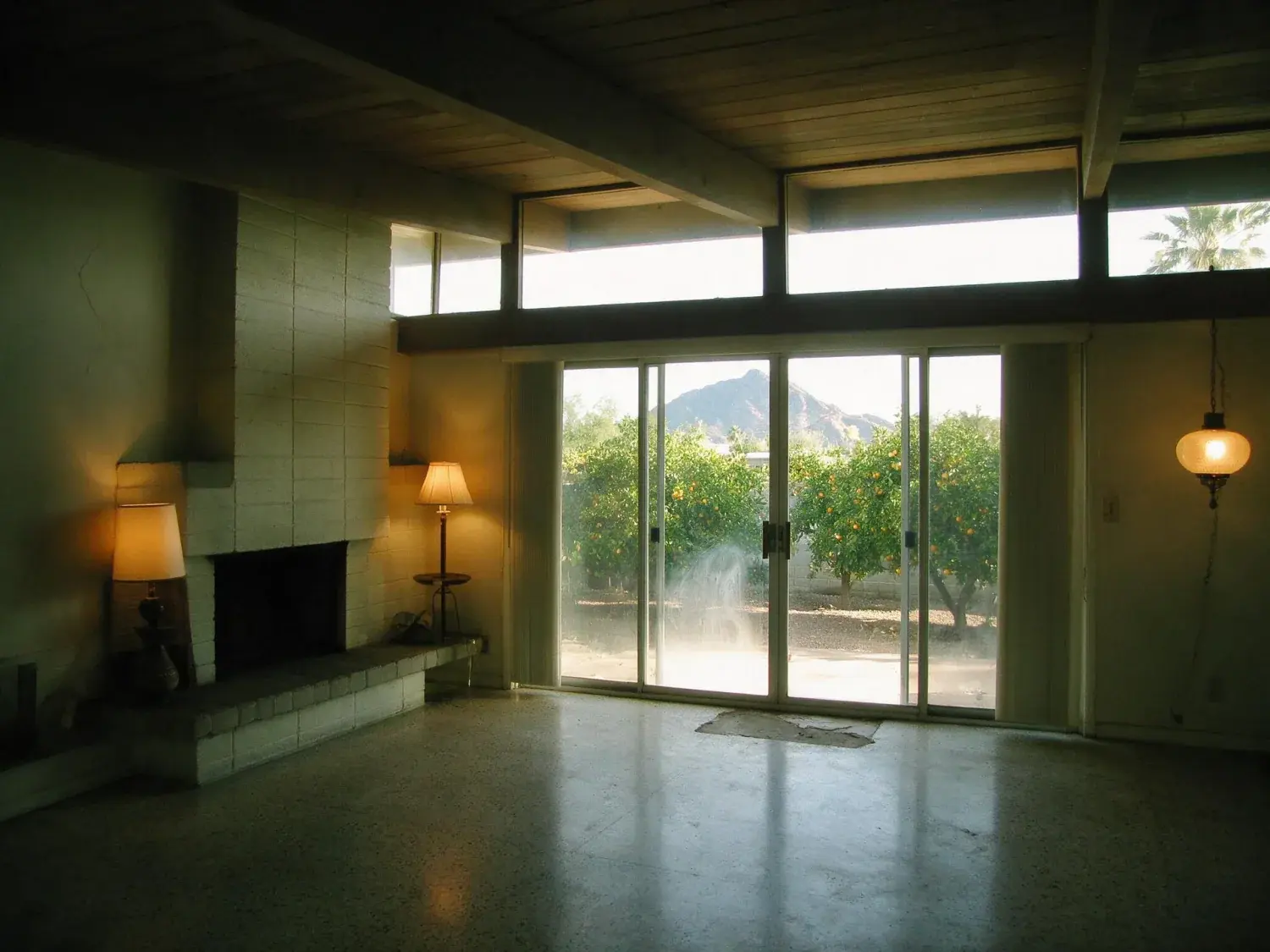
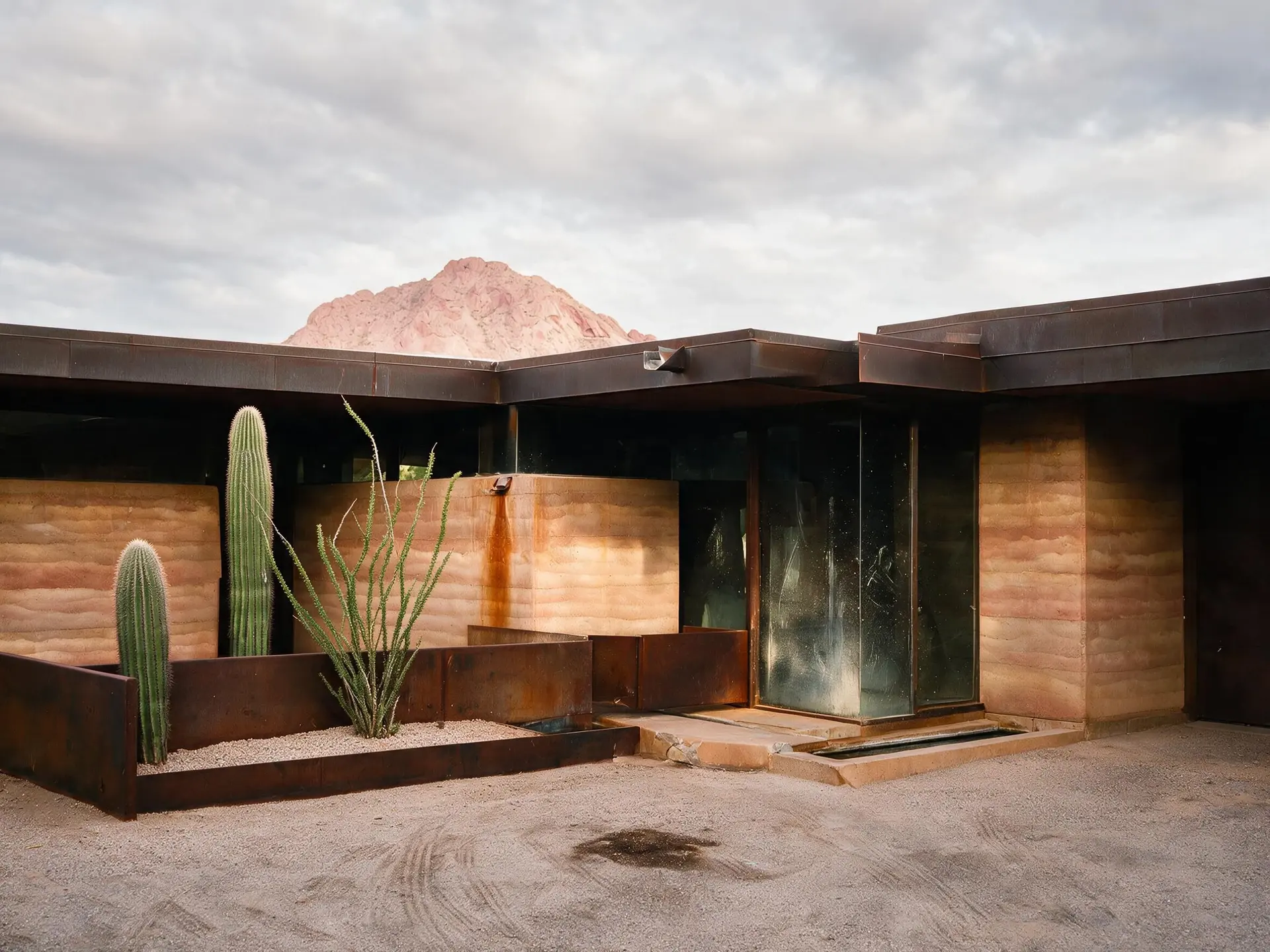
Plotpane is a real estate photo editor for the set you already have — not an upscaler. The listing sat 73 days, came off market, and you're re-activating it this weekend. The photos are technically fine but they read tired: slightly cool white balance, a flat overcast sky from the original shoot, the seller's old Architectural Digest still on the coffee table, an ex-brokerage bar burned into the corner by the last agent. The seller won't pay for a reshoot and the home is tenanted anyway. Plotpane refreshes the existing frames through real estate photo retouching that rebalances exposure, lifts color freshness, re-crops perspective, replaces sky when the relist season changed, and lightly declutters pre-existing content that dated the photo. What it does not do: invent rooms, hide defects that are still present, or change any structural element of the home.
Why a refresh is different from an upscale (and from a reshoot)
Real estate photo editing has three distinct lanes and agents frequently pick the wrong one. A low-resolution rescue is for 800-pixel MLS archive JPEGs from 2009 — the file is small and compressed, the subject is still accurate. A reshoot is for material change — new kitchen, staging gone, pool filled in. A refresh sits between them and is the right call for the most common stale-listing situation in 2026: the photos are high-resolution and the property hasn't changed, but the set reads dated. Homes that have been on market 60+ days get systematically skipped on Zillow and Redfin because buyers pattern-match flat exposure, yellowed interior light, and out-of-season exteriors to 'this one's been sitting.' Plotpane's AI real estate photo editor does the re-photography part without actually re-photographing — we retouch the existing frames to a current editorial register in about two minutes per image.
02
Five refresh scenarios this tool was built for
One — expired-then-revived listings. The expired listing comes back 31 days later with the same photos MLS already fingerprinted; buyers who saved the property see the same tile and skip it. Two — seasonal delist relists. The property came off in September and relists in April with leaves-on-the-ground exteriors and cozy fall interior warmth that now reads wrong. Three — seller re-engagement at 60+ days on market. The seller wants a 'marketing refresh' in lieu of a price reduction, and the listing agent needs a tangible deliverable. Four — MLS cache color fading, where a re-upload of an older file ends up with shifted white balance from the portal's downstream processing. Five — old brokerage bar removal, where a property transferred from one brokerage to another and the previous company's logo-stamped watermark is burned into a corner of every frame.
Expired-then-revived: break the MLS photo fingerprint without a reshoot
Seasonal relist: sky and foliage re-rendered to current-season register
60-day seller re-engagement: deliverable refresh instead of price cut
MLS cache color fade: white balance and exposure rebalanced to spec
Ex-brokerage watermark removal: clean corner, no artifact halo
03
What the refresh actually does — five operations, structure locked
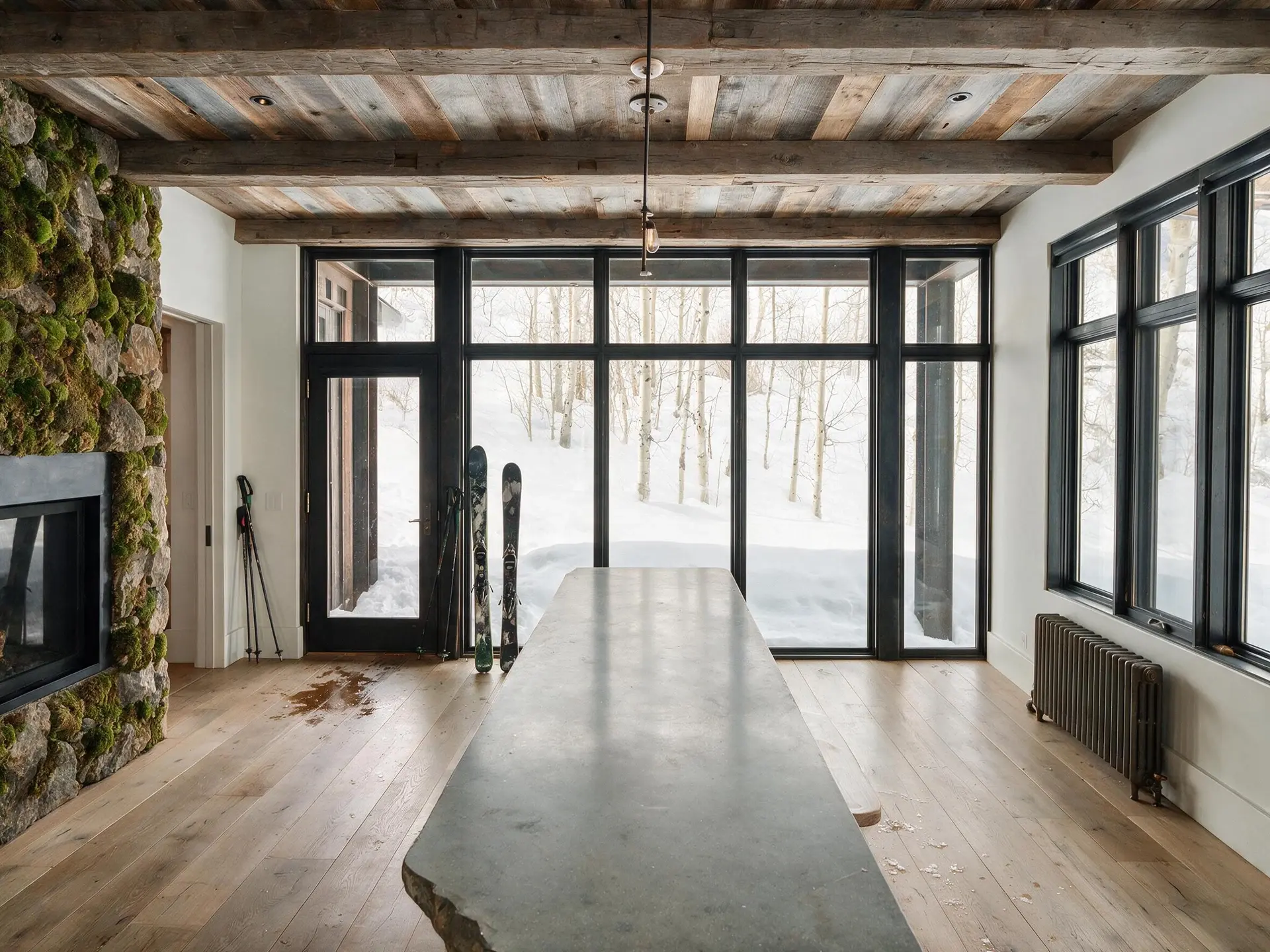
Exposure rebalancing lifts underexposed interiors and pulls back blown windows without the halo ring that plagues consumer HDR. Color freshness lift neutralizes the slight yellow cast of aging file formats and shifts white balance to a contemporary luxury-brokerage register — Compass, Sotheby's International, Douglas Elliman all sit in the same cool-neutral zone in 2026. Perspective re-crop straightens mild keystoning from handheld shots and can recompose a frame that was shot too loose. Sky Swap puts one of four built-in skies behind the house — Clear Blue, Soft Clouds, Golden Hour or Dramatic Storm — and which one you pick is a judgement call: if rain is visible on the windows, leave the grey sky where it is. Light declutter removes pre-existing content that dated the photo: an old magazine on a coffee table, a 2019 calendar on a wall, a previous brokerage's sign outside a window. What the refresh will not touch: any structural element of the home, any defect the property currently has, or any feature the buyer will discover on walkthrough.
Exposure rebalance: interiors lifted, windows recovered, no halo
Color freshness lift: contemporary white balance, yellow cast removed
Perspective re-crop: keystoning straightened, recomposition within frame
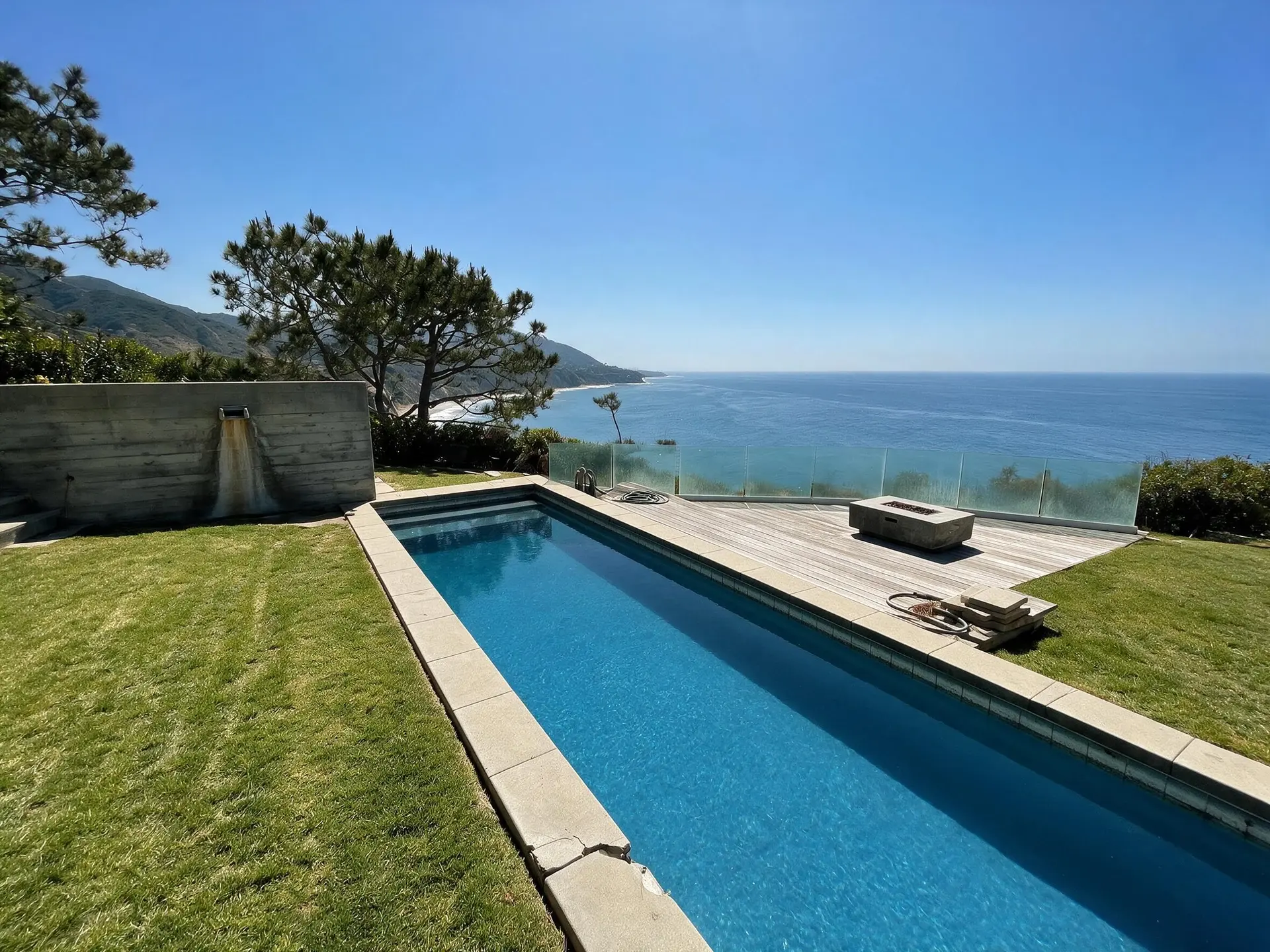
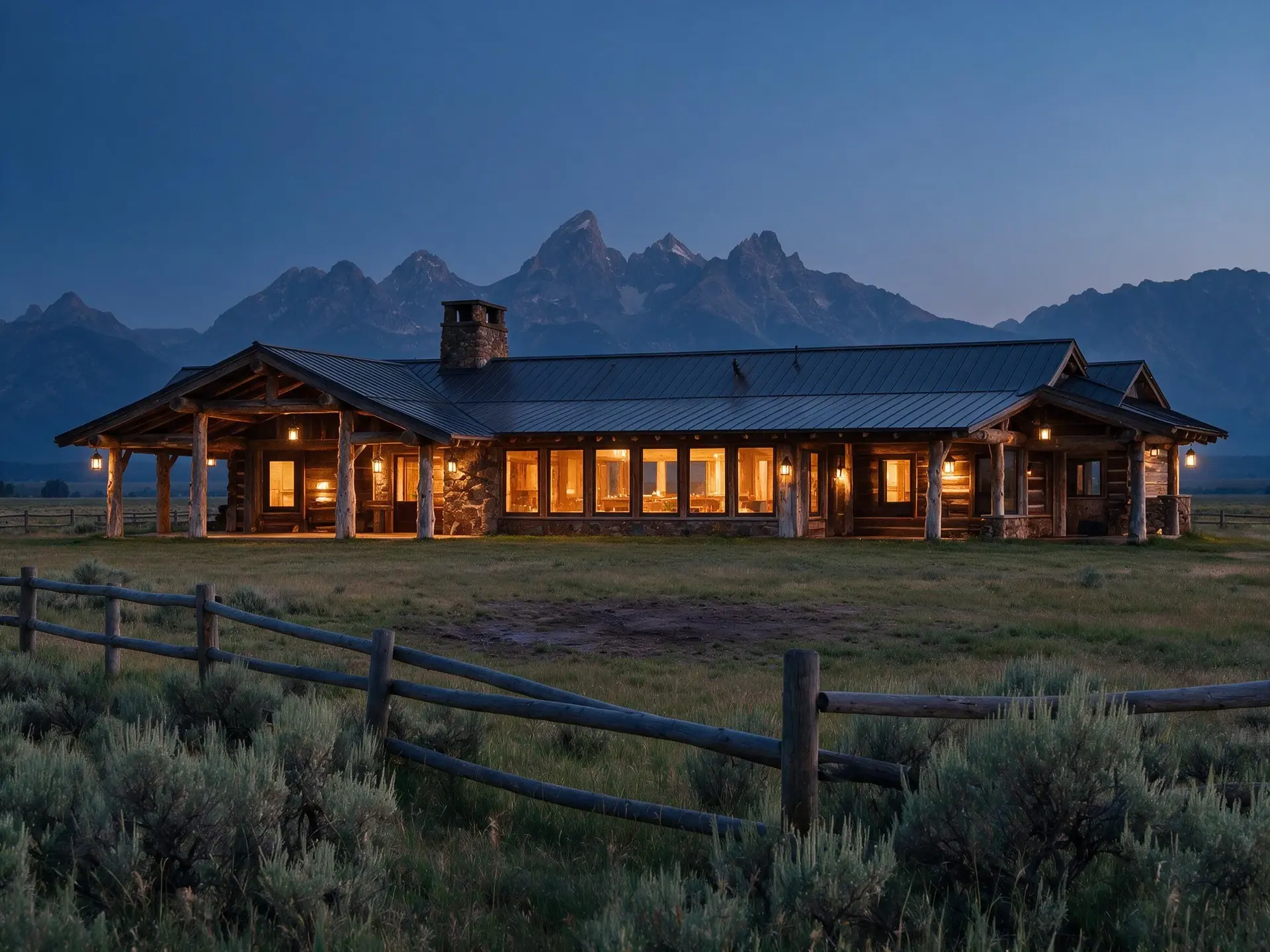
Sky Swap: four built-in skies — Clear Blue, Soft Clouds, Golden Hour, Dramatic Storm
Light declutter: dated magazines, calendars, old signs — never structure
04
The fidelity contract — what this tool refuses to do
Real estate photo retouching becomes a misrepresentation problem the moment it changes what a buyer will see on walkthrough. NAR Standard of Practice 12 requires advertising to present a true picture of the property; ARMLS, Bright MLS, CRMLS, NWMLS and every other major MLS layer the same principle into their photo compliance language. Nothing in Plotpane's tool set adds a window, moves a wall, changes ceiling height, removes a crack or water damage, hides an HVAC unit, replaces flooring, swaps cabinetry or invents landscaping. Clutter Removal is the one place judgement is yours, because you type what you want gone: keep it to non-fixed, non-structural, date-signal content — a magazine on a table, not a stain on the table; a 2019 calendar on a wall, not a hole in the wall.
05
When to refresh vs reshoot vs rescue
Refresh is the right call if the photos are high-resolution, the property hasn't materially changed, and the issues are cosmetic: color, exposure, season, dated surface content, ex-brokerage watermark. Rescue (our low-resolution listing photo rescue pipeline) is the right call if the photos are small, compressed, or pixel-doubled from the seller's phone — the problem is resolution, not register. Reshoot is the right call if the staging is gone, a room was renovated, the pool was filled in, or any feature visible in the old photos no longer exists. The honest test: does the frame still accurately show the property as it is today, just badly? If yes, refresh. If the file is right but small, rescue. If the file is wrong about the property, send a photographer.
For this region
Local questions, answered
How is this different from the low-resolution listing photo rescue tool?+
Rescue is for small, compressed, or artifact-heavy source files — the subject is fine, the resolution is the problem, and we rebuild detail up to about 2.4K. Refresh is for high-resolution files that read dated — the size is fine, but the exposure, color, season, or surface clutter is the problem. Both come back as a JPEG at quality 92, about 2.4K, or roughly 4.7K for a second credit; a 6,000-pixel original comes back smaller than it went in, so keep the untouched file. The majority of stale-listing cases we see are refresh, not rescue — the original photos were perfectly good in 2024, they just look tired in 2026.
Will the refresh break the MLS photo fingerprint on an expired-then-revived listing?+
Exposure rebalance, color shift, sky refresh and perspective re-crop combine to produce substantial enough pixel-level change that most MLS and portal photo-similarity systems stop flagging the set as a re-upload. It's not guaranteed in every case — some systems hash on structural edges, which we do not alter — but it is materially cleaner than re-uploading the original file. The refresh is also visibly different to a returning buyer, which is the actual goal.
Can you remove the old brokerage's watermark bar from the corner of every photo?+
Yes — ex-brokerage bar removal is one of the five explicit refresh scenarios. You type the bar into Clutter Removal and the engine rebuilds what sits behind it from the rest of the frame, with XMP disclosure written into the export as the record that the image was edited. Do not point it at a mark that covers a defect (a 'do not represent' stamp over a damaged area, say) — that crosses from refresh into concealment.
Will the sky refresh change a rainy-day shot to blue sky?+
Only if you tell it to. Sky Swap is a tool you run deliberately, with four skies to choose from, so the weather call stays with you. If the source frame shows rain on windows, puddles on a driveway, or obvious wet-pavement reflections, leave the overcast sky in place — a blue sky over a wet driveway contradicts the rest of the frame and buyers read it instantly. The case it is built for is flat-grey overcast with no weather signature, where the relist season calls for a clearer register.
Is this allowed on MLS listings? What about NAR Standard of Practice 12?+
Real estate photo retouching is allowed on every major MLS as long as it does not misrepresent the property. None of the seven tools adds or removes a window, hides a defect, changes a finish or invents landscaping. Clutter Removal takes a typed instruction, so keep it to dated, non-fixed, non-structural surface content. The XMP disclosure metadata written on every export gives you an auditable record if compliance ever asks.
How does this compare to BoxBrownie, Styldod, PhotoUp, or a manual retoucher?+
BoxBrownie and Styldod are human-retoucher marketplaces — excellent quality at $2-5 per image and 24-48 hour turnaround. Plotpane is an AI real estate photo editor at ~2 minutes per image on a subscription. The use case is different: if the listing is a marquee luxury commission, send it to a human retoucher and pay for the polish. If the listing is a stale refresh on a 60-day-on-market property where the seller won't fund a reshoot and won't wait two days, Plotpane is the tool.
Pricing
One credit per image. Every tool, every plan.
Three plans. Every tool unlocked on all of them. Every render unmarked, standard or high resolution, cancel anytime.
Every plan starts with 3 free renders. No card until you subscribe.
Starter
For the solo agent shooting their own listings.
$39/month
billed yearly
100 credits monthly
100 images per month — 1 credit each, whichever tool you use
No Plotpane mark on any render
Every tool, no tier gating
Standard output ~2.4K, or ~4.7K for a second credit
XMP disclosure metadata written into every export
Download a finished listing as a ZIP
Free vertical listing reel from your finished photos
Cinematic clips from a single photo — 1 credit per second of video
That is the whole pricing model. No per-tool rates, no seat maths, nothing to negotiate. We are not SOC 2 certified and there is no SSO, private deployment or API — if you need those to buy, better you know now than after a call.
Starter
4
listings a month
Pro
8
listings a month
Agency
24
listings a month
Questions
The usual questions, answered directly.
No. Midjourney and DALL-E invent scenes from text prompts — beautiful for art, disqualifying for a listing. Plotpane is a structure-preserving pipeline: your room geometry, windows, and floor plan stay exact. We stage, re-light, swap skies, declutter, and enhance your actual photo. No hallucinated architecture, no invented rooms.
BoxBrownie and Styldod are human-edit services: you upload, a retoucher works overnight, you get a result in 24–48 hours at $2–$32 per image per treatment. They also sell things we do not have at all — floor plans, renderings, item removal by a person who can ask you what you meant. Plotpane is one machine pass: you pick one of seven tools, and the image comes back in about two minutes for one credit, whichever tool you picked, on a flat monthly subscription. Stacking two treatments on one photo means running it twice.
Yes, when disclosed. NAR guidelines, California AB 723, and REBNY Rule 3.3 all allow virtually staged photos provided the listing discloses them. Every Plotpane export embeds invisible XMP disclosure metadata so the staging record travels with the file. You still handle the listing-remarks disclosure in your MLS portal — that's the part only you can do.
Every render is sent with a preserve list as well as an instruction. It names one operation and forbids the rest: do not touch windows, doors, walls, ceilings, floors, cabinetry or fixtures unless the instruction names them; do not remove or conceal a defect, stain or crack; do not change what is visible through glass, and never invent a view. Furniture is added to empty rooms; named objects are removed from furnished ones; sky and light are re-graded. If you do see something invented, that is a bug — report the render in the app and the credit comes back.
Yes — one click in the Stripe billing portal from your dashboard. Billing stops immediately, remaining credits stay usable through the end of the billing period, and there's no cancellation fee.
Yes — any AI-generated or AI-modified image is considered an edit requiring disclosure under NAR's standards. That's why every Plotpane export writes invisible XMP disclosure metadata by default. The flag is machine-readable by MLS tooling and survives Lightroom round-trips. You still add the disclosure line to your listing remarks; we make sure the image itself is self-describing.
The toolkit
Seven tools. One credit each.
Every one is a single structure-preserving pass: it changes what you asked for and leaves the building alone.