Plotpane · United States
United States

Trulia listing photo upload guide — for agents working the Zillow Group pipeline

Trulia doesn't have its own upload form. It never has, not really — and since the Zillow Group acquisition in 2015, Trulia listings are pulled from the same MLS-to-Zillow pipeline that feeds Zillow.com and HotPads. If you're searching how to post on Trulia, the honest answer is: you post to your MLS (or to Zillow for FSBO), and Trulia inherits the photos downstream. That means every photo rule Zillow enforces shows up on Trulia too — 1024×683 minimum, 2048×1536 recommended, 25 MB per file, JPG/PNG/GIF/TIF only, no HEIC. The twist worth knowing: Trulia's consumer app skews millennial and first-time-buyer, and its tile grid compresses harder than Zillow's, so a 1600-wide source that looks fine on Zillow lands as pixel mush on a Trulia mobile tile. Ship 4K at the source or watch your listing lose the scroll on a phone.

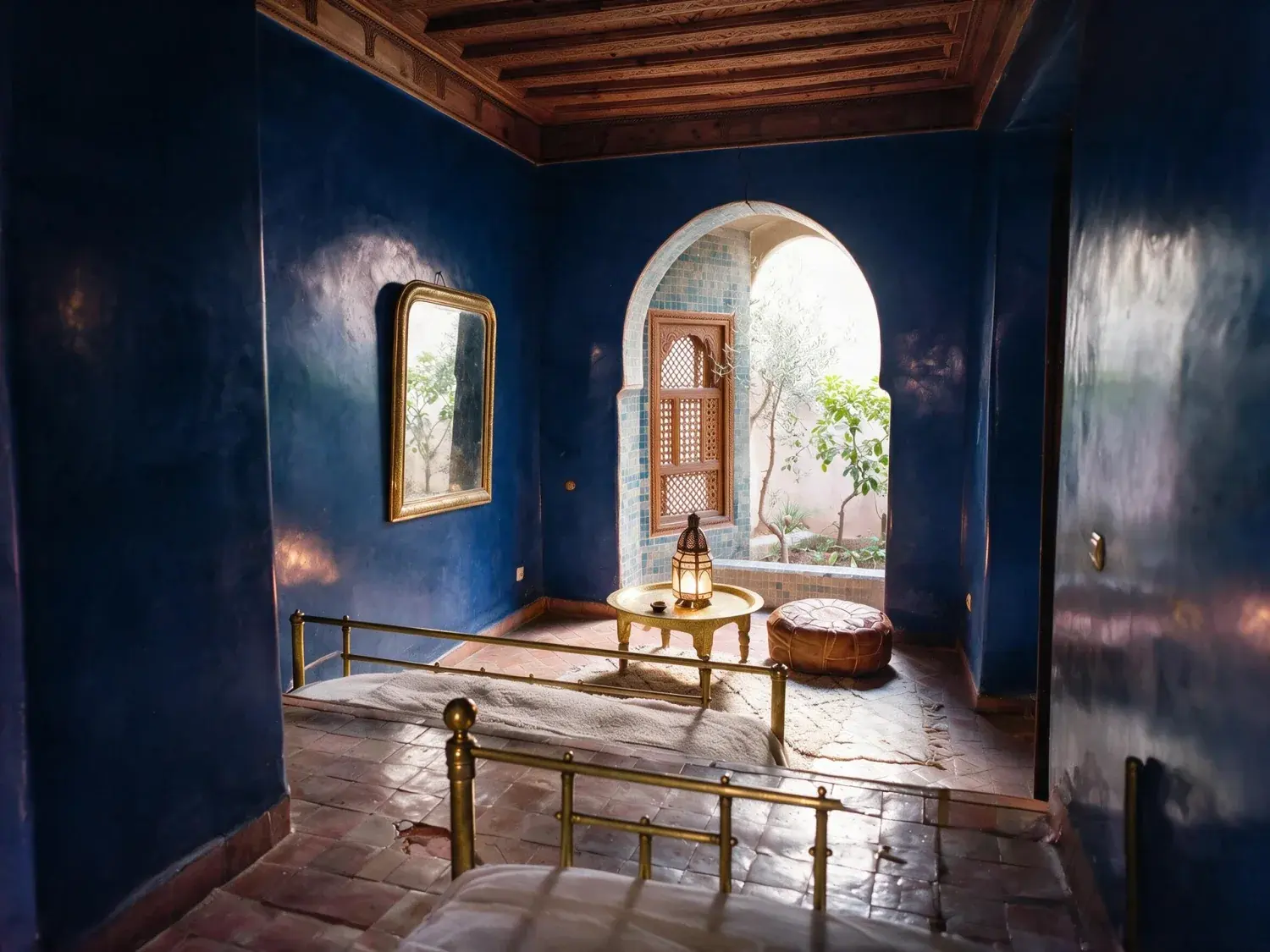
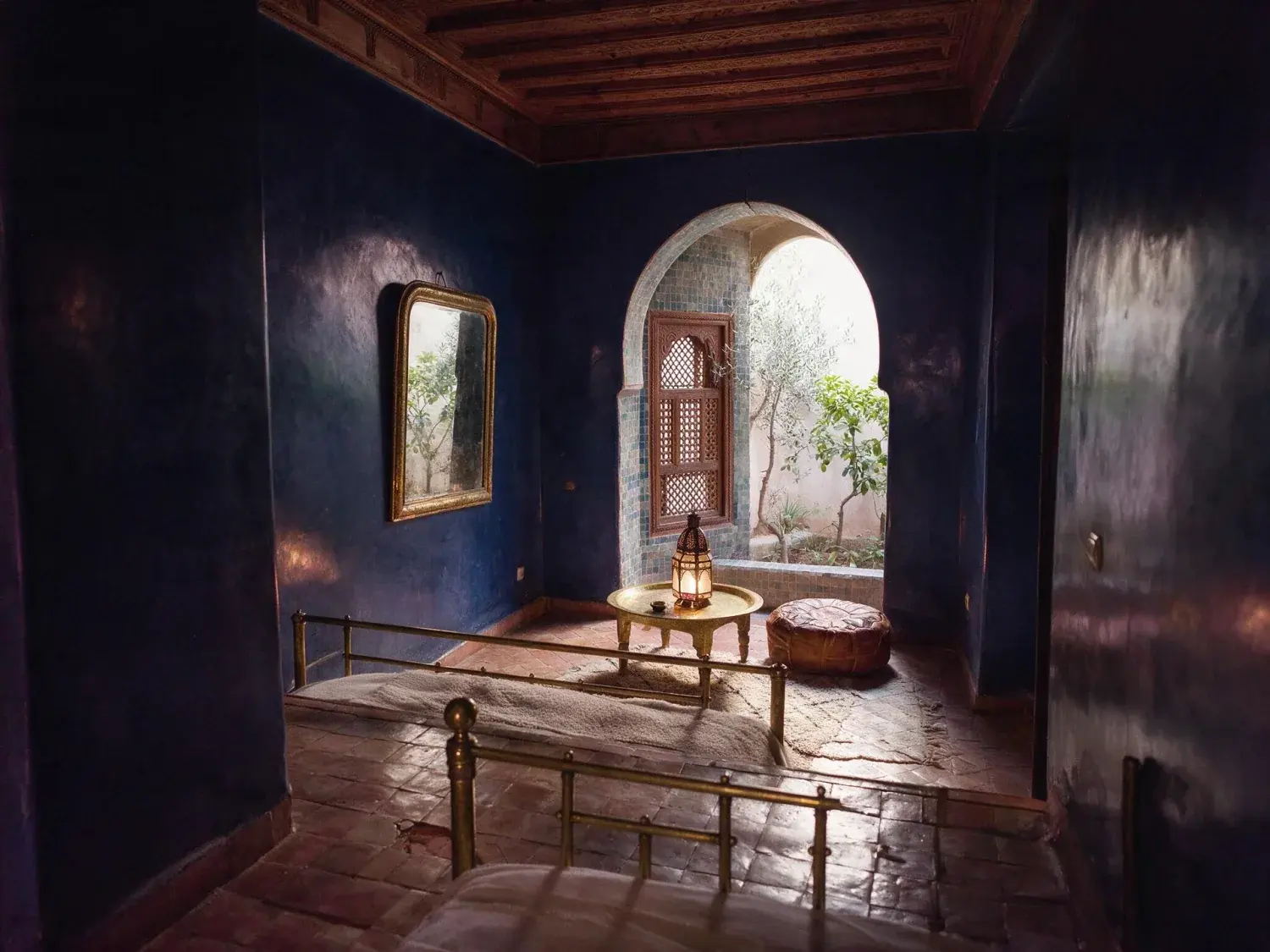
A Federal-era Savannah rowhouse parlor on Monterey Square — an empty heritage shell that'll sit 73% longer on market unstaged, transformed into a scroll-stopping MLS hero. — enhanced by Plotpane
A Federal-era Savannah rowhouse parlor on Monterey Square — an empty heritage shell that'll sit 73% longer on market unstaged, transformed into a scroll-stopping MLS hero. — original listing photo before editing
BeforeAfter
01

How Trulia photo upload actually works (hint: it's Zillow Group)

Trulia is a Zillow Group subsidiary — the 2015 acquisition merged the back-end so completely that Trulia support's own help center now points users to Zillow to add, edit, or remove home photos. There is no standalone 'trulia agent portal' with a photo uploader; the real paths are three: (1) list on your MLS and the feed hits Trulia automatically, (2) FSBO through Zillow's For Sale by Owner flow and Trulia inherits the syndication, or (3) if you're a rental operator, post via Zillow Rentals Network, which feeds Trulia Rentals and HotPads in the same push. The governing spec is the Zillow Group Listings Quality Policy, which Trulia explicitly links to from trulia.com/info/listings-quality-policy. Bottom line for agents: there's no 'Trulia-only' photo workflow to optimize — you optimize for Zillow Group's pipeline and Trulia comes along for the ride.
02

Official Trulia photo requirements (inherited from Zillow, 2026)

Trulia Photo Requirements for 2026 are the Zillow Group specs, confirmed against the Listings Quality Policy and rentals network docs. Recommended: 2048×1536 pixels at a 4:3 landscape aspect. Minimum: 1024×683. Per-file cap: 25 MB. Accepted formats: JPG, PNG, GIF, TIF. HEIC is rejected — iPhone shooters must convert before upload (most export flows do this silently, but the conversion drops HDR tone data you then can't recover). Photos run through Google's safe-image filter, so faces, license plates, and anything flagged as inappropriate get auto-rejected at the Zillow side, which means they never reach Trulia either. Photo count inherits from your MLS feed; FSBO-via-Zillow caps at the Zillow limit. Listings with fewer than ten photos statistically underperform on both platforms, and Trulia's mobile tile grid — the one that feeds the Trulia app and the crime-map/school-boundary overlays — punishes low-count, low-resolution sets harder than Zillow's desktop grid does.

  • Recommended: 2048×1536 (4:3 landscape)
  • Minimum: 1024×683 pixels
  • Per-file cap: 25 MB
  • Accepted: JPG, PNG, GIF, TIF — no HEIC
  • Google safe-image filter applies (faces, plates auto-flag)
  • Target 10+ photos — fewer underperform measurably
03

Why Trulia tiles break down harder than Zillow tiles

Same source, different compression. Trulia's audience — per Zillow Group's own positioning — skews millennial and first-time-buyer, which means Trulia traffic is more mobile-app-heavy than Zillow's. The Trulia app's tile grid on a 6-inch phone is smaller than Zillow's equivalent and is flanked by neighborhood overlays (Crime Maps, School Boundary Maps, Local Ratings, Commute Times, Affordability Calculator — the features Trulia has used to differentiate from Zillow since 2011). That overlay real estate eats tile width, so Trulia compresses photos more aggressively to hit mobile page-weight budgets. The practical effect: a 1600-wide JPG that looks crisp on Zillow's 1440-wide desktop card shows visible block artifacts on Trulia's 375-wide mobile tile. The fix isn't fighting the compressor — it's shipping a clean 3840-wide 4K source so the downsample path has enough signal to survive two compression passes (Zillow's ingest + Trulia's mobile re-encode).

04

The Trulia rejection patterns agents keep hitting

Trulia rejections are Zillow rejections with a mobile-display twist. The recurring killers in agent support threads: thumbnails below 1024×683 (MLS legacy listings from 2018-2020 are the worst offenders), vertical iPhone shots as the hero image that crop to a squashed 4:3 tile and lose the subject, warm white-balance casts that read neutral on a calibrated monitor but orange on a cheap Android OLED, and — the Trulia-specific one — photos where the primary-suite interior dominates but the exterior/street view is missing, which hurts on Trulia because its neighborhood-first UX foregrounds exterior and block-context photos in the tile.

  • Below-minimum thumbnails from stale MLS feeds
  • Vertical hero images (4:3 tile squashes them)
  • Google safe-image filter flags (faces, plates, etc.)
  • Warm interior cast that reads orange on mobile OLEDs
  • No exterior/street photo in the top three slots
  • HEIC files that got uploaded without conversion
05

How Plotpane's workflow meets the Trulia (Zillow Group) spec

Plotpane ships 3840-wide 4K PNG at the 4:3 landscape ratio Trulia and Zillow both expect, with daylight-neutral white balance calibrated for mobile OLED rendering (not desktop IPS). The batch consistency mode is what agents actually use for Trulia — first-time buyers scroll fast, and a 20-photo set where every third frame has a slightly different tone reads 'unprofessional' and drops off the scroll. The low-resolution rescue path handles the other Trulia reality: stale MLS thumbnails from pre-2021 listings that now fall below the 1024×683 minimum — the pipeline upscales to 4K and rebuilds window-interior tonal range cleanly. Cross-reference the low-resolution-listing-photo-rescue guide for the full walkthrough. Upload endpoint is still your MLS (or Zillow FSBO), not Trulia directly — but the files that land there will survive Trulia's mobile compression without breaking down.

For this region

Local questions, answered

How do I upload photos directly to Trulia?+

You don't — not anymore. Since the 2015 Zillow Group acquisition, Trulia pulls listings from the same pipeline Zillow uses: your MLS feed for agent listings, or Zillow's For Sale by Owner flow for FSBO. Trulia's own support docs redirect photo-edit requests to Zillow. If you want a photo to appear on Trulia, it goes up on the MLS (or Zillow) first, then syndicates downstream. Plotpane fits before that upload — produce the 4K file, push to MLS, and Trulia inherits it clean.

Are Trulia and Zillow photo specs the same?+

For dimensions, file size, and format, yes — both run on Zillow Group's infrastructure and both follow the Zillow Listings Quality Policy (1024×683 min, 2048×1536 recommended, 25 MB cap, JPG/PNG/GIF/TIF). The practical difference is downstream: Trulia's mobile app compresses tiles harder than Zillow's because of the neighborhood-overlay UX (Crime Maps, School Boundaries, Local Ratings) eating tile real estate. Ship 4K at the source and the extra compression pass still leaves a clean tile.

Does Trulia accept HEIC files from iPhone?+

No — the Zillow Group pipeline rejects HEIC. Convert to JPG before upload. Most modern export flows handle this silently, but the conversion drops iPhone HDR tone data that you can't recover after the fact, which is one reason a proper enhancement pipeline before upload pays off. The accepted formats across Zillow, Trulia, and HotPads are JPG, PNG, GIF, and TIF.

Can Plotpane rescue low-resolution legacy Trulia photos?+

Yes — the enhancement pipeline takes pre-2021 MLS thumbnails that fall below the 1024×683 minimum and upscales to 4K while rebuilding window-interior detail and daylight-neutral color. See the low-resolution-listing-photo-rescue guide for the full walkthrough. Same workflow works for Trulia Rentals inventory, which has the same stale-thumbnail problem on older units.

Why do my photos look worse on the Trulia app than on Trulia.com?+

Trulia's mobile app compresses tiles harder than the desktop site — partly because of page-weight budgets, partly because the neighborhood-overlay UX (crime maps, school boundaries, commute times, affordability calculator) competes with the photo grid for screen real estate. A 1600-wide source that's fine on desktop can show block artifacts on a 375-wide mobile tile after Zillow's ingest compression and Trulia's mobile re-encode. The fix is shipping a 4K source so both passes have enough signal to downsample cleanly.

Pricing

Premium where it counts.
4K on every plan.

Three plans. Every transformation unlocked. 4K output on every plan, watermark-free on every export, cancel anytime.

14-day refund

14-day no-questions refund. If your first render isn’t MLS-ready, we refund it.

Starter

For the solo agent shooting their own listings.

$39/mo billed yearly

100 renders per month · ~20 staged / 100 enhanced

Subscribe to Starter
  • 100 renders per month
  • Every transformation · all seven tools
  • 4K output on every export
  • Zero watermarks — clean image ships with every render
  • Invisible XMP disclosure metadata on staged output
  • Email support
Most popular

Pro

For top-producing agents and real-estate photographers.

$79/mo billed yearly

300 renders per month · ~60 staged / 300 enhanced

Subscribe to Pro
  • 300 renders per month
  • Batch mode — consistent grade across every shot of the listing
  • Bulk upload & batch processing
  • Priority rendering queue
  • Brand presets (studio logo on export)
  • Composed pipeline (stack tools in one render)
  • Priority support

Agency

For brokerages, teams, and photography networks.

$199/mo billed yearly

800 renders per month · ~160 staged / 800 enhanced

Subscribe to Agency
  • 800 renders per month
  • Bulk upload — whole-shoot processing with shared preset lock
  • Up to 5 team seats
  • Roll-over renders (up to 3× monthly cap)
  • Shared brand presets across the team
  • White-label export (studio logo on delivery ZIP only — never on the image)
  • Dedicated account manager

Agencies only
Includes 5 seats · additional seats $25/mo

FeatureStarter$39/mo annualPro$79/mo annualAgency$199/mo annual
Renders per month100300800
Every transformation (staging, dusk, sky, declutter, enhance, renovate, sketch-to-render)
4K output (up to 3840×2160)
Watermark on exportNoneNoneNone
Invisible XMP disclosure metadata
Bulk upload & batch processingUp to 25 at a timeUp to 200 at a timeUp to 200 at a time
Batch consistency (shared preset, white balance, and grade across the listing)
Priority render queue
Composed pipeline (stack tools in one render)
Brand presets (studio logo on delivery ZIP)Shared across team
Team seats115 (additional $25/mo each)
Roll-over rendersUp to 3× monthly cap
White-label delivery ZIP
SupportEmailPriority emailDedicated account manager
Cancel anytime, one click in Stripe portal
14-day refund on first render
Pricing FAQ

Billing, quotas, and refunds.

  • Yes — one click in the Stripe billing portal from your dashboard. Billing stops immediately and any remaining credits stay usable through the end of the billing period.

  • Starter and Pro renders refresh at the start of each billing cycle and do not roll over. Agency renders roll over up to 3× your monthly cap, so a slow month isn't wasted.

  • We never auto-charge for overages. Once you hit your cap, new renders pause until your next cycle. If you need more room immediately, upgrade your plan from the billing page and your new quota applies instantly with proration.

  • No free trial. Instead, every plan carries a 14-day no-questions refund — if your first render isn't MLS-ready, we refund it. We chose a hard paywall over a throttled free tier so every plan gets full 4K output and every tool from day one.

  • Yes — annual billing is roughly 20% off the monthly rate (Starter $39 vs $49, Pro $79 vs $99, Agency $199 vs $249, all per month). The toggle above swaps the two.

Enterprise

MLSs, franchises, portals, and photography networks.

Custom volume packages, SSO, SOC 2 readiness, private-cloud deployment, and dedicated CSMs. We partner with networks processing 50,000+ listings per month.

Talk to sales
Questions

The usual questions,
answered directly.

  • No. Midjourney and DALL-E invent scenes from text prompts — beautiful for art, disqualifying for a listing. Plotpane is a structure-preserving pipeline: your room geometry, windows, and floor plan stay exact. We stage, re-light, swap skies, declutter, and 4K-enhance your actual photo. No hallucinated architecture, no invented rooms.

  • BoxBrownie and Styldod are human-edit services: you upload, a retoucher works overnight, you get a result in 24–48 hours at $2–$32 per image per treatment. Plotpane runs the full listing pipeline — staging, dusk, sky, clutter, enhancement — in one upload, in ~90 seconds, for a flat monthly subscription. Same 4K quality, no queue, no per-image fees.

  • Yes, when disclosed. NAR guidelines, California AB 723, and REBNY Rule 3.3 all allow virtually staged photos provided the listing discloses them. Every Plotpane export embeds invisible XMP disclosure metadata so the staging record travels with the file. You still handle the listing-remarks disclosure in your MLS portal — that's the part only you can do.

  • Not on staging or enhancement — our Fidelity Contract enforces structure-preserving masks that lock architecture, windows, and floor plan before any generation runs. Furniture is added to empty rooms; clutter is removed from furnished rooms; lighting and sky are re-graded. Renovation features (new flooring, wall colors) require you to explicitly mark the surface. We never reinvent what's already there.

  • Yes — one click in the Stripe billing portal from your dashboard. Billing stops immediately, remaining credits stay usable through the end of the billing period, and there's no cancellation fee.

  • Yes — any AI-generated or AI-modified image is considered an edit requiring disclosure under NAR's standards. That's why every Plotpane export writes invisible XMP disclosure metadata by default. The flag is machine-readable by MLS tooling and survives Lightroom round-trips. You still add the disclosure line to your listing remarks; we make sure the image itself is self-describing.

  • We don't train on your uploads — ever, with no opt-out toggle needed. Storage is per-account R2 (Cloudflare's object store), isolated from other tenants. When you cancel, your account's files are deleted on schedule. Transit is TLS 1.3, at-rest is AES-256. Full details in /legal/privacy.

  • Yes. Upload HEIC straight from your phone or desktop — we validate by magic bytes (not just file extension) and convert server-side. PNG, JPG, WebP, and HEIC are all first-class inputs. Output is 4K JPG by default, or request PNG if you need lossless.

  • Upgrade is instant and prorated: Stripe credits the unused portion of your current plan against the new one, and your new render quota applies immediately. Downgrades take effect at the next billing cycle so you keep your current quota until then. No credits are lost in either direction.

  • Yes. All plans include a commercial-use license for the agent, brokerage, or photography business on the account. Agency plan adds 5 team seats and a white-label delivery ZIP so you can hand enhanced photos to clients under your own studio brand. Full licensing terms in /legal/terms.

Ready when you are

Stop re-uploading.
Start shipping listing-ready.

One upload, every tool, 4K out in 90 seconds — on every plan.

Get startedSee 50 before/afters4K every plan · cancel anytime