ImmobilienScout24 Fotos: Bildrichtlinien für Exposés in Deutschland
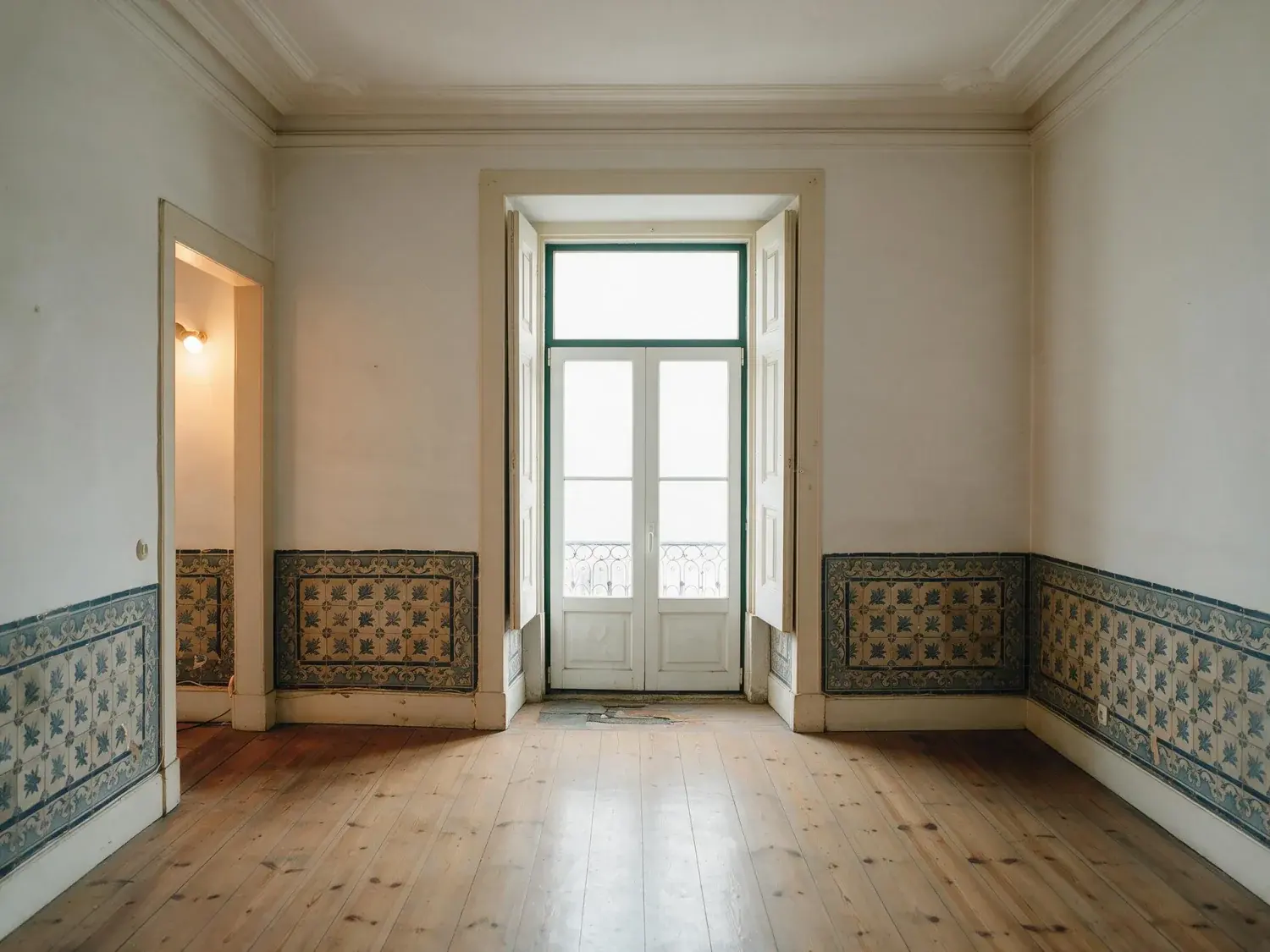
ImmobilienScout24 ist Deutschlands Portal Nummer 1 — und das strengste in Europa beim Seitenverhältnis. Das Portal zeigt alle Exposé-Bilder in 4:3 Querformat; jedes Foto in einem anderen Format wird automatisch mittig beschnitten. Für eine Berliner Altbau-Wohnung mit Stuck, Dielen und Kachelofen kostet ein 3:2-Upload die Deckenrosette und die Parkettkante gleichzeitig. Wer in München, Hamburg oder Frankfurt verkauft, liefert Bilder in voller Auflösung und schneidet vor dem Upload auf 4:3, nutzt die Premium-Platzierung nur wenn das Bildmaterial sitzt, und hält sich an die ImmobilienScout24 Fotos-Spezifikation: mindestens 1024×768, empfohlen 1800×1200, optimal 1920×1440, bis zu 100 Medien pro Exposé.
ImmobilienScout24 Bildrichtlinien 2026: Format, Größe, Anzahl
Die offiziellen ImmobilienScout24 Bildrichtlinien (Stand 2026) legen 4:3 Querformat als Anzeigeformat fest. Mindestauflösung: 1024×768 Pixel. Empfohlen: 1800×1200 Pixel. Optimal für die „Vergrößern"-Ansicht und die SuchenPlus-Galerie: 1920×1440 Pixel. Akzeptierte Dateiformate: JPG, PNG und GIF — HEIC vom iPhone wird nicht akzeptiert und muss konvertiert werden. Dateigröße pro Bild: maximal 50 MB (der großzügigste Wert im europäischen Portalmarkt). Gesamtzahl: bis zu 100 Fotos pro Exposé plus ein abspielbares Video sind möglich — ImmobilienScout24 belohnt dichte Galerien, und der Scaling-On-Demand-Service skaliert hochgeladene hochauflösende Quellen automatisch auf jede Anzeigestufe herunter. Bilder in anderen Seitenverhältnissen als 4:3 werden mittig beschnitten. Das bedeutet: ein vertikales iPhone-Foto verliert oben und unten; ein 16:9-Panorama verliert links und rechts. Makler mit FlowFact-, onOffice- oder Propstack-CRM-Anbindung sollten zusätzlich prüfen, ob die API-Übertragung einen weißen Rahmen hinzufügt — das kostet eine Portalposition.
02
Premium- vs. Basis-Mitgliedschaft: Was die Bildqualität für den Ranking-Platz bedeutet
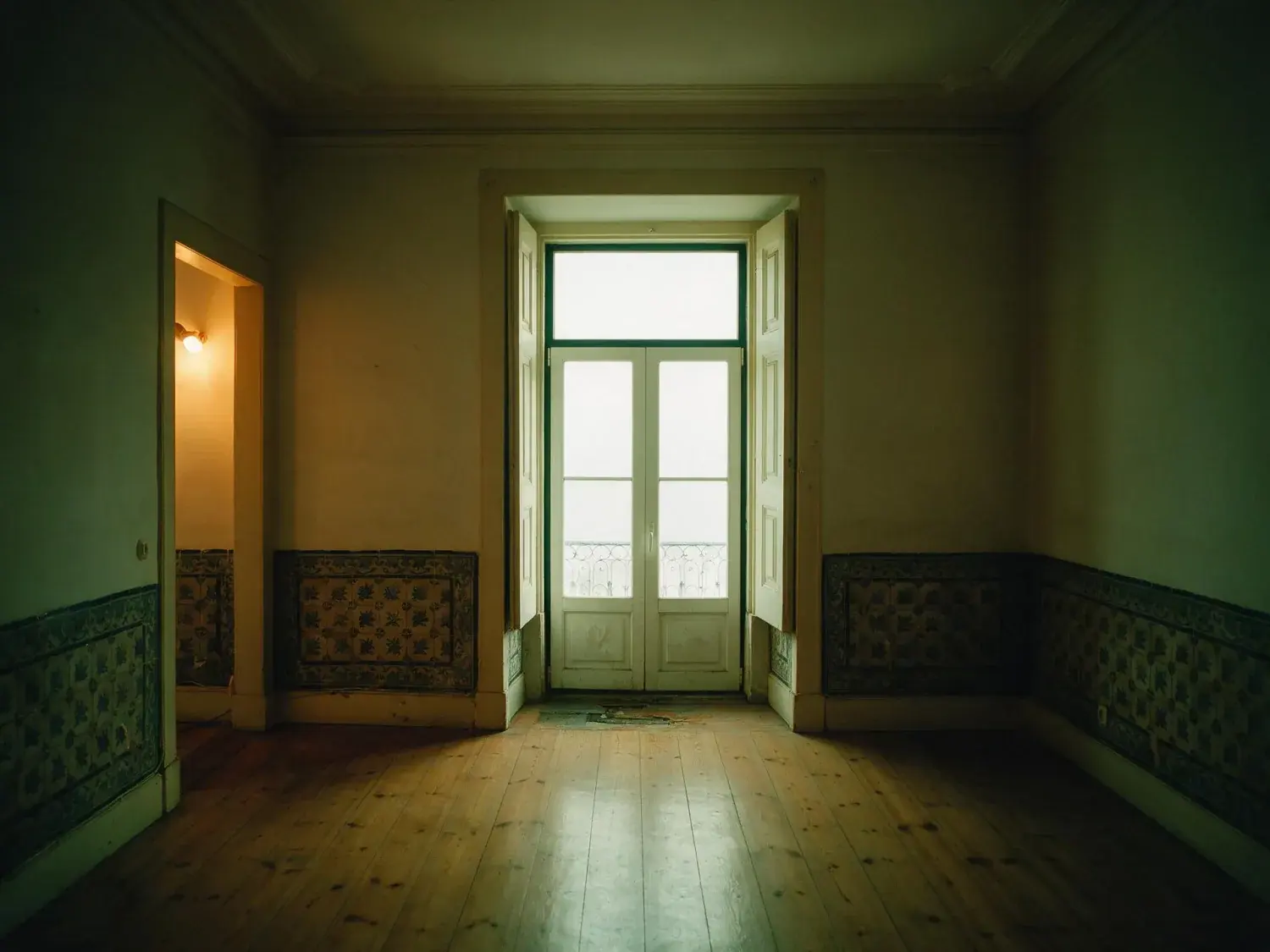
Die Premium-Platzierung bei ImmobilienScout24 (oberste Position in der Trefferliste, „SuchenPlus für Käufer" und Premium-Partner-Siegel für Gewerbeanbieter) kostet pro Objekt extra, liefert aber nur dann mehr qualifizierte Anfragen, wenn das erste Galerie-Bild konkurrenzfähig ist. Eine Basis-Anzeige mit einem hochauflösenden Leadbild schlägt in der Praxis eine Premium-Platzierung mit unterbelichtetem Handyfoto — der Nutzer scrollt im 4:3-Raster und entscheidet in unter einer Sekunde. Die typischen Ausschlusskriterien auf ImmobilienScout24 sind bildseitig: falsches Seitenverhältnis (silent crop), Hochformat-Smartphone-Bilder, weniger als 10 Fotos im Exposé, warme Wolfram-Lichtstimmung auf Altbau-Innenaufnahmen (Berliner und Münchner Käufer lesen das sofort als „unsaniert"), und Dateien über 50 MB (harter Upload-Reject).
Hochformat-Handyfotos verlieren Sujet oben und unten
Unter 10 Fotos im Exposé → schlechtere Sichtbarkeit
Warmer Wolfram-Cast auf Altbau = „unsaniert"-Signal
Dateien > 50 MB werden beim Upload abgelehnt
HEIC vom iPhone → muss vor Upload zu JPG konvertiert werden
03
Immonet und Immowelt im Vergleich: Wo die Spezifikationen abweichen
Wer parallel auf Immonet und Immowelt (seit 2020 im selben Konzern, Axel Springer) inseriert, sollte die Unterschiede kennen. Immowelt erlaubt bis zu 50 Fotos pro Exposé, akzeptiert ebenfalls JPG und PNG, empfiehlt 1024×768 als Minimum und zeigt im 4:3-Standard — kompatibel mit einer ImmobilienScout24-Auslieferung. Immonet zieht die Bilder häufig aus dem Immowelt-Bestand über den gemeinsamen Feed. Der Praxis-Workflow für DACH-Makler: ein Export in 4:3 mit mindestens 1920×1440 deckt alle drei Portale plus die Homeday- und McMakler-Feeds in einem Durchgang ab. Das einzige Portal mit härterer Grenze ist SeLoger in Frankreich (FSBO-Cap 8 Fotos) — im deutschsprachigen Markt ist ImmobilienScout24 mit 100 Fotos die Obergrenze, die das Exposé-Layout trägt.
04
Maklertypen und Rechtsrahmen: IVD-Mitglieder, UWG §5a, PAngV, WoVermittG
Wer als IVD-Mitglied (Immobilienverband Deutschland), freier Makler oder öffentlich bestellter Sachverständiger auf ImmobilienScout24 inseriert, unterliegt mehreren Regelwerken, die bildseitige Pflichten auslösen. Das Gesetz gegen den unlauteren Wettbewerb (UWG §5a) verbietet irreführende Werbung durch Unterlassen — wesentliche Informationen dürfen nicht durch geschönte Bilder verdeckt werden. Bei Virtual Staging oder stark retuschierten Exposé-Fotos ist ein Hinweis zur künstlichen Möblierung oder Retusche in der Objektbeschreibung Pflicht. Die Preisangabenverordnung (PAngV) verlangt klare Preisangaben; Bild-Overlays mit Fantasie-Quadratmeterpreisen sind abmahngefährdet. Das Wohnungsvermittlungsgesetz (WoVermittG) regelt die Maklerprovision bei Mietobjekten — hier ist kein Foto-Pflichtkatalog, aber die Objektbeschreibung muss bildkonsistent sein. Besonders relevant in Berlin und München: die Mietpreisbremse. Makler müssen in Gebieten mit Kappungsgrenze die Vormiete offenlegen; ein Foto, das einen nicht vorhandenen Balkon oder EBK suggeriert, kollidiert zusätzlich mit §5a UWG. Plotpane liefert eine XMP-Disclosure im Datei-Metadaten-Block — das ist die technische Grundlage für IVD-konforme Offenlegung, nicht der Ersatz für den Text im Exposé.
05
Architektur und Stadt: Altbau, Neubau, Villa, Penthouse, Einfamilienhaus
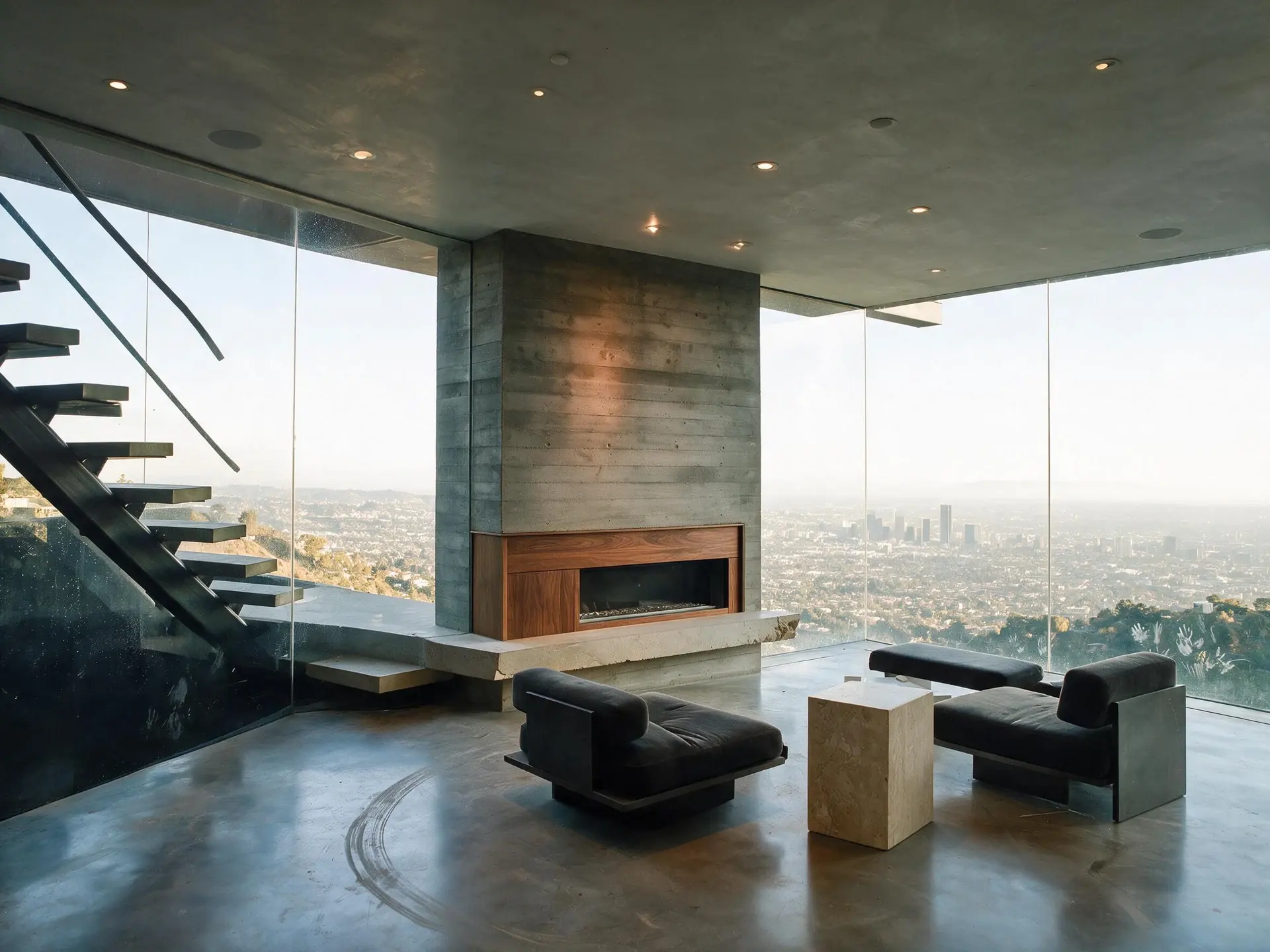
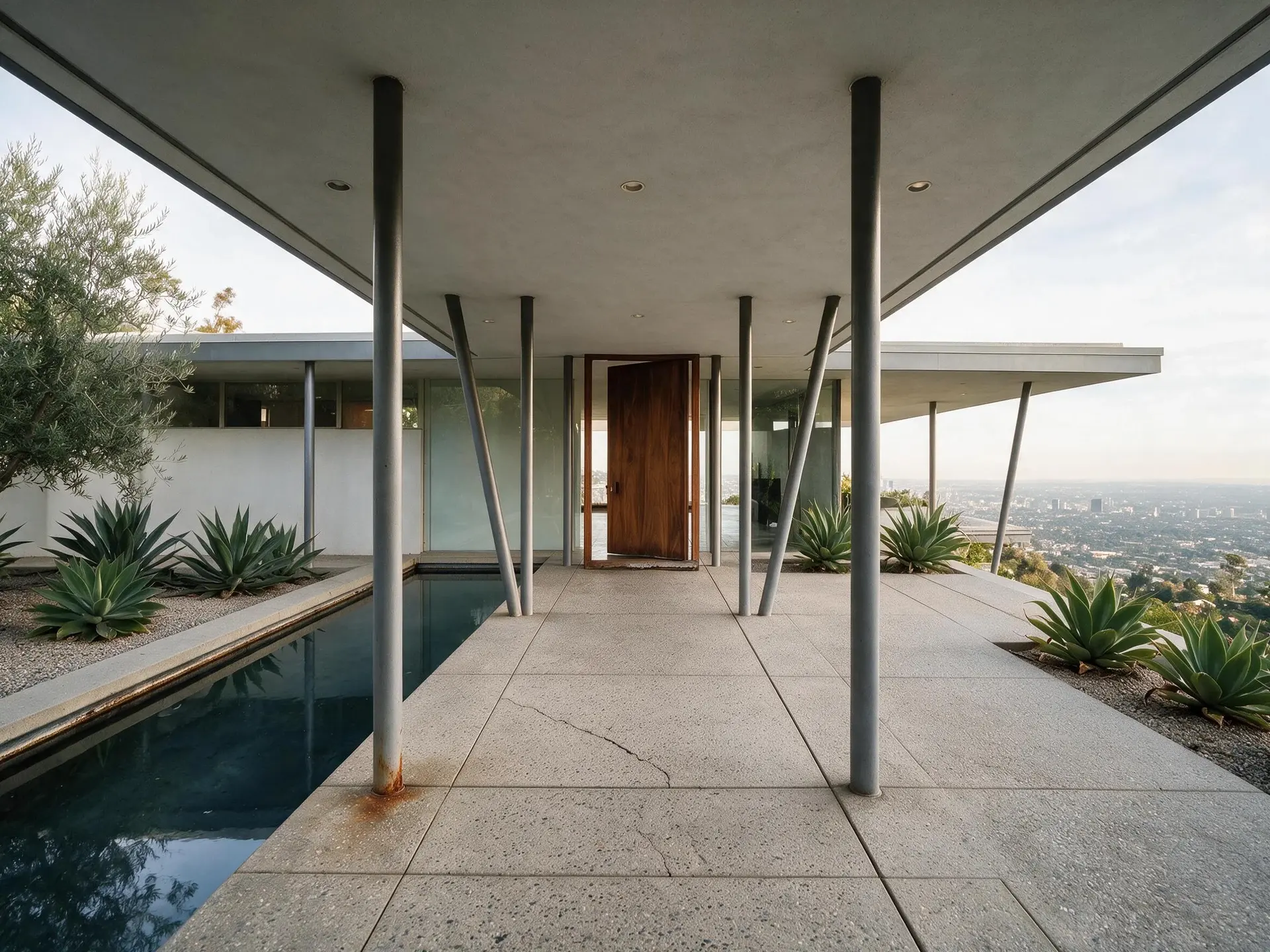
Die deutsche Gebäude-Typologie ist bildseitig anspruchsvoll. Eine Altbau-Wohnung in Berlin-Charlottenburg oder München-Schwabing lebt vom Detail: Stuck-Profil an der Decke, originale Dielen (Eichenparkett oder Fischgrät), Kachelofen, Flügeltüren, hohe Decken (oft 3,50 m+). Die Aufnahme braucht Perspektivkorrektur, damit die Fenster nicht stürzen, und neutralen Weißabgleich, damit die Dielen nicht orange wirken. Eine Neubau-Wohnung (KfW-40, Effizienzhaus, Bauherrenmodell) punktet mit sauberen Linien, großen Glasflächen und bodentiefen Fenstern — hier liefert der Export mit rund 2.4K die Detailtiefe, die die Vergrößerungsansicht bei ImmobilienScout24 verlangt. Ein Einfamilienhaus in Stuttgart, Düsseldorf, Köln, Hamburg oder Frankfurt braucht eine Außenaufnahme in 4:3, die den Garten und die Fassade in einem Frame unterbringt. Villen (Grunewald, Bogenhausen, Blankenese, Oberkassel) und Penthouses (Frankfurter Westend, Münchner Altstadt) profitieren von der Premium-Platzierung nur, wenn das Lead-Bild editorial wirkt — hier sind Day-to-Dusk-Varianten und neutralisierte Ambiente-Töne das, was den Klick auslöst. Plotpane bearbeitet alle diese Typen und gibt sie als JPEG mit rund 2.4K zurück — im Stapel bis zu 50 Fotos pro Durchgang im Pro-Tarif, 150 im Agency-Tarif, mit demselben Stil über die ganze Serie.
For this region
Local questions, answered
Welches Bildformat verlangt ImmobilienScout24 2026?+
ImmobilienScout24 zeigt alle Exposé-Bilder in 4:3 Querformat. Mindestauflösung: 1024×768 Pixel. Empfohlen: 1800×1200 Pixel. Optimal für die Vergrößerungsansicht: 1920×1440 Pixel. Akzeptierte Dateiformate sind JPG, PNG und GIF (kein HEIC). Dateigröße maximal 50 MB pro Bild. Fotos in anderen Seitenverhältnissen werden automatisch mittig beschnitten, was bei Altbau-Aufnahmen mit Stuck-Decken oder Dielen sichtbar Detail kostet. Plotpane gibt jedes Bild als JPEG mit rund 2.4K zurück — mehr als die empfohlenen 1920×1440; den 4:3-Zuschnitt setzen Sie vor dem Upload.
Wie viele Fotos kann ich bei ImmobilienScout24 hochladen?+
Bis zu 100 Medien-Dateien pro Exposé plus ein abspielbares Video. Das ist einer der höchsten Werte im europäischen Portalmarkt. Praxisempfehlung: 15–25 Fotos für eine Standard-Eigentumswohnung, 40+ für eine Villa mit Garten, ein Einfamilienhaus mit mehreren Geschossen oder eine Altbau-Wohnung mit vielen Detail-Frames (Stuck, Kachelofen, Flügeltüren). Weniger als 10 Fotos kostet Sichtbarkeit im Ranking.
Was bringt die Premium-Mitgliedschaft bei ImmobilienScout24?+
Die Premium-Platzierung (oberste Position in der Trefferliste, Premium-Partner-Siegel für gewerbliche Anbieter, SuchenPlus-Sichtbarkeit) steigert die Anfragen-Quote nachweislich — aber nur, wenn das Lead-Bild konkurrenzfähig ist. In der Praxis schlägt eine Basis-Anzeige mit hochauflösendem Leadbild eine Premium-Anzeige mit Handyfoto. Makler in Berlin, München, Hamburg und Frankfurt, die häufig Premium buchen, sollten zuerst die Bildqualität absichern.
Was müssen IVD-Makler bei Virtual Staging und Retusche beachten?+
Das UWG §5a verbietet irreführende Werbung durch Unterlassen. Bei Virtual Staging, entfernten Möbeln oder retuschierten Elementen (Klimaanlage entfernt, Kabel retuschiert, Rasen grüner) muss ein klarer Hinweis in der Objektbeschreibung stehen — etwa „virtuell möbliert" oder „Darstellung beispielhaft". Die Preisangabenverordnung (PAngV) und das Wohnungsvermittlungsgesetz (WoVermittG) flankieren das. In Berlin und München ist die Mietpreisbremse zusätzlich relevant: Makler müssen die Vormiete offenlegen, und das Exposé-Bild darf keine nicht vorhandenen Ausstattungsmerkmale suggerieren. Plotpane schreibt eine XMP-Disclosure in die Bildmetadaten — das ist die technische Grundlage, nicht der Ersatz für den Textdisclaimer.
Wie unterscheiden sich ImmobilienScout24, Immowelt und Immonet bei den Fotospezifikationen?+
ImmobilienScout24: bis zu 100 Fotos, 1024×768 min, 1920×1440 optimal, JPG/PNG/GIF, max 50 MB, 4:3-Pflicht. Immowelt: bis zu 50 Fotos, 1024×768 min, JPG/PNG, 4:3-Standard — seit 2020 im selben Konzern wie Immonet, der oft denselben Feed zieht. Ein Export in 4:3 mit mindestens 1920×1440 deckt alle drei Portale plus Homeday und McMakler ab. Die Altbau-Wohnung in Schwabing oder die Neubau-Wohnung in Frankfurt braucht keinen separaten Re-Export pro Portal.
Pricing
One credit per image. Every tool, every plan.
Three plans. Every tool unlocked on all of them. Every render unmarked, standard or high resolution, cancel anytime.
Every plan starts with 3 free renders. No card until you subscribe.
Starter
For the solo agent shooting their own listings.
$39/month
billed yearly
100 credits monthly
100 images per month — 1 credit each, whichever tool you use
No Plotpane mark on any render
Every tool, no tier gating
Standard output ~2.4K, or ~4.7K for a second credit
XMP disclosure metadata written into every export
Download a finished listing as a ZIP
Free vertical listing reel from your finished photos
Cinematic clips from a single photo — 1 credit per second of video
That is the whole pricing model. No per-tool rates, no seat maths, nothing to negotiate. We are not SOC 2 certified and there is no SSO, private deployment or API — if you need those to buy, better you know now than after a call.
Starter
4
listings a month
Pro
8
listings a month
Agency
24
listings a month
Questions
The usual questions, answered directly.
No. Midjourney and DALL-E invent scenes from text prompts — beautiful for art, disqualifying for a listing. Plotpane is a structure-preserving pipeline: your room geometry, windows, and floor plan stay exact. We stage, re-light, swap skies, declutter, and enhance your actual photo. No hallucinated architecture, no invented rooms.
BoxBrownie and Styldod are human-edit services: you upload, a retoucher works overnight, you get a result in 24–48 hours at $2–$32 per image per treatment. They also sell things we do not have at all — floor plans, renderings, item removal by a person who can ask you what you meant. Plotpane is one machine pass: you pick one of seven tools, and the image comes back in about two minutes for one credit, whichever tool you picked, on a flat monthly subscription. Stacking two treatments on one photo means running it twice.
Yes, when disclosed. NAR guidelines, California AB 723, and REBNY Rule 3.3 all allow virtually staged photos provided the listing discloses them. Every Plotpane export embeds invisible XMP disclosure metadata so the staging record travels with the file. You still handle the listing-remarks disclosure in your MLS portal — that's the part only you can do.
Every render is sent with a preserve list as well as an instruction. It names one operation and forbids the rest: do not touch windows, doors, walls, ceilings, floors, cabinetry or fixtures unless the instruction names them; do not remove or conceal a defect, stain or crack; do not change what is visible through glass, and never invent a view. Furniture is added to empty rooms; named objects are removed from furnished ones; sky and light are re-graded. If you do see something invented, that is a bug — report the render in the app and the credit comes back.
Yes — one click in the Stripe billing portal from your dashboard. Billing stops immediately, remaining credits stay usable through the end of the billing period, and there's no cancellation fee.
Yes — any AI-generated or AI-modified image is considered an edit requiring disclosure under NAR's standards. That's why every Plotpane export writes invisible XMP disclosure metadata by default. The flag is machine-readable by MLS tooling and survives Lightroom round-trips. You still add the disclosure line to your listing remarks; we make sure the image itself is self-describing.
The toolkit
Seven tools. One credit each.
Every one is a single structure-preserving pass: it changes what you asked for and leaves the building alone.