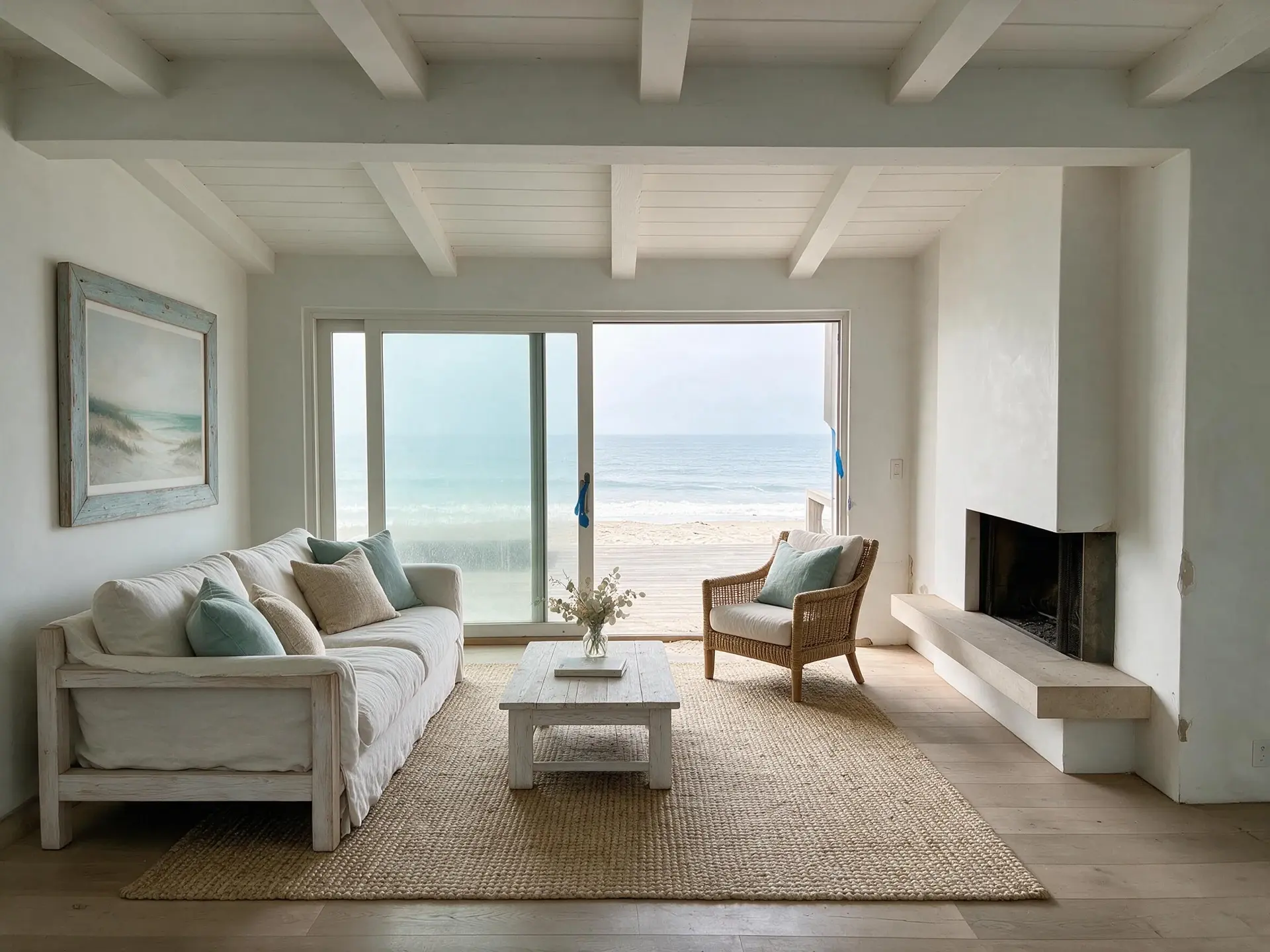
Real estate photo enhancer for low-resolution listing photos
Plotpane is a real estate photo enhancer for the files nobody wants to reshoot: a 2008 MLS archive JPEG at 800x600, a seller's iPhone screenshot of an old brochure, a probate property where the only photos are on a thumb drive from 2012, an FSBO handoff where the seller's camera roll is all you get, an expired listing you're re-activating with zero budget for a new photographer. We rescue what's there — resolution, noise, JPEG artifacts, soft edges — and hand back a JPEG at quality 92, about 2.4K. We never invent detail the input doesn't contain.
Five rescue scenarios this real estate photo enhancer was built for
Every listing agent eventually opens a folder that looks wrong. The files are small, compressed, or just old, and the reshoot path is blocked. Plotpane handles these five cases specifically. MLS archive photos 2005-2015 — the 800x600 JPEGs your broker's system still serves when a property is re-listed after years off market. Seller-provided phone screenshots — the seller texted you a screenshot of a brochure photo, or exported a Zillow thumbnail from their browser. Probate and estate sale photos of unknown provenance — a thumb drive, a CD-R, a folder from the executor. FSBO-to-agent handoff — the seller tried to sell themselves for four months, shot everything on a phone in portrait orientation, and now you have the listing. Relisting after an expired listing — the original photographer's license expired with the listing, and you have MLS-downsampled copies only. Plotpane's Auto Enhance lifts resolution, denoises, clears JPEG artifact blocks and firms up structural edges in one pass, then exports a JPEG at quality 92, about 2.4K — about two minutes, one credit, ready for the new MLS upload the same day.
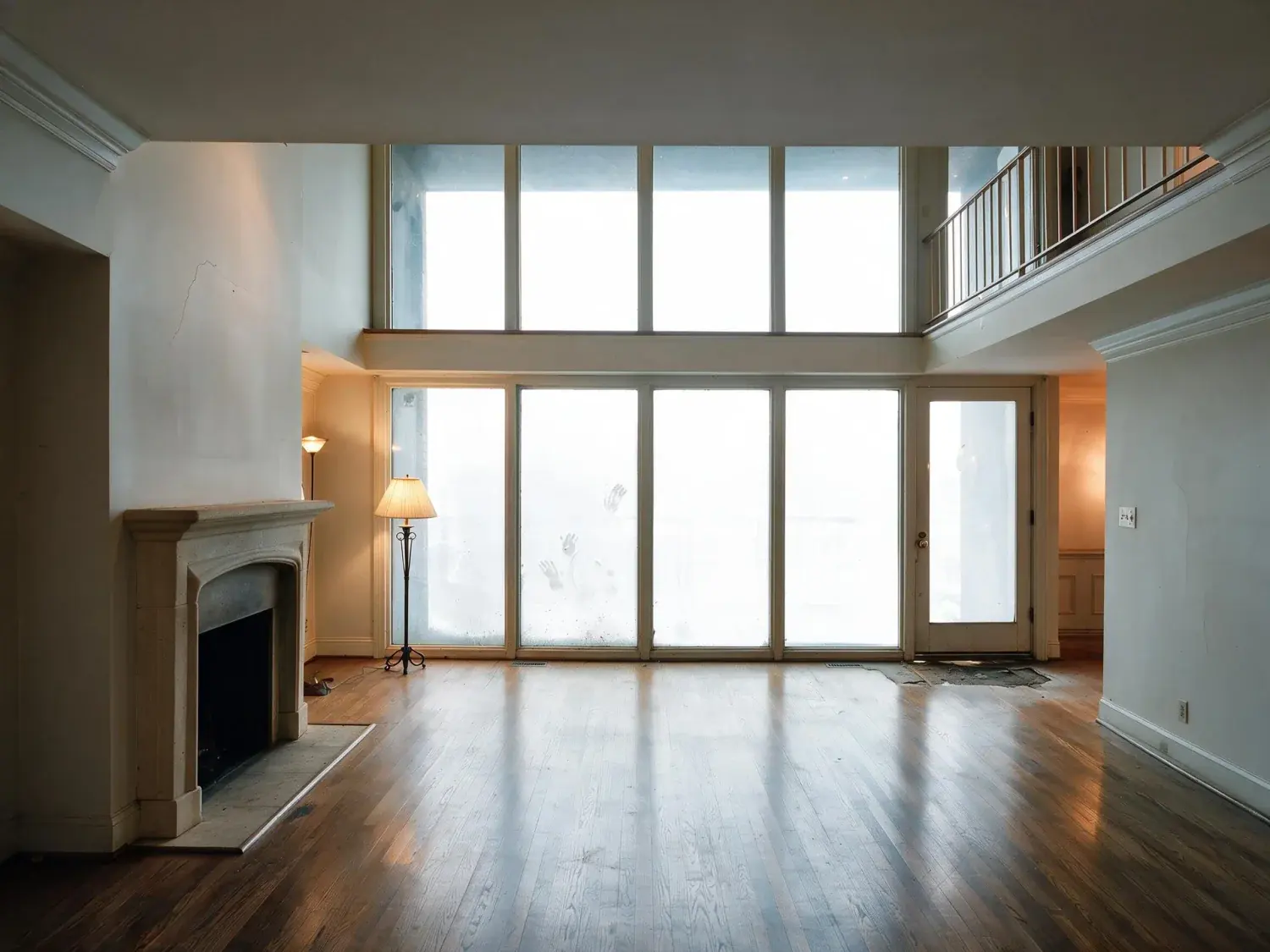
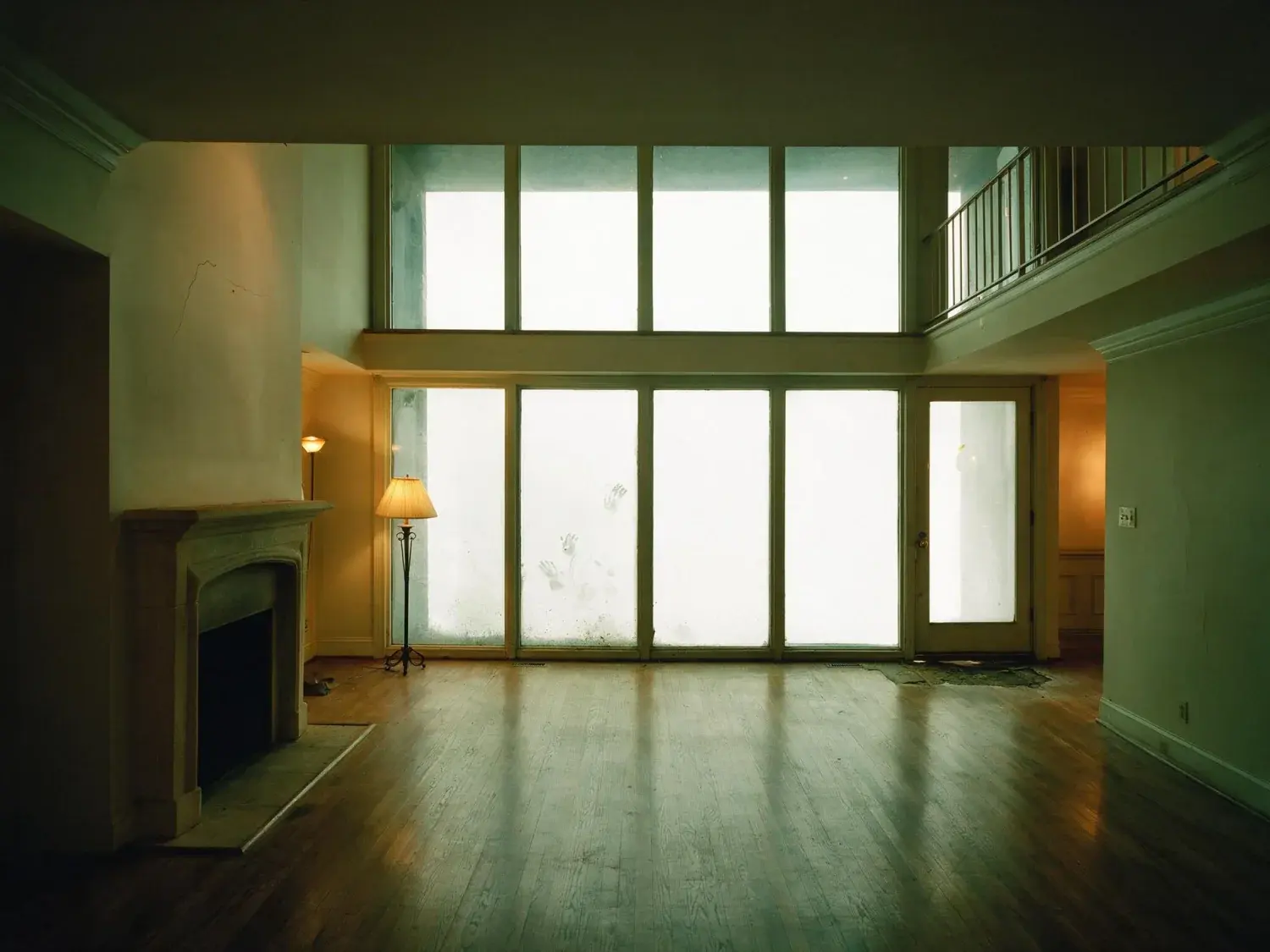
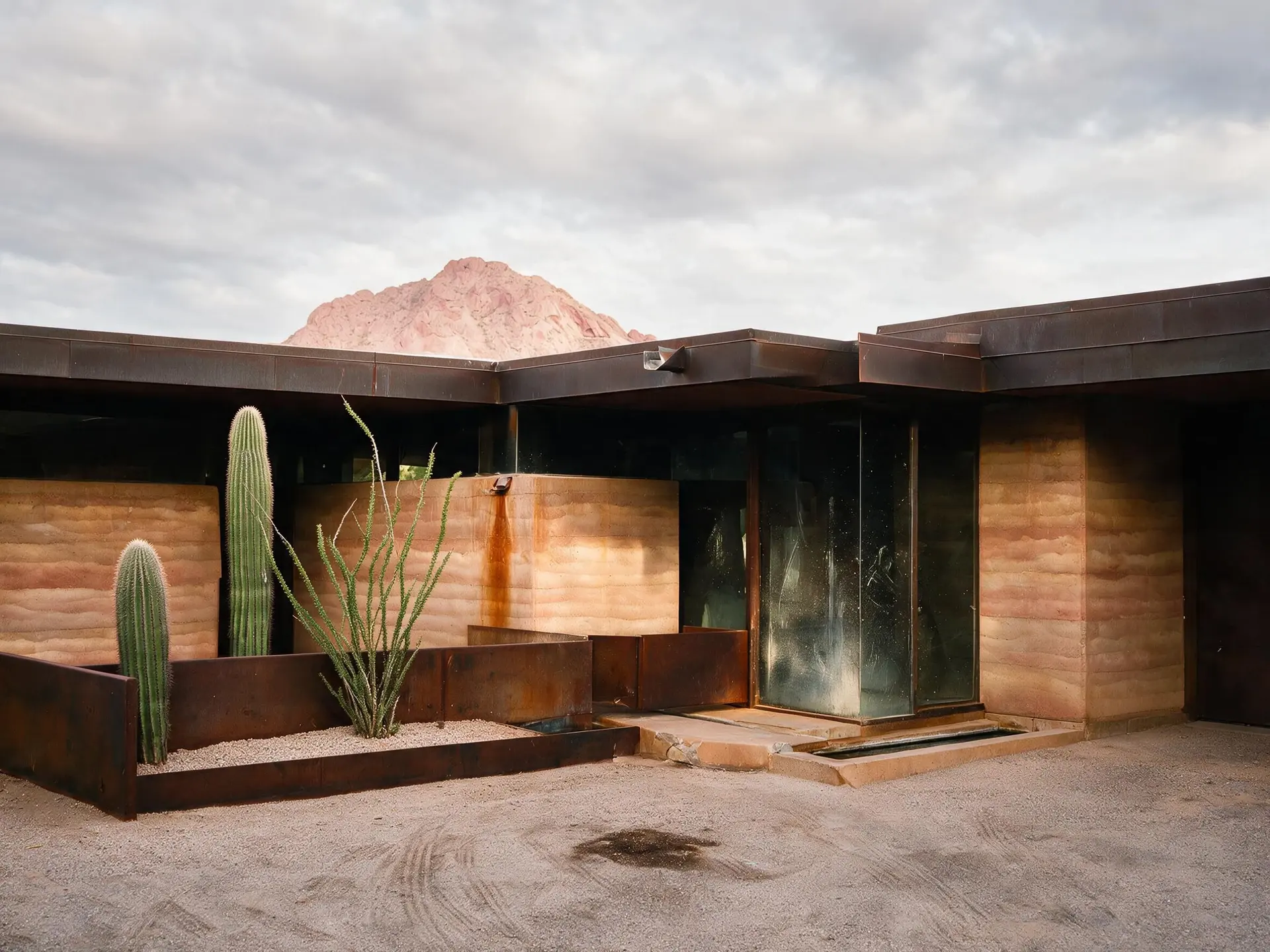
MLS archive rescue: 2005-2015 800x600 JPEGs up to a 2.4K JPEG
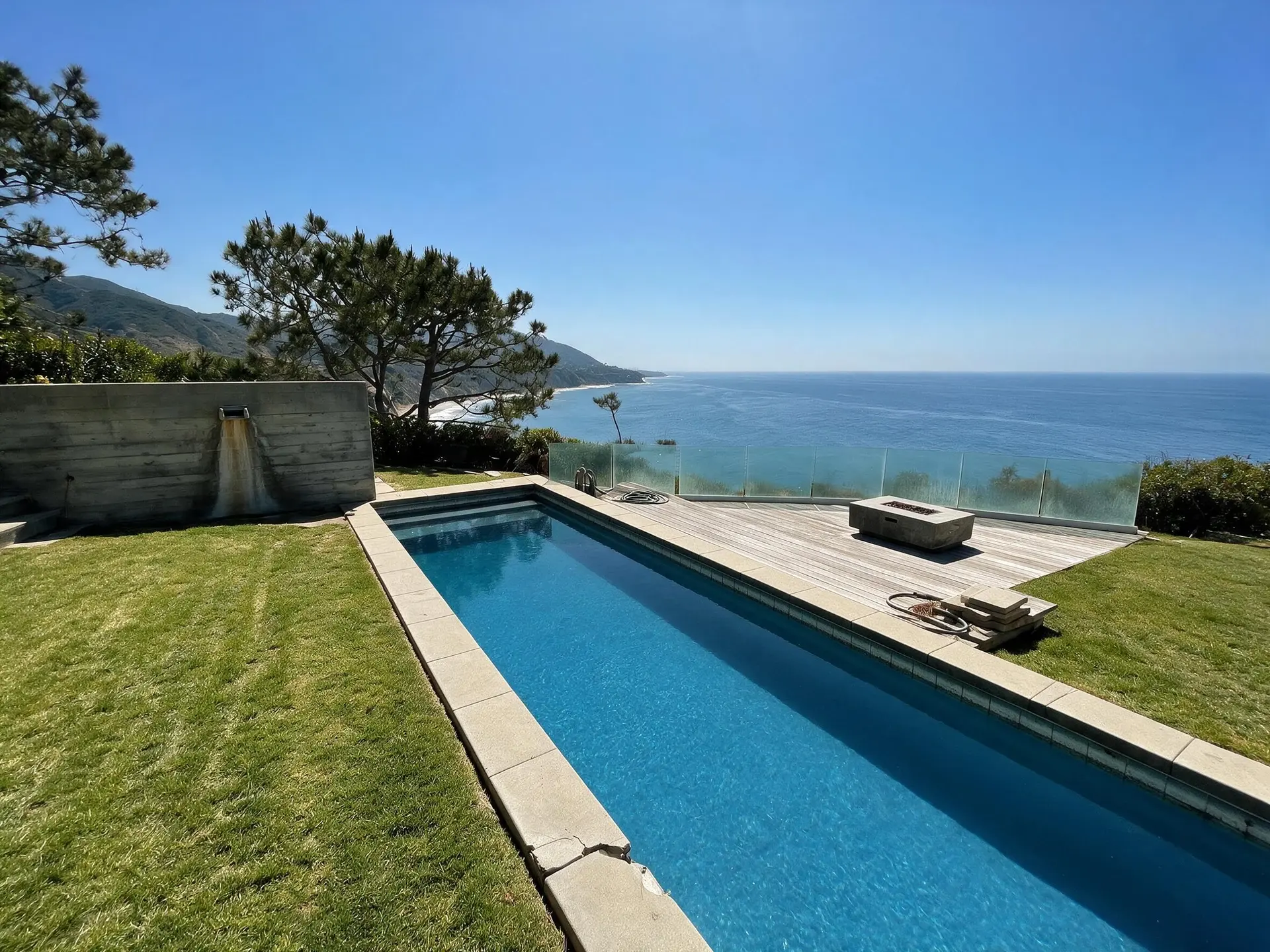
Seller phone screenshots: pixel-doubled texts and brochure exports recovered
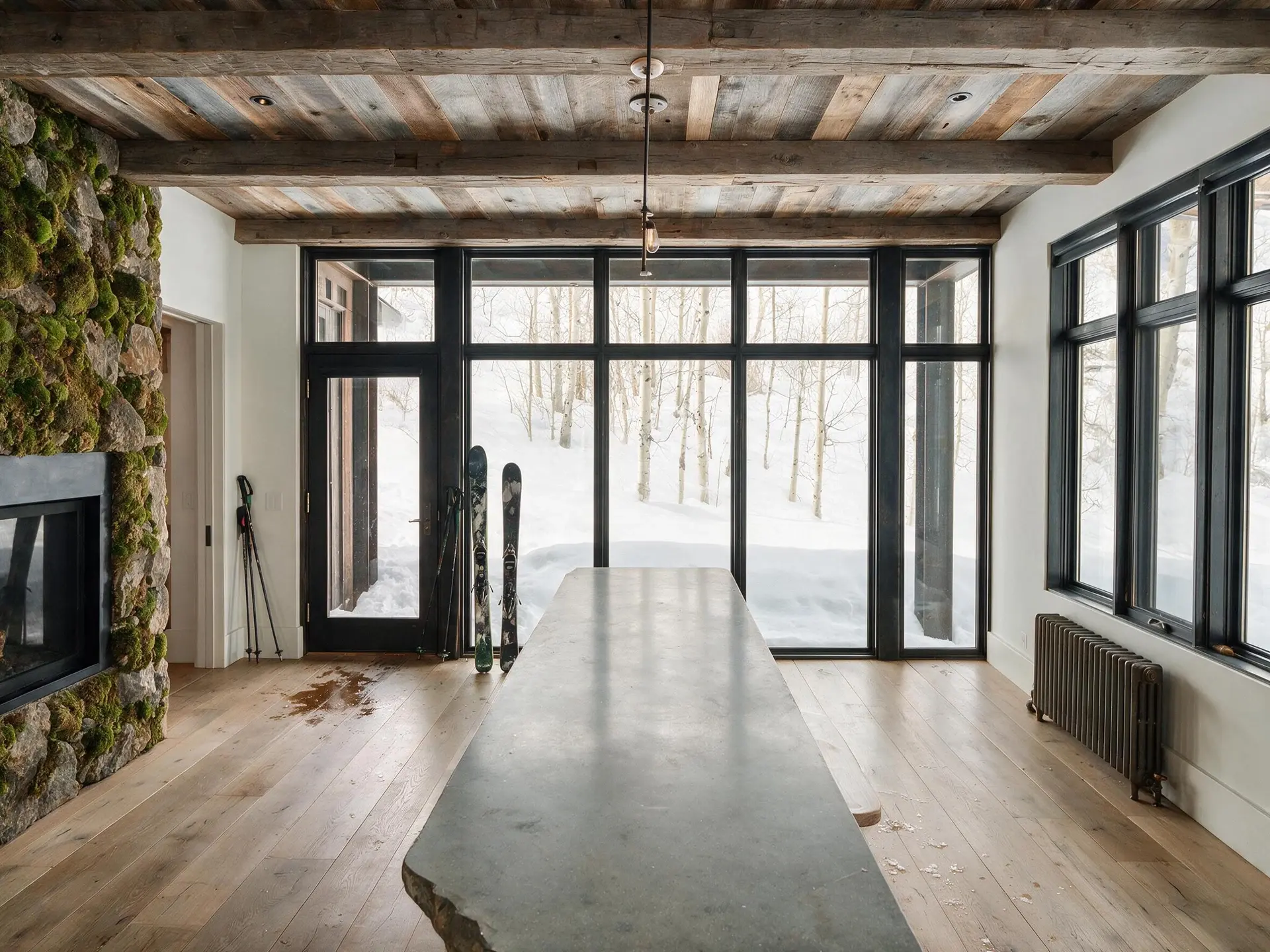
Probate and estate: unknown-provenance thumb drive photos cleaned
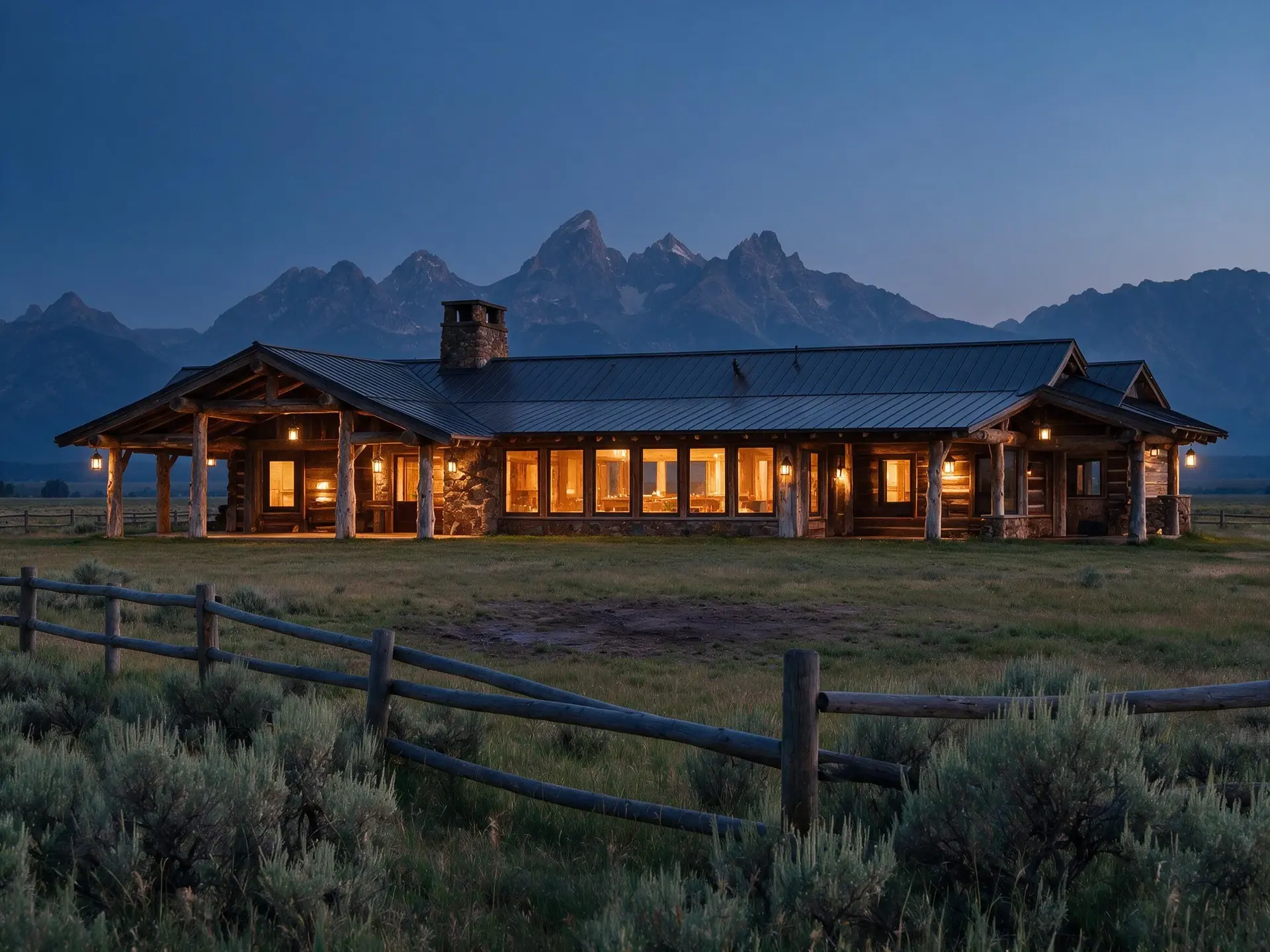
FSBO handoff: seller camera-roll phone photos cleaned up to hero-carousel grade
Expired relist: downsampled MLS copies rebuilt to a clean 2.4K carousel frame
02
What the enhancer actually does — super-resolution, denoise, artifact remove, sharpen
Four things happen in one pass. Resolution — the engine rebuilds the frame up to about 2.4K against real-estate structure rather than faces or stock photos, so cabinetry lines stay straight and tile grout stays gridded rather than smoothed into mush. Denoise — frequency-aware noise reduction that targets the low-light luminance grain typical of 2008-2013 point-and-shoot interior shots without blurring architectural edge detail. JPEG artifact remover — the 8x8 block boundaries, chroma-subsampled color bleeding, and mosquito noise around high-contrast edges that plague decade-old MLS exports are detected and reconstructed against the underlying structure. Structural sharpen — edge-selective acutance restoration on cabinetry, window frames, trim, and tile, with skin-tone and sky regions protected from over-sharpening. Output lands at around 2.4K as standard, or roughly 4.7K if you spend a second credit on the same image, as a JPEG at quality 92. That is the ceiling either way: the engine does not hand back your original pixel dimensions, and a file that arrives larger comes back at 2.4K.
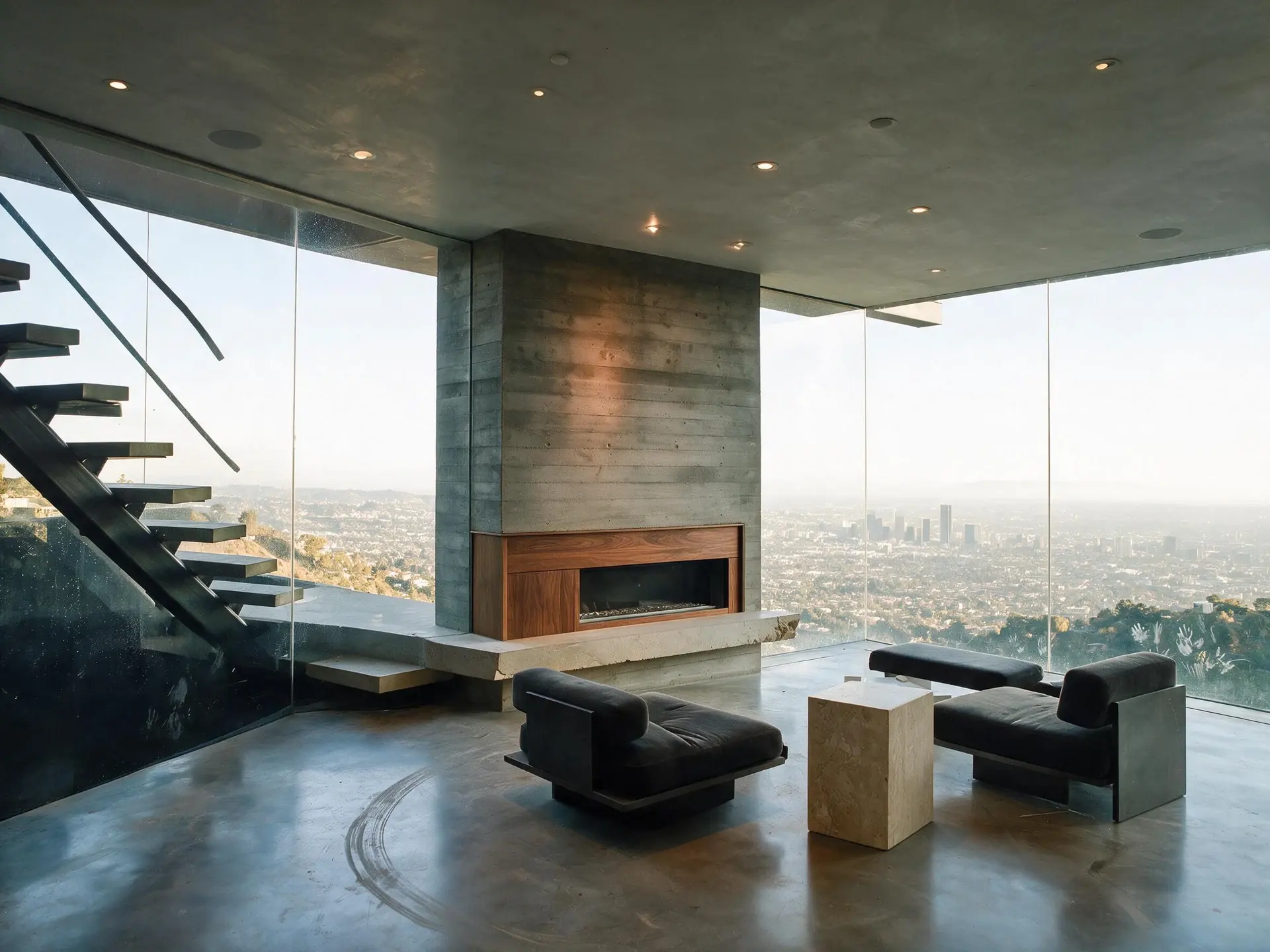
Resolution rebuilt against real-estate structure, not faces or stock imagery
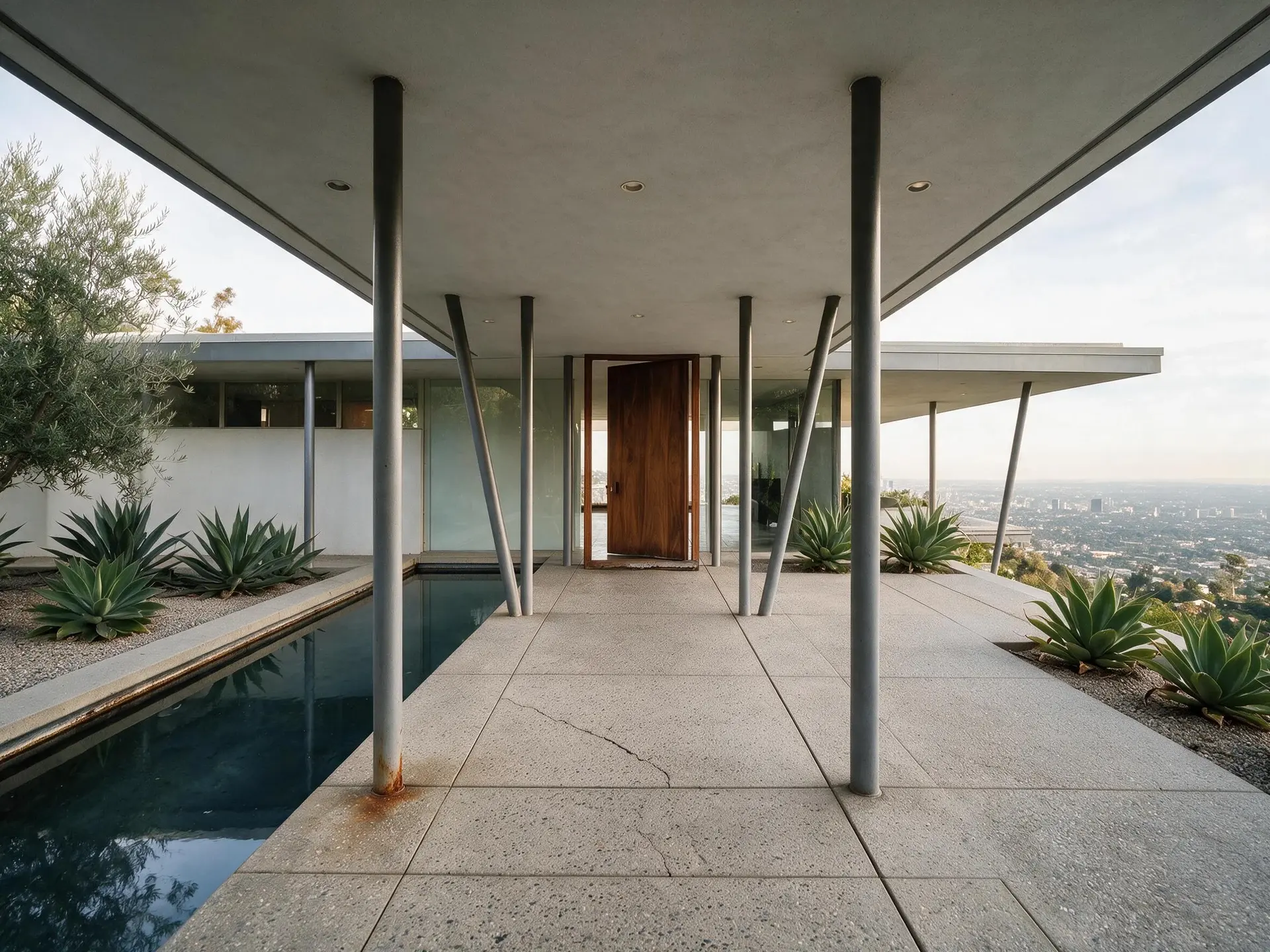
Structural sharpen: cabinetry, windows, trim, tile — not sky or skin
Output: JPEG at quality 92 — around 2.4K, or roughly 4.7K for a second credit
03
The fidelity contract — why this is safe for NAR SoP 12
A real estate photo enhancer only works on a listing if it stays truthful. NAR Standard of Practice 12 requires that all advertising present a true picture of the property. MLS rules across ARMLS, Bright MLS, CRMLS, NWMLS, Stellar MLS, and the rest layer the same principle into their photo compliance sections: photos must represent the actual property. Plotpane enforces this with a fidelity contract. The model is specifically constrained against inventing features the source does not contain. If the input has a curtain, the output has a curtain — not a hallucinated window behind it. If the 2008 photo was shot in overcast flat light, the output does not invent sunshine. Consumer upscalers like Remini and Topaz Gigapixel, tuned on faces and general imagery, will happily invent features to 'improve' a property photo. That crosses into material misrepresentation on a listing. We don't.
04
When to rescue, when to reshoot
A reshoot costs $200-600 for a standard detached home, $400-1,200 for a luxury listing, plus scheduling — the tenant has to clear out, the sellers have to travel, the stager has to come back. When the file is accurate but low quality, the enhancer is a minute-scale rescue. When the file is wrong about the property — the furniture is gone, the kitchen was renovated, the pool was removed — no enhancer can legitimately fix that, and a reshoot is mandatory. The honest test: does the photo still show the property as it currently is? If yes, and the only problem is resolution, noise, compression, or blur, this tool is the right call. If the photo shows a state of the property that no longer exists, go shoot it.
For this region
Local questions, answered
How do you enhance low resolution photos for real estate without faking detail?+
Auto Enhance rebuilds resolution against real-estate structure, then runs frequency-aware denoise, JPEG artifact reconstruction and edge-selective sharpen — each one recovering signal the original sensor captured but the compression or downsampling hid. What the enhancer refuses to do: invent features the source photo never contained. That fidelity contract is how we stay compatible with NAR Standard of Practice 12 and MLS photo-accuracy rules.
Can this fix a blurry photo from a seller's old phone screenshot?+
Yes, if the input is pixel-doubled or motion-blurred but still structurally accurate to the property. Auto Enhance deblurs and rebuilds resolution in the same pass — the most common seller-screenshot case (a 400-800px export of a brochure photo) comes out at about 2.4K with the architectural edges recovered. If the blur is severe enough that the structural content is illegible, the honest answer is that no tool can recover what was never captured. You get three free renders on signup, so put the worst file through first before you spend anything.
Is an AI upscale image allowed on MLS listings?+
The rule across every major MLS is that the photo must represent the actual property accurately. AI upscale is allowed when it restores detail the sensor originally captured and the file format obscured; it is not allowed when it adds features the property does not have. Plotpane is engineered for the first case and blocked from the second. The XMP disclosure metadata we write on every export gives you an auditable record if it's ever questioned.
What is the smallest input resolution that still produces a usable output?+
640 pixels wide is the practical floor. Below that, the source lacks enough structural signal to recover honestly, and the model would cross from enhancement into fabrication — which it is explicitly blocked from doing. From 640px upward, output lands at about 2.4K — roughly 4.7K for a second credit — with real edge recovery on cabinetry, tile grout, hardwood grain direction, and window frames. Anything from about 1200px wide is comfortable territory.
Will this remove JPEG artifacts from 2008-2012 MLS archive photos?+
Yes. The JPEG artifact remover targets the three signatures of decade-old MLS exports: 8x8 block-boundary edges visible in flat regions like walls and skies, chroma-subsampled color bleeding around high-contrast edges like window frames against dark interiors, and mosquito noise around text on signage. It reconstructs the underlying structure before the resolution is rebuilt, so the 2.4K output isn't just a bigger version of the artifacts.
How does this compare to Remini or Topaz Gigapixel?+
Remini and Gigapixel are general-purpose consumer upscalers tuned on faces, landscapes, and random internet imagery. They will happily invent features to 'improve' a real estate photo — add windows where curtains were, change kitchen appliances, reshape cabinetry, fabricate landscaping. That's fine for a family photo; it's a material-misrepresentation problem on a listing. Plotpane is real-estate-specific, structure-preserving, and fidelity-contract enforced.
Pricing
One credit per image. Every tool, every plan.
Three plans. Every tool unlocked on all of them. Every render unmarked, standard or high resolution, cancel anytime.
Every plan starts with 3 free renders. No card until you subscribe.
Starter
For the solo agent shooting their own listings.
$39/month
billed yearly
100 credits monthly
100 images per month — 1 credit each, whichever tool you use
No Plotpane mark on any render
Every tool, no tier gating
Standard output ~2.4K, or ~4.7K for a second credit
XMP disclosure metadata written into every export
Download a finished listing as a ZIP
Free vertical listing reel from your finished photos
Cinematic clips from a single photo — 1 credit per second of video
That is the whole pricing model. No per-tool rates, no seat maths, nothing to negotiate. We are not SOC 2 certified and there is no SSO, private deployment or API — if you need those to buy, better you know now than after a call.
Starter
4
listings a month
Pro
8
listings a month
Agency
24
listings a month
Questions
The usual questions, answered directly.
No. Midjourney and DALL-E invent scenes from text prompts — beautiful for art, disqualifying for a listing. Plotpane is a structure-preserving pipeline: your room geometry, windows, and floor plan stay exact. We stage, re-light, swap skies, declutter, and enhance your actual photo. No hallucinated architecture, no invented rooms.
BoxBrownie and Styldod are human-edit services: you upload, a retoucher works overnight, you get a result in 24–48 hours at $2–$32 per image per treatment. They also sell things we do not have at all — floor plans, renderings, item removal by a person who can ask you what you meant. Plotpane is one machine pass: you pick one of seven tools, and the image comes back in about two minutes for one credit, whichever tool you picked, on a flat monthly subscription. Stacking two treatments on one photo means running it twice.
Yes, when disclosed. NAR guidelines, California AB 723, and REBNY Rule 3.3 all allow virtually staged photos provided the listing discloses them. Every Plotpane export embeds invisible XMP disclosure metadata so the staging record travels with the file. You still handle the listing-remarks disclosure in your MLS portal — that's the part only you can do.
Every render is sent with a preserve list as well as an instruction. It names one operation and forbids the rest: do not touch windows, doors, walls, ceilings, floors, cabinetry or fixtures unless the instruction names them; do not remove or conceal a defect, stain or crack; do not change what is visible through glass, and never invent a view. Furniture is added to empty rooms; named objects are removed from furnished ones; sky and light are re-graded. If you do see something invented, that is a bug — report the render in the app and the credit comes back.
Yes — one click in the Stripe billing portal from your dashboard. Billing stops immediately, remaining credits stay usable through the end of the billing period, and there's no cancellation fee.
Yes — any AI-generated or AI-modified image is considered an edit requiring disclosure under NAR's standards. That's why every Plotpane export writes invisible XMP disclosure metadata by default. The flag is machine-readable by MLS tooling and survives Lightroom round-trips. You still add the disclosure line to your listing remarks; we make sure the image itself is self-describing.
The toolkit
Seven tools. One credit each.
Every one is a single structure-preserving pass: it changes what you asked for and leaves the building alone.