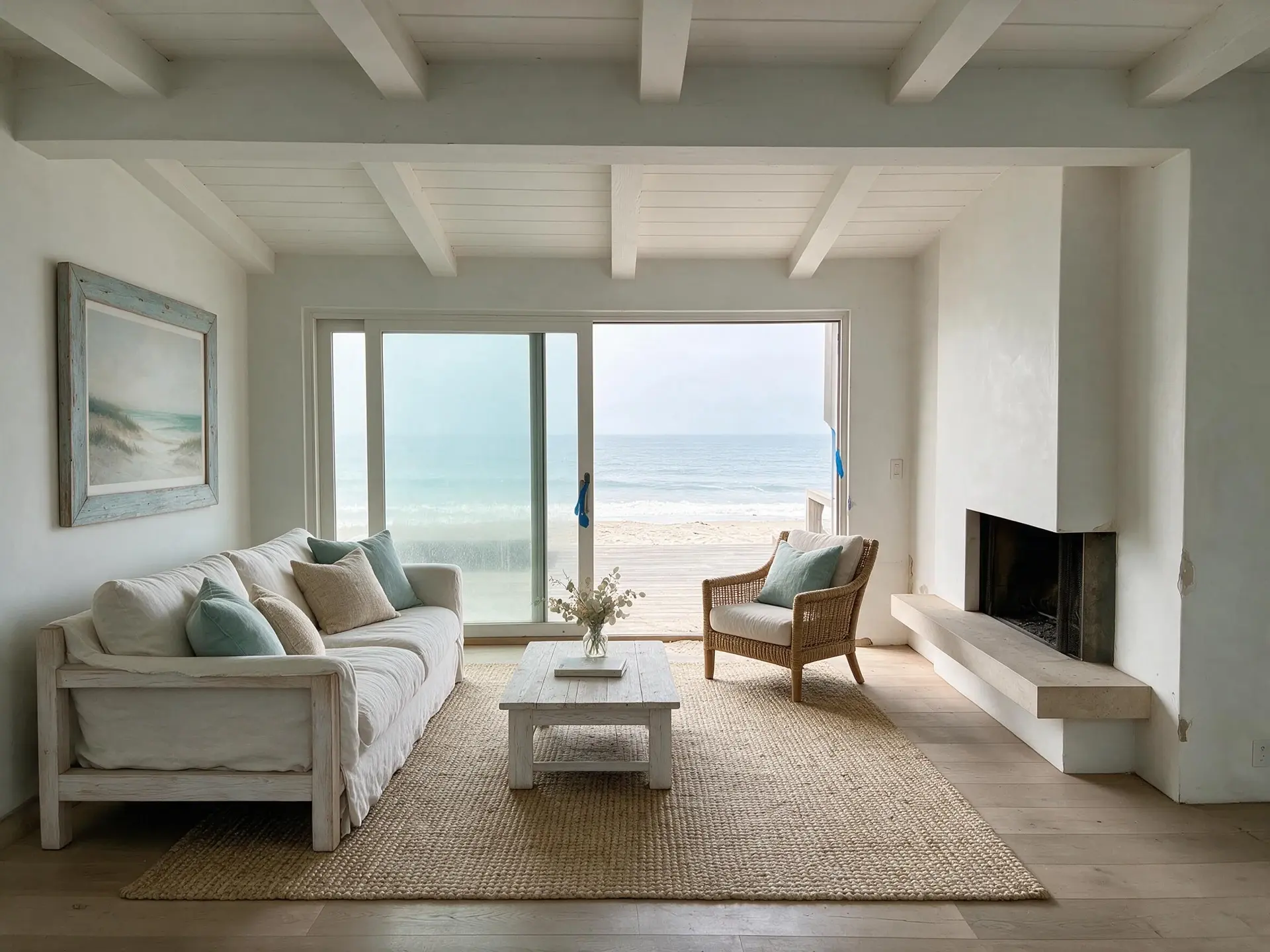
Virtual home staging services, or software you run yourself
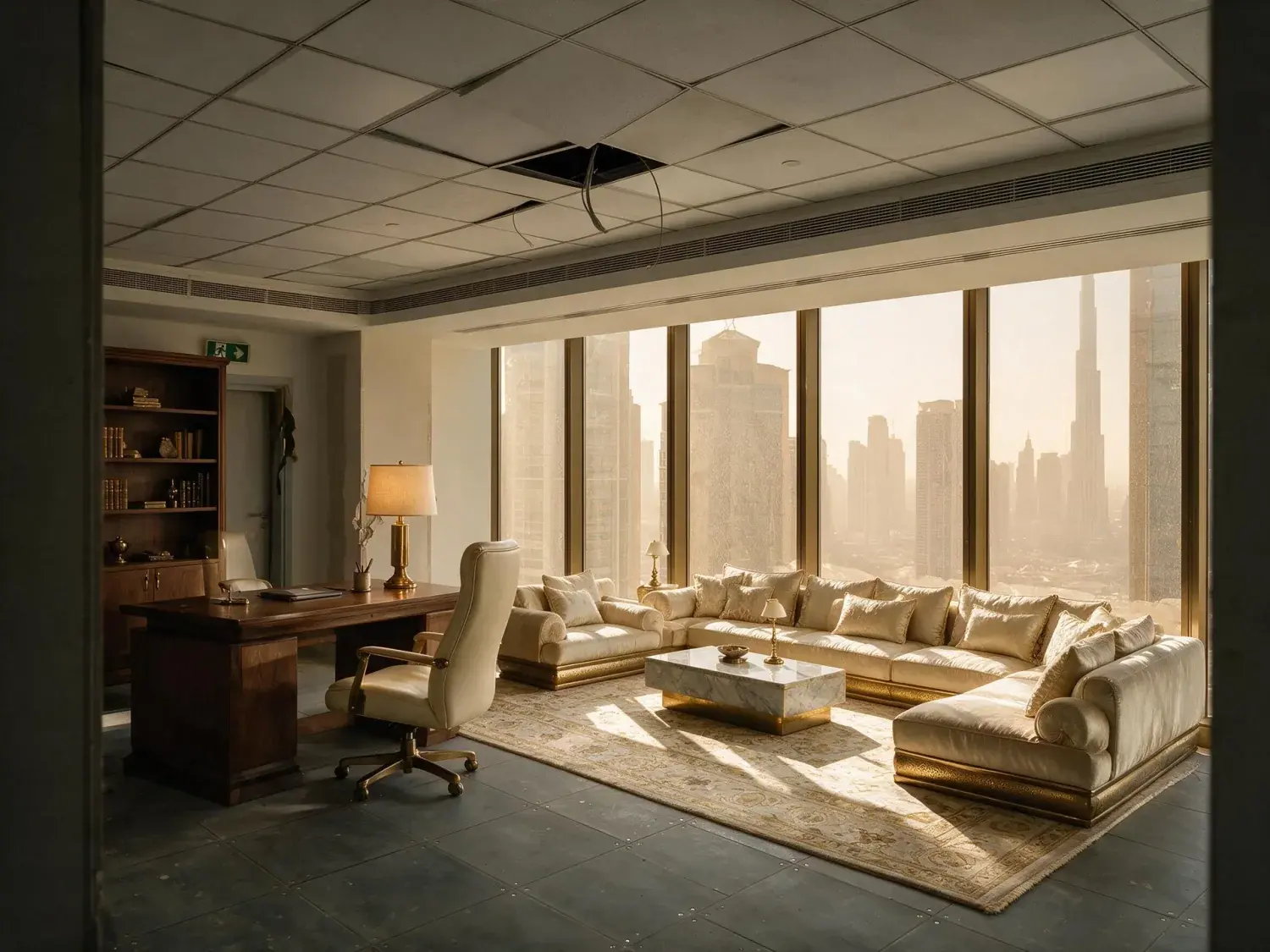
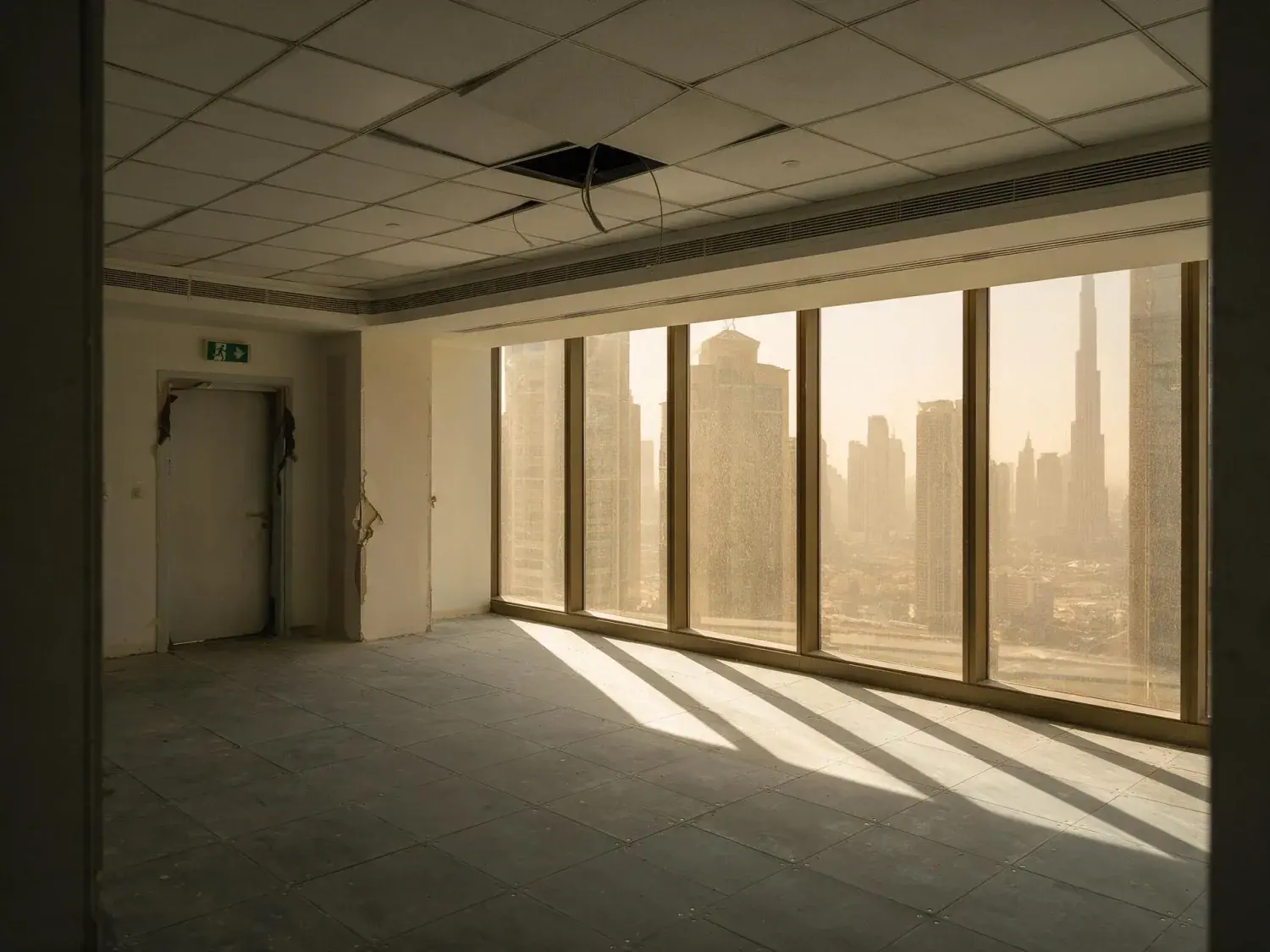
Most virtual home staging services work the same way. You email the photographs, write a brief, wait a day or two, and pay per image. Plotpane is the other shape: a tool you log into and run yourself. Upload the empty reception room, choose a style and a room type, and about two minutes later you have a furnished JPEG. One credit per photo, whichever tool you use. What follows is what that swap actually gets you on a Rightmove, Zoopla or OnTheMarket listing, what it costs, and the handful of things it will not do — because the limits are the part most staging pages leave out.
There are two ways to buy this. The first is a service: you send the photographs and a brief, an editor stages them, and the files come back in roughly a day or two at a price per image. The second is software you operate yourself, where the queue is you and the turnaround is the render. Both are legitimate, and they fail in different places. A per-image service is fine when the instruction is planned. It is a problem when the vendor signs on Thursday, the photographer sends the set that evening, and you want the listing live before the weekend. Running it yourself removes the wait but removes the person too. Plotpane takes a style and a room type from a set of chips; it does not take a paragraph of notes. You cannot tell it to put the sofa on the chimney-breast wall because the vendor hates the alcove, or to keep the palette off grey because the last three listings on that road were grey. If a listing genuinely needs that, brief a human stager. Where running it yourself wins is the unglamorous volume: vacant probate terraces, landlord exits and chain-free flats that arrive four at a time and all need the same job doing.
Service: a person, art direction, a brief, a price per image, a wait
Software: no wait, no art direction, a flat monthly cost, one credit a render
Ten styles and six room types, one style applied across a whole batch
What it puts in the room, and what it refuses to touch
You pick a style — Modern, Scandinavian, European Classic, Luxury, Japandi, Coastal, Industrial, Mediterranean, Mid-Century or Gulf Modern — and a room type: living room, bedroom, dining room, kitchen, home office or outdoor space. The instruction the engine receives is narrow on purpose. Scale every piece to the real ceiling height and floor area visible in the photograph, cast shadows that agree with the light already in the room, place furniture only on open floor, and do not alter the room itself: walls, windows, flooring, trim and fixtures stay exactly as they are. On British stock that means the chimney breast and its alcoves stay, the picture rail and coving stay, the artexed ceiling stays artexed, the boxed-in soil pipe in the third bedroom stays boxed in, and the combi boiler on the kitchen wall stays on the wall. It furnishes around them rather than tidying them away. The kitchen room type adds stools at an island overhang and small styling, and is told not to add cabinetry or appliances, so it will not fit a kitchen that is not there. One caution worth taking seriously: it will scale a bed to the wall you give it. If the box room cannot take a real double, do not let a staged photograph imply that it can.
Modern, Scandinavian, European Classic, Luxury, Japandi, Coastal, Industrial, Mediterranean, Mid-Century, Gulf Modern
Living room, bedroom, dining room, kitchen, home office, outdoor
Architecture, glazing, flooring and fixtures are held unchanged by instruction
It furnishes; it does not renovate, redecorate or extend
03
Rightmove, Zoopla and OnTheMarket: getting the files there
Input is a JPEG, PNG, WebP or HEIC, which covers most agent-shot second-viewing photographs — a phone or a camera export gives you one either way. RAW goes in too, though it is not developed: if your photographer shoots CR3, NEF or ARW, we read the full-size JPEG the camera already wrote inside the file, which is the camera's own rendering rather than a conversion off the sensor. Their JPEG export is still the better file for a frame that needs real highlight recovery — and they make one anyway before anything reaches your CRM. Output is a JPEG at quality 92, about 2.4K on the long edge — roughly 4.7K if you spend a second credit on the upscale — with no watermark on any paid plan. There is no PNG or TIFF export, so a brochure designer who wants a TIFF for print will not get one here. Delivery to the portals is manual, and it is worth being blunt about that: there is no API and no integration with Reapit, Alto, Jupix, Dezrez, Street or Expert Agent. You download the finished files and add them in your CRM's media tab like any other photograph, and they leave on the same feed as the rest of the set. On Pro and Agency a finished listing downloads as a single ZIP; on Starter you take the files one at a time. Batch ceilings are 10 photographs at once on Starter, 50 on Pro and 150 on Agency, with one style across the batch so a set stays consistent. Then think about order: the first image is the search-results thumbnail on all three portals, so decide deliberately whether the staged frame or an honest empty one leads.
In: JPEG, PNG, WebP, HEIC and camera RAW — RAW read as its embedded JPEG, not developed.
Out: JPEG at quality 92, about 2.4K, no watermark on paid plans. No PNG, no TIFF.
Batch 10 / 50 / 150 by plan; ZIP download on Pro and Agency
No portal or CRM integration — you download and upload as usual
04
Disclosure: the DMCC Act, the TPO Code and the CAP Code
Nothing in UK law bans virtually staged photographs. What applies is the general prohibition on misleading a buyer. Since 6 April 2025 that regime sits in Part 4 of the Digital Markets, Competition and Consumers Act 2024, which replaced the Consumer Protection from Unfair Trading Regulations 2008. The test is substantially the same: a practice is unfair where it gives the average consumer false information, or omits material information, and causes a decision they would not otherwise have taken. National Trading Standards' material information guidance sits alongside it, and The Property Ombudsman's Code of Practice and the CAP Code both require marketing that is not misleading. In practice the argument disappears if you say it. One line in the description — 'photographs of the reception room are virtually staged' — plus an unfurnished shot of the same room in the gallery, and the buyer arrives knowing what they are walking into. Plotpane gives you two things here, worth different amounts. XMP disclosure metadata recording the operation, engine and timestamp is written into every export — an audit trail on your own file, and portals commonly re-encode uploads, which strips it. An optional visible 'Virtually Staged' label can be burned into the corner of a render instead. Only the visible label and the words you write reach the buyer.
DMCC Act 2024 Part 4 replaced CPUTR 2008 from 6 April 2025
NTSELAT material information guidance and the TPO Code both apply to your listing
XMP metadata on every export — an internal audit trail, not buyer-facing
Optional visible 'Virtually Staged' label, per render, burned into the pixels
05
What it costs, and what runs out
Every render costs one credit, whichever tool produced it, so staging is priced the same as straightening verticals or clearing a bin. Plans are billed in US dollars: Starter is $49 a month for 100 credits, Pro $99 for 220 and Agency $249 for 600, or $39, $79 and $199 a month billed annually. Do the arithmetic on your own volume: at Pro that is 220 renders a month, about 45 cents each on the monthly price, and a twelve-photograph terrace with four empty rooms costs four credits. Two things to plan around. First, tools do not stack in a single render. If the empty reception room also leans because the camera sat at chest height, that is Perspective Fix as one render and Virtual Staging on the corrected file as a second: two credits, about four minutes. Second, subscription credits reset at the end of each billing period and do not roll over — only separately granted promotional credits are durable — so a quiet August does not bank you a busy September. Not included: no API, no CRM or DAM integration, no team seats, no saved brand presets, no priority queue, no white-label. No floor plans, no video, no EPCs. It edits photographs.
1 credit per render, any tool. Starter 100, Pro 220, Agency 600 a month.
Tools do not stack: perspective then staging is two renders and two credits
About two minutes a render, measured — not seconds
Subscription credits reset each period. They do not roll over.
For this region
Local questions, answered
What is virtual staging?+
Adding photorealistic furniture to a photograph of an empty room so a buyer scrolling Rightmove can read the space. It is a marketing edit, not a plan or a survey: the room itself does not change, only the furnishing that appears in the picture. It is distinct from physical staging, where a company delivers real furniture and hires it to the vendor for a fixed period, and distinct from an AI interior-design tool, which is built for a homeowner planning a refit and will happily repaint the walls and re-lay the floor. For a listing, the architecture has to survive the edit untouched — that is the whole discipline.
What does virtually staged mean on a property listing?+
It means the furniture in that photograph is not in the house. Nothing else in the frame should have changed: the room's dimensions, the windows, the flooring, the chimney breast, the boiler and the boxed-in pipework are the ones the buyer will find at the viewing. Used properly, it is a way of showing that a 3.4-metre reception room can take a full sofa and two chairs. Used badly, it hides the fact that the third bedroom is a box room. If you use staged images, write the line in the description and keep an unfurnished shot of the same room in the gallery.
Is virtual staging worth it?+
It depends entirely on the stock. It is worth it on genuinely empty property, which in the UK is mostly probate sales, repossessions, landlord exits and new-build handovers, and it is worth most on rooms that photograph as an awkward shape or a bare box. It is worth very little on an occupied, well-furnished house, where decluttering and a decent capture do more. It is worth nothing at all if the photograph underneath is soft, dark or crooked — furniture does not rescue a bad frame. If you handle two vacant listings a year, a per-image service is simpler. If you handle two a month, running it yourself stops being an expense you think about.
How much does virtual staging cost?+
Per-image staging services price by the image and publish their rates, so the comparison is straightforward: multiply their rate by the number of rooms you actually stage in a typical month. Plotpane prices by subscription and charges one credit per render whichever tool you use. Starter is $49 a month for 100 renders, Pro $99 for 220, Agency $249 for 600, and annual billing brings those to $39, $79 and $199 a month. Prices are in US dollars. At Pro that is about 45 cents a render if you use the whole allowance, and rather more if you do not, since credits reset at the end of each period rather than rolling over. Below roughly twenty staged rooms a month, a per-image service will often come out cheaper.
Does virtual staging help sell a house?+
We are not going to give you a percentage. Every figure of that kind you will read on a staging website — sells faster by this much, achieves that much more — is either unsourced or lifted from a US survey of physical staging and quietly reattached to virtual. Plotpane has one paying customer and no data of its own worth citing, and inventing some would be exactly the behaviour this page is arguing against. What can be said without hand-waving: an empty room is hard to read at thumbnail size, the first image is the thumbnail on all three UK portals, and a room a buyer can read is a room they are more likely to click. Whether that converts into a sale depends on the price, the road and the market.
Does virtual staging make a listing better or worse?+
Better when the room is empty and the staging is plausible, disclosed, and consistent with the rest of the set. Worse in three specific ways, all avoidable. It is worse when the furniture is out of scale, because the buyer arrives and the room feels smaller than the picture promised. It is worse when only some frames are staged and the gallery jumps between two different houses. And it is worse when nobody was told, because the viewing then opens with the buyer feeling misled about something that was never actually in dispute. Stage the whole set or one clearly-flagged hero, keep an unfurnished frame of each staged room, and say so in the description.
Can I use photographs from my phone, or RAW files from a photographer?+
Phone photographs are fine, sent through as JPEGs — which is what a phone hands you once you share or export the shot. RAW is accepted as well — CR3, NEF, ARW and DNG all upload — but it is not developed: we read the full-size JPEG the camera already wrote inside the file. For a frame that needs real highlight recovery, a JPEG exported from your photographer's converter is still the better input, and it is a step they take anyway. What matters more than the format is the capture. Shoot from about chest height with the camera level, get the whole floor plane in frame so there is somewhere for furniture to sit, and open the curtains. A steep upward tilt, a room shot from the doorway with two-thirds ceiling, or a frame so dark the floor is unreadable will produce staging that looks wrong, and no setting in the tool fixes it after the fact.
Pricing
One credit per image. Every tool, every plan.
Three plans. Every tool unlocked on all of them. Every render unmarked, standard or high resolution, cancel anytime.
Every plan starts with 3 free renders. No card until you subscribe.
Starter
For the solo agent shooting their own listings.
$39/month
billed yearly
100 credits monthly
100 images per month — 1 credit each, whichever tool you use
No Plotpane mark on any render
Every tool, no tier gating
Standard output ~2.4K, or ~4.7K for a second credit
XMP disclosure metadata written into every export
Download a finished listing as a ZIP
Free vertical listing reel from your finished photos
Cinematic clips from a single photo — 1 credit per second of video
That is the whole pricing model. No per-tool rates, no seat maths, nothing to negotiate. We are not SOC 2 certified and there is no SSO, private deployment or API — if you need those to buy, better you know now than after a call.
Starter
4
listings a month
Pro
8
listings a month
Agency
24
listings a month
Questions
The usual questions, answered directly.
No. Midjourney and DALL-E invent scenes from text prompts — beautiful for art, disqualifying for a listing. Plotpane is a structure-preserving pipeline: your room geometry, windows, and floor plan stay exact. We stage, re-light, swap skies, declutter, and enhance your actual photo. No hallucinated architecture, no invented rooms.
BoxBrownie and Styldod are human-edit services: you upload, a retoucher works overnight, you get a result in 24–48 hours at $2–$32 per image per treatment. They also sell things we do not have at all — floor plans, renderings, item removal by a person who can ask you what you meant. Plotpane is one machine pass: you pick one of seven tools, and the image comes back in about two minutes for one credit, whichever tool you picked, on a flat monthly subscription. Stacking two treatments on one photo means running it twice.
Yes, when disclosed. NAR guidelines, California AB 723, and REBNY Rule 3.3 all allow virtually staged photos provided the listing discloses them. Every Plotpane export embeds invisible XMP disclosure metadata so the staging record travels with the file. You still handle the listing-remarks disclosure in your MLS portal — that's the part only you can do.
Every render is sent with a preserve list as well as an instruction. It names one operation and forbids the rest: do not touch windows, doors, walls, ceilings, floors, cabinetry or fixtures unless the instruction names them; do not remove or conceal a defect, stain or crack; do not change what is visible through glass, and never invent a view. Furniture is added to empty rooms; named objects are removed from furnished ones; sky and light are re-graded. If you do see something invented, that is a bug — report the render in the app and the credit comes back.
Yes — one click in the Stripe billing portal from your dashboard. Billing stops immediately, remaining credits stay usable through the end of the billing period, and there's no cancellation fee.
Yes — any AI-generated or AI-modified image is considered an edit requiring disclosure under NAR's standards. That's why every Plotpane export writes invisible XMP disclosure metadata by default. The flag is machine-readable by MLS tooling and survives Lightroom round-trips. You still add the disclosure line to your listing remarks; we make sure the image itself is self-describing.
The toolkit
Seven tools. One credit each.
Every one is a single structure-preserving pass: it changes what you asked for and leaves the building alone.